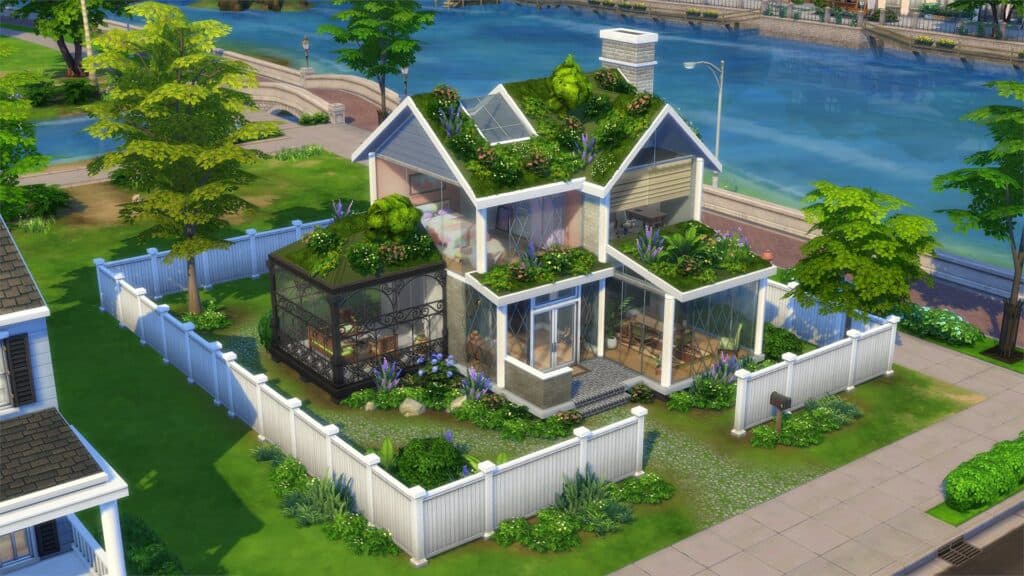
Sims 3 mod guide updates graphics, gameplay, and UI for returners
Return to Sims 3 with a small, smart mod stack that fixes the worst visual quirks, adds useful gameplay, and cleans up the UI without sanding off the game’s charm.
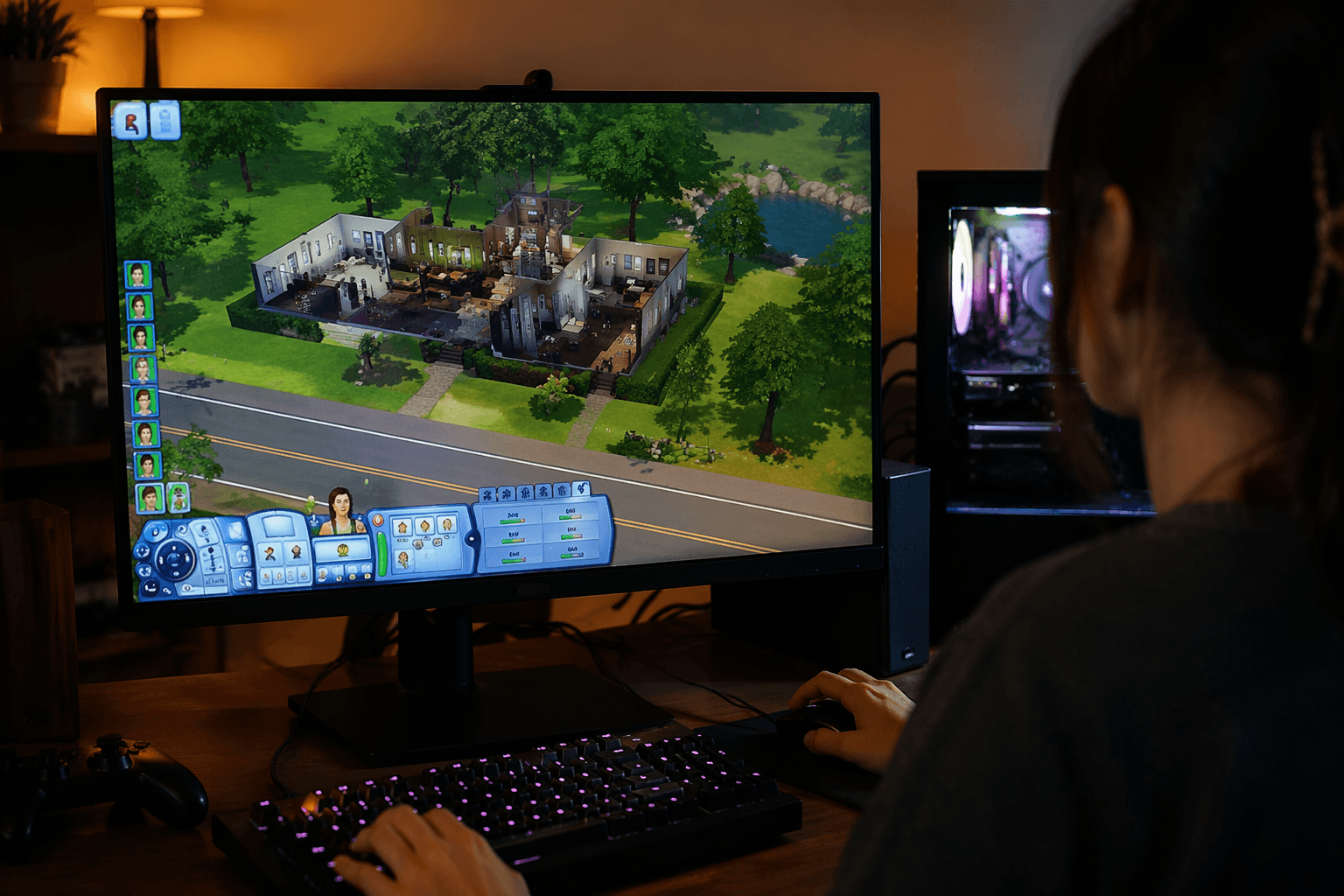
The fastest way to make The Sims 3 feel current
The smartest Sims 3 mod setup in 2026 is not a giant overhaul. It is a short, practical pass that targets the game’s oldest pain points first: shiny Sims, flat lighting, clunky UI, and a few pieces of gameplay that feel frozen in 2009. That matters because The Sims 3 is still very much alive in the mod scene, with Mod The Sims listing more than 14,000 Sims 3 uploads and thousands of active users across the site. EA still keeps official Sims 3 help pages up for installation and troubleshooting, which is exactly the kind of support footprint you want when you are dusting off an old install and trying to make it behave again.
The real value of a starter guide like this is focus. You are not rebuilding The Sims 3 into another game. You are removing the friction that makes a returning save feel rough around the edges, then adding just enough modern polish that Sunset Valley, Bridgeport, or whatever world you live in feels readable again.
Start with the visuals that age the game the hardest
If you only touch one category first, make it graphics. The visual issues in The Sims 3 are the ones that jump out instantly when you come back after a long break, especially if you play with Advanced Rendering on. No Skin Glow by Alicebv is the cleanest fix for that glossy, over-polished look that can make Sims look like they were dipped in plastic.
Brntwaffles’ Default Lighting Mod is the bigger mood shift. It replaces the lighting across every world, and it can even introduce a chance of auroras, which is the kind of subtle atmospheric touch that makes an old save file feel less sterile. If you want a brighter, more saturated look instead, Blue Skies & Sunshine is the other Brntwaffles option worth keeping on hand. Those two are not interchangeable in practice, so pick the one that matches the tone you want before you start a save.
There is also a simple bloom removal tutorial from Annythingsims, and it earns its place because bloom is one of those effects that can blur the whole game into a soft haze. If you remember The Sims 3 as washed out, this is often part of the problem. Then there is the EA Eyeshadow Texture Fix by Lavsm, which corrects a very specific but very noticeable issue: eyeshadow showing awkwardly under the eyelashes, especially in the base game and Ambitions content. That is the kind of tiny fix that sounds minor until you see it once, and then you cannot unsee it.
The gameplay mods that add the most without changing the soul of the game
Once the visuals stop fighting you, gameplay mods are where The Sims 3 starts feeling surprisingly fresh again. The best ones here are not huge systems that rewrite the whole game. They are small, characterful additions that create moments you actually notice in play.
Plaidsimmer’s Engagement Ring Mod does exactly that. It adds new animations and an interactive ring box, which gives proposals more presence and makes romance feel like an event instead of a menu click. If you are the kind of player who builds family stories, legacy drama, or long-running relationship arcs, this is the sort of mod that pays off immediately.
The same logic applies to the rest of this category. A Professional Gamer Career Mod is a strong fit if you want a more contemporary career path in a game that still defaults to older life goals. More Baby Interactions is for family players who want infants and toddlers to feel less like passive objects and more like part of the household story. Deep Conversations is useful if you lean into storytelling, because it gives social play more texture than the base game usually does.
Grocery Delivery Service is one of those quality-of-life additions that sounds small until you realize how much smoother it makes day-to-day play. It reduces busywork and makes household management feel more modern. Symptoms for Seasons is a more specific flavor of realism, and it is the kind of mod that appeals if you want weather and bodily discomfort to matter in a way that fits The Sims 3’s simulation style.
The UI mods that make the game easier to live in
UI fixes do not always get the same attention as flashy gameplay mods, but for returners they are some of the highest-leverage changes you can make. Cloud Pink UI and Cloud Green UI are both aimed at improving the look and readability of the interface, and either one can make a long session feel less dated simply by making the screen easier to scan. If you are coming back after years away, that matters more than it sounds like it should.
The Loading Screen Randomizer is another small mod with outsized value, because The Sims 3 still asks you to sit through a lot of loading. Randomizing those screens breaks up repetition and keeps the game from feeling as samey during transitions. Pretty Build Tools Mod is the clear pick for builders, since it cleans up the tools you use most when shaping lots and interiors. If you spend half your time in Build/Buy, this is one of the easiest upgrades to justify.
The safest way to install these without creating a mess
The best order is simple: fix the visuals first, add gameplay second, then finish with UI and build tools. That gives you the cleanest troubleshooting path, because if something looks wrong you will know whether the problem is coming from lighting, from a gameplay package, or from an interface replacement.
1. Start with the base visual fixes, especially No Skin Glow and the lighting choice you actually want to use.
2. Add one gameplay mod at a time, then test a save before stacking on the next one.
3. Install UI replacements last, since they are the easiest place to spot conflicts or overwrite issues.
4. If you swap Brntwaffles lighting setups, replace the package file in the Mods folder and delete scriptCache.package so the game stops holding onto the old lighting data.
That last step matters more than most players expect. Lighting mods in The Sims 3 can be sticky, and if you do not clear the cache when changing setups, you may think the new version is broken when the game is actually still reading the old one.
A few compatibility realities worth knowing before you start
The Sims 3 is old enough that platform details still matter. EA’s support pages remain active for installation and troubleshooting, and the Mac side has one especially important rule: if you are on macOS Catalina 10.15 or later, you need the 64-bit version on Mac. That is not a side note, it is the difference between launching the game and staring at an error screen.
The broader point is that The Sims 3 is still worth modding because it is still worth playing. It launched in 2009, it has 11 expansion packs and 9 stuff packs, and the community around it is still large enough to keep building, fixing, and iterating. That is why a short modernization stack works so well here: you are not reviving something dead, you are tuning a game that never quite stopped being useful.
This article was produced by Prism’s automated news system from verified source data, official records, and press releases, then run through automated quality and moderation checks before publishing. The system is built and supervised by the people who set the standards it runs under. Read our full AI policy.
Did this article answer your question?