TwistedMexi Updates ModGuard Mod Malware Protection for Sims Players
TwistedMexi's ModGuard hit v1.5 with over 70,000 downloads as a March 2026 malware wave hit ModTheSims, making the free protection tool more essential than ever.
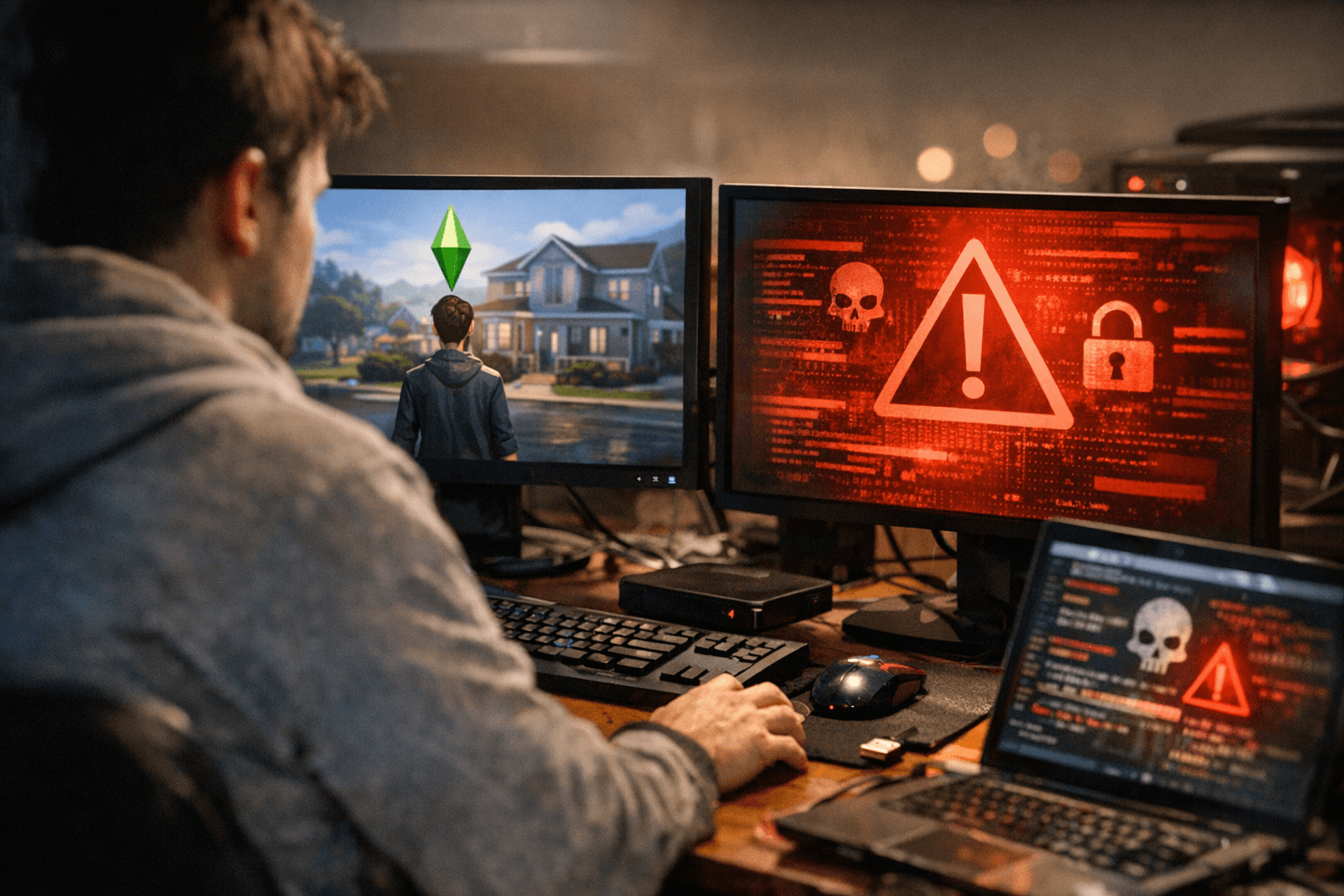
Urgent warnings circulated across the Sims community on March 1, 2026 after malicious actors compromised creator accounts on ModTheSims, altering uploads and adding .ts4script files designed to download files from third-party sites. TwistedMexi's ModGuard, the community's go-to script mod for exactly this kind of attack, received a fresh update on March 21 that keeps its defenses current against the evolving threat.
ModGuard blocks common virus vectors, tracks the mod file that attempted to download malicious content, notifies players, and shares the mod name with TwistedMexi's team so compromised modder accounts can be flagged as quickly as possible. That dual function, protecting the individual player while flagging the problem publicly, helps minimize the time compromised downloads remain available to the wider community.
The current release, v1.5, landed on CurseForge on February 8, 2026, and has already surpassed 70,500 downloads on that platform alone. The March 21 update reflects TwistedMexi's continued active maintenance of the mod as new attack patterns emerge.
Counting the January 2024 MTS-linked malware case, the November 2024 MTS breach, and the current March 2026 warnings, this is now at least the third notable MTS-related malware incident in a relatively short period. The pattern each time: compromised accounts, altered archives, and malicious script files hidden inside trusted creator downloads.
The tainted uploads in the March 2026 incident were not limited to gameplay mods; they also included object CC and recolors, which matters because that kind of content should never come bundled with a .ts4script file. If a recolor or plain object upload suddenly includes one, that is a major red flag.
The Sims After Dark noted that this kind of attack should be covered by ModGuard for players who already had it installed, but urged those without it to download it, adding that anyone who ran the game with affected files installed without ModGuard active may be in significant trouble.
TwistedMexi has been direct about the mod's limitations: ModGuard is a safety net, not a guarantee, because all hacks and anti-hack tools are a cat-and-mouse game. Players should continue using discretion when downloading mods, especially from small or unknown creators, and remain skeptical of any mod that suddenly "updates" without providing detailed notes on what the update is for.
TwistedMexi has also flagged a risk specific to the mod itself: only download ModGuard from official platforms, specifically Patreon, TwistedMexi.com, and TwistedMexi on CurseForge. Installation is straightforward: open the .zip file and place the contents into your Mods folder, but do not use a .zip extracting program to do it; open the archive directly.
This article was produced by Prism’s automated news system from verified source data, official records, and press releases, then run through automated quality and moderation checks before publishing. The system is built and supervised by the people who set the standards it runs under. Read our full AI policy.
Did this article answer your question?