How 120 Hz, VRR, and ALLM change console gaming performance
120 Hz, VRR, and ALLM are what make console games feel quick instead of merely sharp. Get the chain right and parries, aim, and steering all respond faster.
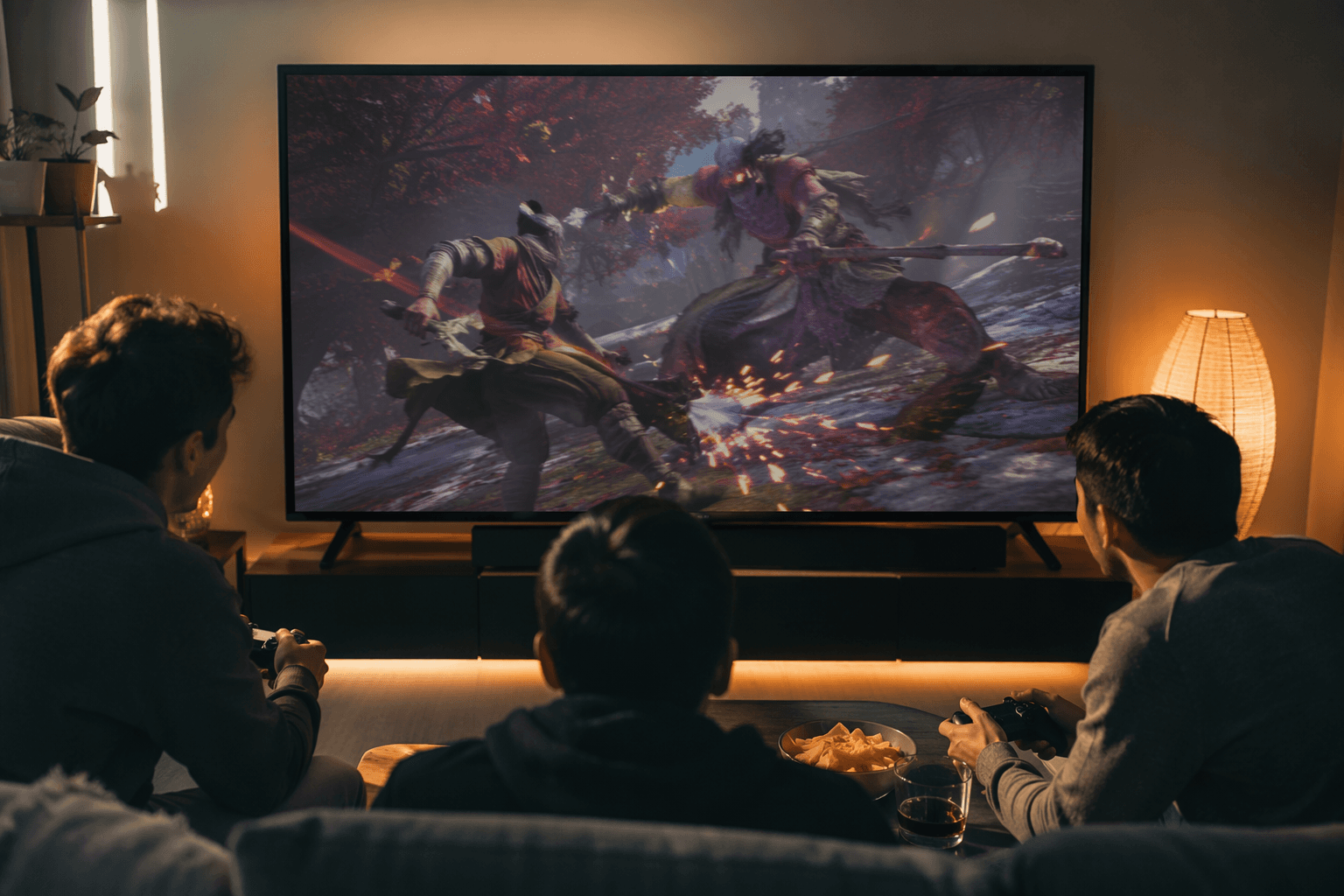
For 4K gaming at 120 Hz on Series X, Xbox requires an Ultra High Speed HDMI cable, an HDMI 2.1 TV, and the console set to 4K UHD with refresh rate at 120 Hz. That is the difference between “looks good” and “plays right”: 120 Hz, VRR, and ALLM all have to be active at the same time, with the console, cable, and TV pulling in the same direction.
120 Hz is where the motion starts to feel immediate
The first thing worth separating is resolution from refresh rate, because the two get mashed together constantly in store displays. The Series X ships with a 2-meter Ultra High Speed HDMI cable that already supports HDMI 2.1 features, and if you need a longer run, Xbox recommends a certified Ultra High Speed HDMI cable.
In an action game, it is the difference between a parry window that feels crisp and one that feels sticky. In a shooter, it makes small aim corrections look and feel cleaner. In a racing game, it reduces the sense that the wheel or stick is waiting on the screen to catch up.
120 Hz is not only for premium 4K setups. On Series S or on displays without HDMI 2.1, 120 Hz can still be enabled at lower resolution.
VRR smooths out the ugly moments
Variable Refresh Rate reduces or eliminates lag, judder, stutter, and frame tearing by letting the source deliver frames as fast as they are ready. It helps when the GPU cannot hold a perfectly even cadence.
That is why VRR matters most in the kinds of games where consistency breaks your flow. A sudden frame hitch in a shooter is not just visual noise, it throws off tracking. In a fighter or action game, a stutter right before a punish or dodge can wreck the rhythm you were counting on. In a racer, uneven frame delivery makes steering inputs feel less planted, especially when the camera is moving fast and the road is full of fine detail.
Sony Interactive Entertainment rolled out PS5 VRR support globally in April 2022. It dynamically syncs the display refresh rate to the console’s graphical output on HDMI 2.1 VRR-compatible TVs and PC monitors. Results vary depending on the TV and the game.
ALLM is the setting that gets the TV out of the way
ALLM, or Auto Low Latency Mode, automatically sets the ideal latency mode for smooth, lag-free interactivity. On PlayStation, that is the same general idea as the TV switching into a low-latency mode during play.
This is the part people often miss when they blame the console for input delay. A TV with aggressive picture processing can make a controller feel weirdly soft, even when the game itself is running fine. ALLM cuts through that by pushing the display into a mode meant for responsiveness instead of cinematic post-processing. If you have ever felt a menu or camera pan that seemed just slightly delayed, this is the kind of feature that fixes the problem without making a scene out of it.
Latency is the part your hands actually notice
If 120 Hz is about how often the screen updates, latency is about how long it takes your action to become visible. NVIDIA Reflex is built around that exact problem, measuring and reducing end-to-end system latency so clicks become actions on-screen faster. Its SDK aligns engine work just in time for rendering and eliminates the GPU render queue, which is exactly the sort of hidden pipeline buildup that can make a game feel muddy even when the frame rate looks fine.
Reflex belongs in the same conversation as VRR and ALLM, even though it lives more on the PC side. It is the same fight against delay, just at a different point in the chain. NVIDIA has also pushed the idea further with Reflex 2, which adds Frame Warp and is aimed at reducing latency based on the latest mouse input.
For console players, the screen does not deserve all the credit or all the blame. The TV, the console, the cable, the game engine, and the latency mode all shape how fast the input loop feels. A gorgeous panel with the wrong processing mode can still feel sluggish.
What actually belongs on your checklist
If you are buying with playability in mind, the useful checklist is short and concrete:
- HDMI 2.1 support if you want 4K at 120 Hz on current consoles.
- An Ultra High Speed HDMI cable, not just any old HDMI lead, especially if you want the Series X 4K120 setup to work as intended.
- VRR for games with unstable frame rates or uneven pacing.
- ALLM, or the equivalent low-latency game mode, so the TV stops adding delay.
- A display that handles those modes consistently, because PS5 VRR results can vary by TV and game.
Resolution alone does not tell you whether a game will feel fast, whether your TV will quietly add lag, or whether the console is even running in the refresh mode you paid for. Get the basic chain right before chasing marketing extras. HDMI 2.1, announced in 2017, includes VRR, ALLM, and Quick Frame Transport.
This article was produced by Prism’s automated news system from verified source data, official records, and press releases, then run through automated quality and moderation checks before publishing. The system is built and supervised by the people who set the standards it runs under. Read our full AI policy.
Did this article answer your question?