How Parents Can Protect Kids From Online Gaming Risks Today
Roblox faces hundreds of active lawsuits and a state attorney general calling it "a playground for predators" — here's what you can lock down in the next 10 minutes.
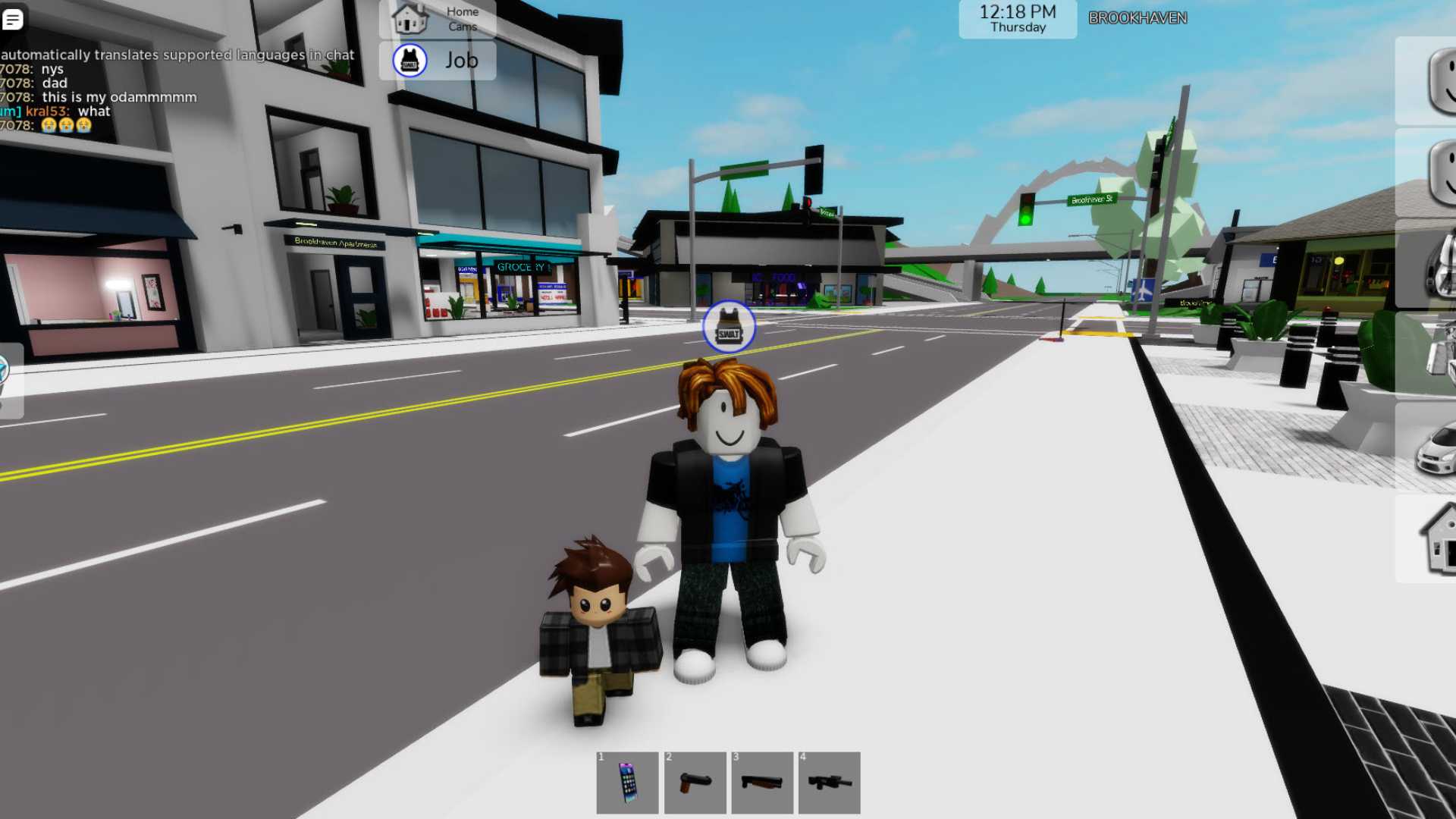
Most parents who hand a child a controller have no idea their kid's game chat is effectively a public square with no bouncer. That's not an exaggeration: on Roblox alone, over 40% of users report being under 13, and the platform recorded over 13,000 instances of child exploitation in a single year. At least 30 people have been arrested since 2018 in the United States for abducting or sexually abusing children they groomed on the platform. And Roblox isn't the only platform where this happens; it's just the one currently under the harshest spotlight.
The heat is real and recent. In January 2026, the state of Iowa sued Roblox, alleging the platform was deceptively marketed as safe for children while failing to implement basic safeguards, leading to the facilitation of child sexual exploitation, grooming, and the distribution of child sexual abuse material. In February 2026, several politicians in Australia called on the country's regulators to impose more restrictions on the platform after multiple cases of grooming. Meanwhile, new COPPA rule amendments are set to take effect on April 22, 2026, marking the first major revision to the framework since 2013, introducing more specific requirements around parental consent, data collection, and product design.
Regulators are finally moving. The question is whether your family's settings are already where they need to be.
Lock Down the Device Before the Game Ever Opens
The single highest-leverage action you can take takes under 10 minutes and doesn't require trusting any one game platform to behave responsibly. Every major console and mobile OS ships with family management tools built in.
On Xbox and Windows, Microsoft's family settings let you restrict games and apps by age rating, require approval for purchases in the Microsoft Store, and manage who your child can communicate with, including blocking all communication or limiting it to friends only. You can also control cross-platform play, which matters because some titles let players on different consoles interact.
Nintendo offers a dedicated Nintendo Switch Parental Controls app for smartphones, letting parents set daily play time limits, receive notifications when time runs out, and suspend gameplay automatically. You can also restrict games based on age ratings and block access to unrated titles entirely.
PlayStation's family management system works similarly: link your child's account to your own, assign age restrictions, and set a monthly spending limit so there are no surprise credit card charges after a Fortnite binge. On mobile, both iOS Screen Time and Android's Family Link let you approve every app download individually.
Spending Controls Are Not Optional
The FTC has already shown a willingness to act on children's privacy and data issues, and in-game purchasing is one of the murkiest areas parents consistently underestimate. Virtual currency creates deliberate psychological distance between a child and real money. Set a spending cap at the console or device level, not just inside the game's own settings, because platform-level controls override anything the game allows. Enable purchase approval notifications so you're pinged before any transaction clears, and take a few minutes to explain to your child what real money versus virtual currency actually means. The conversation is awkward once; the unauthorized charges are worse.
The Platform Safety Check (5 Minutes Per Game)
Not all games are equally dangerous, but all games that connect players online deserve a quick audit. Before a child plays any new title:
1. Find the platform's safety or trust-and-safety page and check whether it offers in-game reporting, robust moderation, and dedicated parental controls.
2. Confirm the game's default privacy settings for minors. Look specifically at whether direct messages (DMs) are off by default for under-16 accounts, or whether your child is visible to strangers without any action on your part.
3. Check whether the game has a "cabined" or restricted account mode for children. On some platforms, cabined accounts are a default setting for accounts of children under the age of 13, but verify this rather than assuming.
The Conversation That Actually Protects Kids
Technical controls have gaps. A child who understands why certain behaviors are dangerous is a far more resilient line of defense than any settings menu. Talk specifically about not sharing personal information, including school names, neighborhoods, and daily routines. Explain that accepting private invitations from in-game strangers carries the same risks as letting a stranger into the house.
The key practical step that most guides skip: roleplay simple refusal scripts with your child. Practice saying "no" to a request to move a conversation to another platform, to share a photo, or to keep a friendship secret from adults. Children who have rehearsed these moments are measurably more likely to act on them under pressure. Stress that telling an adult is never the wrong call, even if the situation feels embarrassing.
The FBI issued a warning in May 2025 to parents about an international predator network called "764" that uses gaming platforms like Roblox to target children. Networks like this specifically try to move contact off the main platform quickly, which is precisely the behavior your child needs to recognize and report.
Warning Signs to Watch For
Keep devices in shared living areas rather than bedrooms. This isn't about surveillance; it's about making it easier to notice behavioral changes without creating a confrontation. Warning signs that warrant a direct conversation:
- A child becomes secretive about who they are talking to online or switches screens when you approach
- New gifts, gift cards, or in-game items appear that you didn't purchase
- Emotional distress after gaming sessions, especially late-night sessions
- Talk of an online "friend" they've never met in person, particularly an older one
- Requests to install a secondary app to continue a conversation
If Something Goes Wrong: Evidence First, Then Report
If your child reports something alarming, or if you observe worrying content, the sequence matters. Before doing anything else, preserve evidence: screenshot every message, record usernames and timestamps, and note the game or platform where the incident occurred. Do not delete anything and do not confront the other account, as this can alert bad actors.
Report within the platform first using the in-game flagging tool, and explicitly request escalation to the platform's trust-and-safety team rather than accepting an automated response. Platforms like Roblox have responded to law enforcement information requests, so documentation you preserve can directly support a formal investigation.
For anything involving suspected grooming, sexual content, or extortion, contact local law enforcement immediately. The National Center for Missing and Exploited Children's CyberTipline accepts reports of child sexual exploitation online and routes them to the appropriate agencies. Don't wait to see if the platform resolves it.
What the Regulatory Pressure Means for Families Right Now
FTC Associate Director Ben Wiseman confirmed in January 2026 that enforcing the updated COPPA rule is a "key focus" for the agency this year. That matters because it signals that platforms will be under increased scrutiny to tighten default settings, strengthen age verification, and improve moderation transparency. Roblox, for its part, has launched over 145 safety innovations since January 2025, including enhanced personal information detection systems, improved abuse reporting, and expanded parental controls. Progress is real, but it is incremental and reactive to pressure.
The families best positioned to keep kids safe are the ones who don't wait for platforms to get it right by default. Lock down device-level controls today, have the conversation tonight, and treat every new game your child wants to try as a 10-minute safety audit. The settings are all there. They just don't configure themselves.
This article was produced by Prism’s automated news system from verified source data, official records, and press releases, then run through automated quality and moderation checks before publishing. The system is built and supervised by the people who set the standards it runs under. Read our full AI policy.
Did this article answer your question?