Nintendo Switch 2 Update Adds Handheld Mode Boost for Sharper Backward Compatibility
Switch 2 update 22.0.0 adds Handheld Mode Boost, simulating TV mode to push original Switch games to higher resolutions on the console's 1080p screen.
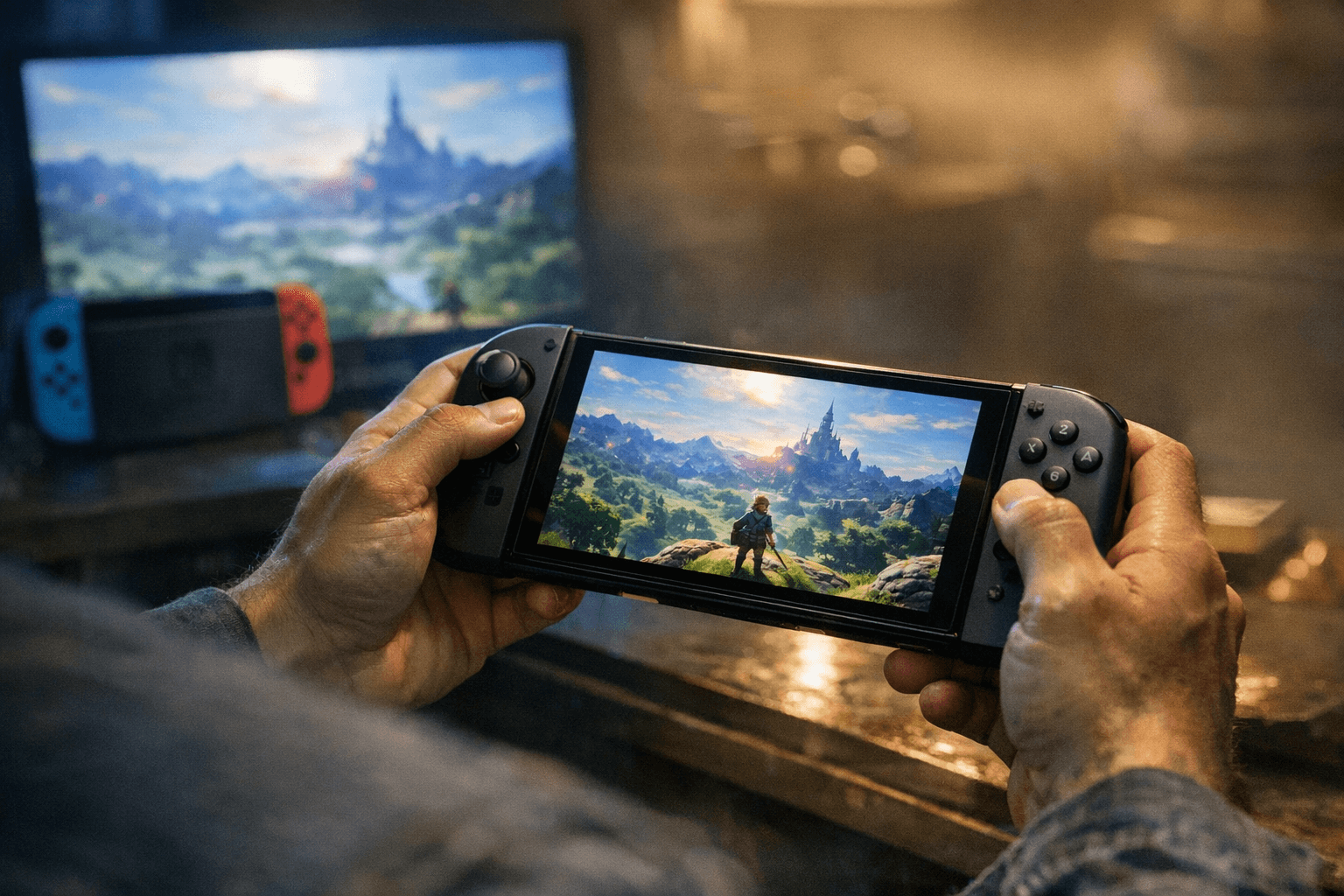
Nintendo Switch 2 system update 22.0.0 brought a quietly significant change to backward compatibility: a feature called Handheld Mode Boost that "makes original Switch games run at higher resolutions in handheld mode by simulating TV mode." Leaker OatmealDome broke the news before broader coverage picked up.
The practical effect, according to reports, is that the feature "significantly improves performance on the 1080p screen" when playing original Switch titles in handheld. The logic is straightforward: by tricking the system into treating handheld play like a docked TV session, the Switch 2 can allocate the kind of processing headroom that traditionally only kicked in when the console was sitting in its dock.
That concept has precedent. How-To Geek explains that the original Switch shipped its own "Boost Mode" once firmware 8.0 landed, though it framed the name as "a bit of a misnomer" since the feature is "really just an always-on feature that affects specific games, and you have no control over." When Boost Mode first rolled out on the original hardware, Digital Foundry testing found that Super Mario Odyssey and The Legend of Zelda: Tears of the Kingdom both showed notable performance and load time improvements. Third-party titles including Mortal Kombat 11 also benefited, and Fortnite received its own performance-enhancing update tied to the same period.
The Switch 2's Handheld Mode Boost appears to extend that philosophy specifically to the backward-compatibility use case, targeting the hardware's 1080p panel directly. What remains unclear is whether the feature applies automatically to all original Switch titles or only to a defined subset, and whether running in simulated TV mode carries any battery-life tradeoff. Nintendo had not issued official patch notes confirming the feature's scope at the time of reporting.
A separate round of quality-of-life updates, reported by Video Games Chronicle and tied to version 21.0.0, addressed a different set of pain points. That update added the ability to cancel multiple downloads simultaneously, an option to reduce audio latency when plugging headphones into a Switch 2 Pro Controller, and the ability to turn off auto-sleep while using GameChat. GameChat also gained the ability to maintain a chat session when the console transitions from docked TV mode to handheld or tabletop mode, which changes the connection from wired to wireless. Virtual Game Card handling was updated too: users can now download game card data even when the "Use Online License" setting is turned off, accessible through the Virtual Game Cards option on the HOME Menu. On both Switch and Switch 2, game icons on the Home Menu received new symbols indicating at a glance whether a title is a physical or digital copy.
The relationship between versions 21.0.0 and 22.0.0 is not explicitly clarified by either source pool; VGC's quality-of-life feature list is explicitly attributed to 21.0.0, while Handheld Mode Boost is attributed to 22.0.0 in the original reporting. Whether one superseded the other or they shipped on different timelines, the sources do not say.
On the community side, Dan Lipscombe at Gamingbible noted that players diving into Switch 2 settings have been sharing tips on Reddit, and flagged one practical caveat worth keeping in mind: "Game Mode on many TVs will use settings to wash out the picture, stopping vibrancy," which works against the saturated look Nintendo games are built around. If you are playing docked and the colors look flat, it is worth checking your TV's picture settings before assuming the hardware is the issue.
Know something we missed? Have a correction or additional information?
Submit a Tip