A3D Manager web app manages Analogue 3D labels, saves, per-game settings
A3D Manager is now a hosted browser app for managing Analogue 3D cartridge labels, controller pak saves, per-game display and hardware settings, and SD backups.
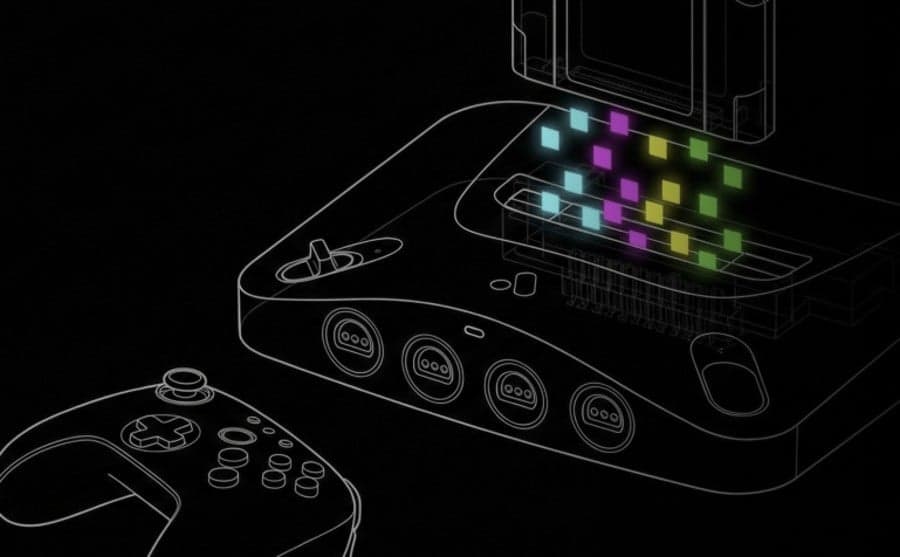
A3D Manager was redeployed as a fully hosted web app to make cartridge label edits, controller pak backups and per-game display and hardware tweaks easier for Analogue 3D owners. The tool, described by Time Extension as "a new browser-hosted tool (created by developer “TheLeggett”) that helps manage Analogue 3D cartridge artwork (labels), controller pak save backups, per‑game display/hardware settings and full/partial backups from an SD card," is now available in a form the developer says removes the need to run code locally.
Reddit user Meowser77, who wrote in the first person about the project, explained the change in workflow. "About a month ago, I shared a little side project I was tinkering on called A3D Manager," they wrote, and added that "the response was awesome, but the biggest piece of feedback I got was that running the code locally was a bit of a hurdle for some. I wanted to make this accessible to everyone, not just people comfortable with running code locally." The author continued, "So, I’ve deployed it as a fully hosted web app."
The hosted version combines several practical features aimed at easing common fiddly tasks. On label work the app offers a simple editor and a single workflow to push art to hardware: "Label Management: You can edit artwork locally and hit a global 'Sync Now' button to update the cartridge artwork on your Analogue 3D." For saves it supports annotated controller pak backups: "Controller Pak/Save Management: Create annotated backups of your controller paks." Per-game tuning is handled through a UI so users do not need to dig through raw config files: "Per-Game Settings: A UI to manage Display and Hardware settings for specific cartridges without digging through config files. Copy and paste settings between games."
Backup options include selective exports or full dumps from the interface, and the app supports offline use as a progressive web app. "Backups: You can export specific cartridge data or do a full dump of your settings from the interface," and "Offline: This is a progressive web app, so you can download it from Chrome and run it offline if that happens to be helpful for you." Time Extension also noted the browser focus, saying "The app runs in Chrome, can operate as" in its coverage.
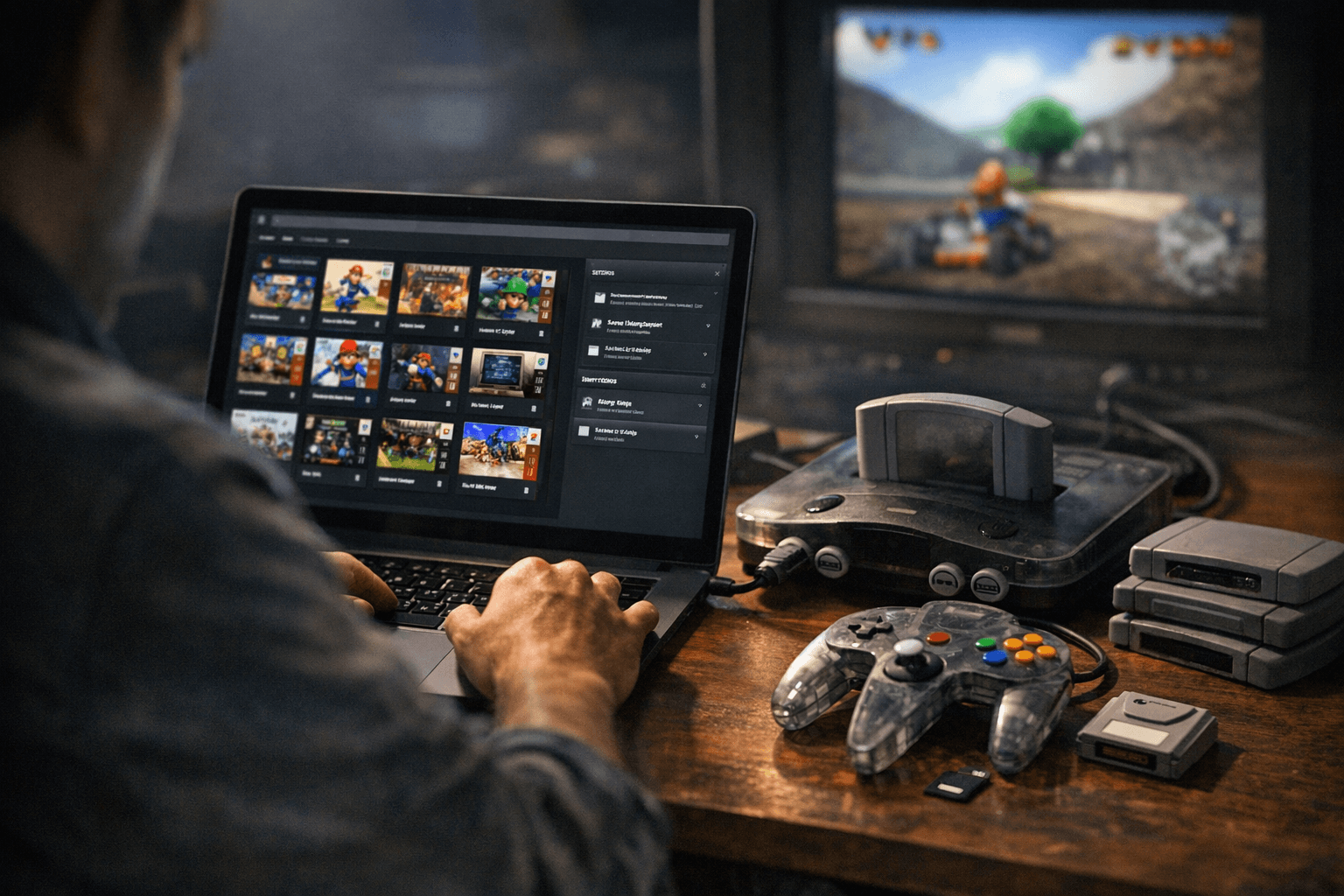
The developer emphasizes this is not mandatory for every owner. "If you're happy managing your SD card manually, you don't need this. But if you've got a big collection, want to back things up properly, or just want a nicer interface for tweaking per-game settings, hopefully it's useful." The project remains open and collaborative: "Still very much a work in progress. If you run into issues or have ideas, the open source version of this project repo is still open:" and "Thanks to everyone who gave feedback on the first version!"
Missing from the announcements are the hosted app and repository addresses, exact deployment date details, and confirmation whether Reddit user Meowser77 and the developer credited as "TheLeggett" are the same person. For now, A3D Manager delivers a clear practical win for collectors who want label editing, save backups and per-game presets without manual file surgery, and the open-source repo and hosted build promise further refinements as users test the workflow.
Know something we missed? Have a correction or additional information?
Submit a Tip