Building Tight Minimal Techno Grooves in Ableton Live
Learn hands-on techniques to craft tight minimal techno and microhouse percussion in Ableton Live, from 1/16 hat patterns and triplet placements to 808 layering and micro-shifts. This guide walks you through sequencing, Sampler/Simpler tactics, heavy effects automation, mixing tips, and how to use the included Ableton project file and sample pack for immediate practice.
1. Why focus on minimal techno percussion
Minimal techno and microhouse live in the space between clicks, grooves, and silence; your percussion must be precise, sparse, and impactful. By emphasizing tiny rhythmic details, 1/16 hats, micro-shifts, and selective triplets, you shape a groove that feels busy without filling the frequency spectrum, which is vital for DJ-friendly club contexts and sparse arrangements.
2. Tools and resources you need in Ableton Live
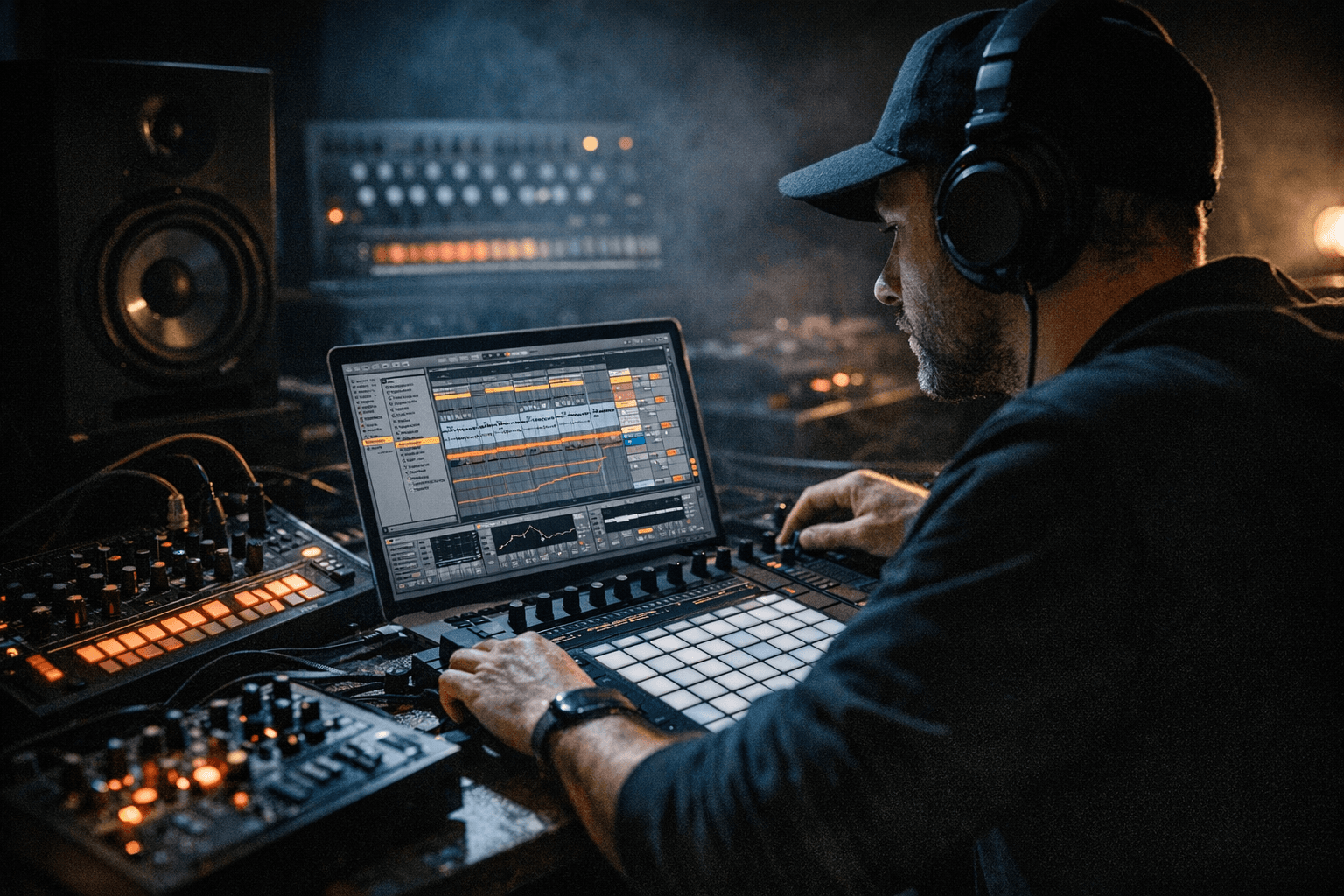
Use Ableton Live (Standard or Suite recommended) plus stock devices: Simpler, Sampler, Compressor, Glue Compressor, Ping Pong Delay, Utility, EQ Eight, Saturator, and Redux/Bit Reduction. The tutorial includes a downloadable Ableton project file and a sample pack so you can open the session, reverse-engineer the clips, and audition exact settings while following along.
3. Setting tempo, grid, and swing basics
Start in the 120–130 BPM range for microhouse or 125–136 BPM for minimal techno, then set your clip grid to 1/16 for hat sequencing. Use Live’s Groove Pool sparingly: add a subtle timing amount and quantize value to introduce human feel without destroying the mechanistic pulse. If you prefer manual control, nudge notes in the MIDI editor by a few milliseconds for personalized swing.
4. Building the 1/16 hat pattern
Program a steady 1/16 closed-hat pattern as your spine; keep the hits tight and consistent to lock the groove. Use short decay samples with high pass filtering to prevent low-end clutter; apply a tiny amount of saturation to make hats cut through club PA systems. Layer two hat samples, one with transient click and one with body, and use phase alignment and EQ to keep them coherent.
5. Placing triplets for tension and release
Introduce triplet 1/16s (1/16 triplet grid) or place triplet hits over bar boundaries to create swingy syncopation that contrasts the straight hat pattern. Use triplets sparingly as accents or bridges, they add motion without filling the track. Automate their volume and filter cutoff so they swell during transitions then drop back to native minimalism.
6. Designing a simple 808-based drum layer
Start with an 808 kick for sub foundation and add a transient click from a different sample to define the attack. Tune the 808 to the track’s key or to a pitch that sits well with bass elements; shorten sustain if you want more click and less tail. Layering rule: one sample provides the low-end, another provides transient definition, and a third (optional) adds color via saturation or light distortion.
7. Using Simpler and Sampler creatively
Use Simpler in Classic mode for single-shot hats and clicks, adjust start position, loop points, and envelope for tightness; exploit the filter and LFO for subtle movement. Use Sampler for multi-layered kicks or to map multiple transient layers across zones; Sampler gives deeper pitch envelopes and velocity mapping to shape dynamic response. Map velocity to filter cutoff and transient levels so each hit breathes and reacts when you play or sequence.
8. Micro-shifts and micro-timing techniques
Manually nudge individual MIDI notes by 5–25 ms to create a humanized click/hat groove; test both positive and negative nudges to learn how early or late placement affects swing. Use the Groove Pool to extract grooves from audio loops and apply them subtly to your percussion track for consistent feel. Check phase relationships between layers after micro-shifts to avoid destructive interference, adjust start points or use tiny fades if you detect comb filtering.
9. Heavy automation of delays, ping-pong, and bitcrush
Automate send levels to Ping Pong Delay for rhythmic echoes that dance across the stereo field, raise sends on selected hat hits to create forward motion. Automate delay tempo division and feedback during breakdowns for evolving textures, and use Redux or Bit Reduction on a send to add grit on fills; automate wet/dry so the effect is a musical event, not constant noise. Automate bitcrush parameters like sample rate or bit depth slowly to avoid unpleasant artifacts and to create purposeful lo-fi moments.
10. Mixing: keep sounds clean and sit well in sparse arrangements
Prioritize clarity: high-pass non-essential elements around 120–200 Hz to give the kick space, and use subtractive EQ to remove competing frequencies. Use light compression on individual hits for consistency and a Glue Compressor on the drum bus for cohesion; avoid over-compressing so the groove retains dynamic nuance. Sidechain the percussion’s group or certain layers to the kick with a gentle ratio to ensure the kick punches through without squashing the groove.
11. Automating reverb and delay for movement
Instead of static reverb, automate send amounts and reverb decay during transitions to make sparse sections breathe. Use short, filtered reverbs on hats for width without mud; automate a longer, sent reverb or a shimmer-style tail during breakdowns to convey space. Pair delay automations with filter sweeps so repeats lose low end over time, preserving the low-frequency clarity of the arrangement.
- Use tiny transient layers, clicks, wood blocks, or white noise bursts, to define rhythm without adding weight.
- Duplicate percussion tracks and process one copy heavily (delay/bitcrush) while keeping the dry track pristine to blend creative textures with clarity.
- Bounce groups to audio and experiment with micro-editing start points for surgical timing adjustments.
12. Creative production tips and practical tricks
13. Arrangement and keeping the mix sparse
Arrange with subtraction: remove hats or muted percussion in sections to create contrast and focus on the kick and low-end. Use automation to bring elements in and out rather than adding more layers; a single delayed hat echo can replace multiple percussion tracks in a breakdown. This restraint helps your groove breathe on DJ sets and keeps the arrangement club-ready.
14. Using the downloadable project file and walkthroughs
Open the included Ableton project file to inspect MIDI clips, device racks, automation lanes, and routing directly, reverse-engineer exact chain settings and audition the sample pack simultaneously. Follow the audio/video walkthroughs to hear how micro-shifts and effect automations change the groove over time; use the DAW session resources to practice the techniques on your own stems and clips.
15. Final checklist before exporting and sharing
Before bouncing, check phase between layers, confirm sidechain timing, and automate final fade-ins/outs to avoid clicks. Export stems if you intend to send elements to collaborators or DJs and label channels clearly (Kick_Sub, Hat_Click, Perc_Delay_Send). Then test your export on several systems, headphones, monitors, and club-like playback, to ensure the minimal groove translates.
Wrap-up: You now have a practical roadmap to construct tight minimal techno grooves in Ableton Live, use the project file and sample pack to practice, and remember that small timing tweaks plus smart automation create the movement and space that define the genre.
Know something we missed? Have a correction or additional information?
Submit a Tip