Essential GTA V Modding Checklist: Tools, Backups, Dual Installs, Anti-Cheat
A practical checklist for GTA V modding outlines tools, backups, dual installs, and anti-cheat steps to keep your game stable and avoid bans.
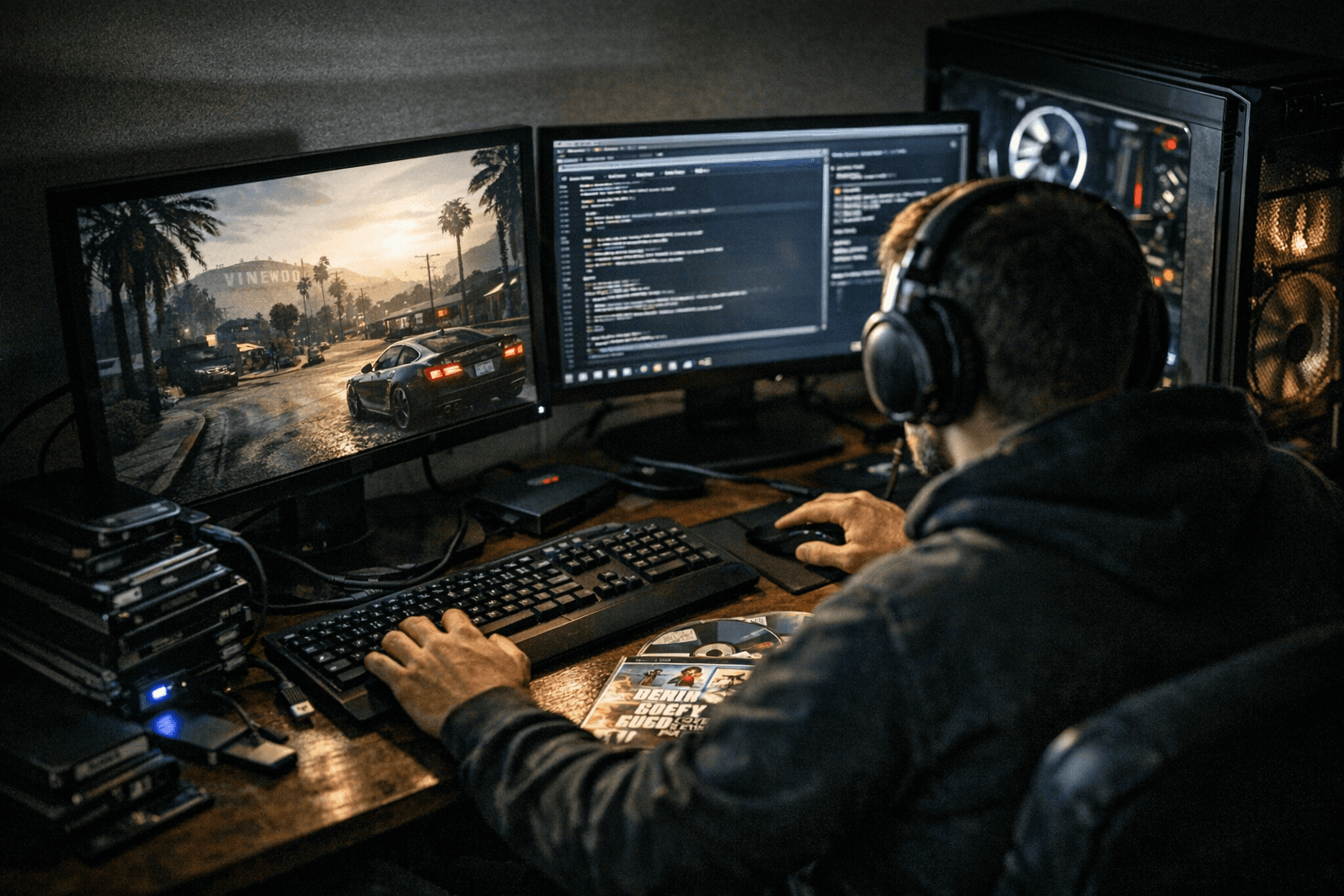
Modding GTA V can breathe new life into single-player, but one mistake can cost hours of troubleshooting or a permanent ban in GTA Online. This checklist lays out the essential tools, backup habits, install strategy, and anti-cheat cautions to keep mods stable and your account safe.
Start with the core utilities. Install OpenIV for archive and .rpf management, Script Hook V for native access and trainers, and Script Hook V .NET for .NET-based mods. Use RAGE Plugin Hook when a mod requires it, and consider Vortex as a mod manager to handle loose files. Prefer reliable installers such as .oiv packages created for OpenIV when available, and always read the installation notes that come with a pack.
Protect the base game before you change anything. Back up GTA5.exe, update/update.rpf, and any folders you plan to replace. Create zipped snapshots labeled with the date so you can roll back quickly. Keep a short changelog of what you added or removed and why. These steps save time when an install fails or a Rockstar update breaks compatibility.
Install in order to minimize conflicts. Install core libraries first: Script Hook V and OpenIV. Next add larger frameworks such as RAGE Plugin Hook and LSPDFR. Finally add asset packs, maps, or visual overhauls. After each major install, launch the game to validate stability and isolate issues early. If something crashes, you’ll know which layer introduced the problem.
Maintain a cautious update strategy. Wait 48-72 hours after an official Rockstar update before updating mods, and follow mod authors’ compatibility notes. Verify downloads from trusted repositories like GTA5-Mods, NexusMods, and LCPDFR, and read comments and bug reports before installing large packs. Join mod authors’ Discord or support channels for quicker troubleshooting and authoritative compatibility advice.
Respect anti-cheat boundaries. Never attempt to use single-player injection tools in online mode. Remove mod loaders before connecting to GTA Online to avoid detection and permanent bans. If you tinker heavily, consider a virtual machine or a separate OS drive to keep a clean installation for online play and a modded installation for single-player experimentation.
This checklist reduces downtime and lowers the risk of account loss, letting you focus on creativity instead of recovery. Verify sources, keep dated backups, stagger installs, wait after updates, and stay out of Online with injection tools—those habits will keep Los Santos mod-friendly and keep your profile intact.
Know something we missed? Have a correction or additional information?
Submit a Tip