How to Create Beautiful Baby Shower Invitations Using Free Online Tools
Free tools like Canva, Invitfull, and Adobe Express let you design polished baby shower invitations in minutes, with no design experience or budget required.
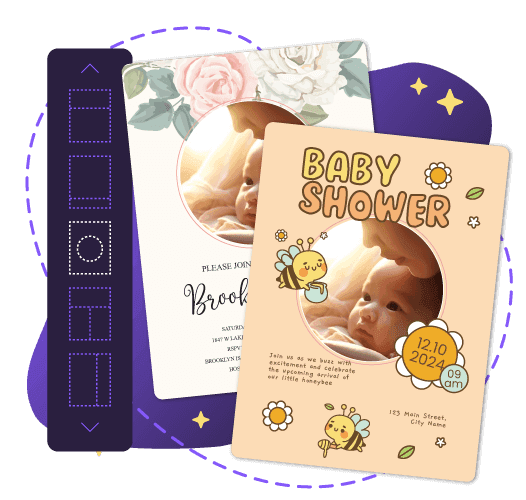
Free baby shower invitation templates are available right now on platforms including Canva, Invitfull, Adobe Express, Evite, Partiful, Greetings Island, and Shutterfly. Several are completely free; others offer professional printing at a per-card fee. You can design, customize, and send a polished invitation in under an hour, even with zero graphic design background.
Where to Find Free Baby Shower Invitation Templates
The fastest route to a finished invitation is a dedicated online template platform. Canva hosts hundreds of free baby shower templates, all customizable through a browser-based drag-and-drop editor. Greetings Island offers free DIY online baby shower invitations you can personalize directly in your browser, then download or print from home with no account required. Evite carries over 479 templates, with a free tier (which displays ads to guests) and a premium, ad-free upgrade at $19.99.
Partiful offers a free basic tier built around a text-first design approach, popular with younger hosts who share invitations via social media links. For hosts who want something fully unique without paying anything, Invitfull generates a custom AI-powered design from a short text description in under 60 seconds. It is completely free with no ads, no paywalls, and no premium tiers, and it supports up to 500 guests with full RSVP tracking.
Platform Comparison: Free vs. Paid Options
| Platform | Best For | Free Tier | Format | Customization Depth | Notable Feature |
|---|---|---|---|---|---|
| Canva | Design-focused hosts | Yes (limited assets) | Digital + print-at-home | High: fonts, colors, photos | Huge asset library; no built-in RSVP |
| Invitfull | All-in-one free hosting | Yes, fully free, no ads | Digital | AI-generated custom design | RSVP tracking, potluck coordinator, event wall |
| Evite | Quick digital sends | Yes (with ads) | Digital | Moderate | 479+ templates; ad-free upgrade at $19.99 |
| Partiful | Casual/social-media crowds | Yes (basic tier) | Digital | Low-moderate | Text-first, shareable link format |
| Adobe Express | Creative digital/print | Yes (basic) | Digital + professional print | High: video, audio, animation | Prints delivered to US, UK, AU, CA |
| Paperless Post | Premium digital feel | Coin-based (~$2-4/send) | Digital | High | Elegant designs, detailed RSVP tools |
| Basic Invite | Professional printing | No | Very high: 150+ colors, 100+ fonts | Love It Guarantee (full refund policy) | |
| Greenvelope | Formal occasions | No | Digital | High | Unlimited send package at $225 |
| Shutterfly | Fully printed cards | No | High | Optional stamp-and-mail service | |
| Greetings Island | Print-at-home on a budget | Yes | Print-at-home | Moderate | Browser editor, no account needed |
How to Customize Your Baby Shower Invitation
Choosing a Theme and Color Scheme
Start with the shower's visual identity before editing any text. Popular themes include Safari, Woodland, Elephant, and Twinkle-Twinkle, each of which pairs naturally with coordinating day-of decor and table settings. Color choices typically follow the occasion: classic pink for a girl, blue for a boy, or gender-neutral palettes of sage green, cream, or warm yellow for a surprise reveal.
Basic Invite offers over 150 color options and more than 100 font choices on its printed cards, giving hosts granular control before committing to a full order. Matching the invitation palette to your decor creates a cohesive experience that starts the moment the invitation lands in a guest's inbox or mailbox.
Editing Text, Fonts, and Photos
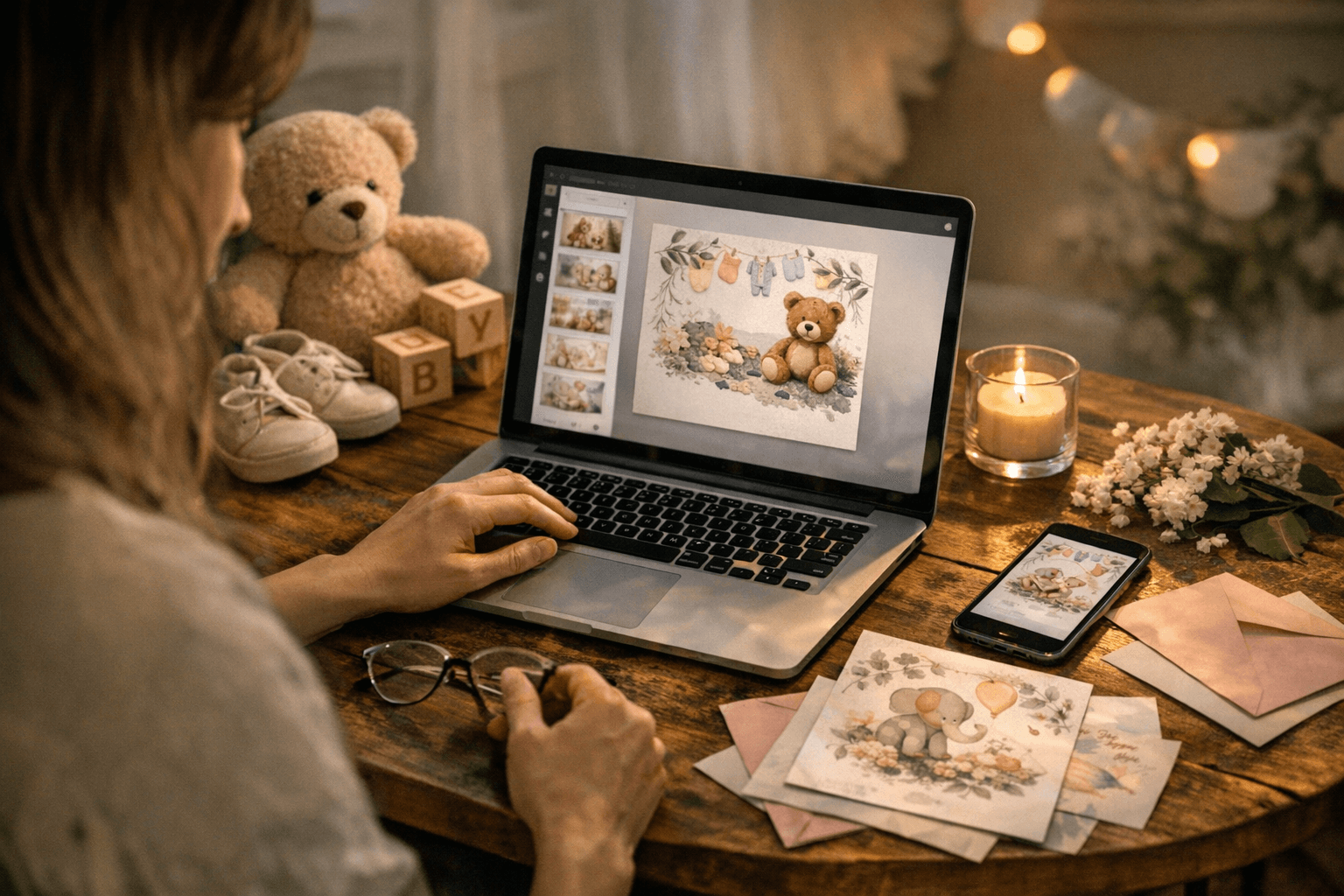
On Canva, importing custom graphics from a library like Creative Fabrica, then arranging and layering elements, takes only a few minutes. On Adobe Express, any text box is immediately selectable for font swaps, and personal photos upload directly into the template for a personalized touch. Adobe Express also lets you add drag-and-drop icons, from woodland creatures to baby bottles, alongside Adobe Stock photography.
For digital-only designs on Adobe Express, you can embed video, audio (a short heartbeat clip, for example), and animation to make the invitation genuinely interactive. Shutterfly's editor supports live previews of customized colors, text, fonts, and images before you place a print order, and the platform can even pre-address your envelopes or handle stamping and mailing on your behalf.
What Every Invitation Must Include
Every baby shower invitation needs these core details, regardless of platform or format:
- Honoree's name (the parent-to-be)
- Date, time, and full location of the shower
- RSVP deadline and a clear contact method
- Theme or dress code, if applicable
- Registry information (optional but widely expected by guests)
- Host's name, especially if the host differs from the parent-to-be
Digital vs. Print: Choosing the Right Format
Digital invitations are instant, free to send, and straightforward to track. Platforms like Invitfull and Evite provide real-time RSVP updates, guest messaging, and event management tools without any per-send cost. Digital is the right call when your guest list skews younger, your timeline is short, or your budget is limited.
Printed invitations carry a tactile quality that digital formats cannot replicate, and many families keep them as keepsakes alongside birth announcements and shower thank-you cards. Shutterfly and Basic Invite both produce professionally finished cards. Adobe Express lets users in the US, UK, Australia, and Canada order printed copies delivered directly to their door, making it a versatile option for hosts who want a single platform to handle both design and production.
When to Send Baby Shower Invitations
Timing is one of the most common areas where hosts run into problems. For digital invitations, send three to four weeks before the event: this gives guests enough lead time to RSVP and make arrangements without so much notice that the event slips their minds.
For printed invitations from platforms like Shutterfly, Basic Invite, or Adobe Express, begin the design process six to eight weeks in advance. Factor in production time (typically five to ten business days), plus postal delivery, and add an extra week as a buffer for out-of-town guests. Setting a clear RSVP deadline, usually one to two weeks before the shower date, keeps your headcount manageable for catering, seating, and any personalized party favors.
Frequently Asked Questions
Where can I get free baby shower invitation templates?
Canva, Evite, Partiful, Greetings Island, and Invitfull all offer free baby shower invitation templates with no upfront cost. Invitfull is entirely free with no ads, no paywalls, and no premium tiers, generating AI-powered designs from a text description and supporting up to 500 guests with RSVP tracking. Evite's free tier displays ads to guests; removing them costs $19.99. Paperless Post and Greenvelope carry premium designs starting around $2 to $4 per send for hosts who want a more polished look.
Can I customize a digital baby shower invitation template myself?
Yes, and no design experience is required. Invitfull generates a finished design automatically from a short text description, while Canva and Adobe Express use drag-and-drop editors that let you swap fonts, colors, photos, and graphic elements in real time. Paperless Post features a similarly intuitive editing interface. Most platforms offer a live preview so you can see exactly what guests will receive before sending or downloading.
How early should I order or send baby shower invitations?
Send digital invitations three to four weeks before the shower so guests have adequate time to respond. For professionally printed cards from platforms like Shutterfly, Basic Invite, or Adobe Express, start the process six to eight weeks in advance to account for design finalization, production time, and postal delivery. Guests traveling from out of town or juggling packed schedules are good reasons to push that window even earlier.
Know something we missed? Have a correction or additional information?
Submit a Tip