Installer newsletter spotlights Mac cleanup tools and AI trainers
Installer’s Mac-heavy issue turns clutter into the real story: cleaner apps can reclaim space and simplify maintenance, but they still need careful downloads and backups.
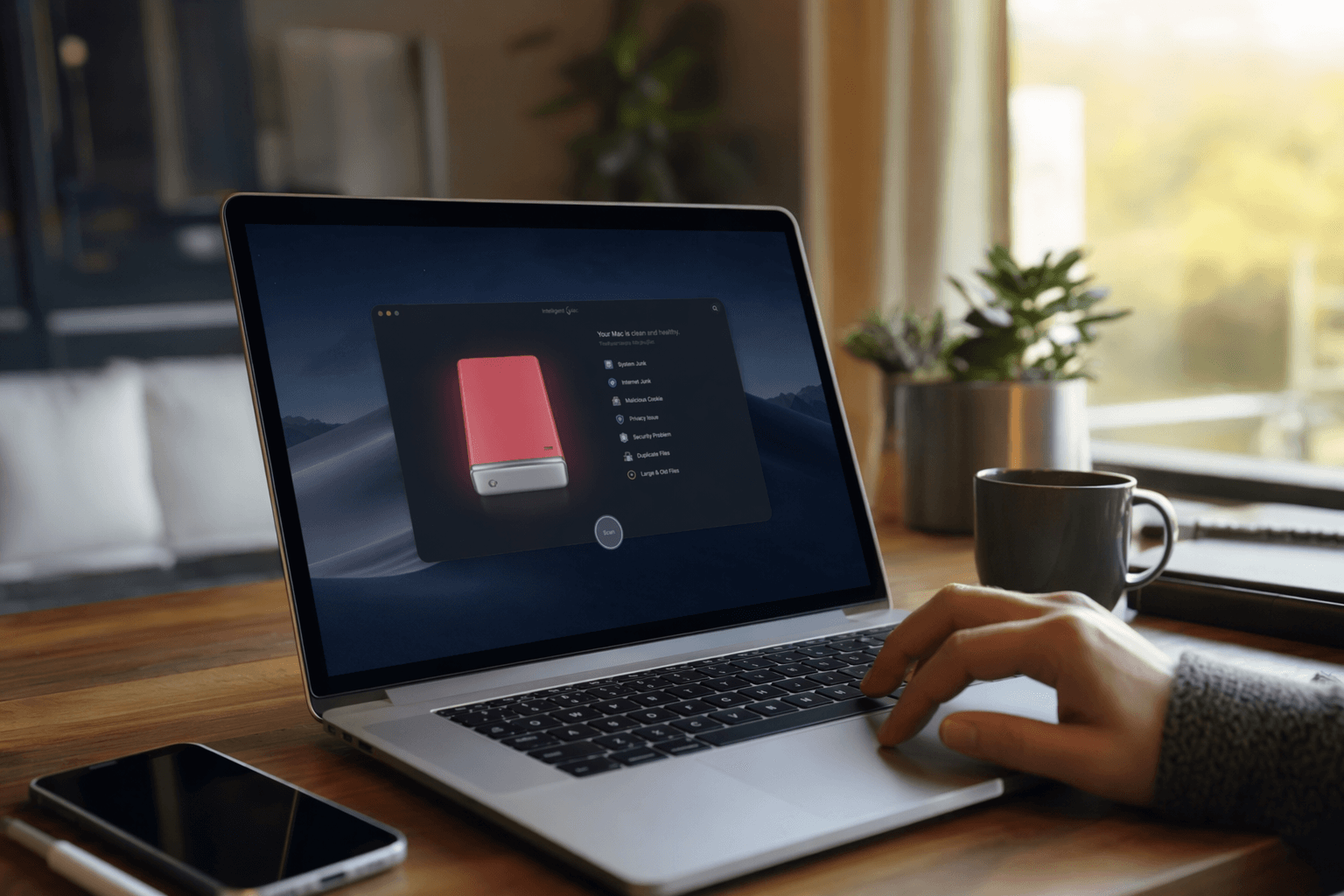
A cluttered Mac rarely fails all at once. It slows down through duplicate files, forgotten apps, cache buildup, and the quiet loss of storage that makes ordinary work feel heavier than it should.
Installer’s job is to sort the noise
Installer is David Pierce’s weekly newsletter at The Verge, built to point readers toward things to download, watch, read, listen to, and explore across the publication’s wider universe. Its archive shows that it has been running as a continuing weekly series, which matters because the format is less about one-off hype than steady curation.
That makes a Mac-heavy issue especially telling. When a newsletter built on useful recommendations leans into cleanup tools, it is responding to a very practical problem: people do not usually need a miracle. They need a way to make a crowded device feel manageable again.
Why Mac cleanup tools keep coming back
The current wave of Mac-cleaner coverage is not an accident. Recent 2026 roundups have centered on tools such as CleanMyMac, OnyX, DaisyDisk, App Cleaner & Uninstaller, Sensei, MacKeeper, CCleaner for Mac, and MacCleaner Pro. Macworld framed the category as a side-by-side comparison of cleaner apps, while other guides have tested more than 20 options and singled out App Cleaner & Uninstaller for app removal and OnyX for advanced free maintenance.
The recurring theme is not raw speed. Several reviewers now describe these utilities as maintenance tools first, performance boosters second. That distinction is important for anyone deciding whether another app belongs on a machine that is already full of tabs, sync services, and background processes.
What these apps actually solve
The best case for a Mac cleaner is concrete. These utilities are built to reclaim storage, remove duplicate files, clear junk, and organize apps in a way that is more thorough than a person usually manages by hand. They also tend to bundle browser cleanup, cache removal, and startup-item management, which means they attack the kind of invisible clutter that accumulates over months of ordinary use.
In practical terms, that usually means:
- finding duplicate files that waste space
- uninstalling apps more cleanly than dragging them to the Trash
- clearing cache files and other digital debris
- organizing browser leftovers and other small fragments
- managing startup items that make a Mac feel sluggish at boot
For an overwhelmed user, the appeal is not sophistication. It is the relief of getting several maintenance chores into one workflow instead of chasing them across folders and settings panes.
Where built-in tools are enough
Apple’s own tools can handle the basics, and that is often all many people need. If your main task is checking storage, deleting a few large files, or removing an app you no longer use, the system already gives you a path to do that without adding another utility.
The reason cleaner apps remain popular is that they do more of the repetitive legwork. They are designed for the user who wants the machine to surface duplicates, find leftovers, and manage cleanup in a more guided way. In that sense, they are less a replacement for macOS than a layer on top of it, useful when the built-in tools stop short of the full sweep you want.
The safety question is part of the story
Convenience is also where the risks live. Recent Mac-cleaner guides repeatedly warn users to download only from the developer and to back up before making changes. That caution exists for a reason: a cleanup tool can save time, but manual deletions or sloppy automation can also remove the wrong files and create problems that are harder to unwind.
That balance between convenience and caution helps explain why the category remains so visible in coverage from MacPaw and others. The promise is tidy storage and less clutter. The cost of getting careless is a damaged system or a cleanup job that creates more work than it solves.
A newsletter issue that reaches beyond utilities
The same Installer issue also points readers toward David Attenborough, screenwriters-turned-AI-trainers, and Subway Takes. That mix says a lot about how the newsletter works: it is not a product roundup disguised as culture, or a culture list with a few apps stapled on. It is a broad guide meant to surface useful things, whether they are software, reading, watching, or a sharper way to think about modern work and media.
That broader curation gives the Mac-heavy emphasis more weight, not less. The cleanup tools sit alongside a wider set of recommendations, but they stand out because they solve an immediate problem that many users recognize on sight: too many files, too little space, and too much friction. In that context, the best cleaner app is not the one with the most aggressive claims, but the one that helps you restore order without creating new risk.
This article was produced by Prism’s automated news system from verified source data, official records, and press releases, then run through automated quality and moderation checks before publishing. The system is built and supervised by the people who set the standards it runs under. Read our full AI policy.
Did this article answer your question?