Windows 10 support ended, what laptop buyers should know now
Windows 10’s end of support turns a laptop upgrade into a security decision, not just a shopping one. The right machine depends less on hype and more on how much power, battery and portability you actually need.
Why this upgrade feels different
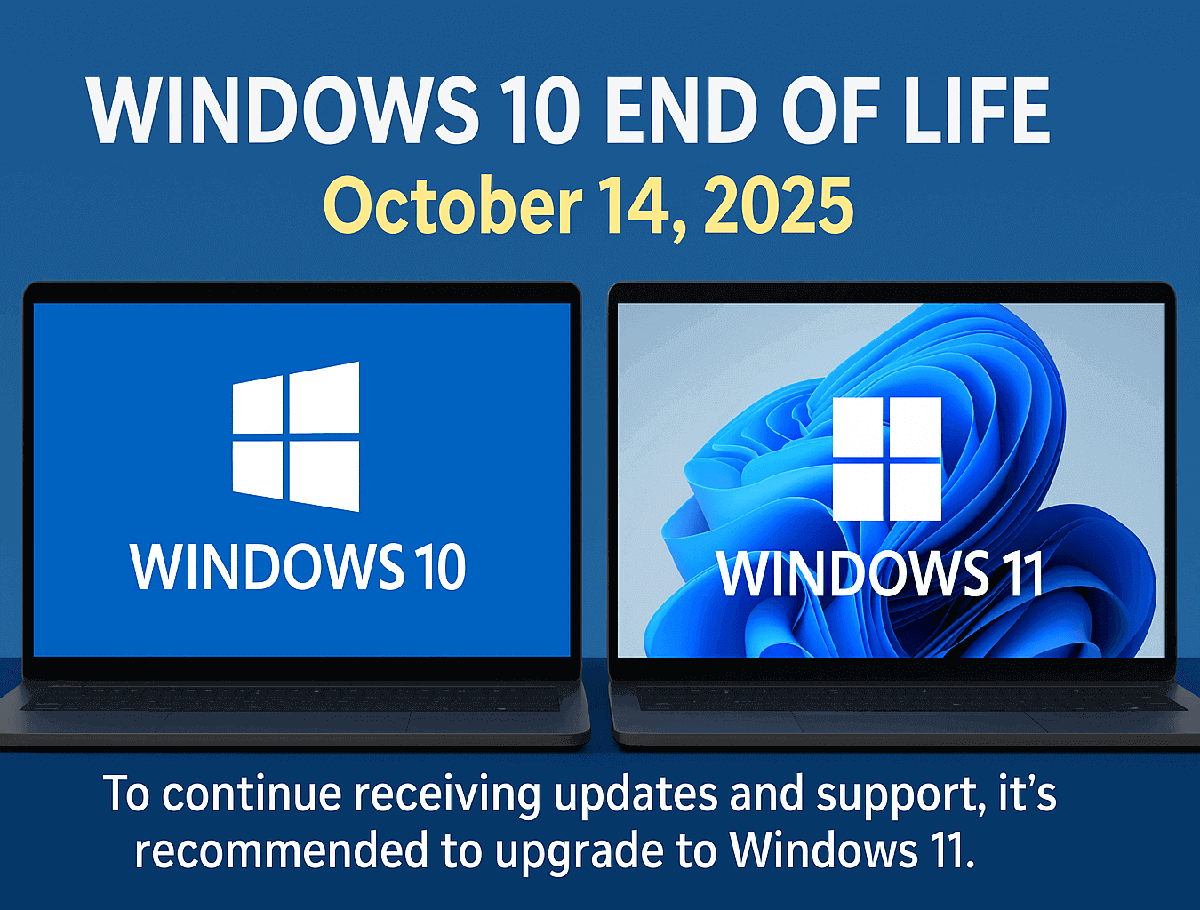
A laptop is one of the most expensive tech purchases most people make, and it is also one of the few you will live with nearly every day for years. That matters even more now that Microsoft says Windows 10 support ended on October 14, 2025. Devices still running Windows 10 no longer receive security updates, feature updates or technical assistance, so an older machine is not just aging out, it is becoming riskier to keep in regular use.

For many buyers, that changes the question from “Do I want a new laptop?” to “Can I safely keep using the one I have?” Microsoft recommends upgrading to Windows 11 or buying a new Windows 11 PC if your current computer is not eligible. In practical terms, that means the cost of waiting can show up later in the form of security exposure, limited software support and a device that no longer fits the way you work, study or travel.
What to value before you spend
The smartest laptop purchase starts with the basics: performance, battery life, display quality and portability. Consumer Reports says it tests laptops and Chromebooks on dozens of measures, and its buying guide covers types, specs, features, brands and other must-know topics. That matters because buyers often get pulled toward flashy extras, even when the day-to-day difference comes from a few core choices.
The broad market also shows how central laptops remain. International Data Corporation said global PC shipments reached 262.7 million in 2024, up 1% from 2023. That huge volume reflects a market where millions of people are still deciding whether to replace a machine, move to a different operating system or pay for a higher tier than they really need.
Student: spend for reliability, not excess power
If you are buying for school, the biggest mistake is paying for specs that will not change your grades or your commute. You need enough battery life to get through classes, a screen that is easy to read for long sessions, and a machine light enough to carry without turning every day into a burden. Consumer Reports’ emphasis on battery life, portability and performance is especially relevant here because those are the traits that determine whether a laptop is genuinely usable from the library to the dorm.
A student who mostly writes papers, joins video calls and opens web apps can usually avoid premium creator hardware and large, power-hungry displays. If the current laptop is running Windows 10 and cannot move to Windows 11, the bigger issue is not whether it feels slow enough to replace, but whether it is still safe to use without updates. In that case, a Windows 11 device with modest specs can be a better value than squeezing one more semester out of unsupported hardware.
Remote worker: battery, ports and display quality matter most
For remote work, you should spend on the things that affect a full workday. Battery life matters if you move between rooms, co-working spaces or meetings without living near a charger. Display quality matters too, because you may be staring at spreadsheets, documents and video calls for hours at a time. Portability still counts, but not at the expense of a keyboard, camera or screen that makes long days uncomfortable.
Apple’s latest MacBook Air with the M4 chip, announced in March 2025, is a clear example of the kind of machine that tries to balance those needs. Apple says it starts with 16GB of unified memory, offers up to 18 hours of battery life and supports up to two external displays, while also coming in at a lower starting price than the prior model. For a remote worker who needs a thin machine that can still drive a desk setup, those details may matter more than chasing a larger processor class or a luxury chassis.
Traveler: light weight and battery beat overbuilt specs
If you live out of a backpack or carry your laptop through airports, train stations or shared workspaces, portability is the spec that quickly becomes comfort. A traveler usually gains more from a lighter machine with strong battery life than from extra power that sits unused while the laptop is on the move. That is where the trade-off becomes obvious: heavier systems can offer more raw performance, but they also cost you every day you carry them.
The M4 MacBook Air’s up to 18 hours of battery life makes it especially relevant for travel, along with support for up to two external displays when you do reach a desk. But the broader lesson is more important than any single model: do not pay for workstation-grade power if your real use is email, streaming, documents and occasional video editing. A thinner, less expensive machine can be the better buy if it keeps you unplugged longer and easier to carry.
Casual creator: buy for memory and screen, not headline specs
If you edit photos, make social videos or work on creative projects only some of the time, you need enough headroom to avoid slowdowns without drifting into overspending. Memory matters more than many shoppers realize, and Apple’s M4 MacBook Air starts at 16GB of unified memory, which gives you a more practical baseline than machines that are trimmed too tightly for multitasking. A good display also matters because what you see on screen affects how much time you waste correcting work later.
Still, casual creators do not need to jump to the most expensive machine on the shelf. If your editing is occasional and your files are modest, a laptop that handles performance, battery life and display quality well may be enough. The goal is to pay for smoothness and color confidence, not for hardware designed for much heavier production work than you actually do.
The decision that protects your budget and your data
The safest approach now is to check whether your current laptop can move to Windows 11 before you shop for anything new. If it cannot, Microsoft’s advice is clear: upgrade or replace it, because Windows 10 no longer receives the support that keeps a machine secure. From there, choose based on how you actually live with a laptop, not on the biggest processor number or the priciest design.
That is the real cost-of-living lesson in this moment. The best laptop is the one that gives you enough battery, enough speed and enough portability without making you pay for features you will never use, and for Windows 10 owners, the clock on safe use has already run out.
This article was produced by Prism’s automated news system from verified source data, official records, and press releases, then run through automated quality and moderation checks before publishing. The system is built and supervised by the people who set the standards it runs under. Read our full AI policy.
Did this article answer your question?