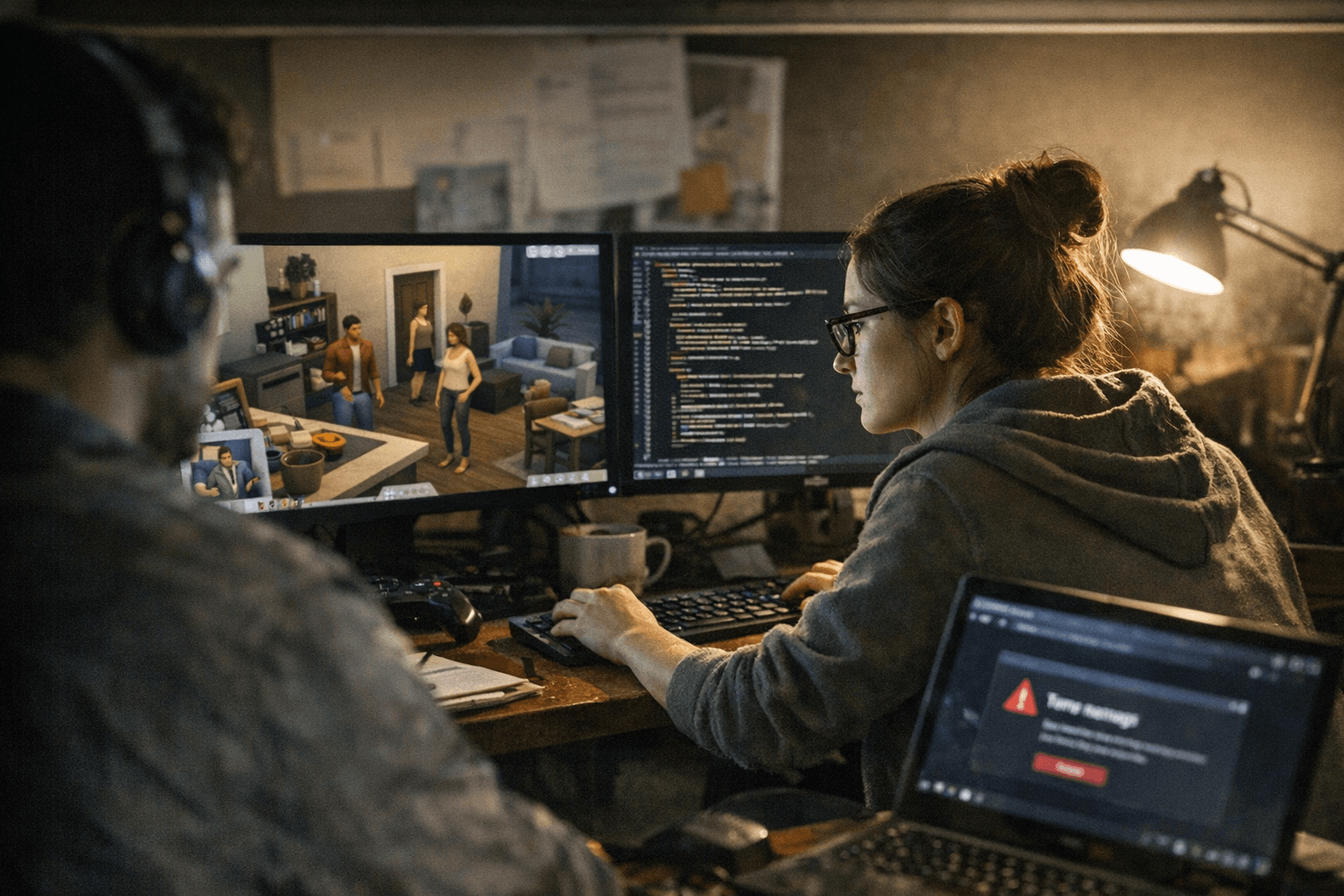
January patch triggers photo, gallery, and cooking bugs across The Sims 4
A January 13 base-game patch introduced multiple bugs affecting photos, paintings, gallery lots, and cooking; EA says a fix for black photos is coming in early February. Back up saves and test without mods.
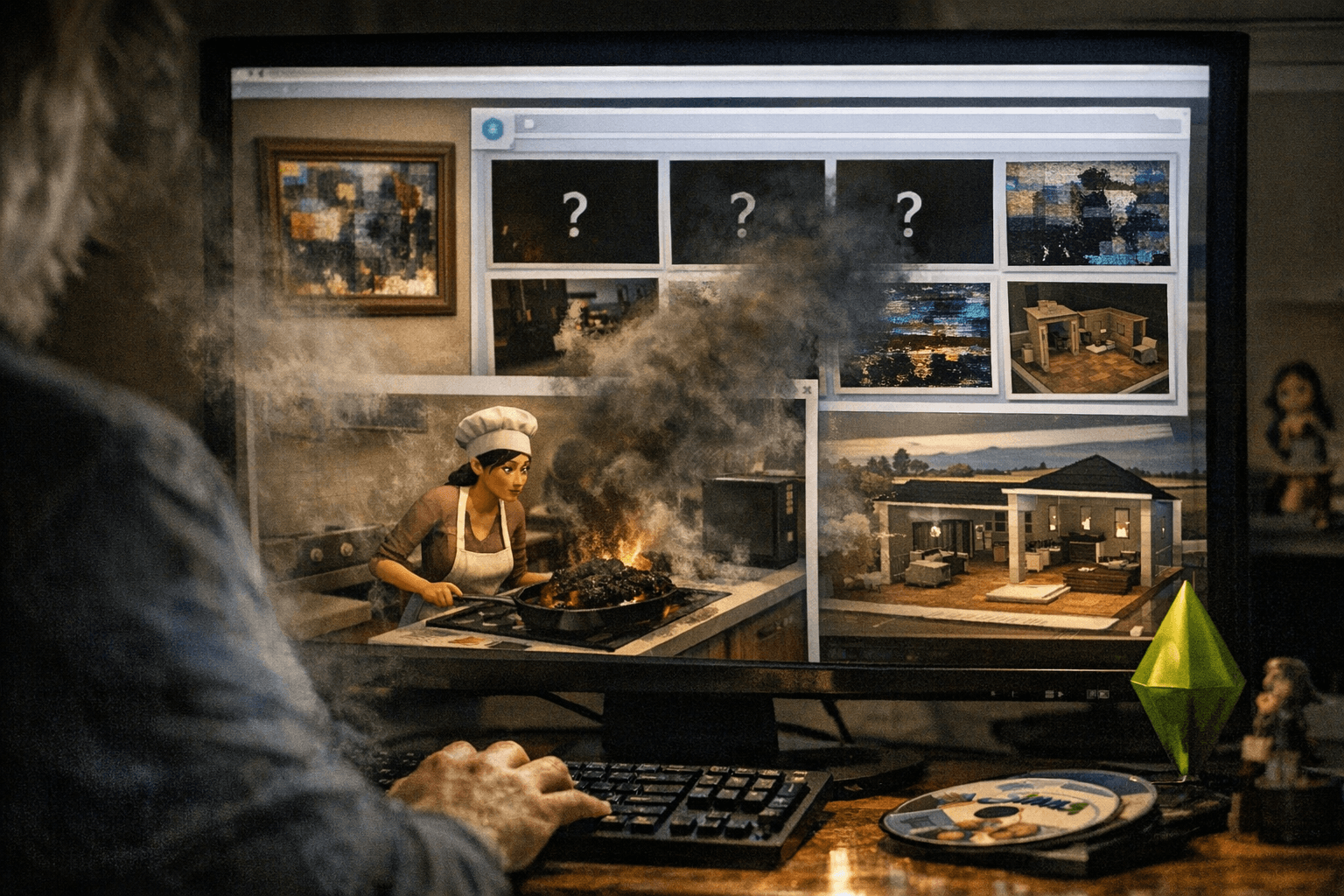
A January 13 base-game patch for The Sims 4 (patch 1.120.140.1020 on PC and 1.120.140.1220 on Mac) brought a cluster of new and resurfacing issues that have frustrated players across platforms. The most visible problem has been event photos - graduation, memorial and special-event snapshots - saving as solid black images, but players have also reported missing or blank reference paintings, incorrect item thumbnails, and odd cooking behavior that changes vegetarian meals into non-vegetarian ones.
Community reproductions and forum reports pointed to a broad mix of glitches. Several players found gallery lots could not be deleted or bulldozed after placing them, effectively locking unwanted lots into worlds. PlayStation players reported that Sims profile panels sometimes failed to open, blocking access to basic profile and relationship information. Other unexpected behaviors included reference paintings appearing white or entirely missing and thumbnails that did not match placed objects.
EA has confirmed the development team identified a fix for the black photos issue and expects to ship that fix in an early February base-game update. The confirmation narrows the immediate priority for developers, but many of the other reported problems remain under investigation and may require additional patches or targeted troubleshooting.
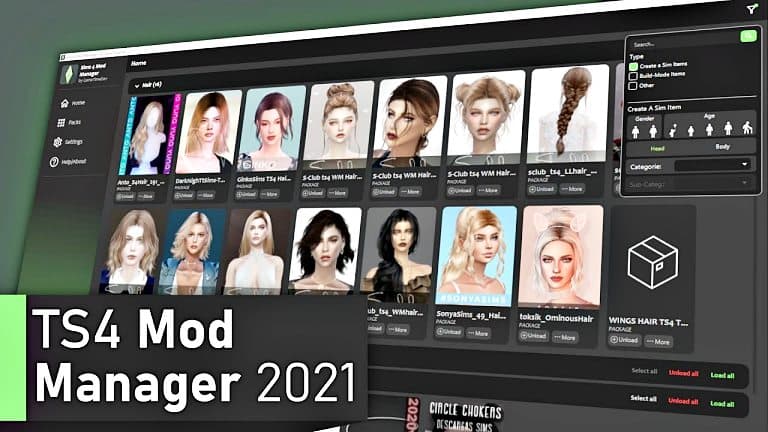
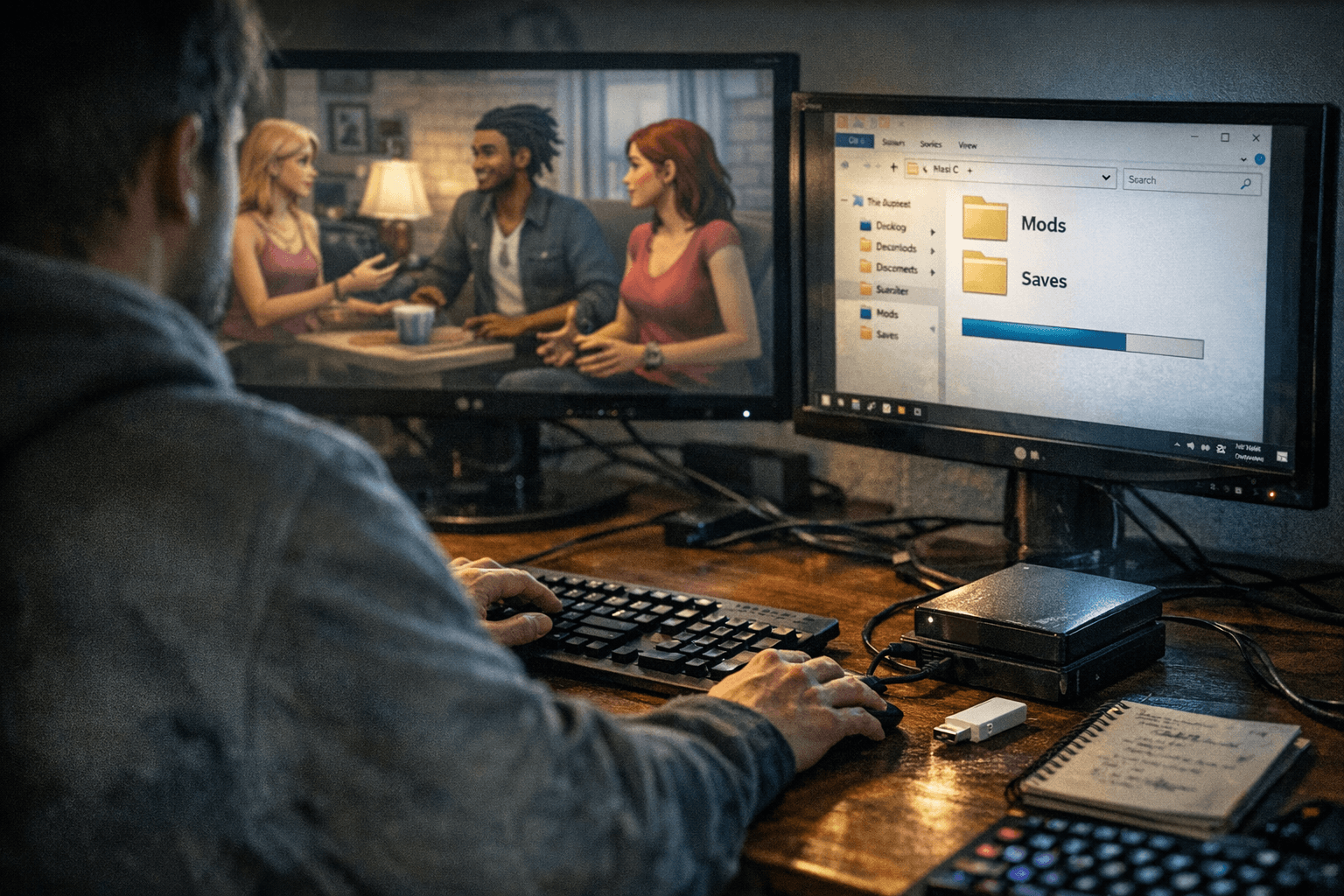
Practical steps will help players avoid data loss and speed up any fixes. Back up saves before playing after the update so you can restore progress if you encounter game-breaking errors. Launch the game vanilla - with no mods or custom content - to determine whether a mod or CC conflict is contributing to the issue. File bug reports with clear reproduction steps and include saves when QA requests them; detailed reports with step-by-step reproductions make it far easier for developers to track down and fix issues.
For creators and gallery users, double-check newly placed lots before committing them to a world, and avoid large-scale gallery imports until the deletion/bulldoze problem is resolved. For players who rely on vegetarian recipes, test pressure cooker and other cooking interactions in a safe save so you can confirm whether recipes change unexpectedly.
Expect more updates from the development team as QA digs into outstanding reports. In the meantime, protect your progress, test in a clean environment, and submit reproducible bug reports so fixes can move up the priority list ahead of the upcoming early February patch.
Sources:
Know something we missed? Have a correction or additional information?
Submit a Tip