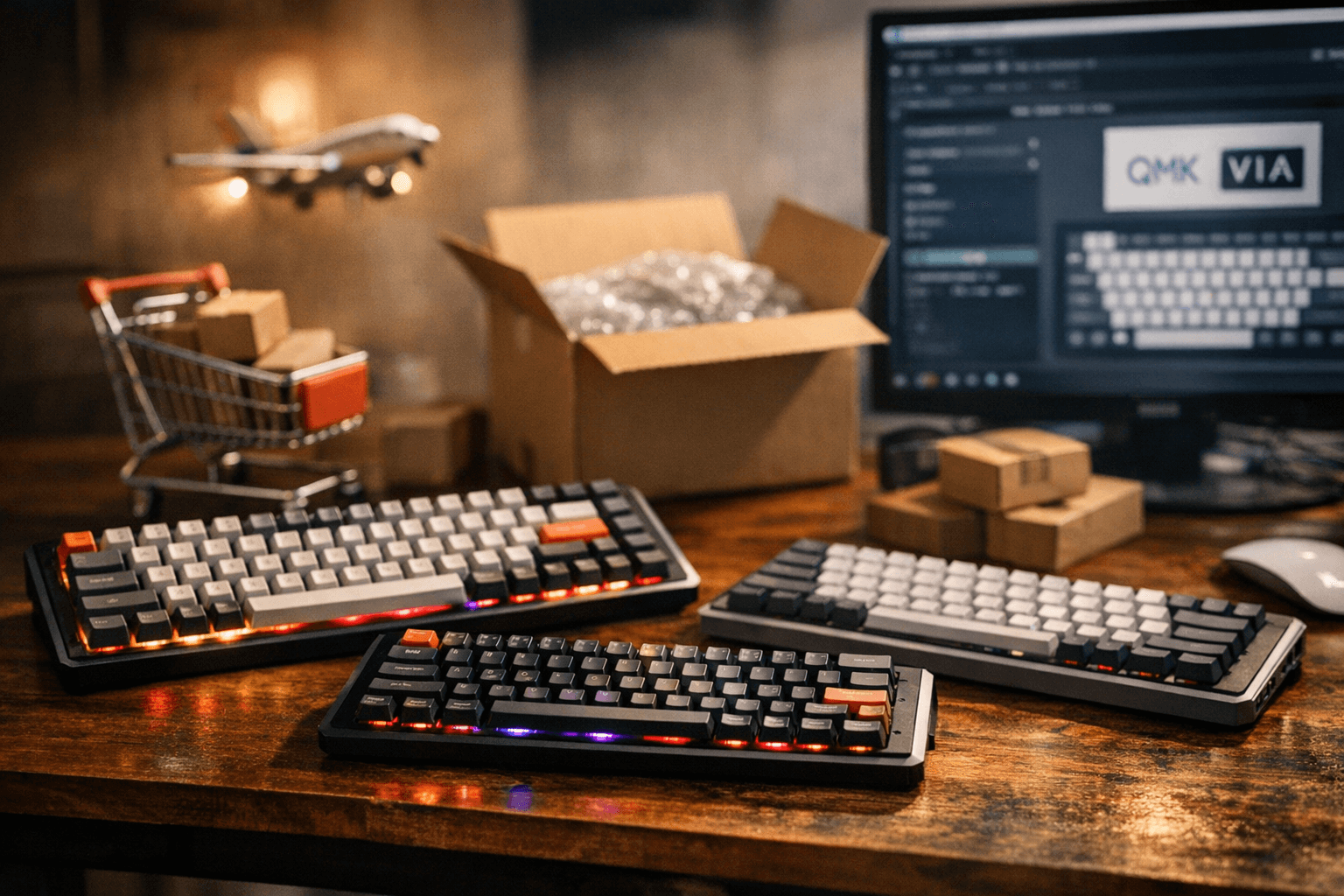
Keychron V-series users push firmware boundaries with community builds
Community members are applying official and custom firmware to Keychron V-series and V1 Max boards, enabling deeper customization but exposing tooling and compatibility pitfalls.
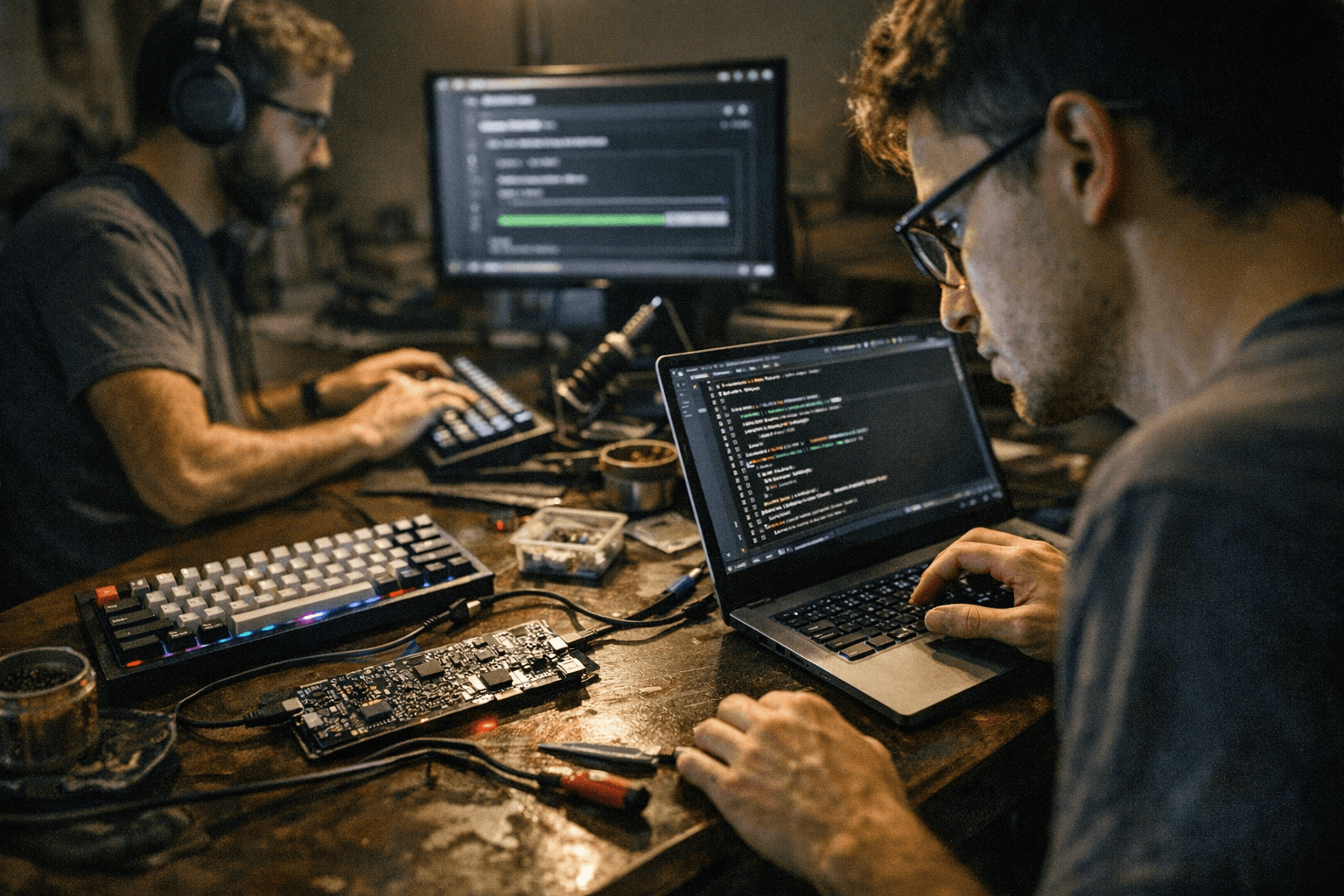
A broad community discussion is documenting users updating Keychron V-series and V1 Max keyboards with both official launcher updates and custom, QMK-based builds. Several posters reported seeing firmware entries in the Keychron Launcher web launcher firmware tab and moving devices from versions such as v1.0.0 to v1.1.1, while others outlined steps for compiling and flashing QMK-style firmware for the V1 family using Keychron’s forks and community toolchains.
This matters because Keychron’s recent shift toward more open-source-friendly firmware and partial source releases is letting V-series boards join the ranks of QMK/VIA-compatible keyboards. That opens real possibilities: custom layers, advanced macros, and per-key RGB behaviors that were harder to achieve with stock, closed binaries. At the same time, community reporting shows common friction points. Official launcher updates can be confusing at the firmware tab, and mismatches between published forks and the toolchains people run can break compilation or flashing workflows.
Technical contributors in the thread pointed to Keychron repo branches such as wireless_playground and wls_2025q1 as active places to track new code and community fixes. Linux users in particular flagged extra setup steps and dependency quirks; several participants posted practical compilation and flash commands and offered troubleshooting steps for common errors. The conversation functions as a real-time knowledge base: users share which branches boot, which flash utilities worked for their platform, and when to expect a device to enter its bootloader reliably.
For owners considering an update, treat this like a mod session. Verify your board’s current firmware version in the launcher before flashing, back up keymaps if your launcher or tooling supports that, and confirm which branch matches your hardware revision. Expect to install standard QMK toolchain dependencies and be prepared for platform-specific commands on Linux. If you prefer the safety of vendor-signed updates, stick with the official launcher until community builds stabilize for your exact board and revision.
The community momentum here is important: it lowers the barrier for advanced customization on mainstream Keychron models, and it pushes the vendor toward clearer, more complete source releases. That said, partial forks and mismatches still make this a tinkerer-friendly process rather than a one-click experience.
Our two cents? Start with a backup, pick the branch that matches your revision, and test on a spare board if you have one. Patch, play, and share your fixes so the rest of us get fewer surprises next time.
Sources:
Know something we missed? Have a correction or additional information?
Submit a Tip