Magnetic key switches explained - Hall, TMR, and what matters
Magnetic (Hall and TMR) keyboards replace mechanical contacts with sensors, offering adjustable actuation and near‑infinite contact life. Confirm switch fit, firmware support, and parts availability before buying.
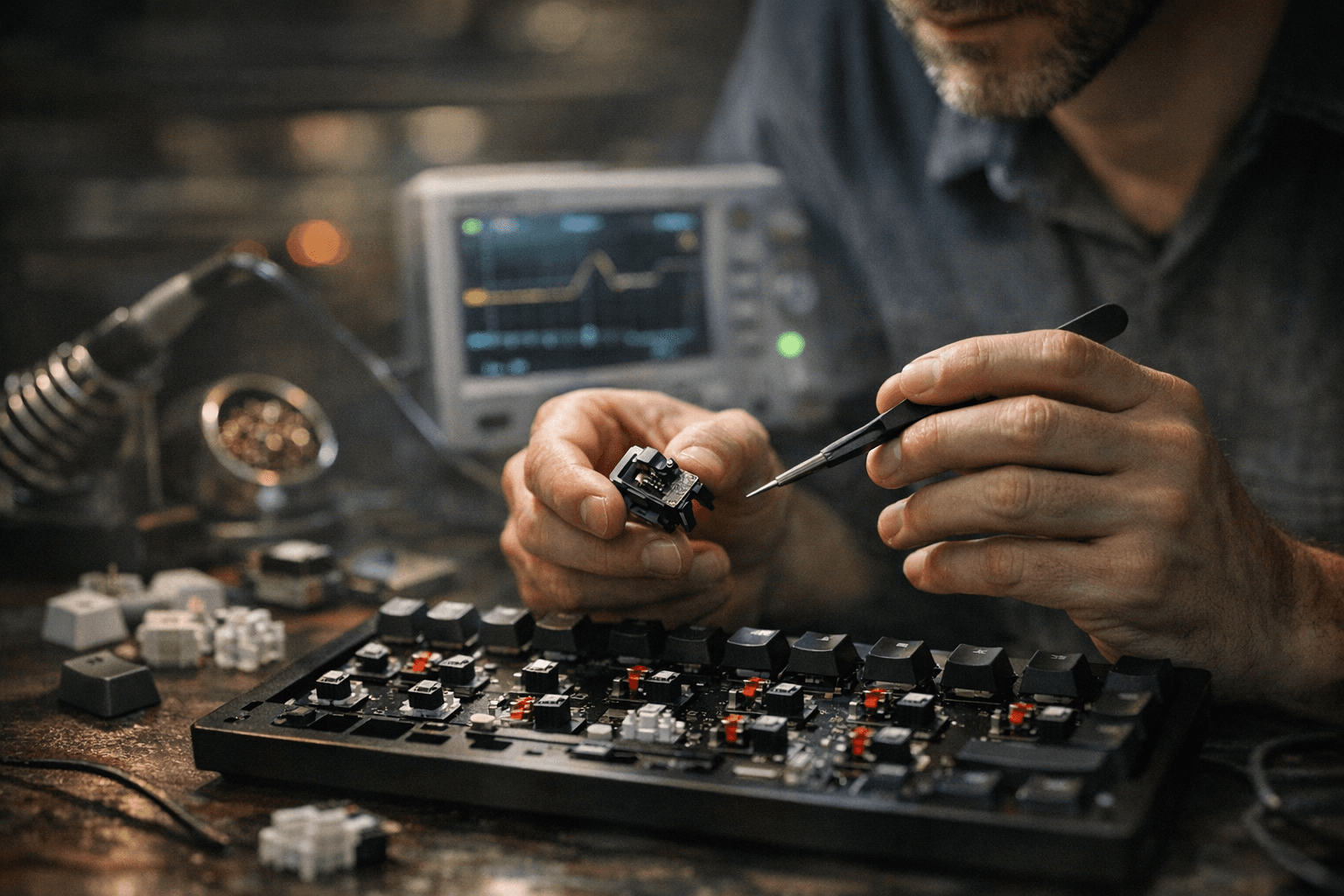
Magnetic or HE (Hall‑effect / magnetic) keyboards swap the two‑metal‑contact switch for a non‑contact magnetic sensor and magnet‑equipped stem, changing how keys register and what you can do with actuation and longevity. That design delivers adjustable actuation points, potential analog behavior and dramatically reduced wear in the contact mechanism, features that matter whether you game, type, or tinker.
At the technical core are Hall sensors and newer TMR (Tunnel MagnetoResistance) sensors. Hall sensors are well established and common across HE boards, while TMR can offer higher sensitivity and lower power draw in some implementations. Both read the magnet’s movement relative to a sensor and report position instead of relying on a metal contact closing. That enables actuation adjustments across a wide range, many HE keyboards expose settings from about 0.1 mm up to roughly 4.0 mm, and enables rapid trigger, analog, or dual‑stage behaviors on boards that support them.
The upside is clear: no physical contacts to oxidize or wear means a near‑infinite mechanical lifespan for the switching mechanism, and adjustable actuation lets one board serve gaming and typing profiles without swapping hardware. The tradeoffs are practical. Historically HE boards were wired‑focused because of power needs; modern designs have moved to tri‑mode wireless with firmware tuning (ZMK and vendor stacks are common) to balance polling, latency, and battery life. Claims of 8K polling over wireless or long battery runtimes show up in marketing, but real battery life depends on implementation and use patterns, so verify reviews and community reports for your exact board.
Compatibility can be the stickiest issue. Many HE switches use double‑rail footprints or proprietary pinouts, and magnet placement, stem height tolerances, and plate clearances affect feel and fit. Confirm whether a board accepts 3‑pin or 5‑pin, single‑rail or double‑rail switches and check the vendor’s supported switch list. Also consider serviceability: HE switches can have limited aftermarket availability early in a product cycle, so verify spare parts before committing.
Practical steps: test an HE board if you can; tiny differences in magnet placement change feel more than you expect. Back up firmware profiles after tweaking actuation or rapid‑trigger settings. If you plan to swap switches later, search community threads for your exact board plus switch pairing, batch variations matter.
Magnetic sensing is expanding fast, with broader tri‑mode support, deeper integration into open firmware projects, and a growing aftermarket on the horizon. Verify compatibility, try before you buy when possible, and treat firmware as part of the package, do that and you’ll get the durability and flexibility HE keyboards promise without unexpected fit or service headaches.
Know something we missed? Have a correction or additional information?
Submit a Tip