Mobile Controller Buying Guide: Connections, Compatibility, Latency, Battery, Ergonomics
Choosing the right mobile controller comes down to connection type, platform compatibility, latency, battery life and ergonomics for better play and lower frustration.
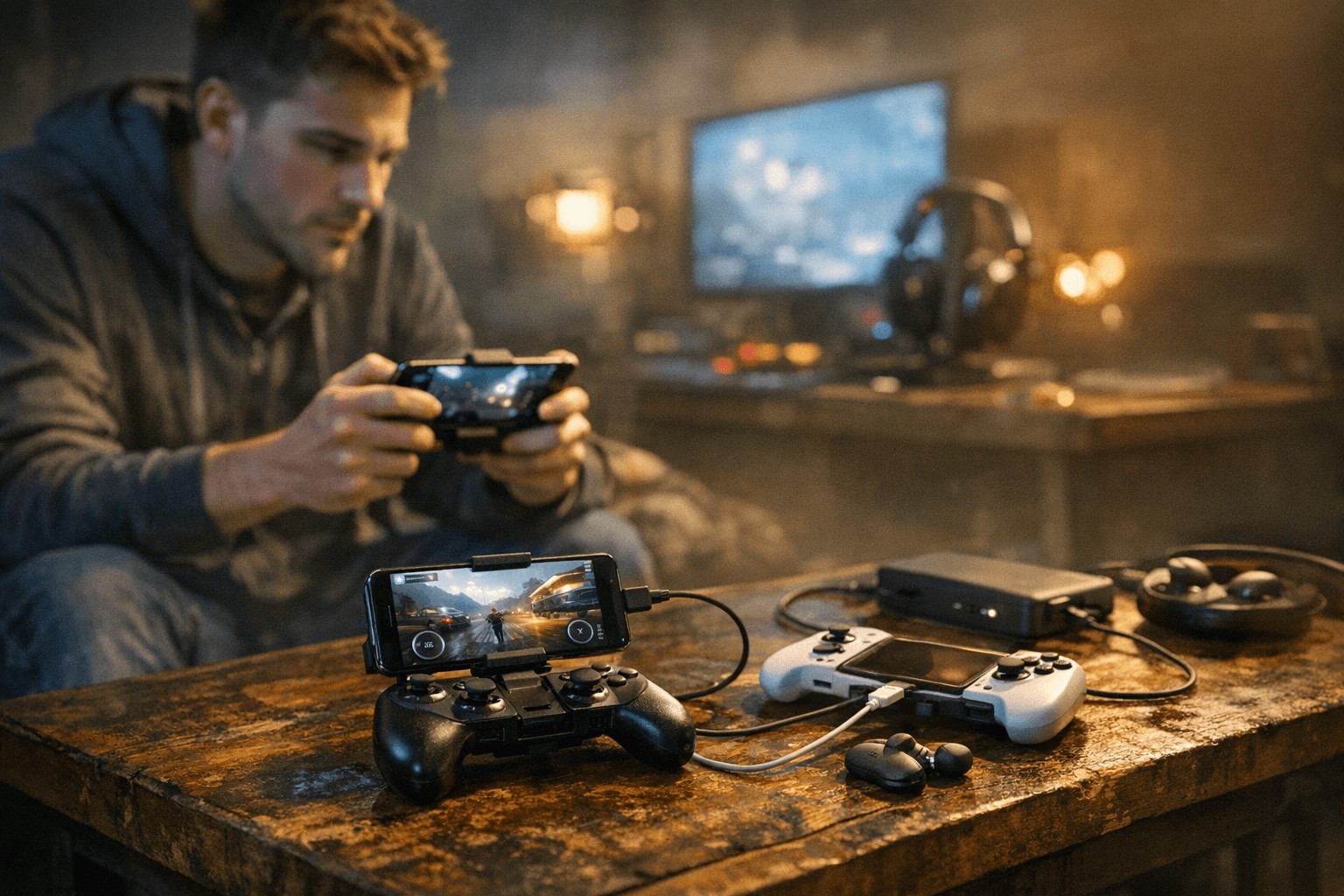
Choosing the right mobile controller now comes down to connection type, platform compatibility, latency, battery life, and ergonomics. Those five factors determine whether your controller feels like a natural extension of your thumbs or a frustrating accessory that creates input lag and missed plays.
Connection is the first decision. Bluetooth offers wireless freedom for most casual and many competitive players, while USB-C tethering gives the lowest and most consistent latency for cloud gaming and fast-paced shooters. Proprietary connections can add stability and phone-specific features, but verify cross-device compatibility before buying. For cloud services such as Xbox Cloud Gaming, GeForce NOW, and Stadia-style platforms, a stable Bluetooth pairing or a USB tether will deliver the best responsiveness, especially when paired with a solid 5GHz Wi-Fi band.
Platform compatibility matters more than ever. iOS relies on MFi or Apple certification for broad controller support, so verify MFi or Apple certification when you buy. Android devices often accept XInput or DirectInput profiles via Bluetooth, but trigger sensitivity and advanced feature mapping can vary by OS version and by game. If you plan to switch between an Android phone and an iPhone, choose a controller with explicit cross-platform support or vendor tools that let you save profiles.
Latency and polling rate are technical but practical. Higher polling rates reduce perceived delay between press and action, and lower round-trip latency is especially noticeable in fast shooters and racing titles. Polling rates, Bluetooth stability, USB tethering, and even local network quality all affect responsiveness. Use a 5GHz Wi-Fi band for online play to reduce wireless interference, and prefer USB tethering when absolute minimum latency matters.
Battery life and ergonomics decide how long and how comfortably you can play. Check advertised battery hours and whether the controller supports pass-through charging when clamped to your phone. Input layout matters: thumbsticks, D-pad, face buttons, and trigger feel change suitability between genres. Portrait clamp or flip designs fit arcade and casual portrait games, while landscape controllers emulate console layouts for FPS and racer titles. Consider a soft case for protection and check build materials for long sessions.
Practical setup and maintenance improve the real-world experience. Update controller firmware, enable gamepad mode in developer settings if your device exposes it, map buttons in a controller-friendly test game before online matches, and install vendor apps to remap buttons or save multiple profiles. Test the controller with the titles you play most to confirm trigger sensitivity and axis behavior.
What this means for you: pick the connection and platform support that match the games you play, prioritize low-latency options for competitive play, and factor comfort and battery into marathon sessions. With those choices locked in, your controller becomes a true upgrade rather than an accessory you tolerate.
Know something we missed? Have a correction or additional information?
Submit a Tip