monday.com Help Center adds AI Permissions guide for admins
monday.com added a Help Center article titled "AI Permissions" that walks admins through enabling, restricting, and auditing employee access to on-platform AI features.
monday.com’s product policy and support teams published a Help Center article titled "AI Permissions" that explains how account administrators can enable, restrict, and audit employee access to the platform’s AI features. The documentation was posted or updated during the week of Feb. 16–23, 2026 and aims to place AI controls inside the existing admin Permissions workflow.
The Help Center guidance intends to map AI controls into monday.com’s existing permission categories and admin UI. The platform’s Available account permission actions include an explicit "AI" category alongside Account, Boards, Items, Dashboards, Workflow, Docs, User Management, Communication, Admin Privileges, Resource Management, and Templates. Support documentation also lists discrete admin actions such as "Access the Apps admin section lets someone access the Apps admin area in monday administration" and "View the audit log lets someone open and view the account audit log."
The documentation connects those admin actions to monday vibe, monday.com’s generative app builder. The company notes, "You can build custom apps, dashboards, and widgets tailored to your workflows. This includes tools like org charts, time trackers, planners, forms, and internal utilities. If you can describe it in words, monday vibe can generate it using your monday.com data." The Help Center also reiterates that "monday vibe is available to all monday.com users on any plan, as long as AI features are enabled on the account" and that "Account admins control who can create and publish monday vibe apps through role and account permissions. Apps are private by default and can only be shared or published by users with the appropriate permissions."
monday.com frames the rollout and governance of AI features with its existing enterprise controls. The platform lists SOC 2 Type II, GDPR, HIPAA on select plans, SSO, SCIM, audit logs, granular permissions, and "encryption in transit and at rest" as part of its security posture. The product team also describes its internal process for AI releases: "Our AI development process at monday.com is iterative, thorough, and designed to prioritize both reliability and user safety. Each feature undergoes testing, including experimentation to optimize performance and safeguard against vulnerabilities. We also involve an internal 'red team' tasked with simulating edge cases, attempting to disrupt the feature, and uncovering weaknesses."
On data handling, monday.com states explicitly, "To ensure features work seamlessly and meet your needs, we may review data from your interactions with AI, this allows us to continually improve the platform and ensure the best output for your work. Your data is not used to train AI models." The company further promises that "Yes, monday AI respects permissions set within your account. Users will be able to create, view, or generate content based on resources they have authorized access to."
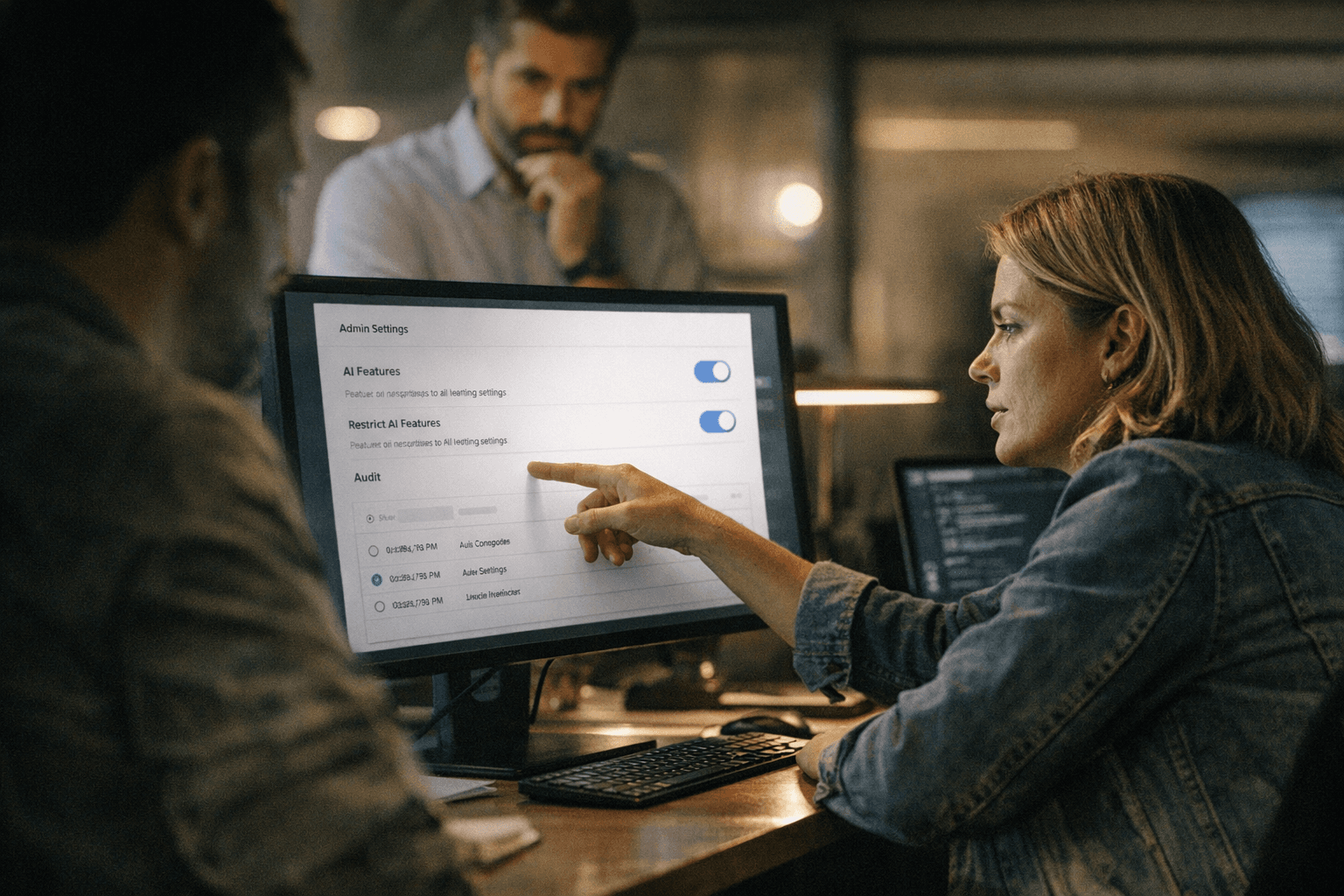
The procedural steps for admins are unchanged in wording from Support documentation: "Click your profile picture in the top right, then select Administration:" and "In the left-hand menu, select Permissions:" followed by role-by-role configuration. The docs reference UI screenshots with filenames such as Group 31 (34).png, Group 31 (30).png, and Group 31 (31).png, indicating visual examples accompany the guidance.
Two points in the materials require clarification from monday.com. The documentation contains both "AI capabilities are automatically enabled in all monday.com accounts" and the conditional "monday vibe is available to all monday.com users on any plan, as long as AI features are enabled on the account." It is not clear which AI features are auto-enabled versus which require an admin toggle. The Help Center article also does not publish an exact timestamp in the available materials, nor does it show sample audit-log entries that would demonstrate how AI interactions are recorded.
Requests remain outstanding for the full Help Center article text and screenshots that show the specific AI permission toggles, sample audit-log entries for AI activity, and operational detail on how monday.com reviews AI interaction data while keeping customer data from being used to train models.
Know something we missed? Have a correction or additional information?
Submit a Tip