PC Gamer's Arknights: Endfield launch guide: unlock time, preloads, huge mobile install
A launch guide laid out Arknights: Endfield’s global unlock time, preload options for PC and mobile, and warned of a mobile client that will consume tens of GB.
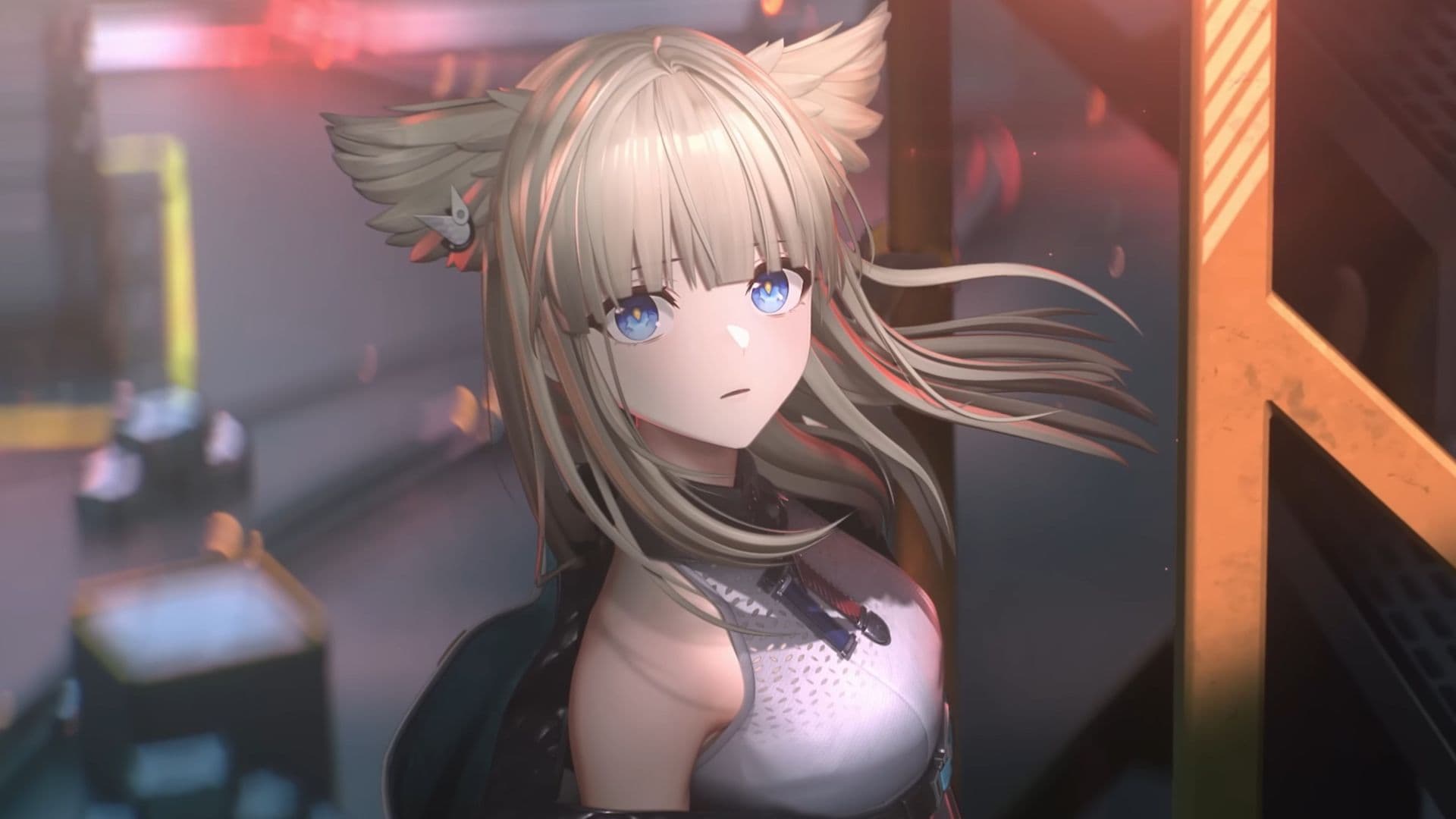
Arknights: Endfield unlocked globally at 11:00 UTC+8 on 22 January 2026, and preloads were live across PC and mobile platforms to help players hit the ground running. The 3D Arknights spin-off came with a strict warning for mobile players: the client runs into the tens of gigabytes, so storage planning and preloading are essential to avoid launch-day headaches.
The guide converted the global unlock into local times for major regions. That 11:00 UTC+8 start corresponds to 03:00 UTC on 22 January, 22:00 Eastern (US) on 21 January, 19:00 Pacific (US) on 21 January, 03:00 UK time on 22 January, 04:00 Central Europe on 22 January, 12:00 Japan on 22 January, and 13:00 Australia Eastern on 22 January. Players who tracked those conversions could schedule preloads and account linking before the server unlock.
Preloads were available for the official PC client and via the Epic Games Store, as well as on iOS and Android storefronts. The guide listed minimum and recommended system requirements for PC and mobile, so players could check whether their hardware and storage would support the game before the unlock. For PC, choosing between the official client and Epic may affect download size and update delivery speed. For mobile, the central takeaway is simple: clear dozens of gigabytes, or plan to play on PC if device storage is constrained.
Account linking and cross-platform features factored into launch strategy. The guide explained how to prepare for account linking, and pointed to Twitch drop opportunities that could reward early viewers and players. Setting up cloud saves, linking existing Arknights accounts or social logins, and confirming email or platform verification ahead of time removes barriers during the critical first login window.
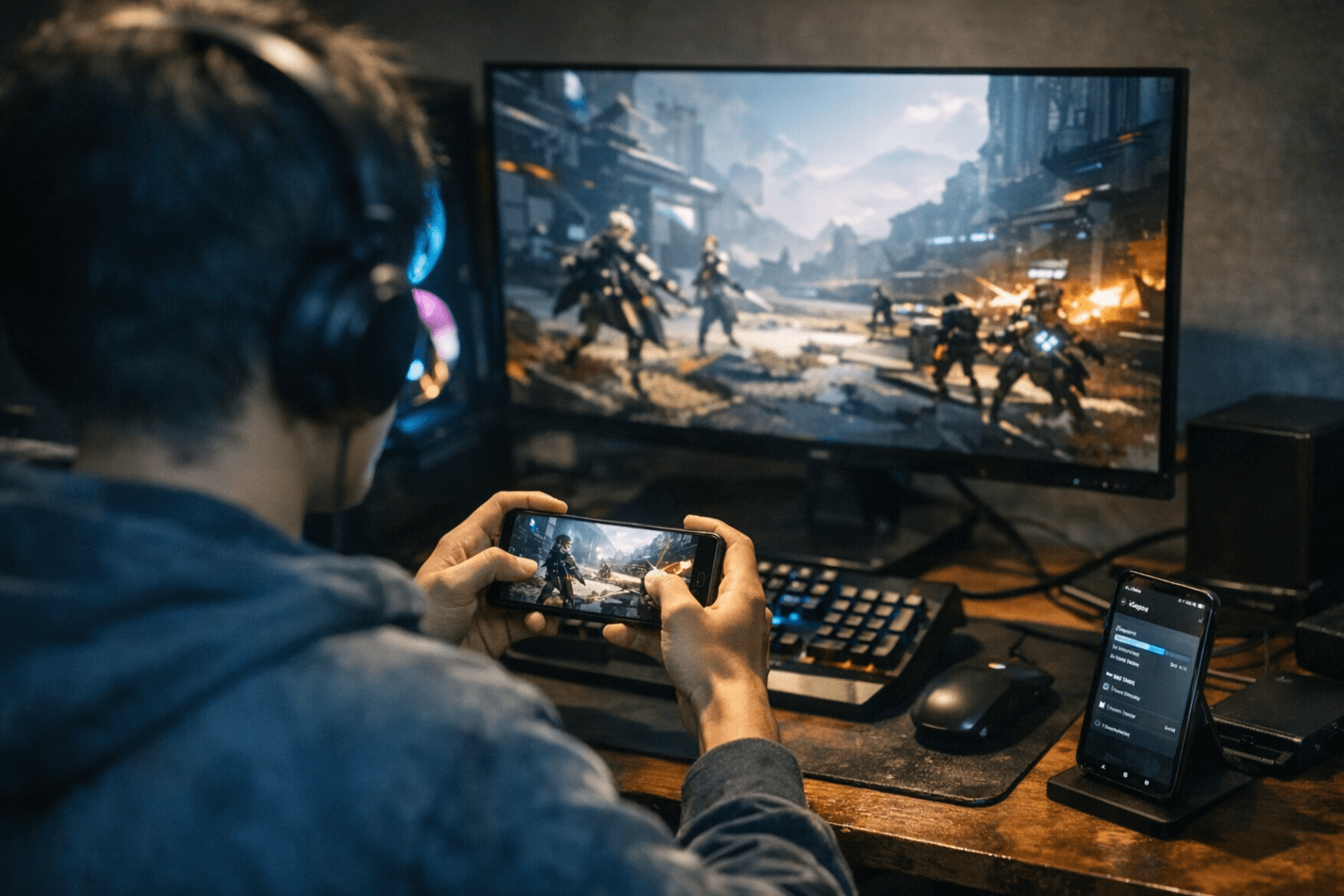
Practical launch-day tips included starting preloads well before unlock, using a stable Wi-Fi connection, and confirming enough free storage for post-install updates and asset downloads. Players planning to roll on early banners or pursue limited-item events should preload, link accounts, and reserve time around their local unlock conversion to avoid long queues.
What this means for players: plan storage and platform now, not later. Preload on PC or mobile, confirm account links and Twitch connections, and use the local time conversions to be ready the moment Endfield opens, especially if you want to nab early rewards or avoid the scramble of a big launch day.
Know something we missed? Have a correction or additional information?
Submit a Tip