Division Resurgence Device Guide Reveals Which Phones Handle the Open World
Your phone matters more than your skill in Division Resurgence's Dark Zone. Here's exactly which devices clear the bar and what to tweak if yours barely makes the cut.
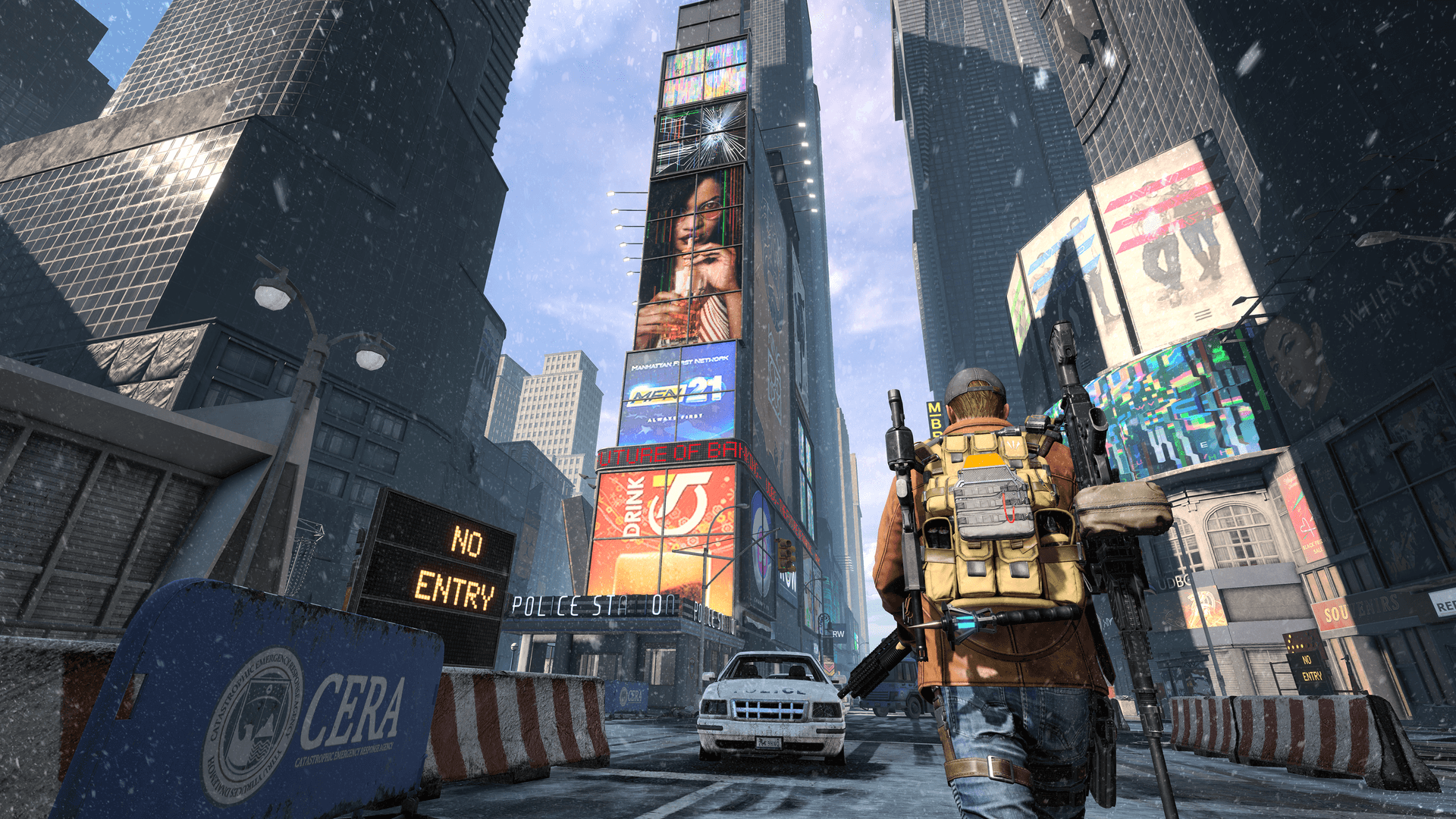
The Division: Resurgence launched globally on March 31, 2026, and within hours the question flooding Discord servers and subreddits wasn't about builds or loot tables. It was simpler and more urgent: will my phone actually run this thing? Given that Resurgence drops you into a shared open-world New York City, running a full co-op campaign alongside real-time PvP and PvPvE in the Dark Zone, the answer depends almost entirely on your hardware. Here's what you need to know.
What the Game Is Actually Demanding
Resurgence isn't a casual tap-to-move mobile shooter. It's a free-to-play, third-person RPG looter set between the events of The Division and The Division 2, featuring a standalone campaign, co-op play for up to three agents, Skirmish and Domination competitive modes, and the full Dark Zone experience adapted for mobile. That last one, the Dark Zone, is where device performance becomes a genuine gameplay issue, not just a visual preference. Frame drops and latency in a PvPvE zone where other players can kill you and steal your loot aren't cosmetic problems; they're death sentences for your extracted gear.
iOS: The A12 Bionic Is Your Floor
Apple's compatibility line is clean and non-negotiable. The App Store listing confirms Resurgence requires iOS 14.0 or later and an A12 Bionic chip or newer. In practice, that means iPhone XS is the oldest supported model, with the full list running through the XS Max, XR, every iPhone 11 through 17 variant, both second- and third-generation iPhone SE models, and the iPhone Air. If you're on an iPhone X or older, you're locked out entirely regardless of iOS version.
Among that supported range, performance is far from uniform. A15 Bionic devices like the iPad Mini 6 and iPhone 13 Mini can hold a steady 30fps at High graphics preset with Medium resolution, which is a solid playable experience. Pushing to 45fps on those same devices forces a drop in both graphics quality and resolution by one tier. The Very High preset is reserved for more recent silicon; on aging-but-supported hardware, that option is simply locked out of the menu.
Android: Chipset Tier Decides Everything
Android compatibility is broader but significantly more variable. The official minimum is Android 6.0 and 4GB of RAM, though meaningful playability requires at least Android 10 with a Snapdragon 720G or 855 processor. For anyone who wants to actually enjoy the game without thermal throttling mid-mission, the recommended setup is a Snapdragon 8 Gen 1 or Gen 2+ (or equivalent), 6GB of RAM, and a minimum of 10GB of free storage.
Ubisoft's official compatibility list organizes Android support by chipset rather than by device brand, which reflects a practical reality about the Android ecosystem: a phone's model name tells you less than its SoC. Supported chipsets include Snapdragon tiers from the 720G and 855 up through current flagships, along with Google Tensor, Samsung Exynos, and various MediaTek processors including the MT6835 series found in mid-range devices from brands like Infinix, Alcatel, and BlackView. If your device is on a supported chipset, you're in; if it isn't, no amount of clearing cache will fix it.
Lower-end Android hardware, even if it technically meets the minimum, should expect longer load times, forced low graphics presets, and potential thermal throttling during extended sessions. Resurgence's open world keeps the GPU working continuously; budget devices with inadequate cooling will clock down under sustained load, producing the kind of stuttering that makes Dark Zone runs actively unplayable.
Settings: What to Run and When to Compromise
For devices sitting comfortably in the recommended tier, the optimal settings are Very High graphics, High resolution, and Standard framerate. High Framerate mode is available as an option, but enabling it forces Medium graphics and Standard resolution, a trade most players won't find worthwhile unless they're in competitive PvP and need the smoothest possible input responsiveness.
Specific toggles worth adjusting:
- Shadow Quality and VFX Quality are the most GPU-intensive individual settings; dropping either one notch can recover meaningful frame stability on mid-tier devices.
- Dynamic Resolution should stay on for anything short of a current flagship; it handles frame-rate dips gracefully without requiring manual preset changes.
- Volumetric Lighting and Bloom are visual polish features with a real performance cost. Disable both if you're experiencing thermal throttling.
- Anti-Aliasing matters most at lower resolutions; keep it on if you're running Standard resolution but consider toggling it off at High or Very High resolution where jaggies are already minimal.
Storage and OS Housekeeping Before You Install
The game demands 10 to 15GB of free storage for installation and asset streaming. That's not an install footprint you can stretch; running close to your storage ceiling causes decompression hitches and mid-session pauses. Clear the space before you download.
On both platforms, updating to the latest OS build before installing is worth doing, not as a formality but because recent mobile OS updates frequently include GPU driver improvements that directly affect gaming performance. Equally important: close background applications before launching. Resurgence's open world keeps RAM under consistent pressure, and shared memory with social apps or browsers creates the exact headroom problem that causes crashes in dense areas.
Test your connection over Wi-Fi before any serious play session, particularly for Dark Zone runs. Mobile data introduces variable latency that degrades the PvP experience even on powerful hardware; ruling out ISP-related instability first saves a lot of frustrated troubleshooting.
Controller Support and Touchscreen Reality
Resurgence supports external controllers, and for players on a marginal device, pairing a Bluetooth controller isn't just a comfort upgrade. The reduced input overhead compared to touchscreen polling can marginally improve effective responsiveness, and the precision benefit in cover-based gunfights is substantial. Touchscreen remains the primary experience the game is tuned around, but if your device is borderline and you already own a compatible controller, it's worth connecting before your first Dark Zone session.
The Early-Launch Patch Window
Ambitious mobile launches always come with a two-to-four week period of rapid hotfixes driven by telemetry and crash reports, and Resurgence is not going to be an exception. Ubisoft is already collecting data from launch-day players across hundreds of device configurations. Performance on marginal hardware will measurably improve over the first few updates as the team addresses the most common crash signatures and optimizes asset streaming paths. If your device is struggling right now, check for patches before abandoning the game entirely. The current state is not necessarily the final state.
What the compatibility list makes clear is that Resurgence was built to run across a genuinely wide hardware range, but the best version of the game, the one with New York's winter detail rendered cleanly at 30fps in a live Dark Zone, requires hardware that wasn't cheap when it launched. Know where your device sits in that range before you queue up.
This article was produced by Prism’s automated news system from verified source data, official records, and press releases, then run through automated quality and moderation checks before publishing. The system is built and supervised by the people who set the standards it runs under. Read our full AI policy.
Did this article answer your question?


