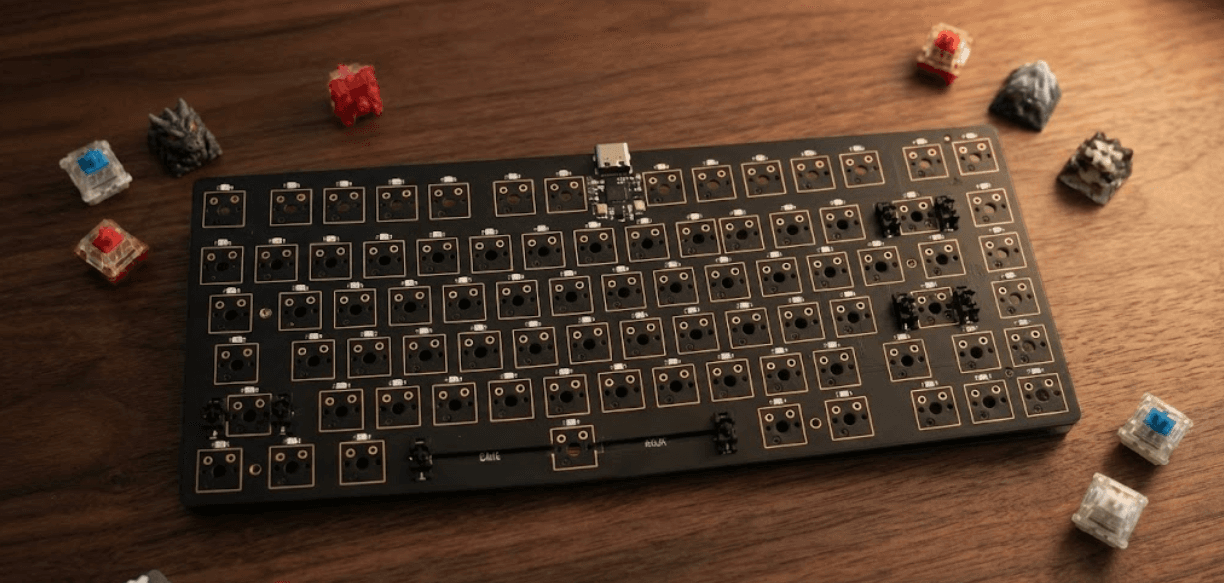
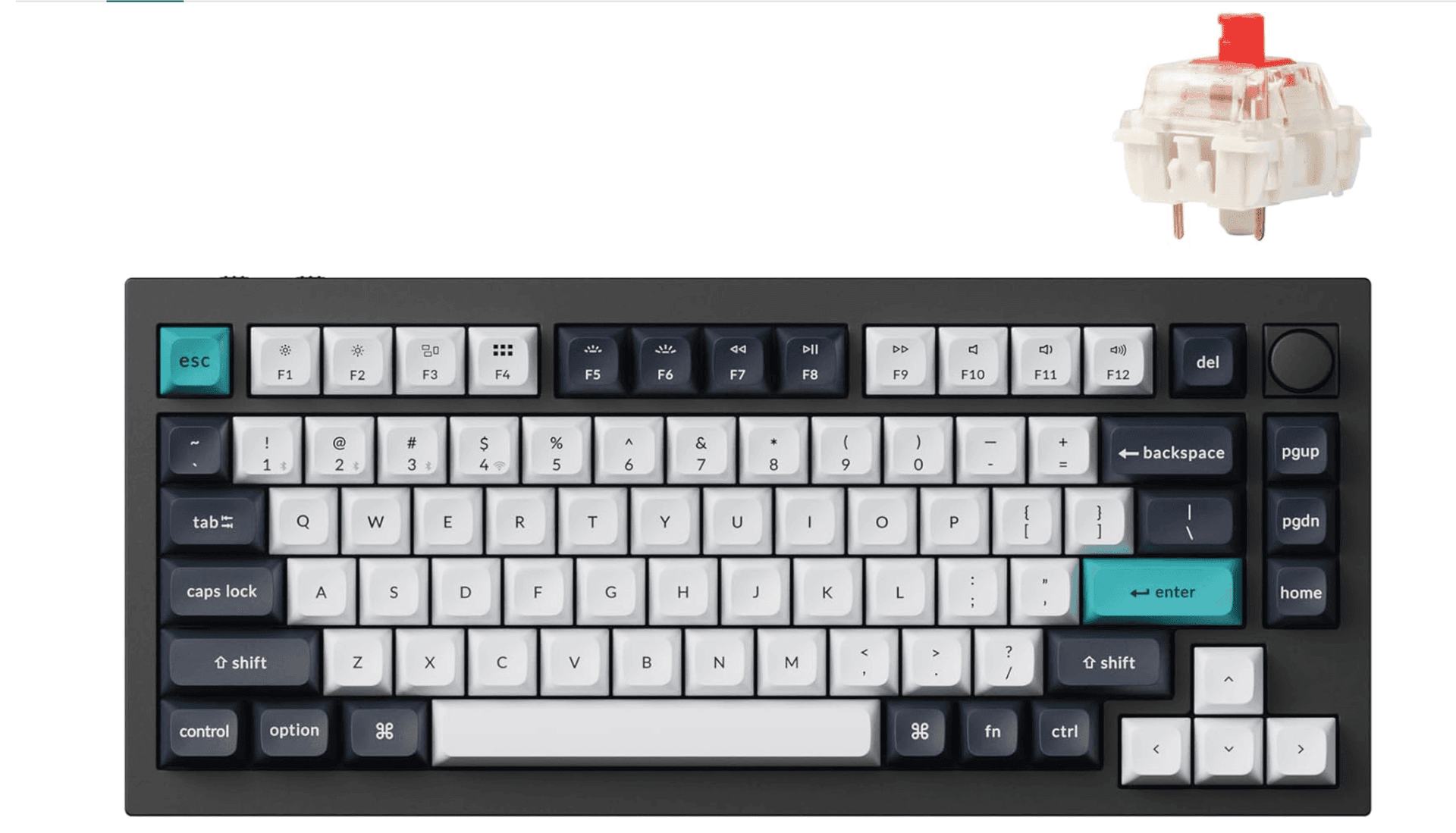
QMK vs ZMK: Which Keyboard Firmware Suits Wired or Wireless Builds
QMK and ZMK split the firmware field: QMK is feature-rich and wired-friendly, ZMK targets low-power wireless and better battery life for Bluetooth and tri-mode designs.
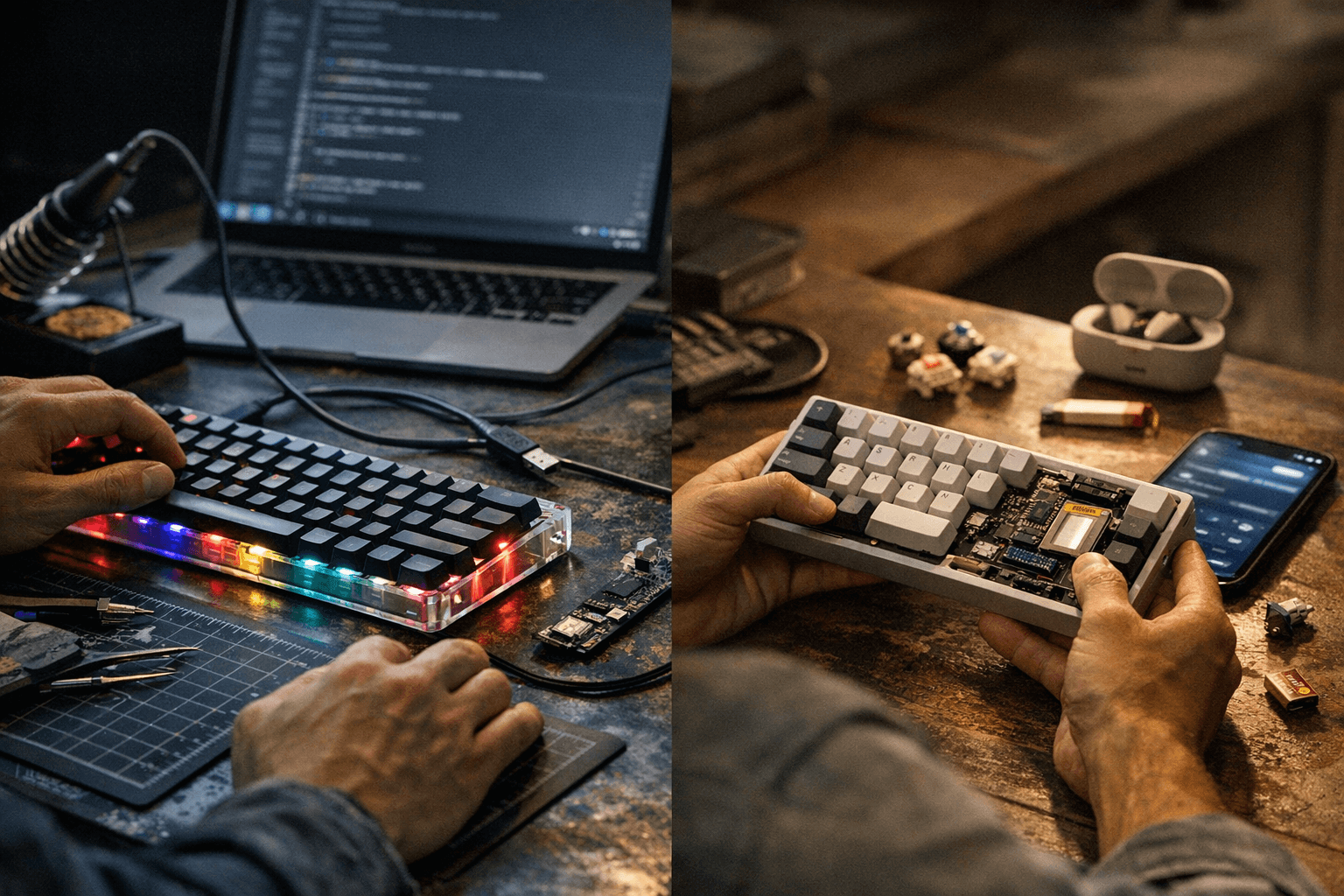
Choosing firmware is one of the first decisions that shapes a keyboard build. QMK and ZMK address different priorities: QMK offers mature, desktop-grade features and deep customizability, while ZMK targets low-power wireless use and simpler over-the-air workflows on constrained hardware.
QMK has been the workhorse for wired keyboards and power users. It provides extensive layer handling, macros, tap-dance, and advanced key processing that support complex workflows and desktop-centric setups. QMK’s ecosystem includes a well-known flashing tool, QMK Toolbox, broad community keymap archives, and vendor firmware availability that many builders depend on for stable wired performance and feature parity.
ZMK was developed with wireless in mind. ZMK integrates more readily with Bluetooth and 2.4 GHz stacks to enable tri-mode keyboards that handle wired, Bluetooth, and 2.4 GHz connections. ZMK focuses on energy efficiency and lower power draw, and it supports modern low-power microcontrollers and wireless profiles that prolong battery life on compact builds. ZMK also emphasizes simpler OTA updates for constrained hardware, making it attractive for battery-first designs where updating without a cable matters.
The practical choice hinges on project goals. Choose QMK if desktop-grade features, advanced key processing, and a mature tooling ecosystem are the priority for a wired or occasionally wired board. Choose ZMK if the project prioritizes long battery life, native wireless support, or streamlined OTA updates on low-power MCUs and radios. Many modern boards use both approaches in their product roadmaps: manufacturers plan QMK for wired or desktop-focused variants and ZMK for battery-first variants intended to maximize wireless performance.
Builders and vendors should verify three technical points early in the design process. Check MCU and radio compatibility with the selected firmware; a mismatch here can block Bluetooth or 2.4 GHz functionality. Confirm the bootloader and flashing workflow - QMK Toolbox versus the ZMK toolchain - and factor flashing convenience into assembly and customer support. Confirm community support and vendor firmware availability for the specific PCB or controller, and plan keymap backups and update procedures so users can recover or migrate layouts.
This comparison is not a binary judgment but a roadmap decision. For projects chasing layers, macros, and desktop polish, QMK remains the reliable choice. For battery-first, wireless-first, and tri-mode ambitions, ZMK delivers targeted advantages. Verify hardware compatibility, test flashing and OTA in early prototypes, and treat firmware selection as a core design choice that affects battery life, feature set, and long-term maintenance.
Know something we missed? Have a correction or additional information?
Submit a Tip