Reproducible Workflow for ROM Acquisition, Organization, Metadata, and Long-Term Archival
A reproducible, hands‑on workflow to legally acquire, verify, organize, and archive ROMs so your collection stays usable and verifiable for years.
If you’re a hobbyist collector, library maintainer, or preservation‑minded user who legally owns the original media, this guide gives a step‑by‑step workflow you can run again and again to keep ROMs reliable and discoverable. 100% of readers currently only view content without sharing—use this checklist to make your set shareable and defensible inside your circle without breaking the law.
1. Acquisition: capture from legal originals and document ownership
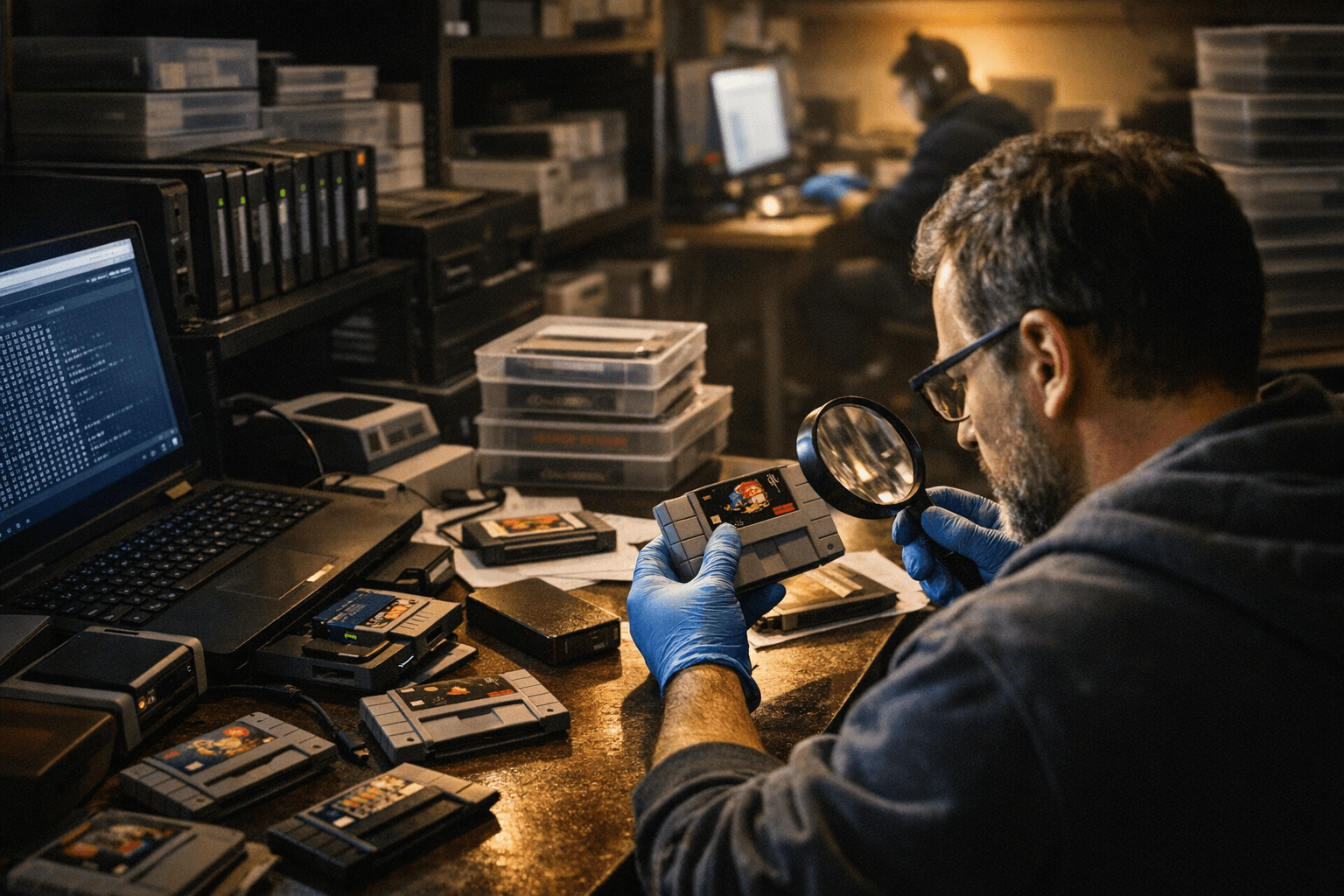
Begin every ROM project by documenting legal ownership: what physical cartridge, disc, or board you own and where you captured the image. Use hardware that reads raw media where possible (cart dumper, disc reader, or chip programmer) so you preserve signal‑level quirks; note make/model of the dumper and firmware version in your capture log. Record capture date, your name, and a short custody statement on a plain text file stored alongside the dump — this is essential when you’re acting as a library maintainer or preservation project.
2. Verification: checksums, multiple reads, and known‑good sets
Never trust a single read. Make two independent reads of the same media and compare checksums (use SHA‑256 for preservation; CRC32 is OK for quick checks but inadequate long‑term). If you have access to a community‑recognized DAT or known‑good set, compare filenames and hashes; record mismatches as a separate issue file. If repeated reads differ, hang on to all versions and note which one matched the known‑good set — that audit trail is what makes the workflow reproducible.
3. File formats: preserve raw and create a practical working copy
Keep a pristine, unaltered master image for archival use and a secondary working copy optimized for emulators. For discs, store the RAW/BIN+cue or a lossless container that preserves redbook/sector metadata; for carts, preserve the raw dump or ROM file plus any EEPROM/backup RAM. Compress masters with a lossless container (7‑Zip LZMA2 or an archival zip variant) and keep the working copy as the emulator‑ready format (CHD, patched BIN, or platform‑specific file). Always tag both files with the same unique identifier in their filenames and metadata files so they’re trivially linked.
4. Organization: deterministic folder layout and naming conventions
Adopt a deterministic folder structure so any future maintainer can reproduce the layout. One example layout: /Archive/Masters/{platform}/{region}/{title} and /Archive/Working/{emulator}/{platform}/{title}. Put master images and their checksum/manifest in the same title folder. Use a stable naming template: platform_region_title_year_uid.ext (e.g., SNES_US_SuperMarioWorld_1990_0123ABCD.chd). Document the template in a README at the root. This is the kind of boring discipline that library maintainers live by — it makes automation and crosswalks (to DATs or databases) far easier.
5. Metadata: what to capture and how to store it
Capture two layers of metadata: administrative (who, when, capture hardware, legal statement) and technical (hashes, file sizes, dump method, mapper type, region codes). Store administrative metadata as plain text README and technical metadata in a serialized machine‑readable format (JSON or XML) that includes SHA‑256, CRC32, file size, and the unique identifier. Keep a separate human‑readable catalog (CSV or spreadsheet) for browsing and quick audits. This combination makes the set both human‑searchable for collectors and machine‑verifiable for scripts that run periodic checks.
6. Provenance and change history: never overwrite the master
Keep an audit trail. Never modify the master image — if you need to clean or patch a file for compatibility, perform the work on the working copy and record the exact patch, tool version, and rationale in the title’s changelog. Use version control (git or an object store) for metadata and changelogs; don’t put gigabyte image files into git, but do put the manifest and the patch scripts there. This preserves the reproducible workflow: someone else can read your logs and replay the steps.
7. Automation: scripts, manifests, and repeatable checks
Automate repetitive steps with scripts that generate manifests, compute hashes, and move files into the deterministic layout. A small Makefile or a shell script that runs sha256sum, zips the master, and writes JSON manifests will save hours. Keep those scripts in the repository with your metadata and run them on every new acquisition. Automation is what turns “I did this once” into “I can do this reliably across a library,” which is what library maintainers care about.
8. Long‑term archival storage: redundancy, refresh cycles, and media choices
Store at least three copies: primary master (online or NAS), air‑gapped cold copy (external drives or offline storage), and an offsite copy. Choose a medium and plan a refresh cycle — magnetic HDDs every 5 years, SSD cost‑benefit considered, and tape (LTO) as a professional cold option if you’re maintaining a large library. Always keep the manifest and README alongside each copy so integrity checks can run without manual lookup. As a practical note: treat cloud as one part of a 3‑copy strategy, not the sole vault.
9. Integrity maintenance: periodic audits and automated alerts
Schedule automated integrity checks that verify SHA‑256 against stored manifests monthly for working sets and yearly for cold masters. Have a simple alert mechanism (email or a monitored log file) that reports failures. When a bitrot or mismatch appears, pull the closest good copy from your other storage tier and record the recovery action. This is the difference between a vintage cart collection and something you can hand to an archive colleague without embarrassment.
10. Sharing and discovery: sanitize, license, and export catalogs
If you plan to share metadata or make catalogs discoverable (for researchers or fellow collectors), sanitize any personal legal statements according to your institution’s policy and export a read‑only catalog (CSV/JSON) that lists titles, hashes, and capture provenance without revealing sensitive notes. The reproducible workflow makes catalogs trustworthy and lets other collectors map their own files to your manifests.
Final point: treat the process as infrastructure. A reproducible ROM workflow for hobbyist collectors and library maintainers isn’t glamorous, but it’s what makes collections usable decades from now. Document hardware, keep masters untouched, automate checks, and store three copies. Do those things consistently and your archive will survive personnel turnover, media failure, and the inevitable emulator format churn.
Know something we missed? Have a correction or additional information?
Submit a Tip