Safe NBA 2K PC modding - essential practices for players
Community mods improve NBA 2K PC presentation and rosters but can risk saves and online play; follow practical steps to protect files and switch safely.

Community-created mods are a cornerstone of the NBA 2K PC experience, restoring player likenesses, fixing presentation quirks, adding custom courts and rosters, and delivering ReShade presentation packs. Those benefits come with trade-offs: poorly installed or incompatible mods can crash games, corrupt saves, or interfere with online matchmaking. That makes practical safeguards a must for anyone modding their copy of NBA 2K.
Back up your saves and the original executable and any mod-sensitive folders before installing anything. Keep a separate clean-install folder if you want to jump quickly between modded and unmodded play; having a parallel install is the fastest way to verify whether a problem comes from a mod or the base game. Only install mods from trusted community hubs such as Shuajota, PCBasket, and Nexus when available, and read author notes carefully for compatibility with your current game version.
Use mods offline. Disable online modes and log out of accounts if you run mods that alter game files; avoid using mods during online matchmaking. For large packs—face scans, court collections, or multi-file roster updates—install stepwise and verify in-game assets after each major change so you can pinpoint which install introduced an issue. After each mod or batch, boot the game and check a handful of rosters, courts, and scan previews rather than assuming everything worked.
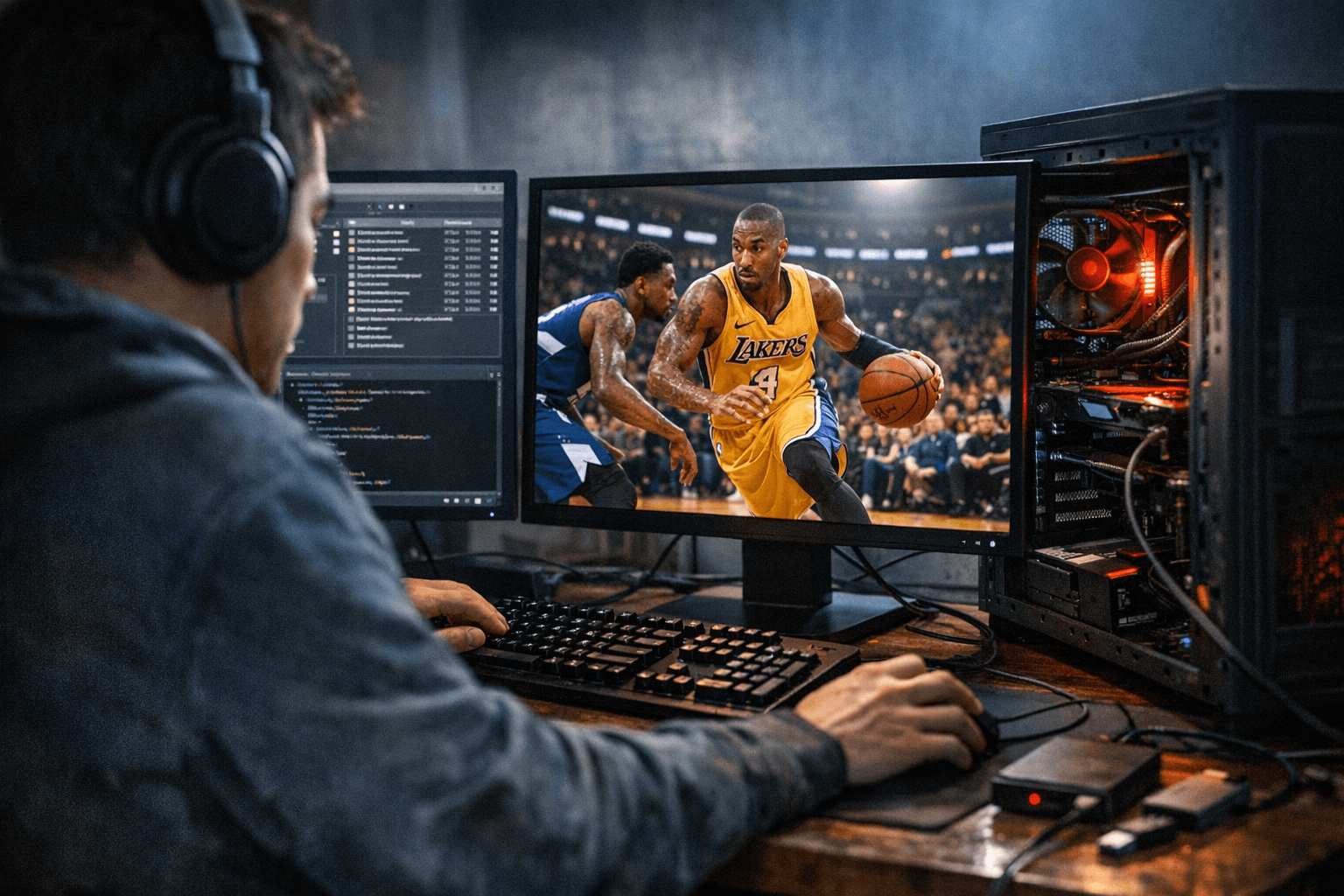
If you encounter crashes after installing mods, revert to your backups first, then verify game files via Steam or the launcher. Reintroduce mods one at a time to identify conflicts, and remove or replace the mod that triggers instability. Keeping detailed install notes or a simple spreadsheet of what you added and when makes troubleshooting quicker, and tagging mods with their version and author helps when updates roll out.
The PC mod community thrives on collaboration, with creators constantly updating files to match new NBA 2K patches. Staying disciplined with backups, a clean install option, and offline-only testing preserves the custom look and feel players crave without turning modding into a time sink of restores and re-installs. For players who value polished face scans, custom courts, and roster variety, these practices are the fastest path to a stable, enjoyable modded game—and to getting back on the virtual hardwood when something inevitably needs fixing.
Sources:
Know something we missed? Have a correction or additional information?
Submit a Tip