Simple Keyboard Tilt Adjustment Improves Typing Comfort with Minimal Cost
MakeUseOf’s Brandon Miniman reports that closing keyboard riser feet and letting a keyboard lie flat "immediately improved my typing comfort," citing a study chain that found "a 63% reduction in wrist extensor muscle activity."

MakeUseOf author Brandon Miniman wrote March 3, 2026 that a zero‑cost tweak — closing a keyboard’s riser feet so the board lies flat — produced an immediate comfort improvement. Miniman says, “Once I put my riser feet down so that my keyboard could lie flat, I immediately improved my typing comfort,” and the piece cites Ergonomicshelp.com’s reference to Simoneau, Marklin, and Berman (2003), which it quotes as finding "a 63% reduction in wrist extensor muscle activity when using negatively sloped keyboards."
Miniman frames the riser feet change as broad ergonomics advice, writing “It should be pretty clear that those cute little feet on your keyboard should be closed unless you're doing a photo shoot of your swanky home office setup and want to make your desk look good for a picture.” He argues flat is better for posture and wrist health, and explains the mechanism plainly: “When your keyboard is angled upward, it forces your wrists into extension, pinching the carpal tunnel and putting extra strain on the tendons in your wrists.” Miniman also identifies the change with his own experience, using the heading “I've struggled with carpal tunnel and wrist pain” and noting his newfound interest in mechanical keyboards after the adjustment.
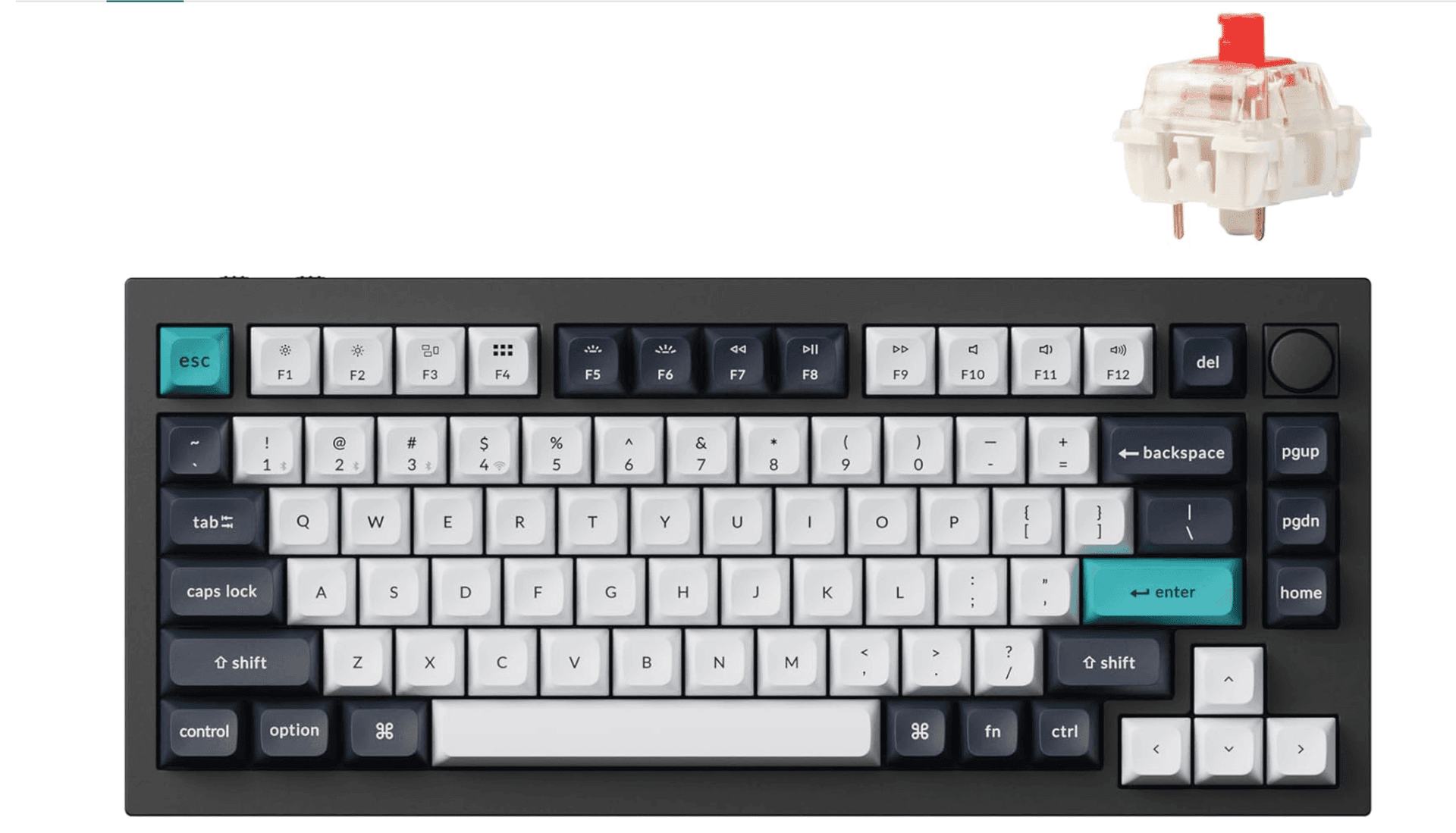
A separate community conversation surfaced an adjacent small‑change idea focused on laptop key layout. A Reddit thread titled “A Small Keyboard Layout Change That Could Massively Improve Ergonomics for Programmers” argues that the Ctrl key is “one of the most frequently used keys for shortcuts (copy, paste, undo, tab switching, text navigation, etc.), yet on most laptops it sits in the far bottom-left corner. This position forces the left pinky finger to stretch repeatedly, which isn't ideal for comfort or long-term ergonomics.” The poster contrasts that with Caps Lock, noting it “is rarely used by most people” and “takes up a large, easy-to-reach spot right where our pinky naturally rests,” and explicitly proposes: “Proposal: Swap the positions of Ctrl and Caps Lock in future keyboard designs.”
That Reddit post lists expected benefits in concrete terms: “Reduced finger strain during long coding or typing sessions.”; “Faster access to the most-used shortcuts.”; “A more efficient and ergonomic layout for professional users.” It also points out that “Some users already remap these keys via software (AutoHotkey, Karabiner, OS settings), but having this as the default hardware layout could make a huge difference, especially for power users and programmers,” and asks, “I’m curious — would other developers find this useful? Could this be a realistic design consideration for future laptops from companies like Lenovo, Dell, HP, etc.?”

The two threads converge on one practical takeaway: a no‑cost hardware tweak and inexpensive software remaps can both reduce strain right away. MakeUseOf emphasizes the riser feet step as immediate posture correction backed by the quoted 63% figure via Ergonomicshelp.com and Simoneau, Marklin, and Berman (2003). The Reddit suggestion offers a complementary path: remap Ctrl and Caps Lock now with AutoHotkey or Karabiner to reduce left‑pinky stretching, and raise the question of whether hardware defaults at manufacturers such as Lenovo, Dell, and HP might change in time.
For anyone with wrist pain, Miniman’s report underscores a simple action you can take today: close your keyboard’s riser feet and let the board lie flat, while the Reddit conversation points to easy software workarounds and a hardware layout debate that could shape future laptop designs for programmers and power users.
Know something we missed? Have a correction or additional information?
Submit a Tip