sudo-rs enables pwfeedback asterisks by default, Ubuntu 26.04 sparks debate
sudo-rs now enables pwfeedback by default, so Ubuntu 26.04 developer builds show asterisks for sudo passwords; admins can restore silence with Defaults !pwfeedback.
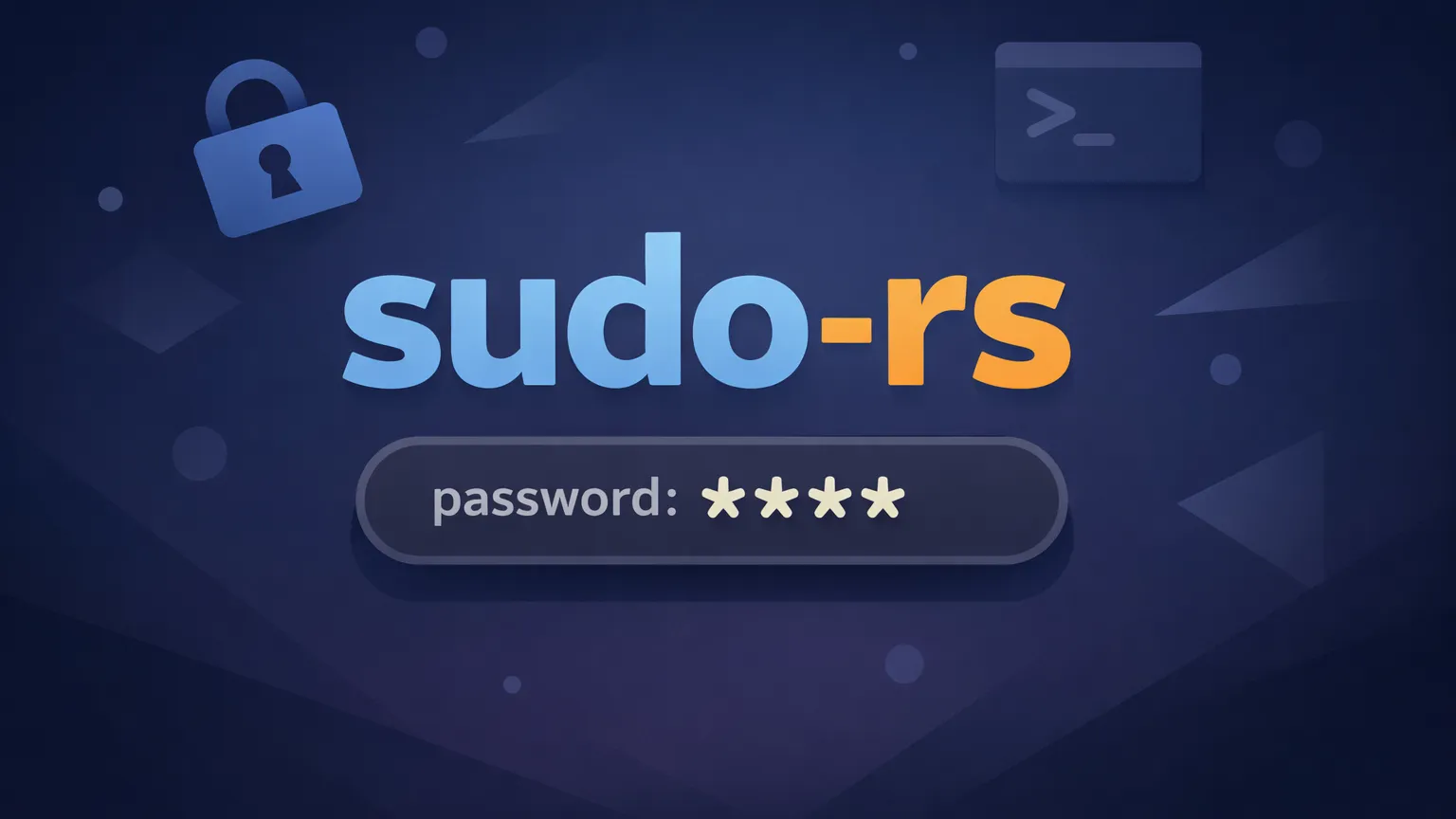
Upstream sudo-rs has flipped pwfeedback on by default, and Canonical has cherry-picked that change into Ubuntu 26.04 development builds, so when you run sudo on a Questing Quokka image you will see asterisks as you type your password. Ubuntu moved its sudo implementation to sudo-rs back in 25.10, and the new visual feedback is now present in recent 26.04 builds rather than in legacy sudo, which remains unaffected.
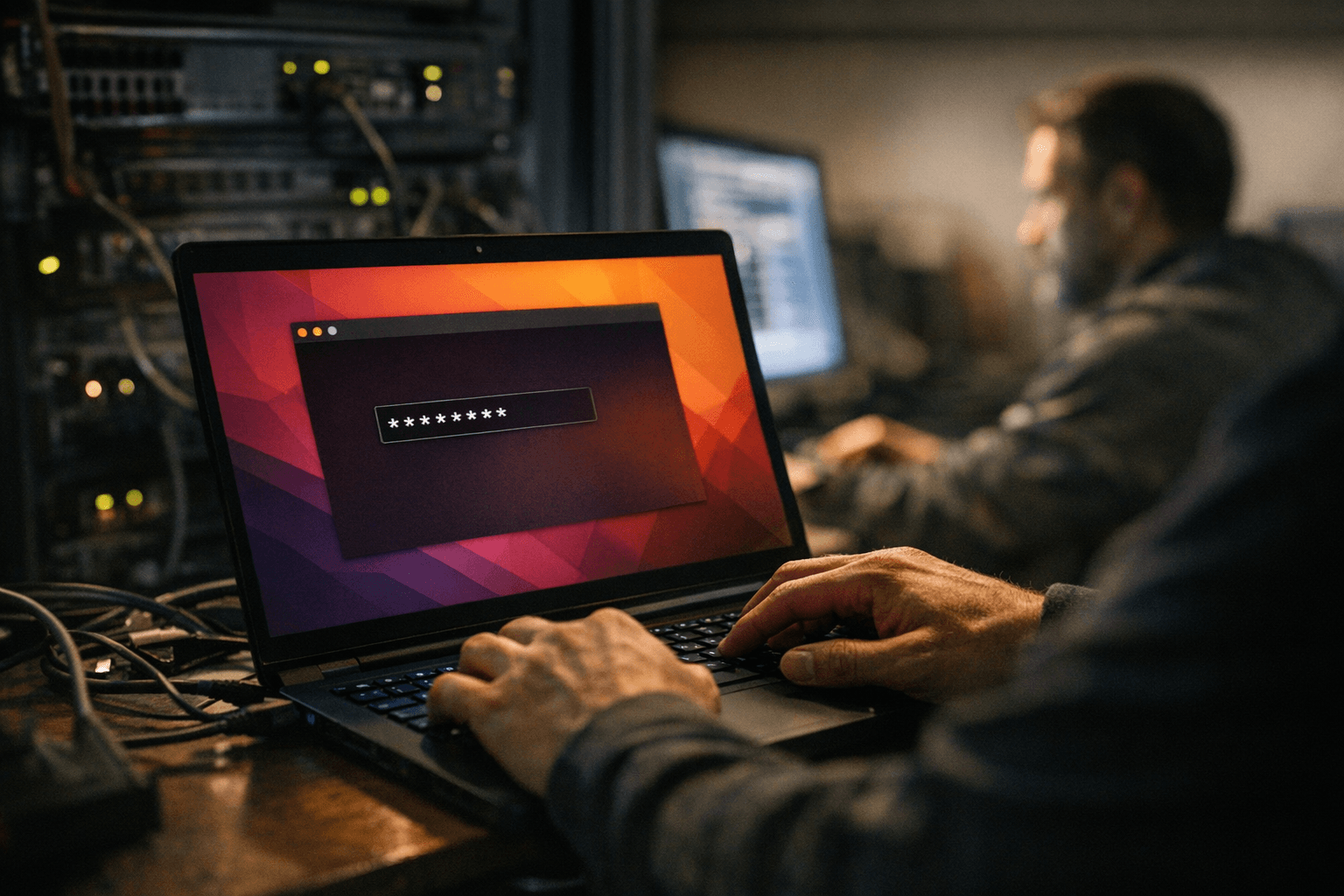
The technical toggle at play is the pwfeedback sudoers option. The visual feedback displays an asterisk for each character typed at the sudo prompt, and a FAQ-style excerpt reports the display "functions across all standard terminal environments within Ubuntu 26.04, including the default GNOME Terminal, alternative terminal emulators, and SSH sessions." That means local terminals and remote SSH sessions on affected images show the same visible feedback when sudo prompts for a password.
If you prefer the old silent behavior, the practical fix is already in the supplied materials: edit the sudoers file safely with sudo visudo and add the line Defaults !pwfeedback to /etc/sudoers. One editorial excerpt put it plainly, "Can I get the old behaviour back? Add `Defaults !pwfeedback` to `/etc/sudoers` using `sudo visudo`. Thereafter, your password will once again be greeted by stunned silence…" At the same time, a separate FAQ claim notes "Currently, Ubuntu has not documented configuration options to disable the asterisk display feature," a discrepancy that appears to be about official Ubuntu documentation rather than the existence of the sudoers mechanism itself.
The change has opened an active ticket and heated comments. One user in the bug report wrote, "Before this upgrade, as expected, typing a password in a terminal echos NOTHING. After this upgrade, I get STARS ECHOED. WHY?! This goes against DECADES of NOT ECHOING THE LENGTH OF THE PASSWORD TO SHOULDER SURFERS." An advocate in the same ticket countered, "Change the default so that asterisks are shown when entering passwords. It is still possibly to disable the asterisks by explicitly turning `pwfeedback` off. This fixes a major UX pain point for new users. Security is theoretically worse since password lengths are exposed to people watching your screen, but this is an infinitesimal benefit far outweighed by the UX issue. Outside of sudo/login no other password entry interfaces omit asterisks (including others on Linux)."
The change traces to an upstream conversation that began with a bug report in October requesting pwfeedback be enabled by default, and the upstream commit was merged roughly "two weeks" prior to the supplied development notes. One editorial aside captured the tone in the debate: "What’s the deadline on needing a strong opinion about this change? April 23, 2026. I’ll jot that down. Champ." Another summary noted, "Ubuntu has gone more than two decades without showing anything, and starting this April, asterisks will be visible."
Distributions such as Linux Mint had already opted to show password feedback by default, and a security-compatibility note in the materials states, "Organizations implementing zero-trust security models will find the asterisk display compatible with existing authentication frameworks and multi-factor authentication requirements. The visual feedback does not interfere with hardware tokens, biometric authentication, or centralized identity management systems integrated with sudo configurations." For now the change is live in sudo-rs-backed Ubuntu 26.04 developer images, the sudoers workaround restores the previous behavior, and the ticket thread indicates upstream maintainers do not appear to be backing down from making pwfeedback the default.
Know something we missed? Have a correction or additional information?
Submit a Tip