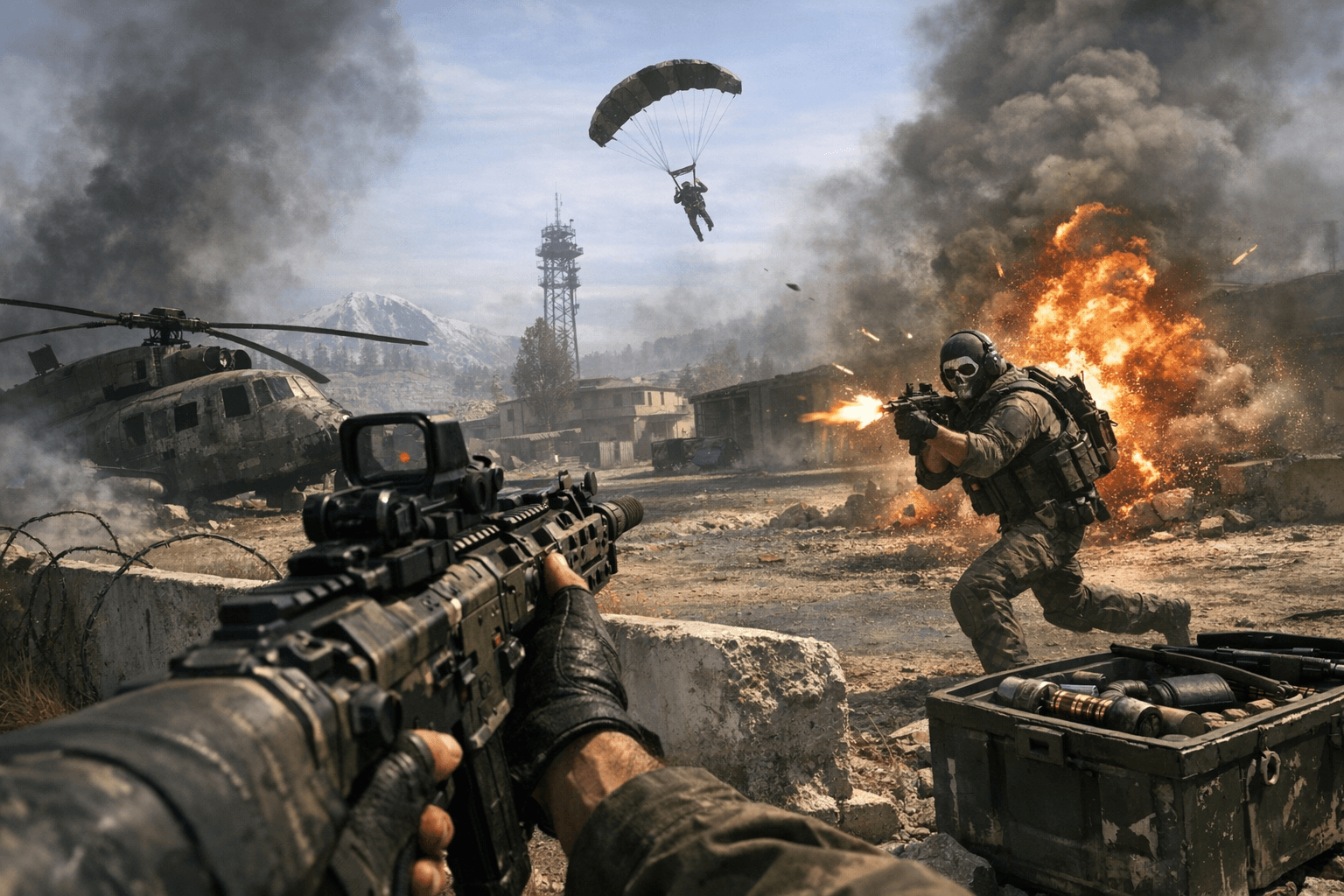
Warzone crashes spike after January update across platforms
Players reported frequent Warzone crashes after the January 9 update, affecting load screens, matchmaking, and partially downloaded preloads. This instability disrupted play and forced many to reinstall files.

Warzone players experienced a wave of crashes tied to the January 9 update, with reports showing instability across platforms including PS5 and PC. Crashes occurred at multiple points: during the game load sequence, when entering matches, and mid-game, leaving matches abandoned and progress interrupted for many squads.
Community posts timestamped between January 8 and 10 documented the problem as widespread and recent, with some clients disconnecting at menu load and others losing partially downloaded preloads that simply disappeared. Several players said the issue began or spiked immediately after installing the January patch, and many described the same practical fallout: corrupted or missing files, repeated crashes, and baffling errors that forced users to delete and re-download large game files to recover stability.
The impact is blunt and immediate for regular players. Ranked and seasonal progress can be lost when matches crash, and players with slower connections face long re-download times just to get back into rotation. Content creators and streamers are also affected; a single crash during a timed event or match can derail scheduled content. The workaround reported by multiple players has been to verify or reinstall game files, which for some restored stability but for others was a temporary fix until the next instability spike.
Why this matters: Warzone is a live-service title where update timing and client stability directly affect community momentum. When a patch introduces platform-spanning crashes, it fragments lobbies, strains servers with repeated reconnect attempts, and amplifies frustration in matchmaking. The cost in bandwidth and time for re-downloads also hits players on metered or slower connections disproportionately.
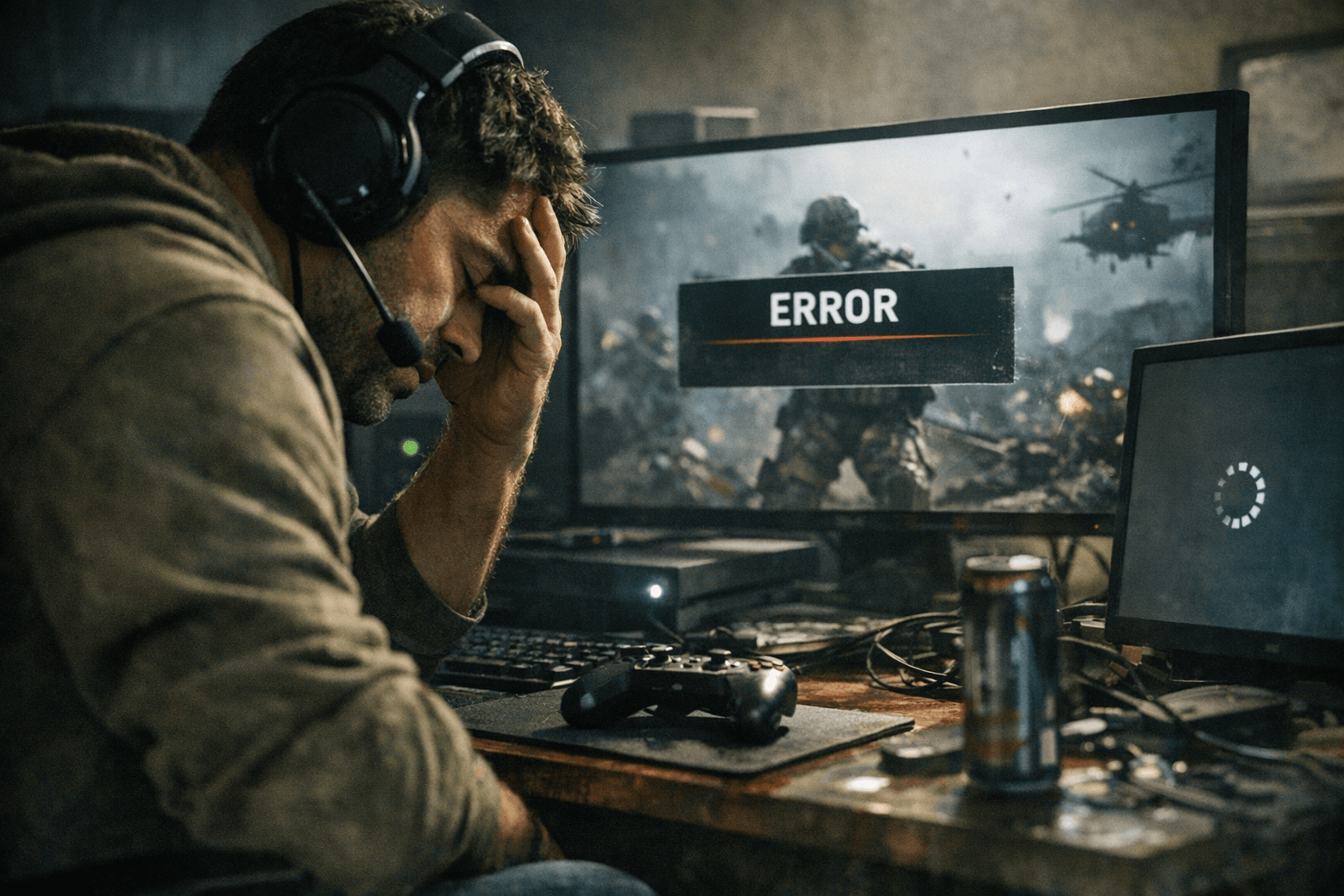
Practical steps to try now: restart your console or PC and router, check launcher options to verify or repair game files, and avoid launching the game immediately after an update if your region is reporting outages. If you must play, keep an eye on your preloads and pause cloud syncs where possible before installing updates to avoid losing partially downloaded content. Back up custom loadouts or settings if the client allows export so you can restore them after a reinstall.
The takeaway? Expect some turbulence after big patches and be ready to protect your time and data: verify files first, schedule large downloads for off-peak hours, and hold off on competitive play until a confirmed stability patch arrives. Our two cents? Treat the next few sessions as a tech check, fix the client, then bring the heat in the gulag.
Know something we missed? Have a correction or additional information?
Submit a Tip