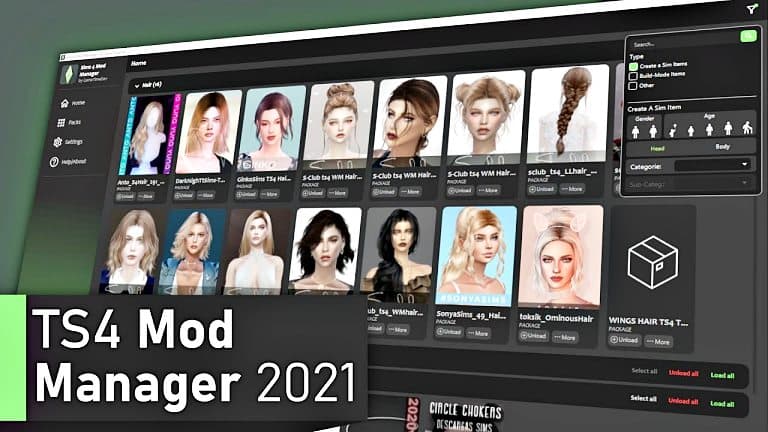
Where to find top Sims 4 custom content creators and packs
This guide highlights notable Sims 4 CC creators and recommended packs, with style notes and install tips to help you upgrade CAS, hair, and build content safely.

If you want to refresh your CAS closet, hair library, or build catalog without wading through low-quality downloads, this curated guide points you to trusted Sims 4 custom content creators and practical steps to use their work. Creators spotlighted include TwistedCat, Greenllamas, Arethabee, Ebonix, PeachyFaerie, and Cazysims, and the selections cover clothing, hair, furniture, and skins that fit a range of aesthetics from Maxis-match to alpha realism.
The list matters because creators differ in approach and compatibility. Some creators lean into Maxis-match—textures and palettes that blend with EA art direction—while others favor alpha styles that push realism with transparent edges and high-detail meshes. Expect broad hair options, diverse skin tones and blemish sets, clothing collections that suit both everyday and formal Sims, and furniture packs designed to slot cleanly into modern builds. That variety lets you curate a distinct look for each household without mixing items that clash visually or technically.
Practical value comes in the details. Start small: download one or two packs, test them in a new save, and confirm they behave in CAS and build mode. Back up your Mods folder before adding new files so you can roll back if something causes errors. Enable custom content and script mods in your game settings when a creator’s item requires scripts. After major game updates, temporarily remove or disable mods until creators publish compatibility notes. Keep an eye on creator pages for version tags or notes about required packs or expansions.
Compatibility reminders will save you time. Remove outdated packages and duplicate meshes, clear the Sims cache folders after installs, and use package-viewing tools to spot conflicts if you have a large mod library. Organize mods into labeled folders so you can isolate new content during troubleshooting. For alpha hair and detailed skin overlays, check whether meshes require base meshes or replacement files; mismatched mesh versions are the most common source of clipping and visual glitches.

This community-friendly guide is meant to reduce CC drama and help you get the most from creators who are consistently recommended by players. Try mixing a Maxis-match clothing set with an alpha hair that has multiple recolors for fast, high-impact makeovers. Test items in-building and CAS to confirm scale and textures before committing to long play sessions.
What this means going forward is simple: curate intentionally, keep your Mods folder tidy, and follow creator notes after patches. Do a small trial run with a few picks from the creators named here, then expand your collection once you confirm stability and style cohesion.
Sources:
Know something we missed? Have a correction or additional information?
Submit a Tip