Widespread NBA 2K26 PC crashes and input issues plague players
PC players report crashes, freezes and controller input errors in NBA 2K26, disrupting online matches and MyCAREER progress.
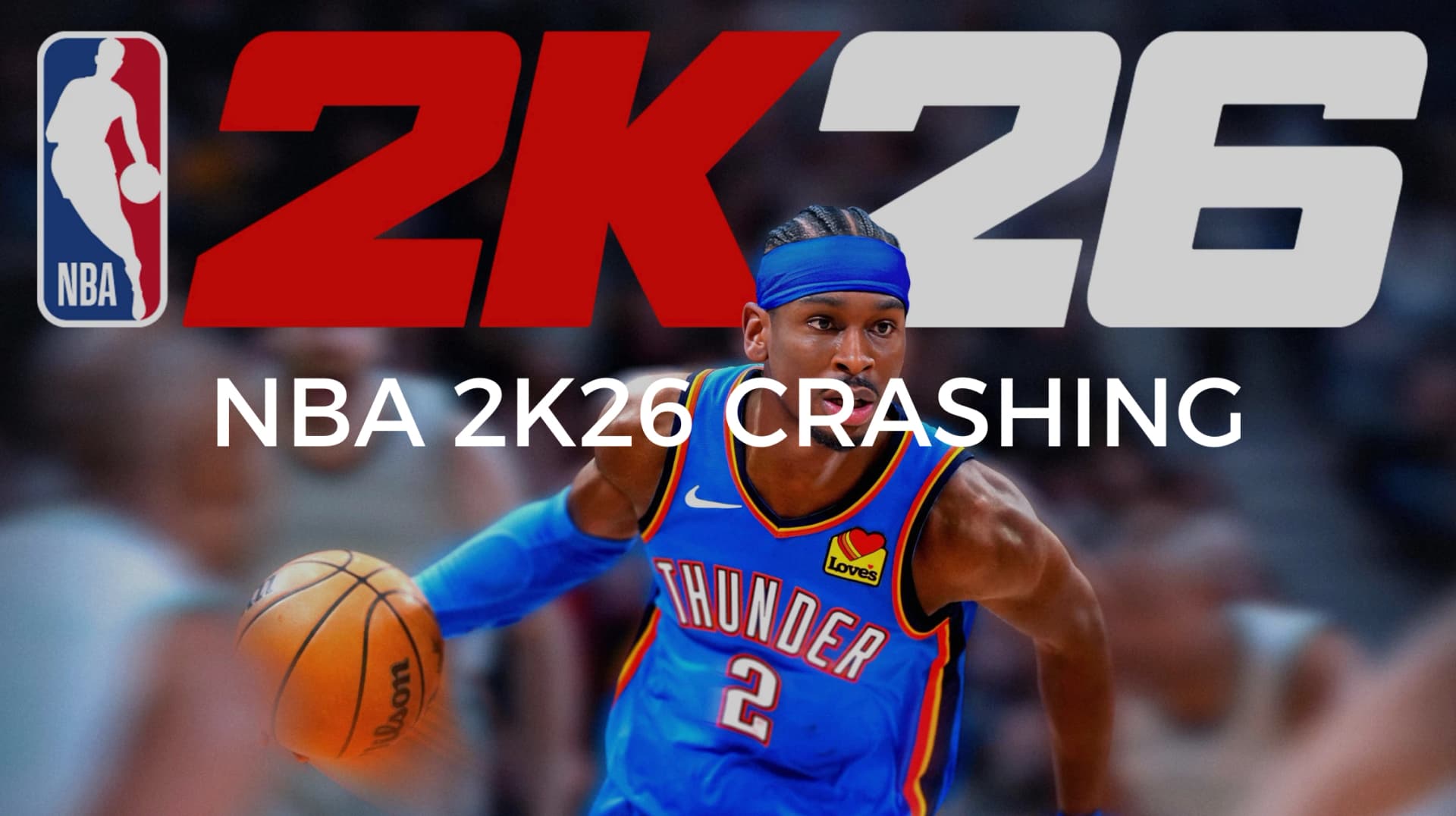
A wave of PC stability problems in NBA 2K26 has left some players unable to finish games or advance MyCAREER, with community threads documenting hangs, input anomalies and connection troubles since early January. Primary reports surfaced around January 10 and 11, and affected users say the issues persist for a subset of PC builds and network setups.
Players consistently describe the same failure modes. Games will hang at pre-game or team selection screens and then crash to desktop while audio continues, erasing progress. Others face long load stalls or outright freezes during MyCAREER matches that end in a crash. Controller behavior on PC is also problematic for some users: MyPLAYER moves without input or inputs feel like they are sticking, making plays and on-ball defense unpredictable. Several posts note online login and connection problems on home networks that temporarily clear up when switching to a mobile hotspot, pointing to possible routing or NAT issues with certain ISPs.
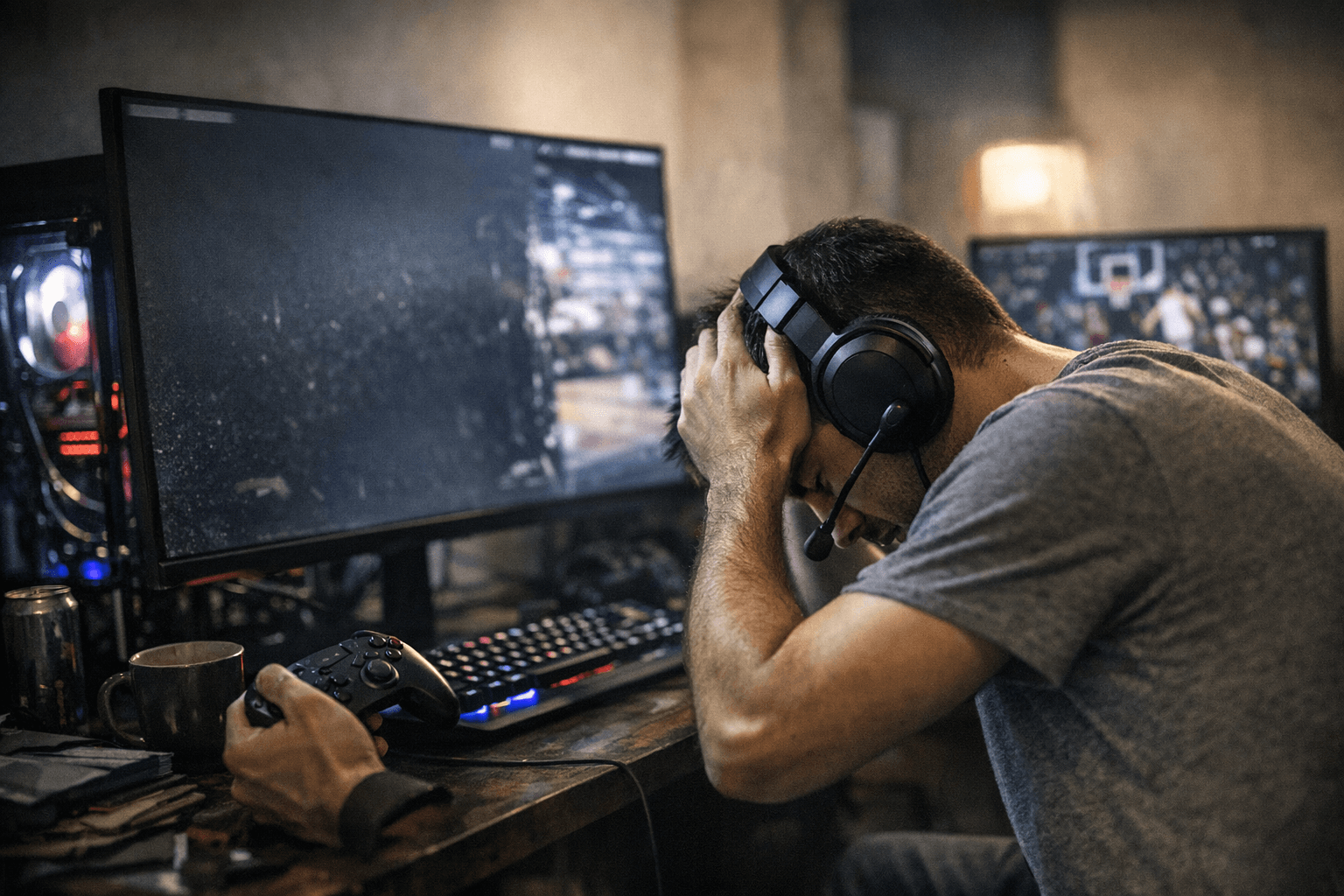
Community troubleshooting has converged on practical, repeatable steps that can help isolate or mitigate the problems. Verify and repair game files through your platform client, update GPU drivers and Windows to the latest stable releases, and disable overlays such as Discord or Steam while you play. Players also report better stability using wired controllers with native XInput support rather than relying on adapter layers. Lowering graphics settings or disabling ray tracing has helped some users escape crashes tied to rendering. Collecting crash logs and timestamps is widely recommended before contacting support so you can document exactly when and how a failure occurs.
These issues matter because they interrupt progress in online modes and MyCAREER, where lost matches and aborted sessions translate directly into wasted time and stalled player progression. If you are affected, file a support ticket with 2K and include full system specs, driver versions, exact steps to reproduce the crash, timestamps, and any collected crash logs. That information increases the odds of a targeted response and helps engineers reproduce the bug.
For now, apply the community troubleshooting checklist and test whether a wired controller or a mobile hotspot changes your experience. Keep crash logs and reproduction steps ready, and submit them to 2K support. The quicker affected players deliver detailed reports, the faster developers can prioritize fixes and push stability updates that everyone can enjoy.
Know something we missed? Have a correction or additional information?
Submit a Tip