WinUAE 6.0.3 Fixes 6.0.2 Chipset Bug Causing Game Display Corruption
If 6.0.2 mangled sprites in Back in Bizness, 2000AD, or Sly Spy, grab WinUAE 6.0.3—Toni Wilen's March 3, 2026 point update reverses that chipset regression and a raft of display and device fixes.
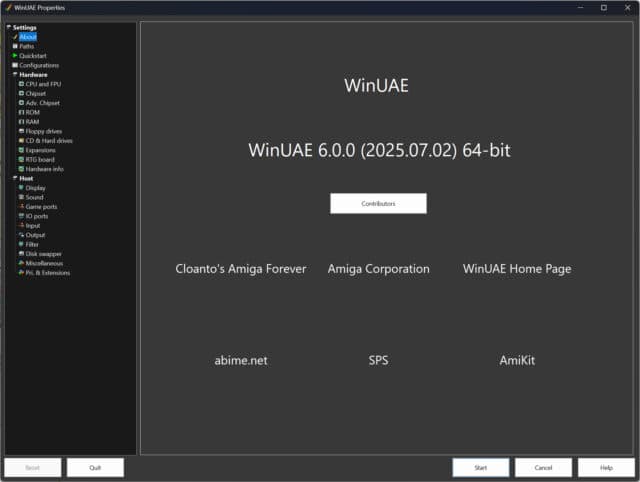
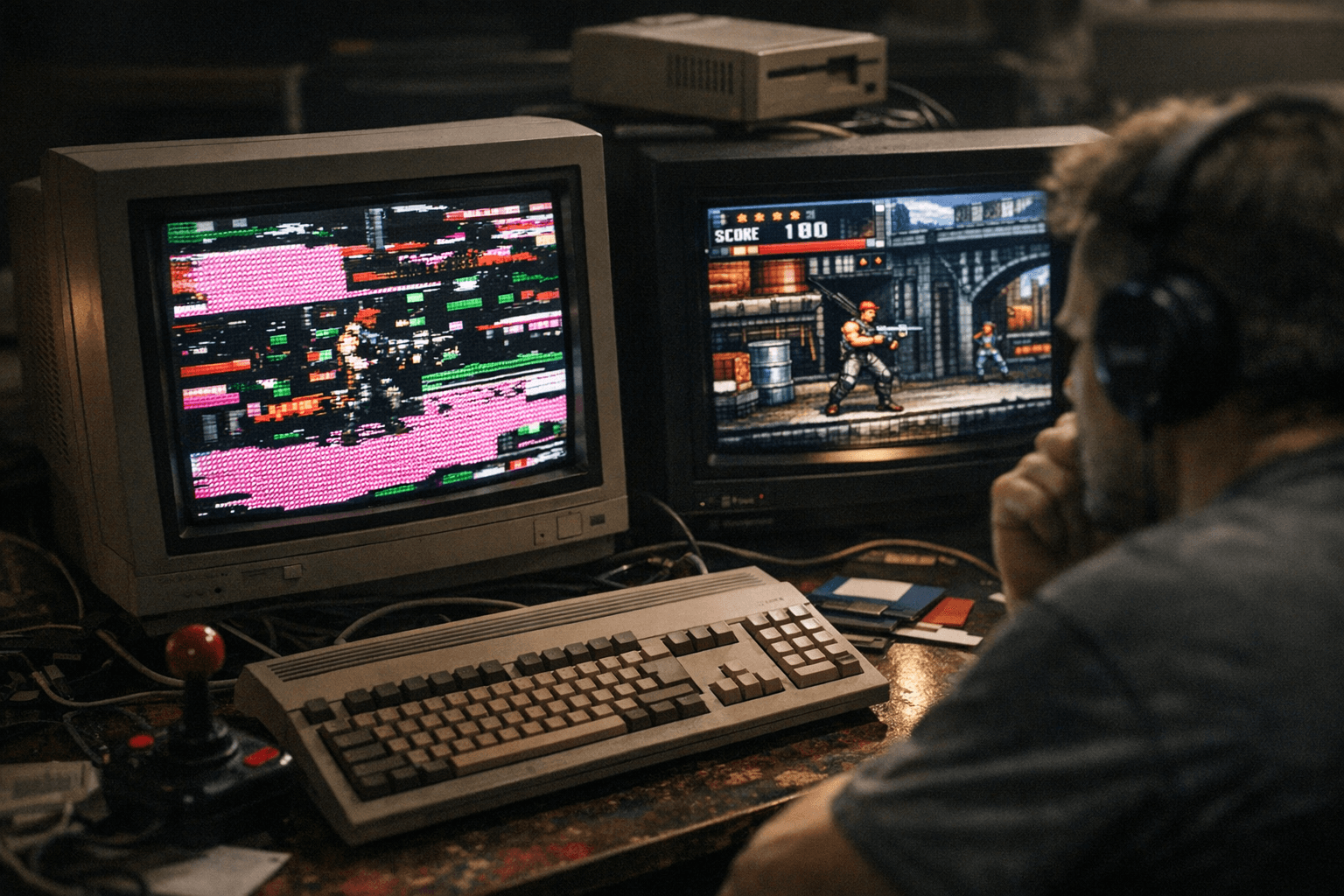
Update to WinUAE 6.0.3 if you saw garbled graphics or random crashes after upgrading to 6.0.2. The WinUAE blog post credited to developer Toni Wilen lists a targeted patch that says, "Fixed chipset emulation bug introduced in 6.0.2. Fixes display corruption in Back in Bizness / 2000AD, Sly Spy, probably others too."
WinUAE 6.0.3 is a point update in the 6.0.x series published March 3, 2026 on the emulator project's official blog and credited to Toni Wilen. The changelist in the official post focuses on chipset regressions, display drawing and timing, device adapter support, and several statefile and UI quirks introduced or revealed by 6.0.2.
Chipset work is front and center. In addition to the quoted regression fix for Back in Bizness / 2000AD and Sly Spy, the changelist includes "OpalVision crash fix. [...] Custom chipset emulation fixes." The post also shows an ellipsis before "Rarely used chipset collision register fix," which suggests some less common collision-edge cases were addressed alongside the headline regression.
Display and timing corrections are numerous and specific. The changelog records that the "Bottom right OCS Denise blanking bug was not visible in Overscan+ mode," that "In some situations fast drawing mode had unstable vertical blank interrupt trigger (sometimes 1 line too early) and long/short line detection was wrong," and that "HIGHGFX SuperHires + interlace screen mode got corrupted when screen was dragged down in fast drawing modes." The update also fixes a dangerous drawing overflow: "Display drawing could overflow output buffer by drawing 1 pixel more than fits in the buffer and causing random crashes."
Peripherals and adapter support saw concrete restorations. The changelist says "A2024 and other display port adapters work again" and notes "S3 Virge PCI was broken," implying those video adapter regressions are addressed. Networking and input fixes include a "TCP serial mode hang fix" and "Lightpen fixes (For example blank screen or trails in some configurations)."
File handling and UI behavior were not ignored. The changelog records that "Add Harddrive didn’t always mount the drive at boot even if it was selected" and warns that "Restoring statefile with active blitter may not have restored blitter state correctly." It also lists "Status bar Power and DFx: offset when selecting with a mouse click" and that "Native/RTG autoswitch didn’t default to enabled." Output-wise, the update promises to have "Fixed AVI Output wrong colors, possible vertical jitter and possible crashes."
The supplied changelist contains ellipses in two places, which indicates the extract may not show every fix present in the full WinUAE blog post. For users running the affected titles, using A2024 adapters, or relying on fast drawing and interlaced modes, installing 6.0.3 should restore correct rendering and reduce crashes tied to the one-pixel overflow and timing regression; the fixes were published March 3, 2026 on the WinUAE blog and credited to Toni Wilen.
Know something we missed? Have a correction or additional information?
Submit a Tip