How to Create Custom Baby Shower Invitations Using Free Online Tools
Free tools like Invitfull, Canva, and Evite make custom baby shower invitations faster than ever; here's exactly how to pick, personalize, and send them right.
What Do You Need to Include on a Baby Shower Invitation?
Every baby shower invitation needs seven core pieces of information. Miss any one of them and guests will be texting you the day before.
- Parent-to-be's name (first name is fine for casual showers; full name for formal ones)
- Date and start time (include an end time if the shower runs on a schedule)
- Location (full address, not just a venue name)
- RSVP deadline and contact (phone, email, or a direct link)
- Host name (especially important for showers hosted by someone other than the parents)
- Registry information (optional by etiquette, but most guests expect it)
- Dress code or theme note (only needed if guests must prepare, such as a costume theme or outdoor garden party)
The registry question trips people up most. Including a registry link directly on the invitation is now widely accepted, particularly for digital invites where a clickable link is genuinely useful. The old rule against it applied mainly to printed cards where a link felt transactional; on a digital platform, it saves guests a search.
Where Can I Make Baby Shower Invitations Online for Free?
Several platforms offer genuinely free baby shower invitation tools, and a few charge per invite. Here is an honest side-by-side.
| Platform | Free Tier | Price (Paid) | Digital or Print | Customization Depth | Best For |
|---|---|---|---|---|---|
| Invitfull | Fully free, no ads, no tiers | $0 always | Digital | AI generates full design from text description; RSVP, event wall, registry, guest messaging | Hosts who want a complete, zero-effort setup fast |
| Canva | Free with limitations | Pro from ~$15/mo | Digital + print-at-home | Deep drag-and-drop editor; thousands of templates | Design-forward hosts comfortable in an editor |
| Evite | Free designs available | Premium ~$19.99/event | Digital | 485+ designs; RSVP dashboard, registry links, text/email delivery | Quick digital sends with solid tracking |
| Paperless Post | Limited free coins | ~$2-$4 per invite | Digital + some print | Stickers, custom stamps, Photo Gallery Block, Page Styles | Polished, upscale digital invitations |
| Basic Invite | No free tier | Priced per quantity | Print (mailed) | Upload your own design or customize templates; Love It Guarantee | Physical printed cards with professional finish |
| Greenvelope | Limited free | ~$2-$4 per invite | Digital | Formal templates, animation, RSVP tracking | Formal or corporate-adjacent showers |
| Partiful | Fully free | $0 | Digital | Simple, modern templates; event page with RSVP | Casual, social-media-native audiences |
Invitfull is completely free with no premium tiers, paywalls, or ads, and creates a personalized invitation from a plain-text description in under 60 seconds. Paperless Post and Greenvelope have premium designs starting around $2 to $4 per invite after their limited free allowances. Evite Premium removes ads and unlocks additional designs, typically priced around $19.99 per event, with RSVP tracking available on both tiers.
What Should I Write on a Baby Shower Invitation?
Fill-in-the-Blank Wording Formulas by Shower Type
Copy these directly. Replace the bracketed fields with your details.
Classic First Baby:
> Please join us for a baby shower honoring [Mom's Name]! We're celebrating the arrival of Baby [Last Name]. Join us on [Day, Date] at [Time] at [Venue/Address]. Hosted by [Host Name]. RSVP by [Date] to [Contact]. Registry at [Link].
Sprinkle (Second Baby):
| > [Parent's Name] is expecting again! Join us for a little sprinkle to celebrate. [Date] | [Time] | [Address]. Hosted by [Host Name]. RSVP to [Contact] by [Date]. A small gift is always welcome but never required. |
|---|
Co-ed / Couples Shower:
| > [Mom's Name] and [Dad's Name] are having a baby! Come celebrate with both of them at a couples shower. [Date] at [Time] | [Venue, Address]. Hosted by [Host Names]. RSVP by [Date] to [Contact]. |
|---|
Virtual Shower:
| > We're throwing a virtual baby shower for [Mom's Name]! Join us online to celebrate. [Date] | [Time] [Time Zone] | Zoom link: [URL]. RSVP by [Date] so we can send your party package to [Address]. |
|---|
Before-and-After Wording Mistakes
Mistake: "Please join us in celebrating our new arrival!" Problem: No name, no date, no location. Reads like a draft. Fix: "Please join us in celebrating the arrival of baby [Last Name], born to [Mom] and [Dad], on [Date] at [Time] at [Venue]."
Mistake: "RSVP appreciated." Problem: No deadline, no contact. Guests will procrastinate indefinitely. Fix: "Please RSVP by [Date] to [Name] at [Phone/Email]."
Should I Send Digital or Printed Baby Shower Invitations?
The right format depends on three factors: your guest list's age range, your budget, and your timeline.
- Most guests are under 50 and check email or texts regularly
- You need to send invitations within the next 3-4 weeks
- Your budget is limited (Evite, Partiful, and Invitfull are all free)
- You want built-in RSVP tracking without a spreadsheet
Choose digital if:
- A significant portion of guests are elderly or not reliably online
- The shower is formal (a printed card signals the occasion's weight)
- You want a keepsake the parent-to-be can save
- You have at least 6-8 weeks before the event date
Choose printed if:
Basic Invite handles print-at-home and professionally mailed cards with a "Love It Guarantee." Canva and Greetings Island both support print-at-home downloads alongside their digital options. For a mixed guest list, a hybrid approach works well: send digitally to tech-comfortable guests and mail printed cards to older relatives.
How Far in Advance Should I Send Baby Shower Invitations?
Send digital invitations 3-4 weeks before the shower. That window gives guests enough time to clear their schedules without letting the event slip out of mind.
For printed invitations, work backwards: order cards 6-8 weeks out to allow for production and shipping time from vendors like Basic Invite or Vistaprint, plus postal delivery. If you are mailing to out-of-town guests, add an extra week.
How Do I Customize a Baby Shower Invitation Template?
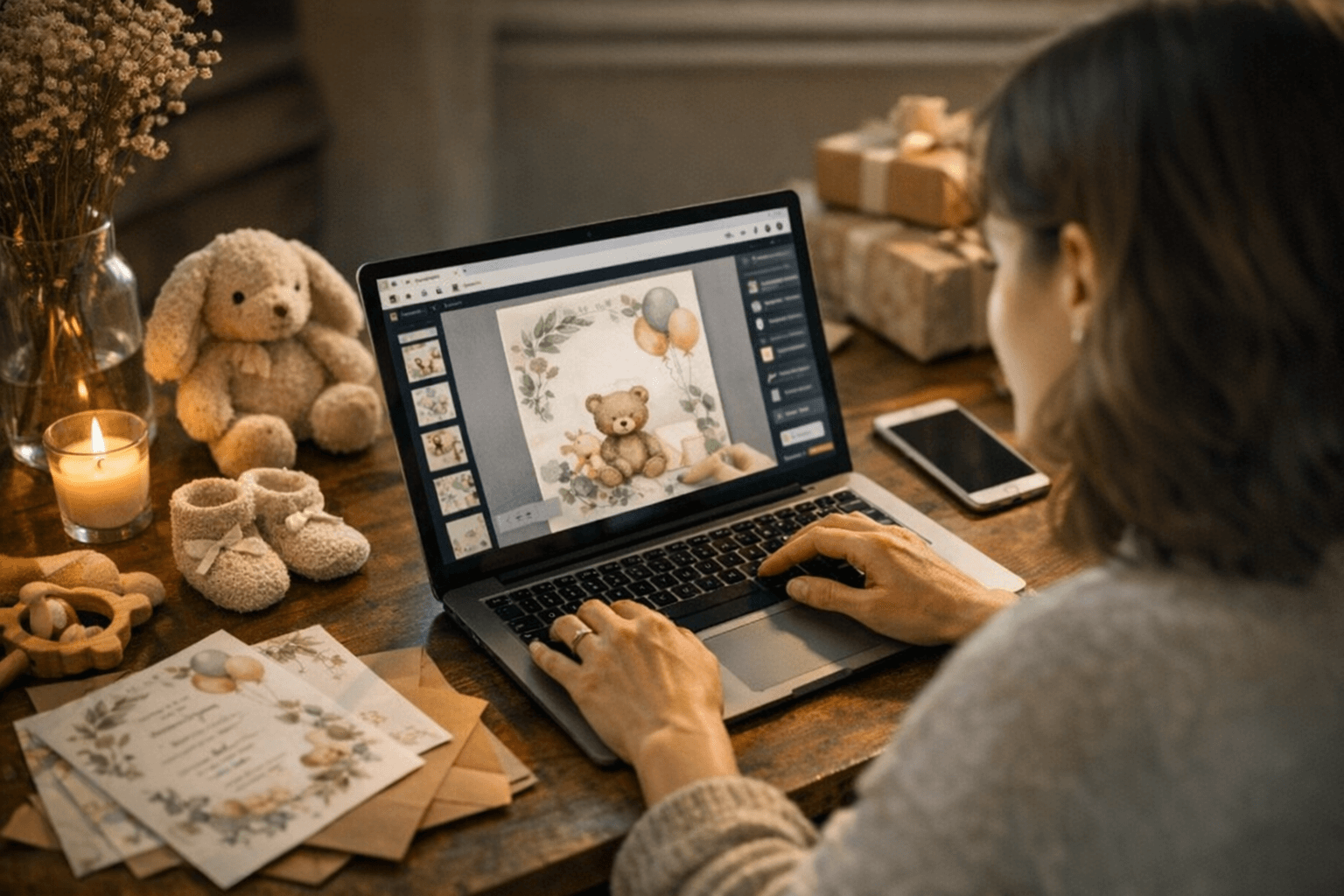
Every platform listed above uses a variation of the same four-step workflow.
1. Pick a template. Narrow by theme first: floral, woodland animals, gender neutral, modern minimalist. Evite alone offers over 485 baby shower designs organized by theme, including dedicated Baby Sprinkle and Gender Reveal categories.
2. Edit the text. Replace placeholder copy with your event details. Use the fill-in-the-blank formulas above as your draft.
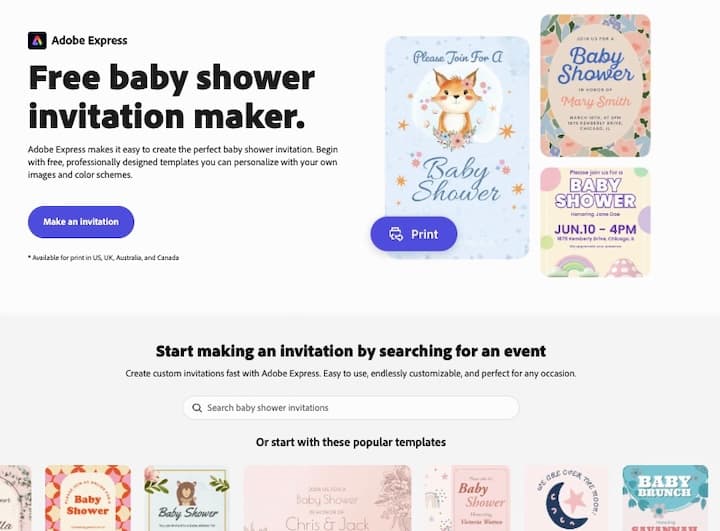
3. Adjust colors and fonts. On Canva, every element is drag-and-drop. Paperless Post lets you choose a Page Style and custom color palette. Adobe Express offers font-pairing suggestions built into the template. Greetings Island supports font changes and sticker overlays.
4. Add a photo. Paperless Post supports a Photo Gallery Block, ideal for including pregnancy photoshoot images. Canva accepts uploaded photos in any template. Evite lets you upload a custom design in square, landscape, or portrait format.
Accessibility Tips for Digital Invites
- Use a minimum font size of 16px for body text so guests on mobile can read without zooming.
- Check that text-to-background color contrast meets WCAG AA ratio (at least 4.5:1). Tools like Adobe Color's contrast checker can verify this in seconds.
- Preview the invitation on both a phone and a desktop before sending. Most platforms show a mobile preview in-editor, but sending a test to yourself catches rendering issues.
- Avoid placing critical text (date, address) inside a decorative graphic where screen readers cannot parse it.
Frequently Asked Questions
Where can I get free baby shower invitation templates?
Invitfull is completely free with no premium tiers, paywalls, or ads, and generates a personalized invitation from a text description in under 60 seconds. Canva and Evite also offer free template libraries. Partiful is free with modern, minimal designs suited to casual crowds. Paperless Post and Greenvelope have premium designs starting around $2 to $4 per invite after their limited free allowances, making them better suited to hosts who want upscale aesthetics and are willing to pay per send.
Can I customize a digital baby shower invitation template myself?
Yes, no design experience is required on any major platform. Invitfull generates a complete design from a plain-text description with no editing needed at all. Canva and Paperless Post use drag-and-drop editors where you click directly on text or images to swap them out. Adobe Express includes guided font-pairing and layout suggestions. For all platforms, the full customization loop, including color adjustments, photo uploads, and wording edits, typically takes under 15 minutes.
How early should I order or send baby shower invitations?
Send digital invitations 3-4 weeks before the shower. For printed invitations, place your order 6-8 weeks in advance to allow for production, shipping from the printer, and postal delivery to guests. If you have out-of-town attendees or are using a vendor like Basic Invite that offers a sample proof step, build in one additional week. Last-minute digital invitations can go out on platforms like Evite or Invitfull with same-day delivery and immediate RSVP tracking.
This article was produced by Prism’s automated news system from verified source data, official records, and press releases, then run through automated quality and moderation checks before publishing. The system is built and supervised by the people who set the standards it runs under. Read our full AI policy.
Did this article answer your question?