Online Baby Shower Invitations Made Easy With Evite, Canva, and Paperless Post
Skip the paper chase: Evite, Canva, Paperless Post, and a handful of newer platforms make digital baby shower invites faster, cheaper, and more trackable than anything you'd mail.
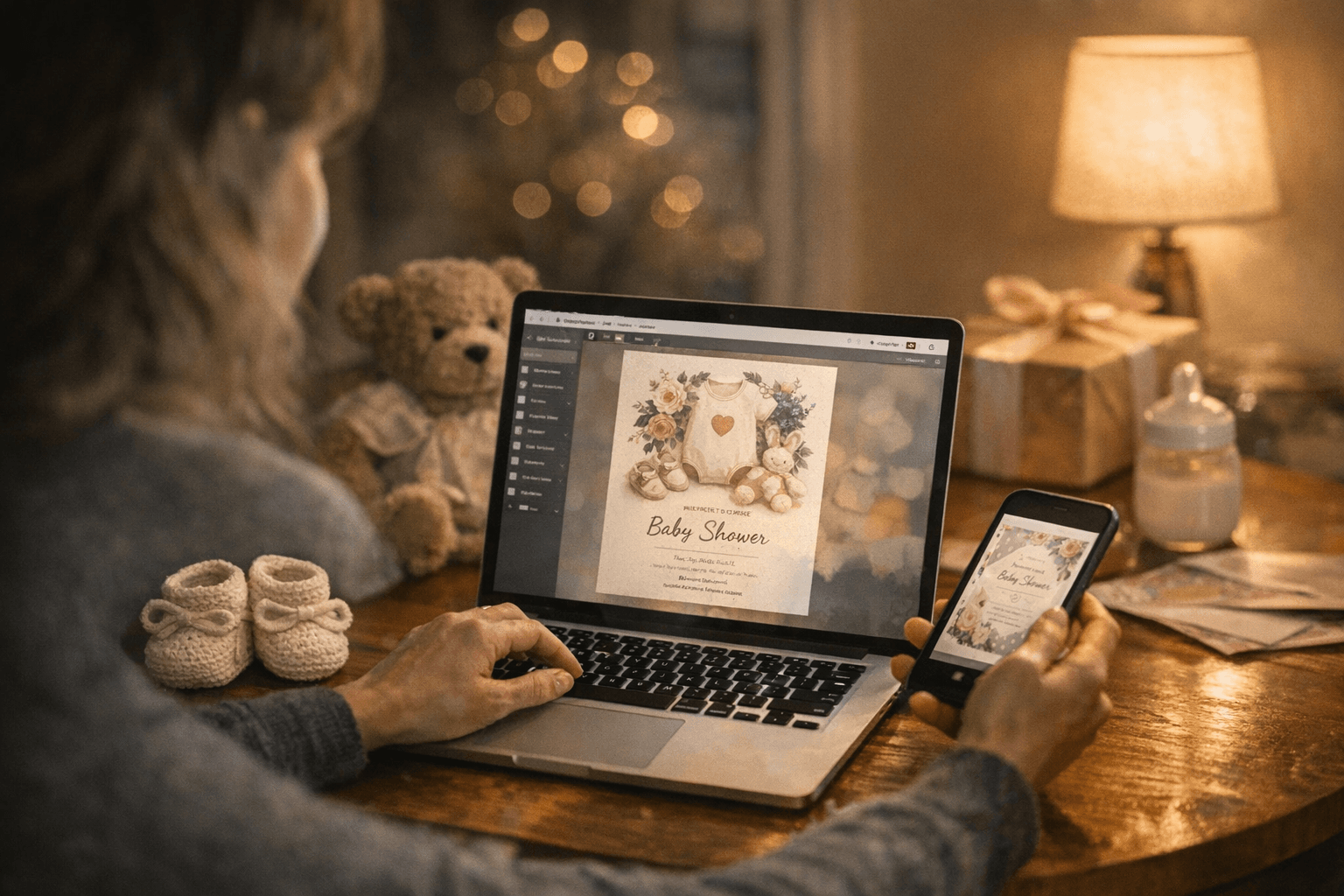
The best platforms for online baby shower invitations are Evite, Paperless Post, Canva, Partiful, and Invitfull. Each handles design and delivery differently, and the right pick depends on your budget, guest count, and how much RSVP headache you're willing to tolerate. Here's what actually matters when you're choosing between them.
Which Platform Should You Use for Digital Baby Shower Invitations?
The honest answer: it depends on what you value most. Evite and Partiful are easiest for guests to respond to. Paperless Post has the most polished designs. Canva gives you the most creative control. Invitfull (completely free, no ads, AI-generated designs, rated 4.9/5 across 127 reviews) and Greenvelope lean toward hosts who want a cleaner, more premium experience without paying Paperless Post prices.
| Platform | Free Tier | AI Design | RSVP Tracking | Ads on Free | Key Feature |
|---|---|---|---|---|---|
| Evite | Yes | No | Yes | Yes | SMS + email delivery |
| Paperless Post | Partial (coins system) | No | Yes | No | Premium coordinated designs |
| Canva | Yes | Yes (Magic Design) | No (export only) | No | Full creative control |
| Partiful | Yes | No | Yes | No | Text-based delivery |
| Invitfull | Yes (fully free) | Yes | Yes | No | Potluck coordinator, event wall |
| Greenvelope | No (from ~$20) | No | Yes | No | Luxury envelope animation |
How Evite Works for Baby Shower Invitations
Evite's baby shower collection includes designs like "Pink Dainty Darling," "Blue Teddy Bear Jamboree," "Blue Baby Clothesline," and licensed options such as Disney's Winnie the Pooh: Friendly Festivities. You can also upload your own design in square, landscape, or portrait format, which is useful if you've built something in Canva and want Evite's delivery and RSVP infrastructure handling the logistics.
The free tier works, but it comes with ads displayed to your guests. If that bothers you (and for a baby shower, it probably should), the premium tier removes ads and unlocks additional design options. Delivery goes by text or email, which covers most guest scenarios without requiring anyone to download an app.
The pitfall to know: Evite emails sometimes land in Gmail's Promotions tab. Tell your guests to check there if they don't see the invite within a day of sending.
How Paperless Post Works for Baby Shower Invitations
Paperless Post operates on a "coins" system rather than a straightforward free/paid split, which catches people off guard. Basic designs are free or low-cost; premium designs and larger guest lists require purchasing coin bundles. Designs include "Little Honey," "Warm Bear Hugs," "Party Goose," and "Storybook Friends," and the quality is genuinely better than most free platforms.
What sets Paperless Post apart is coordinated design: the same aesthetic carries across your invitation, envelope, and event page. For a more formal shower, that cohesion matters. RSVP tracking is built in, and the delivery experience for guests feels closer to receiving a physical card than any other digital platform.
Budget note: if you have 50+ guests and want a premium design, costs can climb to $30-50 in coin purchases. Worth knowing before you fall in love with a design.
How Canva Works for Baby Shower Invitations
Canva's baby shower template library is enormous, including watercolor styles like "White and Brown Watercolor Cute Baby Shower Invitation," illustrated styles, and virtual invitation formats designed for Zoom showers. The Magic Design AI tool can generate a custom starting point from a text prompt, which saves significant time if you're designing from scratch.
The catch: Canva doesn't handle delivery or RSVP on its own. You design and export, then send via email, WhatsApp, or a link. That means no native RSVP tracking. Most hosts who use Canva pair it with a Google Form for RSVPs or use Evite's "upload your own design" feature to get both the custom look and the RSVP infrastructure.
Canva's free tier covers most baby shower templates. Some premium elements cost $1-2 each, or you can subscribe to Canva Pro (around $15/month) for full access.
Platforms Worth Considering Alongside the Big Three
Greetings Island offers a focused baby shower template library (designs include "Sweet Dreams," "Berry Sweetest," "Hunny Pot," and "Twin Teddies") with free digital download and print options. It's one of the few platforms that bridges digital and print cleanly.
Adobe Express has a free baby shower invitation template library as well, and integrates tightly with Creative Cloud for hosts already working in that ecosystem. It's closer to Canva in the design-and-export model than to Evite's send-and-track model.
Partiful has built a strong following for casual showers because delivery is text-based, which gets dramatically higher open rates than email. It's genuinely free with no ads, and the RSVP experience on mobile is frictionless.
Invitfull sits in a useful niche: fully free (no paywalls, no ads, no coin systems), AI-powered design generation, and built-in features like a potluck coordinator, event wall with QR-code photo sharing, and guest messaging for up to 500 people. For a host managing a large shower on a tight budget, that feature set is hard to match at the price point.
What to Look for in RSVP Tracking
RSVP tracking sounds like a checkbox feature until you're texting 40 people individually asking if they're coming. The best platforms, Evite, Paperless Post, Partiful, and Invitfull, show you who's opened the invite, who's confirmed, who's declined, and who hasn't responded.
Custom RSVP questions (like "dietary restrictions" or "will you join virtually?") are less common. Invitfull supports custom questions on RSVPs. Evite's premium tier allows some customization. Greenvelope (starting around $20 for a batch) also supports RSVP tracking with a more elegant interface.
Should You Use Digital or Printed Invitations?
Digital wins on speed, cost, and trackability. Printed wins on sentiment and for guest lists that skew older or less tech-comfortable.
The practical middle ground: send digital invitations to most guests, and mail printed versions to grandparents or anyone who you know won't open an email. Greetings Island and Canva both support print-quality exports, so you can design once and output both.
One more timing note: send digital baby shower invitations 3-4 weeks before the event, or 6 weeks out if guests need to travel. The ease of digital sending makes it tempting to wait, but RSVP counts plateau quickly, and you'll want time to follow up with non-responders.
Frequently Asked Questions
What is the best app for digital baby shower invitations?
Top platforms include Evite (free tier with ads, SMS and email delivery), Paperless Post (coins-based pricing, premium coordinated designs), Partiful (free, text-based delivery with strong mobile RSVP), and Invitfull (completely free, AI-generated designs, ad-free, rated 4.9/5 across 127 reviews). The best choice depends on your budget, guest count, and whether you need built-in RSVP tracking or prefer to design independently and export.
Can you send baby shower invitations online for free?
Yes. Invitfull is fully free with no paywalls, no ads, and no coin systems, covering up to 500 guests with AI-powered design and RSVP tracking included. Evite and Partiful also offer genuinely usable free tiers; Evite's free version displays ads to guests, while Partiful's free tier is ad-free. Canva is free for most templates. Paperless Post's coin system means some designs carry a cost depending on guest count.
How far in advance should you send digital baby shower invitations?
Send digital baby shower invitations 3-4 weeks before the event for local guests. If attendees need to arrange travel or take time off work, move that to 6 weeks out. The ease of digital delivery makes it tempting to wait until the last minute, but RSVP tracking data shows responses plateau early; giving yourself lead time lets you follow up with non-responders before finalizing headcount for catering and activities.
This article was produced by Prism’s automated news system from verified source data, official records, and press releases, then run through automated quality and moderation checks before publishing. The system is built and supervised by the people who set the standards it runs under. Read our full AI policy.
Did this article answer your question?