Dollar General payroll role reveals process for pay and overtime issues
Missing hours or a wrong final check at Dollar General should go to payroll, not the sales floor, and the portal, ERC number, and state rules all matter.

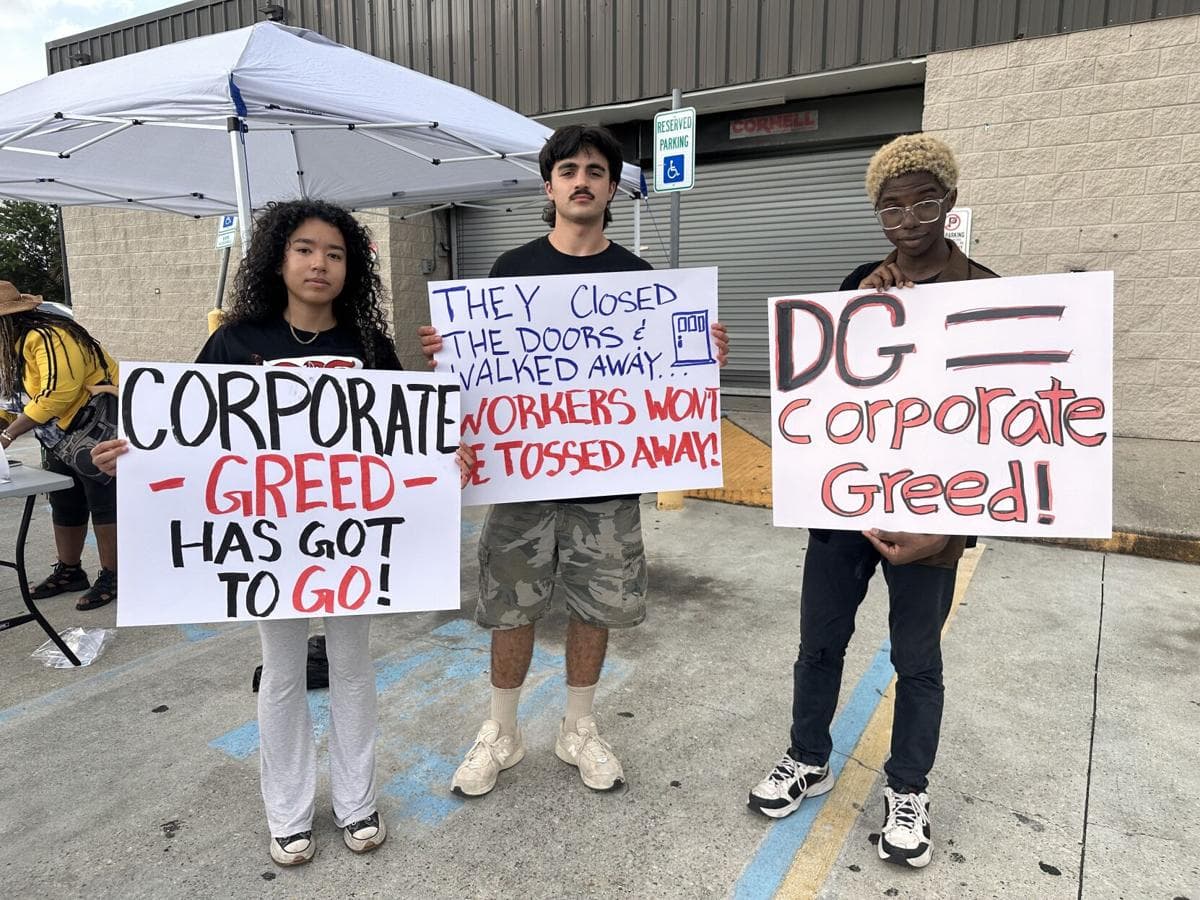
Dollar General’s payroll specialist posting lists wage payments, paid-out activity, ACH returns, fraud detection, paystub portal inquiries, termination pay, sick pay, vacation pay, labor distributions, retro pay, and state and federal overtime rules, including rest and meal break requirements and premiums. It gives workers a map for the kinds of pay problems that should be pushed into payroll instead of left to a store-level guess.
Where payroll takes over
If the problem is about pay itself, payroll is where the fact-finding starts. A shift lead may notice a bad punch or hear a complaint first, but the issues named in the job description usually require research, documentation, and a review of records.
Dollar General runs lean in many locations, and thin staffing can make pay errors harder to catch in real time. If a store is short-handed or a shift is covered by only one associate, a missed punch or an incorrect overtime calculation can sit unnoticed until the next stub arrives. Those problems should be escalated early, before they become harder to unwind.
If a deposit bounces, a bank account changes, or a paycheck looks like it went missing in transit, that is not just a scheduling issue. It is the sort of back-office problem payroll is built to trace.
What to keep in hand before you escalate
A pay problem moves faster when the worker can show exactly what changed. The most useful records are the ones that let payroll compare what was worked, what was approved, and what actually hit the bank. At Dollar General, the company is handling not only current wages but also termination pay, sick pay, vacation pay, and retroactive corrections.
Keep these records together:
- Your most recent pay stubs, plus the stub from the pay period in question
- Your schedule, punch records, and any notes about when you opened, closed, or covered a shift
- Screenshots of the DG paystub portal if an amount looks off
- Bank deposit alerts or direct deposit confirmations if the money never arrived
- Termination paperwork, your last day worked, and any PTO balance information if the issue involves a final check
- Any notes about missed rest or meal breaks, since the payroll posting specifically points to overtime rules tied to those requirements
A worker can have a missing hour, a break premium question, and a final paycheck problem all at once, especially if the separation happened close to a payroll cutoff.
How the login and portal fit into the process
Dollar General’s employee systems use a centralized payroll setup. The company directs workers to a DG login system, and the pay stub portal is hosted by Money Network Financial, LLC. Current and former employees can register to access payroll information there, which makes the portal important not only for active associates but also for anyone trying to resolve an issue after leaving the job.
If you cannot get into the login, Dollar General provides the Employee Resource Center at 1-888-237-4114. That number is the support channel tied to the payroll access system, and it is the place to start if the problem is technical rather than substantive. A password problem is different from a wage error, and the company’s setup separates those paths.
Once the portal works, the key question is whether the issue is a login problem, a stub problem, or a pay calculation problem. If the portal shows the hours correctly but the money is wrong, payroll needs to review the wages. If the portal is missing history, that is a records issue. If the final paycheck is late, the question becomes whether state law, termination timing, or PTO payout rules are driving the delay.
Why final pay and overtime need state-by-state review
Final paycheck timing and PTO payout rules vary widely by state, and some states require final pay on the termination date while others allow payment on the next regular payroll.
The U.S. Department of Labor’s Wage and Hour Division enforces wage-and-hour standards, and it can supervise payment of back wages. The department also maintains a Workers Owed Wages database for back wages investigators could not immediately deliver to employees. A paycheck dispute is not automatically trapped inside company payroll. There is a federal backstop if wages remain unpaid.
Violation Tracker lists Dollar General with 296 records and $92,653,890 in total penalties since 2000, including $9,218,986 in wage-and-hour penalties. The company also agreed to a $12 million OSHA settlement announced on July 11, 2024, with corporate-wide safety changes, and it settled a class race discrimination case with the EEOC in 2019 for $6 million over its criminal background check policy.
What workers should do first when a check is wrong
The cleanest path is to verify the numbers, document the gap, and move the issue to the right desk quickly. If the problem is a portal login, call the Employee Resource Center. If the problem is a missing hour, a short overtime payment, a break premium, or a final check, ask for payroll review and be ready with your stub, schedule, and bank record. If the company does not fix it and the money is still owed, the Wage and Hour Division is the public agency that can supervise back wages and help workers recover what they earned.
This article was produced by Prism’s automated news system from verified source data, official records, and press releases, then run through automated quality and moderation checks before publishing. The system is built and supervised by the people who set the standards it runs under. Read our full AI policy.
Did this article answer your question?