Monday.com Publishes AI Credits Guide, Explaining Costs, Caps, and Free Trial Allotments
Monday.com's AI Credits guide sets an 8-credit-per-action baseline and a 24-hour per-item cap that carry real architectural consequences for automation pipelines.
Every team that has been building on or selling monday.com's AI features now has a single authoritative document to anchor their decisions. The platform's Help Center published an AI Credits article that lays out, in precise terms, how AI-enabled actions are metered, which workflows burn through credits and which do not, and what happens when a trial account runs dry. For engineers, product managers, and sales reps who have been estimating consumption from first principles, this documentation ends the guesswork.
What an AI Credit Actually Is
An AI Credit is the basic consumption unit for monday AI features. The pricing architecture is straightforward at the action level: many AI operations cost 8 credits per action. That figure applies across a range of common use cases, from summarizing a text column to running data-extraction automations, two of the explicitly documented examples of charged actions.
What makes the credit model more nuanced than a flat per-action counter is the 24-hour per-item charge cap. Once an AI action has been charged against a given item, subsequent AI actions run against that same item within the same 24-hour window do not incur additional charges. For teams running multiple AI steps in sequence on the same record, that rule changes the economics considerably. A record that goes through summarization, extraction, and a classification step in one session costs the same as a record that only gets summarized. The implication is clear: batching AI operations on the same item within a single day is far more credit-efficient than spreading them across multiple sessions.
What Does and Does Not Consume Credits
Not every AI interaction draws from the credit pool. Failed prompt previews and unsuccessful runs are explicitly excluded from charges. That distinction matters for development workflows: engineers testing new automation configurations in staging, or product teams iterating on prompt design, are not penalized for runs that don't complete successfully. Credits are consumed when an action executes and produces output, not when it attempts and fails.
On the charged side, the documented examples cover two broad categories: content operations (like summarizing a text column) and data-processing automations (like extraction jobs). These represent the AI actions most likely to appear in production workflows at scale, which is precisely why the documentation specifies them.
Trial Credit Allotments by Plan
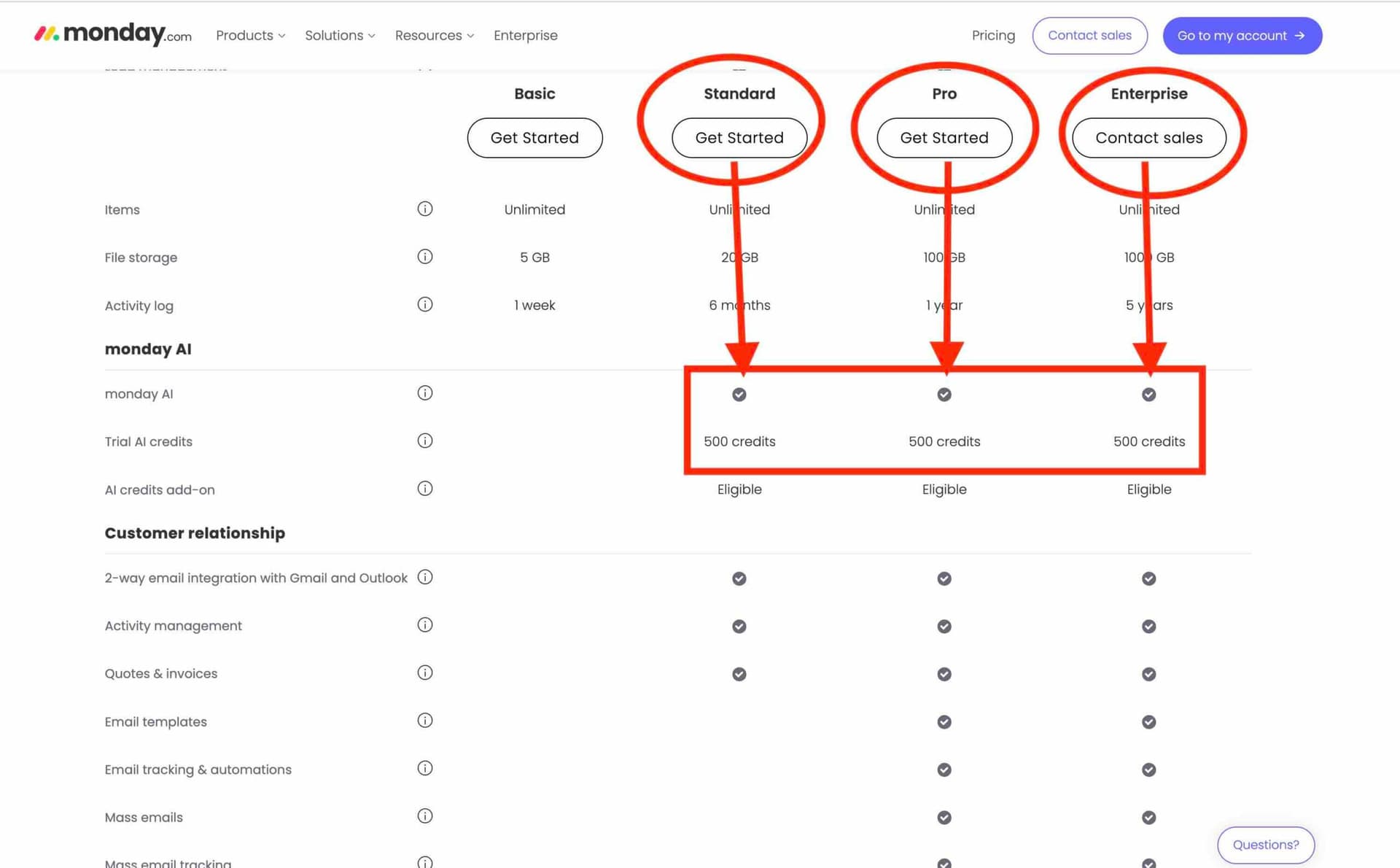
Before a team reaches the purchase decision, they get a runway to evaluate consumption patterns. The trial allotments are tiered by plan: non-Enterprise accounts receive 6,000 credits, while Enterprise accounts start with 12,000 credits. The Enterprise tier's higher allotment reflects the assumption that larger organizations will be running AI features at greater volume and across more workflows before committing to a purchase decision.
Once trial credits are exhausted, accounts must purchase additional credits through the admin UI. The documentation does not allow for ambiguity here: the purchase flow is admin-gated, which connects directly to the governance controls that were released alongside this article. Monday.com added per-user AI usage limits at the admin level, meaning administrators can now set consumption ceilings for individual users before the account-level credit balance becomes a concern.
Why Engineering and Product Teams Need to Read This
The 24-hour per-item cap is not just a billing rule; it is an architectural constraint that should be reflected in how automations are designed. Automation pipelines that retry failed AI steps or run redundant checks against the same record within a single day need to account for when the cap resets and whether the retry architecture is genuinely necessary or just burning compute without burning credits. Engineers should validate metering behavior in both staging and production environments and build monitoring dashboards that surface credits consumed per feature and per customer. Discrepancies between expected and actual consumption will create customer disputes that are difficult to resolve after the fact.

Product teams have a related obligation: creating "credit budget" templates for common customer scenarios. A marketing team running large-scale creative summarization jobs has a very different consumption profile than a RevOps team using data-extraction automations on inbound leads. Building out those scenario models gives Sales a defensible total-cost-of-ownership estimate to bring into enterprise conversations rather than an abstract per-action number.
What Sales and Customer Success Need to Know
The trial-to-paid transition is the most operationally sensitive moment in the AI feature lifecycle. Sales and Customer Success reps who are not fluent in the credit model will struggle to help customers through that handoff. A few cost-saving patterns are worth internalizing now:
- Group multiple AI steps against the same item within a single session to maximize the 24-hour cap benefit.
- Eliminate redundant runs; if an extraction automation fires on every update to a field, check whether every update actually warrants re-extraction.
- For high-frequency automations, evaluate whether a lighter-weight model call can accomplish the task at lower credit cost.
- Set per-user limits through the admin governance controls to prevent any single workflow or team member from draining shared credit pools unexpectedly.
These are not theoretical optimizations. For a customer running hundreds of AI automations a day, the difference between a well-batched workflow and an unbatched one could represent a meaningful reduction in monthly credit consumption.
The Finance and Legal Angle
Finance and billing teams need to verify that the admin purchase flow is functioning correctly across plan tiers and that trial credits are applied accurately at onboarding. The distinction between Enterprise's 12,000-credit trial and the non-Enterprise 6,000-credit trial needs to be enforced cleanly in the billing system; a non-Enterprise account receiving the wrong allotment creates both a cost exposure and a trust problem if it is corrected retroactively. Legal and policy teams should review the billing terms for transparency requirements and confirm what adjustment or refund mechanisms exist for customers who dispute credit charges, particularly in cases involving edge behavior around the 24-hour cap.
The Governance Layer
The timing of this documentation, published alongside product releases that added admin-level per-user limits, is not incidental. Monday.com is building out the infrastructure for AI usage governance in parallel with the metering model itself. Administrators can now control both how many credits the account holds and how many any individual user can consume. That combination gives IT and operations teams meaningful levers to manage AI costs without having to restrict access to features outright.
For a platform that has positioned its Work OS as a place where non-technical teams build their own automations, the credit model introduces a new layer of cost accountability that did not exist in the earlier, more permissive AI feature rollouts. Understanding how credits move through the system is now a baseline competency for anyone building, selling, or supporting monday.com's AI capabilities.
This article was produced by Prism’s automated news system from verified source data, official records, and press releases, then run through automated quality and moderation checks before publishing. The system is built and supervised by the people who set the standards it runs under. Read our full AI policy.
Did this article answer your question?