OpenAI adds advanced account security, signaling stricter AI workplace protections
OpenAI now requires passkeys or security keys for its strongest account protection, a warning shot for teams using AI on sensitive work.

OpenAI is making the trust layer around ChatGPT and Codex harder to ignore. The company’s new Advanced Account Security setting, announced April 30, replaces password-based sign-in for enrolled accounts with passkeys or physical security keys, while also cutting off email and SMS recovery in favor of backup passkeys, security keys and recovery keys.
The setting is optional and lives in the Security section of a ChatGPT account on the web, but once a user turns it on, the rules get stricter fast. OpenAI shortens active sessions, adds login alerts and lets users review and manage where they are signed in. It also says Support will not be able to help recover an enrolled account, which puts more weight on recovery keys and other stronger backup methods. OpenAI said the protections are meant to safeguard sensitive data and reduce account takeover risk, especially for people facing targeted attacks.
That matters far beyond OpenAI’s own products. For monday.com, which says more than 250,000 customers worldwide use its platform, the move is a reminder that AI account security is becoming part of everyday workplace infrastructure, not a niche IT concern. monday.com’s Trust Center says its security model is based on ISO 27001, ISO 27018 and OWASP Top 10, with data hosted in AWS data centers in the United States, Europe and Australia and a disaster recovery site in another AWS region. As monday.com pushes deeper into workflows that combine software, automation and AI agents, controls like passkeys, session limits and recovery rules start to look less like optional hardening and more like table stakes for enterprise buyers.
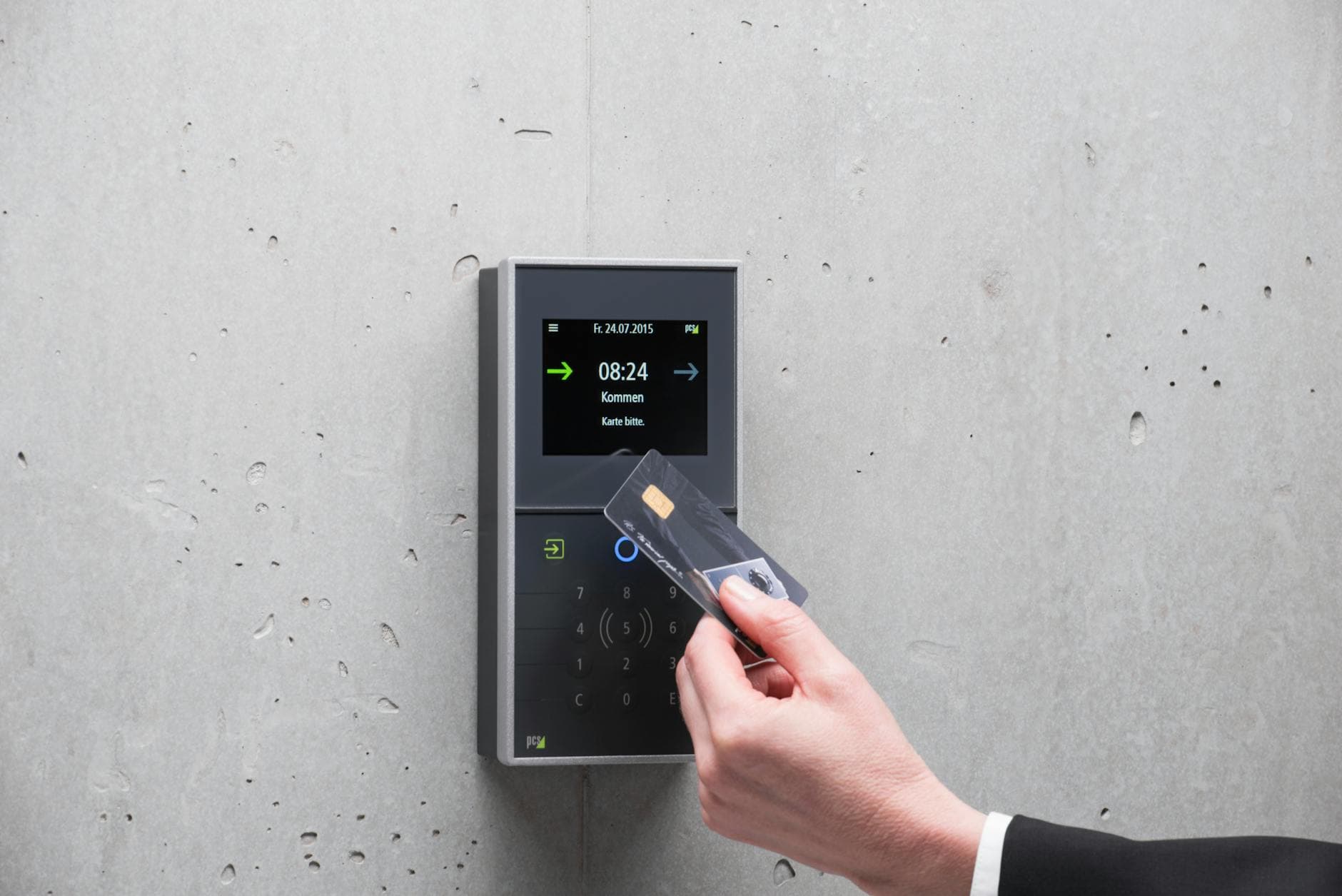
OpenAI tied the launch to a same-day partnership with Yubico to bring custom phishing-resistant YubiKeys to OpenAI users. Yubico said OpenAI already uses YubiKeys internally to protect employees and infrastructure, a detail that underscores how the company is applying the same security standard to its own staff that it wants users to adopt. The message is clear: if an AI tool can summarize sensitive information, move work across systems or help write code, then password-only access is no longer enough for the highest-risk accounts.
For managers and IT leads, the practical question is no longer whether AI tools need stronger login protection. It is which teams should be enrolled first, how recovery will work if a device is lost and whether the company is ready for a world where AI account compromise can spill across multiple workflows at once.
Know something we missed? Have a correction or additional information?
Submit a Tip