Walmart explains when associates need their WIN for key tasks
Your WIN is the key that unlocks pay, time, and self-service tasks. Walmart also points associates to 2-Step Verification, BYOD tools, and Support Chat when access breaks down.

Your Walmart Identification Number, or WIN, is not just a badge-office detail. Walmart says it is assigned when you start working there, and it can be the number that gets you into pay, attendance, and other identity-checked systems when the clock is ticking.
That matters because a missed credential can turn into a missed shift correction, a delayed paystub check, or a stall at the register. The company’s own help pages show how tightly the WIN is tied to everyday work, from calling out an absence to signing in from home.
What the WIN is used for
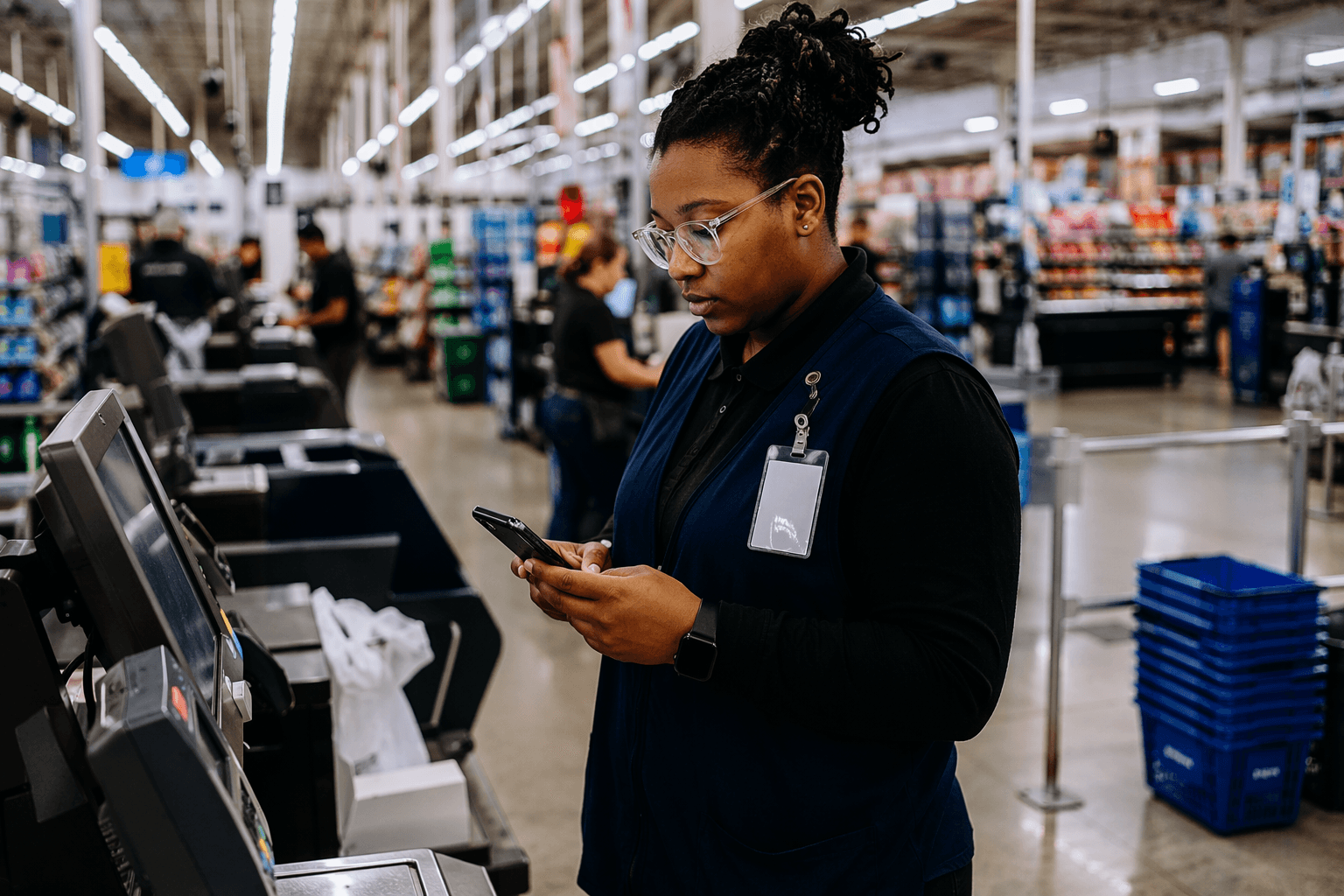
Walmart says associates may need their WIN for several key tasks. The company lists online pay stubs, absence and tardy reporting through the IVR call-in system, clocking in and out, and some register overrides and approvals.
That mix tells you how embedded the number is in Walmart’s workflow. It is not only for HR paperwork. It is part of the secure identity process that lets the system know you are the associate authorized to make a time, pay, or register action.
For hourly workers, the practical risk is immediate: if you do not have the WIN handy, you can lose time trying to prove who you are before a shift, after a shift, or during a break when you need to resolve a problem fast. For managers, the same credential can affect approvals and overrides that keep the front end moving.
Where to keep it and when to reach for it
Walmart says the WIN is assigned when you begin employment, which means it is one of the first credentials worth learning and storing securely. Keep it somewhere you can retrieve quickly but not somewhere exposed to other people, since it is part of identity verification for work systems.
The best time to think about the WIN is before you need it. If you are trying to report yourself as absent or tardy, check a paystub, clock in or out, or handle a register issue, the number can stop the delay from turning into a bigger payroll or attendance headache.
The company also points associates to Support Chat for help finding a WIN number. That is the simplest fallback when the number is not immediately available and the task in front of you cannot wait.
How to get into OneWalmart off site
Walmart says associates off site can log in to OneWalmart from a personal device using 2-Step Verification. That security layer is the gatekeeper for accessing Walmart network information away from the store, and it is designed to validate identity before access is granted.
The current BYOD setup for hourly and store or club associates goes a step further. Walmart’s enrollment guides show that the mobile setup uses VMware Workspace ONE Intelligent Hub, plus a secure Tunnel and a corporate browser, to create a private connection to internal Walmart sites from a personal device.
For store and club associates using iOS, the enrollment instructions also call for the server URL mobile.wal-mart.com and the group IDs storeh and clubh. Once enrolled, associates can reach OneWalmart through the corporate browser, which is the practical piece that matters when you need work tools without being on a company device.
How long enrollment takes
The enrollment process is not meant to swallow a whole shift. Walmart’s hourly BYOD guide says device enrollment itself takes about 5 to 10 minutes.
The bigger timing issue is the account creation window. Walmart says hourly associates should give the system about 2 hours to create the account before enrolling the device. If you try too early, you can end up troubleshooting a problem that is really just timing.
That waiting period matters because workers often try to set up access right after onboarding or right before they need to use the system. If you are planning to use your personal device for work access, build in those 2 hours first, then do the enrollment.
What to do when login, MFA, or reset steps fail
If the login is not working, the first thing to check is whether the account has had time to create. Walmart’s own guide says hourly associates may need about 2 hours before enrolling, and that delay can look like a broken login when it is really a setup lag.
If 2-Step Verification is blocking access, that is the point where Support Chat becomes important. Walmart directs associates there for help finding a WIN number or enrolling in BYOD, which makes it the logical support path when identity checks stop the process before you can get to OneWalmart.
If a password reset or other access issue is keeping you from getting into the system, treat it like a work stoppage, not a minor inconvenience. The company’s self-service pages show that OneWalmart is where associates go for paystubs, tax forms, Workday help videos, support materials, and other employee resources, so a broken login can quickly spread into other tasks that should not have to wait.
Why this access matters beyond one screen
Walmart’s benefits and help resources make clear that OneWalmart is not a narrow portal. It is a central workplace tool for paystubs, tax forms, Workday help, and other self-service needs, which means access problems can ripple into payroll, benefits, and administrative tasks.
That is why the WIN and the 2-Step Verification setup belong in the same conversation. One handles identity inside the company’s systems; the other lets you reach those systems from a personal device when you are off site. Together, they are the difference between handling a work task on your own and losing time waiting for help.
For associates trying to keep schedules, pay, and attendance clean, the smartest move is simple: know your WIN, know how to reach OneWalmart from home, and know that Support Chat is the place Walmart points you when setup or access gets in the way. In a store built on speed, the workers who can get into the system fastest are the ones least likely to have a routine task turn into a delay.
This article was produced by Prism’s automated news system from verified source data, official records, and press releases, then run through automated quality and moderation checks before publishing. The system is built and supervised by the people who set the standards it runs under. Read our full AI policy.
Did this article answer your question?