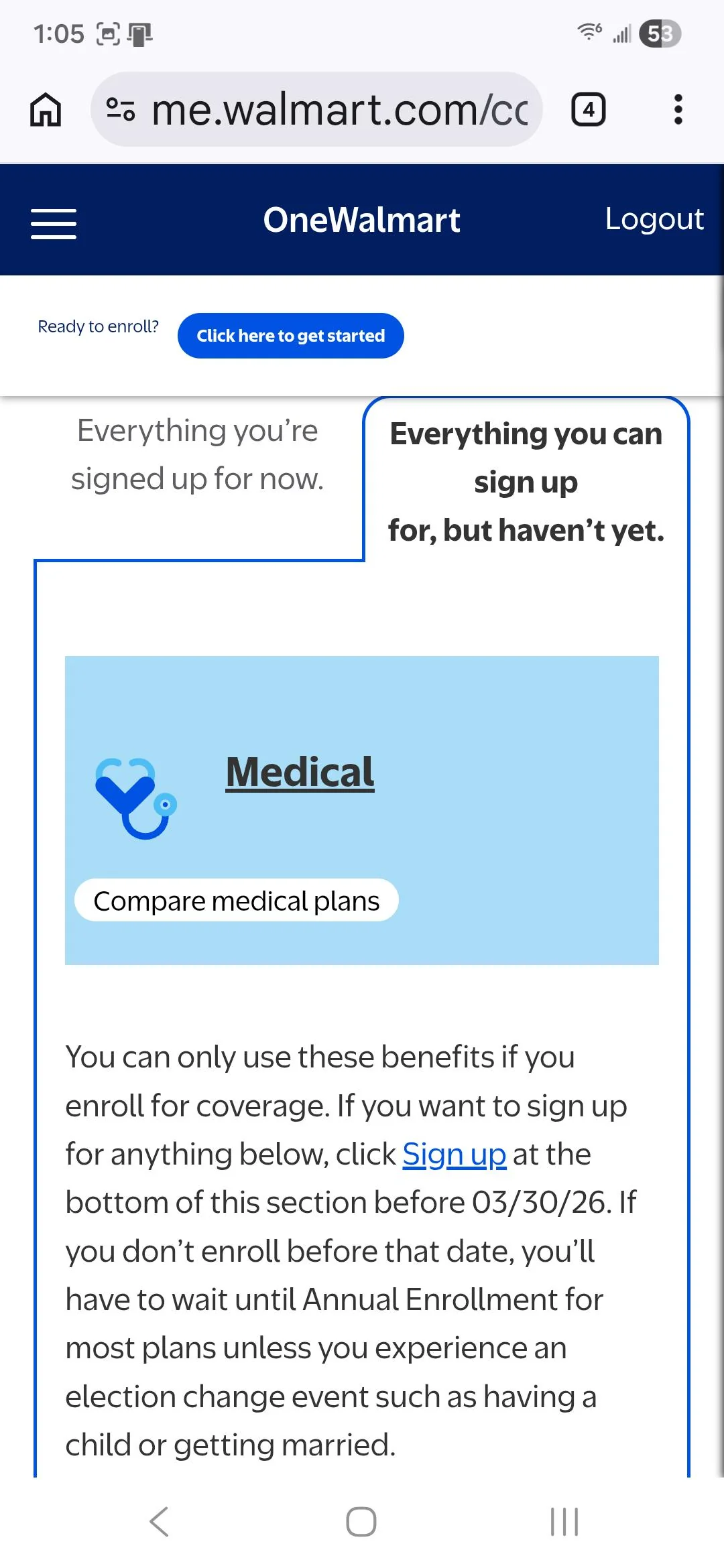
Walmart pay period calendar helps associates plan bills and time off
Walmart’s biweekly pay calendar shows exactly when hours hit each check, helping associates time rent, childcare and PPTO before a surprise gap in cash flow.
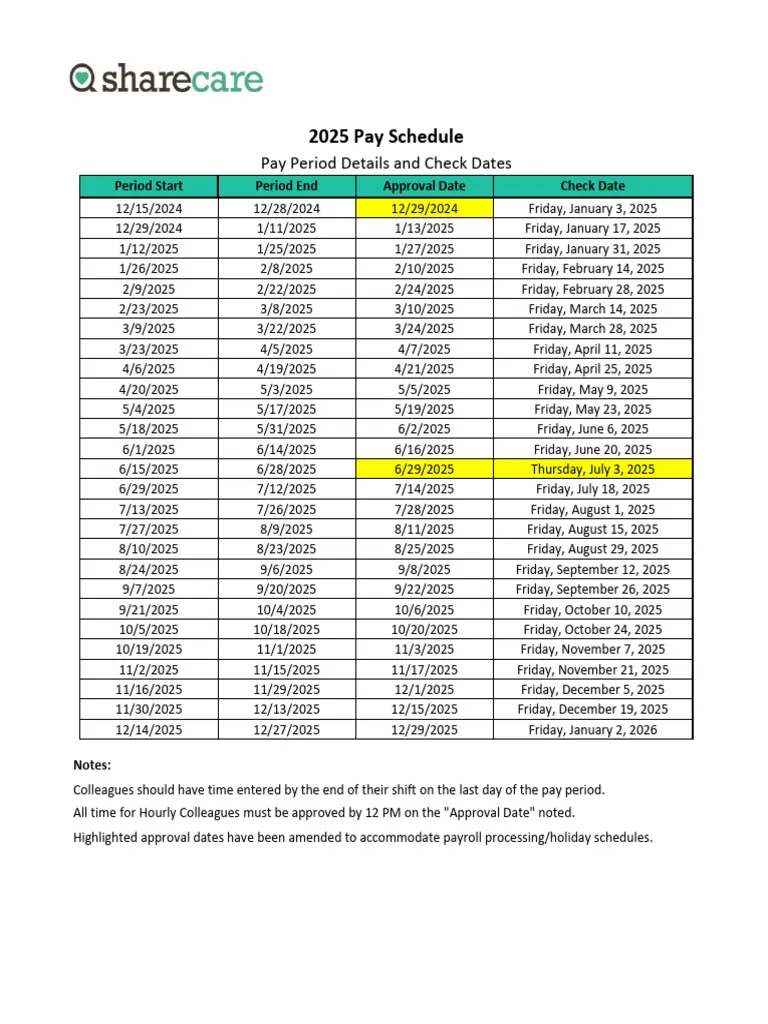
Walmart’s Pay Period Calendar is a plain PDF on OneWalmart: a month-by-month grid showing where 26 pay periods fall across the year. It shows how Walmart’s biweekly payroll cycle lines up with the calendar year, so workers can see when hours are counted, when a deposit should land, and how to plan around a two-week pay rhythm.
How Walmart’s pay period calendar works
The pay period starts on Saturday and ends on Friday at midnight, which means a shift worked late on Friday can fall into a different paycheck than a shift worked early the next day.
A biweekly system does not divide a month neatly in half. A single paycheck can cover part of one month and part of the next, so the calendar becomes the quickest way to see which hours will be paid together. For about 1.6 million U.S. associates, that kind of timing affects everything from rent to gas money.
Why it matters for bills and household budgeting
The biggest value of the calendar is planning cash flow before money gets tight. If rent is due on the first, childcare on a set weekly or monthly schedule, and transportation costs hit every few days, knowing where each pay period begins and ends helps avoid the kind of mismatch that leads to late fees or overdrafts.
Walmart’s internal financial tools treat paycheck timing as part of day-to-day money management. The company’s Even FAQ includes budgeting-related sections such as bills, along with sections on connecting with your bank, security and privacy, and how much is okay to spend.
A simple habit helps: map each recurring bill to the paycheck that will cover it. If your rent falls just after the end of a pay period, that payment will need to come from the next check, not the one you just earned. The same logic works for utilities, groceries, childcare, and transportation, especially when a month has three paydays instead of two.
Time off, PPTO, and how the calendar affects your check
The pay period calendar is also useful when time off affects your earnings. Hourly field associates and hourly campus and corporate associates in locations with local paid sick leave laws earn time off in two buckets: regular PTO and Protected PTO, or PPTO. The two buckets do different jobs when a schedule changes or an absence comes up.
PPTO can be used for an unplanned absence, including a missed shift, a tardy or late-in, or an early out. When enough PPTO is used to satisfy the Attendance Policy, it protects associates from attendance occurrences or points. That makes the pay period calendar especially useful if a call-out, a late clock-in, or an early departure happens near the edge of a pay period, since the hours and the PPTO adjustment may show up on a different paycheck than expected.
PTO also plays into planning beyond emergencies. PTO can be used for doctor visits, holidays, and family vacations. If you are scheduling a vacation week, a medical appointment, or a holiday off, the pay calendar helps you see whether those hours will land before or after a key bill date.
The timing quirks that catch associates off guard
The first surprise for many new hires is the wait for the first paycheck. The OneWalmart first-paycheck guide puts many new associates’ first paycheck at about 2 to 4 weeks after starting, depending on where the start date falls in the pay cycle. If you start just after a pay period closes, that first deposit can take longer than expected, and that gap matters when you are covering the first round of commuting costs or childcare.
Another common problem is assuming a shift and a paycheck line up by the calendar month. They do not always. Because Walmart’s pay period runs Saturday through Friday at midnight, hours worked at the end of one week can end up with the next paycheck, and any pay correction tied to that week may follow the same schedule. That can make a paystub look short if someone is comparing it to a personal calendar instead of the company’s payroll cycle.
A third trap is overtime or schedule changes that land near the boundary between pay periods. A last-minute shift swap, a late approval, or a timekeeping fix can move money to the next check. The calendar does not change the amount earned, but it does change when those earnings show up.
What department managers and assistant managers should watch
For managers, the calendar is not just about payroll dates. It helps with conversations about attendance, timekeeping, and when a correction should appear. If an associate asks why extra hours, a PPTO adjustment, or a missed punch is not visible yet, the answer often comes back to which pay period the time falls in.
Associates should be paid for all time worked. In a large operation, the cleanest way to avoid confusion is to keep the pay period boundary in view when approving schedules, checking attendance records, or fixing hours after the fact.
How to use the calendar as a weekly planning tool
The most practical way to use Walmart’s pay period calendar is to treat it like a budgeting map rather than a payroll notice. Before the month starts, line up the next two pay periods against rent, childcare, transportation, groceries, and any planned time off. Then check where a holiday, vacation, or doctor visit lands so you know which paycheck is carrying the missing hours.
- Mark the Saturday start and Friday midnight end of each pay period.
- Match fixed bills to the paycheck that arrives before the due date.
- Watch for shifts worked near Friday midnight, since those hours may land in the next check.
- Build in a cushion if you are new, because the first paycheck can take about 2 to 4 weeks.
- Use PTO and PPTO with the attendance policy in mind so time off does not create a surprise gap in income.
This article was produced by Prism’s automated news system from verified source data, official records, and press releases, then run through automated quality and moderation checks before publishing. The system is built and supervised by the people who set the standards it runs under. Read our full AI policy.
Did this article answer your question?