2026 guide says multicolor 3D printing means waste, time, and software
Multicolor prints are still won and lost on purge waste, print time, and slicer friction. The best buy is the machine whose workflow you can live with every day.

Multicolor printing looks brilliant in the glossy photos, but the bill arrives in purge towers, longer jobs, and software you have to babysit. The real test is not how many colors a printer promises, it is how much filament it wastes, how slow the swaps are, and how much friction the slicer adds before the part ever hits the bed.
Waste is the first thing multicolor marketing hides
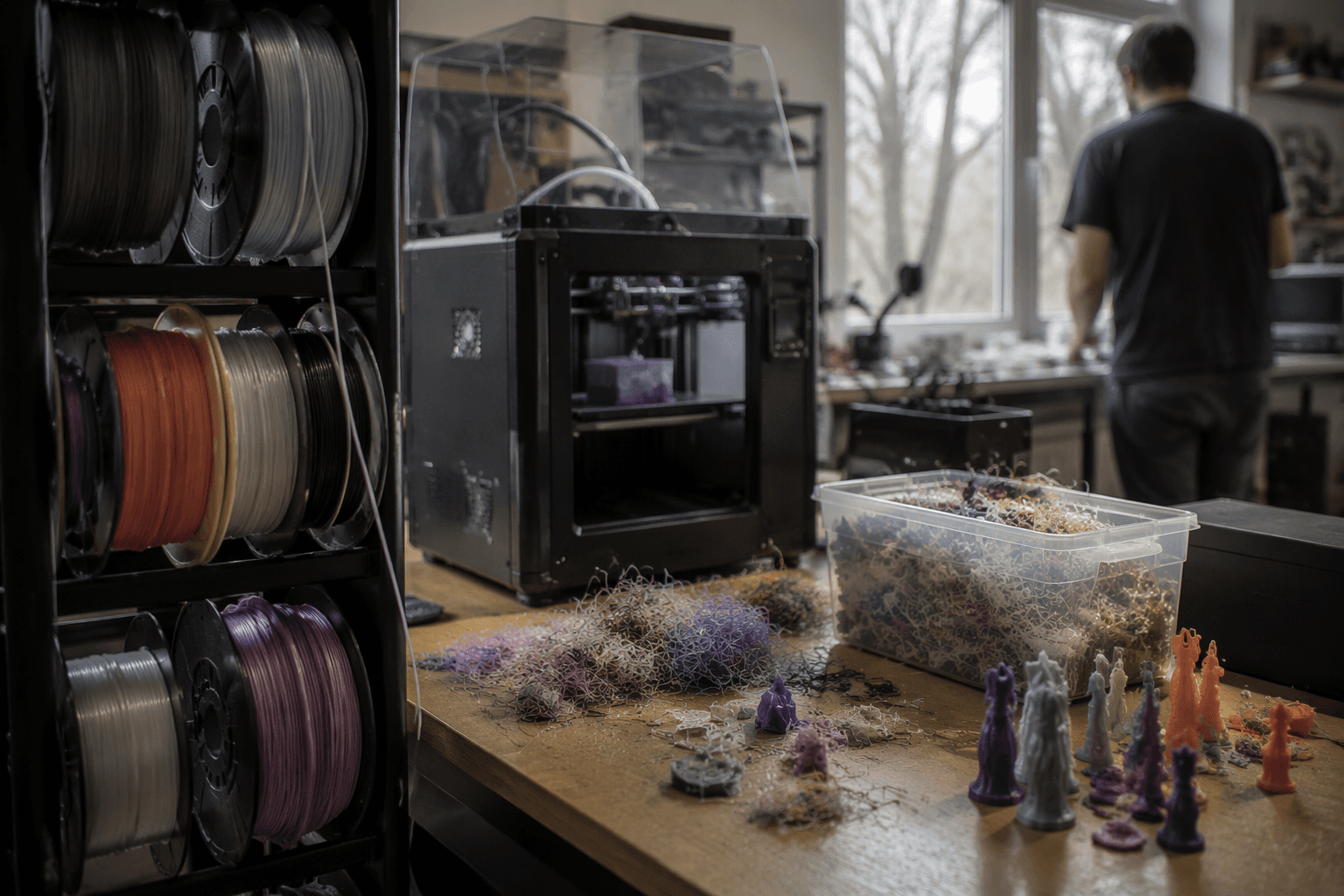
Bambu Lab’s own wiki is blunt about the tradeoff: “Multimaterial prints tend to be very costly both in time and materials.” That is the part many buyers miss when they start comparing AMS shots or color-swapped figurines. The waste comes from the filament change process itself, so the penalty is baked into the workflow, not just a byproduct of bad tuning.
The nozzle size matters too. Bambu Lab’s multi-color printing guide warns that when you use a 0.2 mm nozzle, the filament switching process may take longer because of limited maximum volumetric speed. In plain English, the smaller nozzle that you might choose for detail can make color changes even more painful, which is exactly the kind of gotcha that turns an exciting upgrade into a patience test.
That is why the everyday question is not “How many colors can it print?” It is “How many swaps does it need, and what do those swaps cost you in time and junk filament?” On a desk printer, purge waste is not a footnote. It is part of the economics.
Software matters more than the spec sheet
If you are comparing multicolor systems, the slicer workflow deserves more attention than the marketing render. A machine can look impressive on paper and still be miserable if tool swapping is flaky, purge control is buried, or the file prep forces you to bounce between apps just to get a print-ready job. The real win is a setup that reduces manual steps and makes the color change behavior predictable.
Bambu Lab’s documentation makes that clear by splitting the topic into a multi-color printing guide and a separate page called “Reduce Waste during Filament Change.” That split tells you the company expects users to manage waste as a normal part of ownership, not as an edge case. The existence of a dedicated guide is useful, but it is also a reminder that multicolor success depends on settings, not just hardware.
The community has spent years chasing the same problem. Teaching Tech posted a video on October 27, 2023 about reducing waste from Bambu AMS prints, and ENGINEER3D PRINTS followed with a February 5, 2024 video on calibrating Bambu AMS color changes to minimize purge waste. A later STLFLIX video from November 23, 2024 claims multicolor waste on BambuLab printers can be reduced by up to 70 percent through optimization techniques. That claim is part of the conversation, and it shows how central waste reduction has become to real-world use.
It also explains why forum threads keep circling the same wish: some users want to disable AMS purging entirely. When people start asking for that, you know the problem is not theoretical. They are reacting to a workflow that can feel too expensive in material and too slow in practice.
Prusa’s MMU3 shows how unfinished this category still is
Prusa’s multicolor story is a good reminder that this space is still being refined, not settled. Original Prusa 3D Printers has continued developing MMU3 support for the Prusa CORE One, and its 2024 update and dev diary show that the system is still under active refinement. That matters because it tells you multicolor is still an engineering problem, even for the brands that have been doing it the longest.
Prusa’s knowledge base also has a dedicated article on “Purging volumes (MMU)” for MMU1, MMU2S, and MMU3 users. That is not a tiny detail. It means purge tuning is formal enough to deserve its own documentation, which lines up perfectly with the broader reality of multicolor printing: the transition behavior is part of the product, not an afterthought.
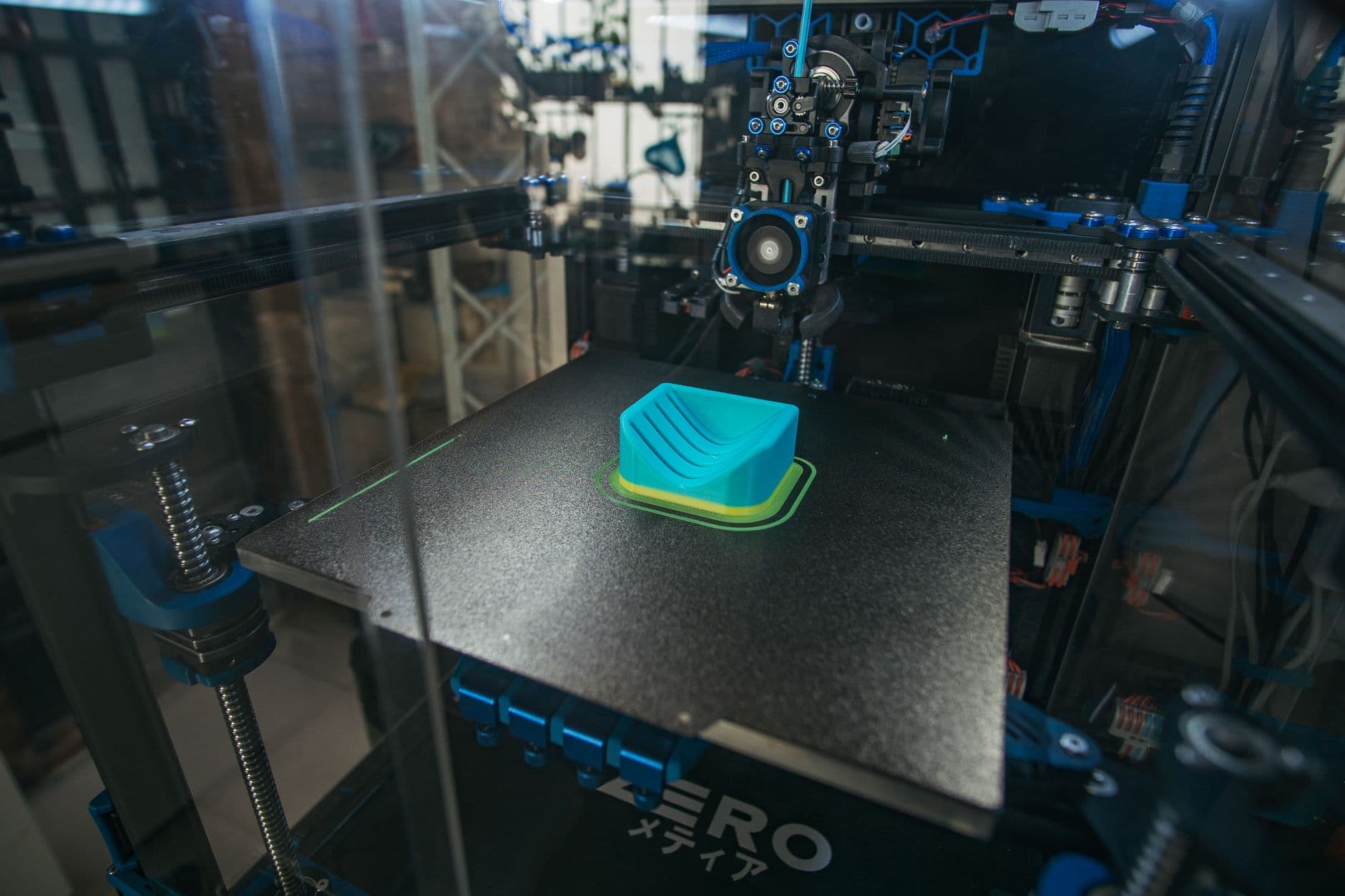
If you like tinkering, that can be a feature, not a bug. MMU-style systems reward the user who is willing to dial in purge volumes, test transitions, and live with a setup that still evolves through firmware, documentation, and community best practice. If you want every print to feel effortless, the same flexibility can feel like extra homework.
Who multicolor is actually for
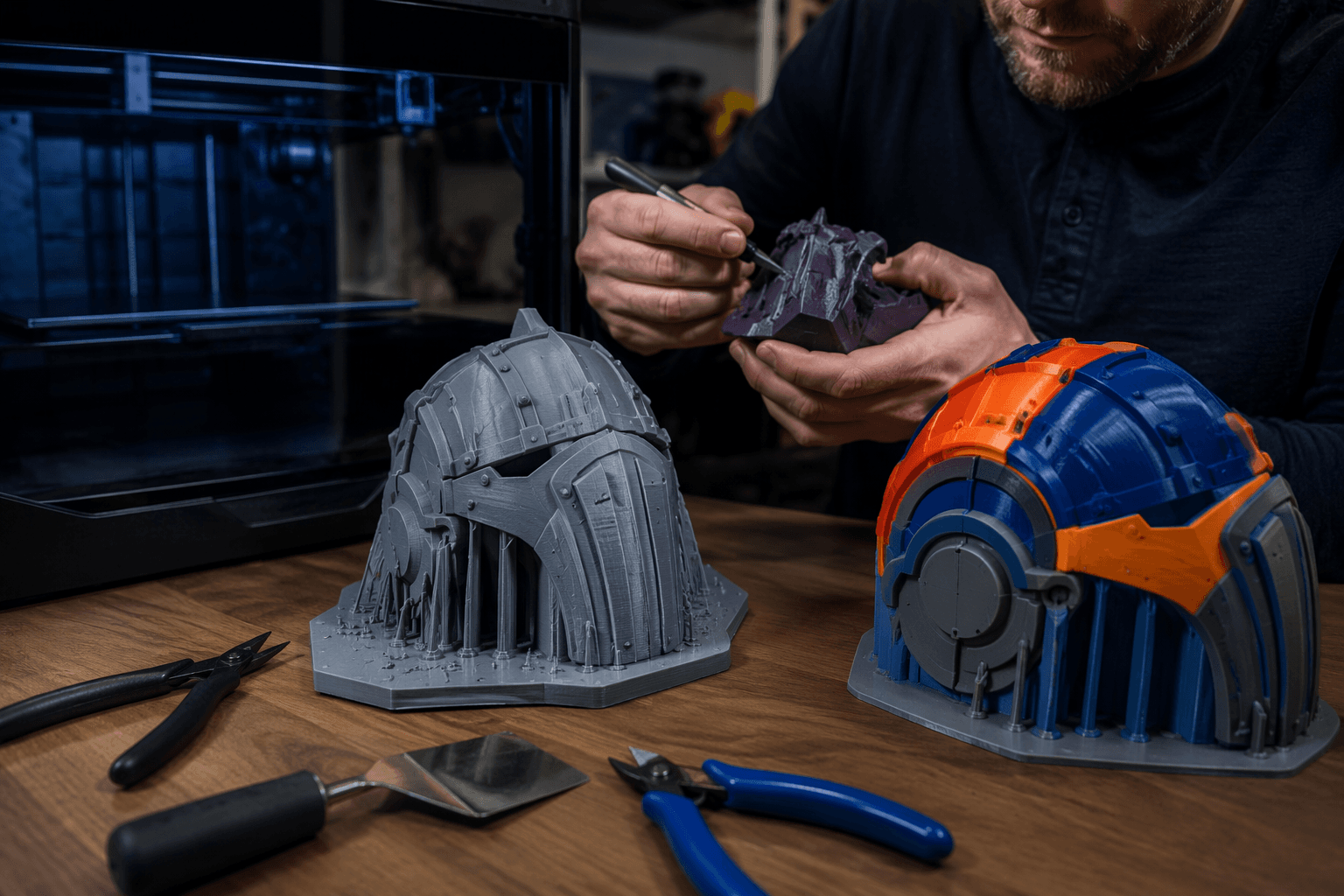
The easiest way to buy smart is to match the machine to your tolerance for friction. If you want reliable out-of-box color printing for figurines, cosplay parts, signage, labels, educational models, or functional parts that benefit from visual differentiation, prioritize systems with the clearest software path and the most obvious waste-reduction tooling. You want fewer manual steps, fewer calibration rabbit holes, and fewer surprises when the print gets large.
If you are willing to trade setup effort for lower running costs, a filament-swapping system like Prusa’s MMU3 gives you more room to tune the workflow. You will spend more time thinking about purge volumes and transition behavior, but you may also get a setup that better fits your budget and your patience. That is the real divide in this market: not premium versus budget, but friction versus control.
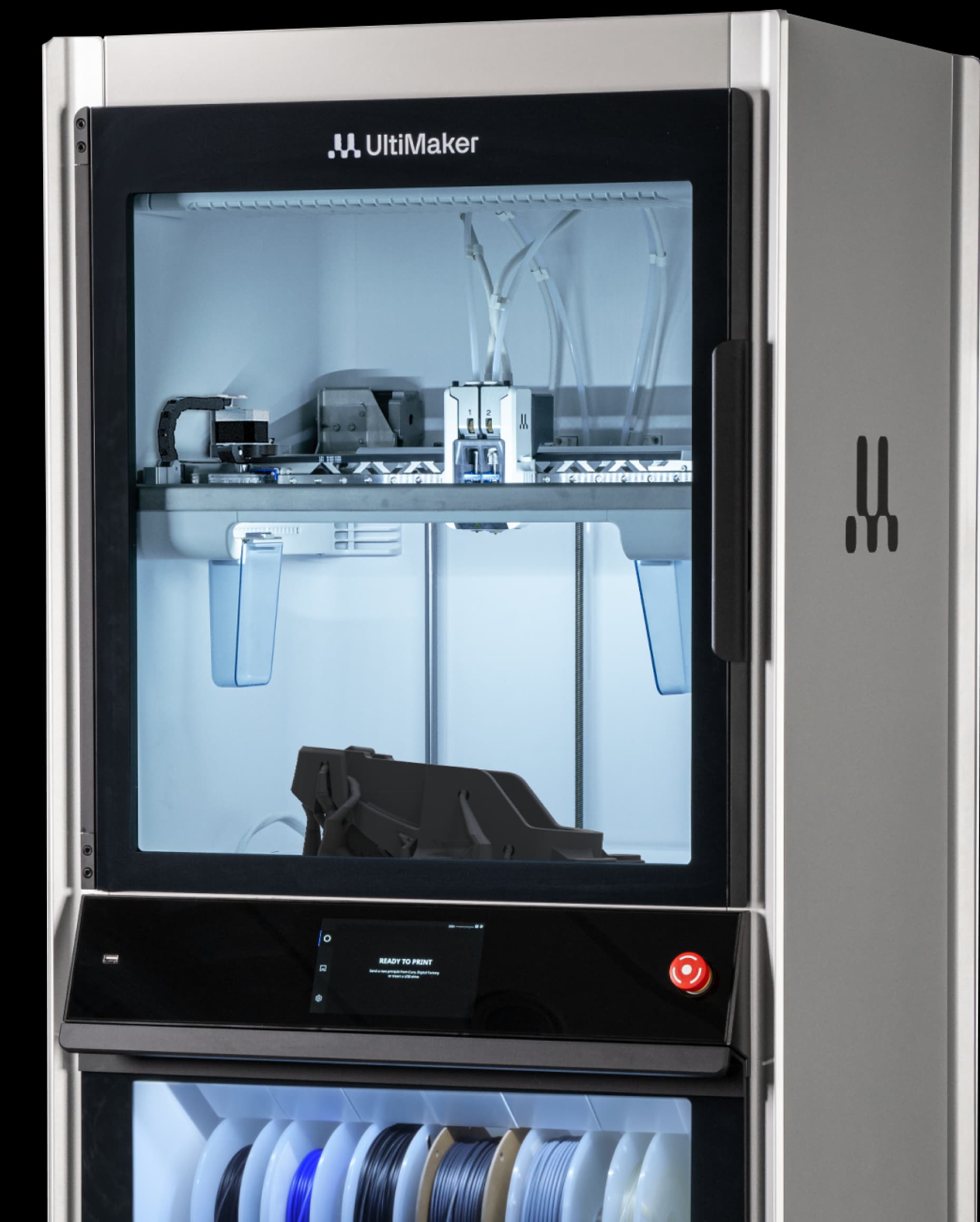
UltiMaker’s current materials and software ecosystem pages point in the same direction, toward tighter integration between the printer and the workflow. Across the category, the message is converging fast: multicolor is moving beyond novelty, but the winners are still the systems that make the ugly parts of the process easier to live with.
The shiny four-color part on the box is still the least interesting thing about multicolor printing. What matters is whether the machine can survive the swaps without turning your filament bin into confetti and your evening into a calibration session.
This article was produced by Prism’s automated news system from verified source data, official records, and press releases, then run through automated quality and moderation checks before publishing. The system is built and supervised by the people who set the standards it runs under. Read our full AI policy.
Did this article answer your question?