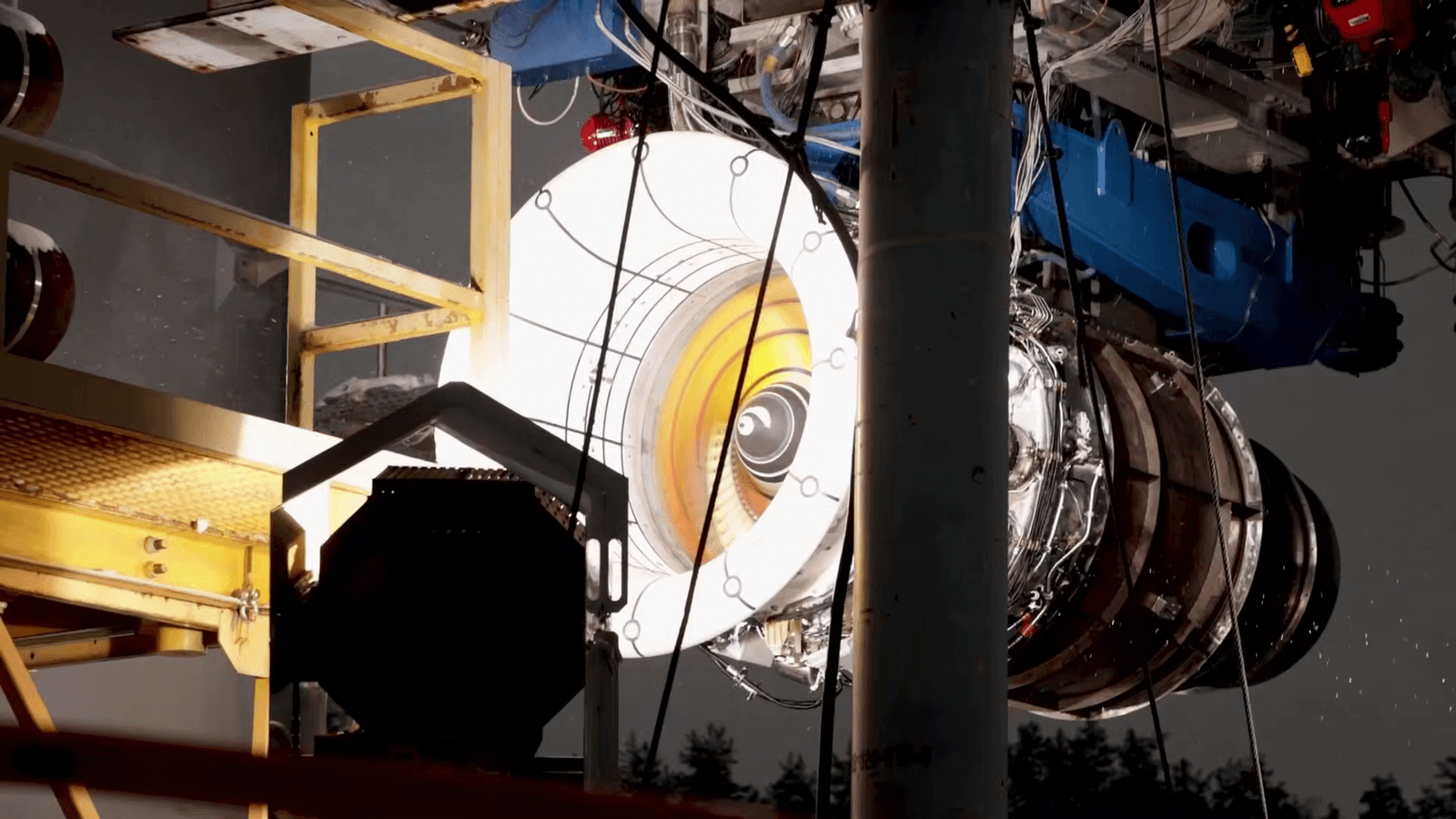
3Dnatives guide shows how multi-axis printing cuts supports and waste
Multi-axis printing is less about flashy mechanics and more about killing supports, waste, and stair-stepping on awkward parts.
The real promise of multi-axis printing
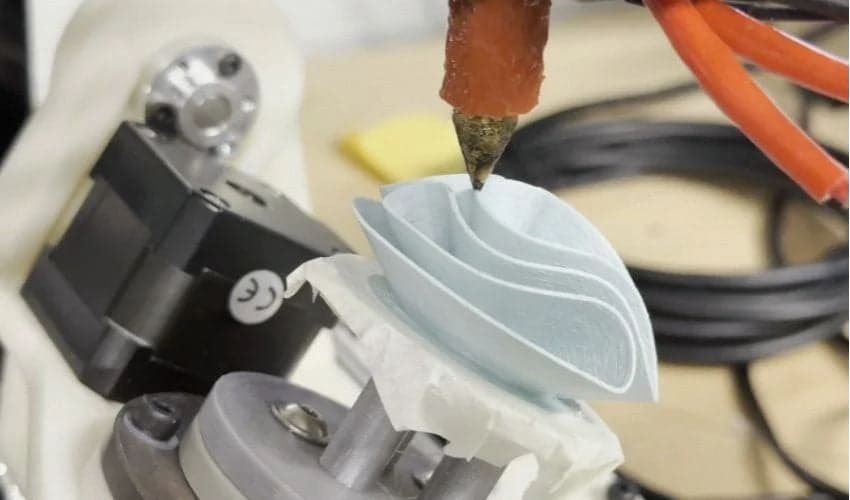
The payoff is not some abstract factory flex. It is getting rid of the support forest under the parts you hate printing: curved shells, awkward brackets, overhang-heavy housings, and anything that comes off the bed looking like it spent the night wrapped in scaffolding. Multi-axis printing changes the angle of attack, and that is where the practical value lives.
From XYZ to five or six axes
A conventional printer moves in the familiar XYZ space, laying down material in flat layers from one direction. Multi-axis systems add rotation and tilt, and depending on the machine, that can mean five axes, six axes, or even more. Those extra movements can happen in the print head, the build plate, or both working together in a coordinated way.
That coordination is what turns the concept from a mechanical curiosity into a usable process. Instead of forcing the nozzle to treat every surface like a stack of pancakes, the printer can follow the part’s actual geometry. That is the idea behind conformal, or non-planar, printing: the toolpath bends to the shape, rather than making the shape obey the toolpath.
For anyone who has watched a rounded part come off the machine with ugly terraces on the curve, this is the first lightbulb moment. The nozzle is no longer stuck building everything as flat slices, so the printer can approach surfaces at a better angle and leave behind a finish that needs less sanding, less cleanup, and less apologizing.
Why makers should care
The most obvious gain is support reduction. If the machine can tilt or rotate the part, it can often print features that would otherwise need a support tower under them, which means less wasted filament and less post-processing later. That matters most on parts with deep overhangs, internal geometry, or shapes that are annoying precisely because they are not boxy.
The second gain is surface quality. Multi-axis motion can cut down the stair-step effect on curved surfaces, which is one of those flaws you stop noticing only after you have spent too many evenings chasing it with a heat gun and sandpaper. When the nozzle follows the part more naturally, the outside of the print can look cleaner straight off the machine.
The third gain is strength. The guide points to improved structural isotropy, and that is the part that should catch the attention of anyone printing functional parts. With conventional layered printing, strength can be lopsided because the part is built in a way that naturally favors some directions over others. Multi-axis printing opens the door to better alignment with the load path, so a part can be built in a way that makes more sense structurally instead of just making sense for the slicer.
A quick way to think about the difference:
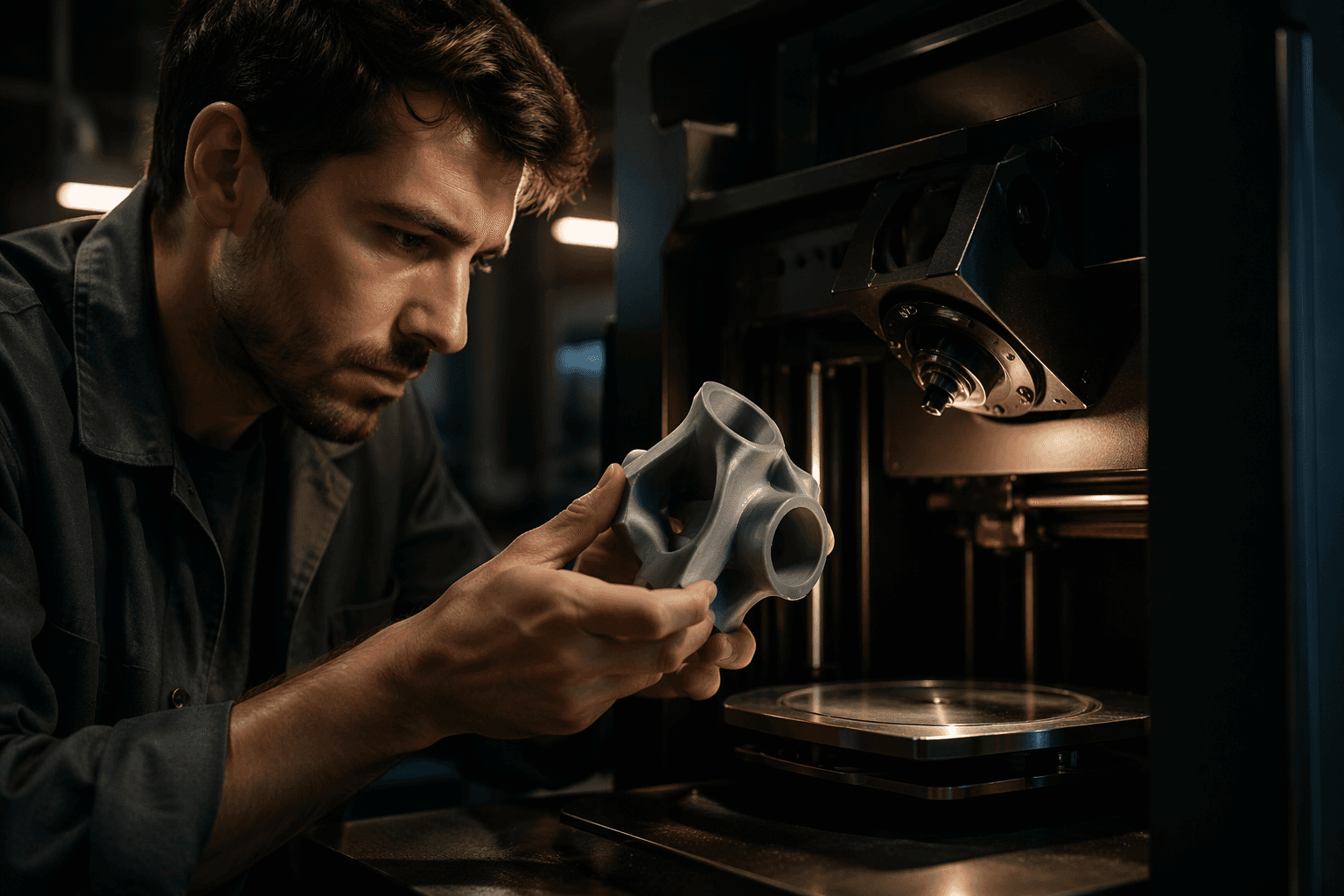
- Overhangs get easier because the printer can change the angle instead of building a cliff face straight out into space.
- Curved surfaces get cleaner because the nozzle is not trapped in flat terraces.
- Functional parts can be stronger because the toolpath can better follow the directions that matter under load.
- Cleanup gets lighter because fewer supports usually means less breakaway material and less finishing work.
That is why this is more than a party trick. The real value is not just that the machine can move in more directions. It is that those extra directions can remove some of the most annoying compromises in hobby printing.
The software is half the machine
The guide makes an important point that gets missed whenever people see a flashy multi-axis rig and assume the hardware alone is the story. It is not. Path planning is doing as much heavy lifting as the mechanics, because a machine with more freedom also has more ways to crash, tangle, or lay down inconsistent material if the toolpath is sloppy.
That is why software such as ADAXIS’s AdaOne and 5 Axis Slicer matters. Their job is to keep the motion collision-free and the material flow consistent while the machine is tilting, rotating, and changing orientation through the print. In other words, the printer needs not just more axes, but smarter instructions.
This is the part that makes multi-axis printing feel less like science fiction and more like an engineering stack. The nozzle may be doing something impressive, but the slicer is the quiet piece that decides whether the whole thing becomes a clean part or a very expensive mess. If you have ever watched a conventional slicer make a questionable bridge decision, you already understand why five-axis printing lives or dies by software.
Near-future desktop shift, or industrial theater?
Right now, this is still more ambitious than mainstream. Most desktop users are not buying a five-axis machine tomorrow, and that is fine. The point is not that every garage printer suddenly needs rotation and tilt, it is that the direction of travel is obvious: better geometry handling, less support material, smoother finishes, and parts that are more useful straight out of the machine.
That is what makes the concept worth following even if your current printer stays squarely in XYZ territory. It explains why future machines may feel less like layer stacks and more like purpose-built fabrication tools, especially for support-heavy parts that waste time and material in today’s workflow. Multi-axis printing is not just about adding more motion for the sake of it. It is about making the printer meet the part where the part actually is.
And that is the real shift here. Once the nozzle is allowed to come at a curved wall, an awkward overhang, or a load-bearing feature from a smarter angle, the old support tower stops being a necessary evil and starts looking like a workaround we may finally outgrow.
This article was produced by Prism’s automated news system from verified source data, official records, and press releases, then run through automated quality and moderation checks before publishing. The system is built and supervised by the people who set the standards it runs under. Read our full AI policy.
Did this article answer your question?