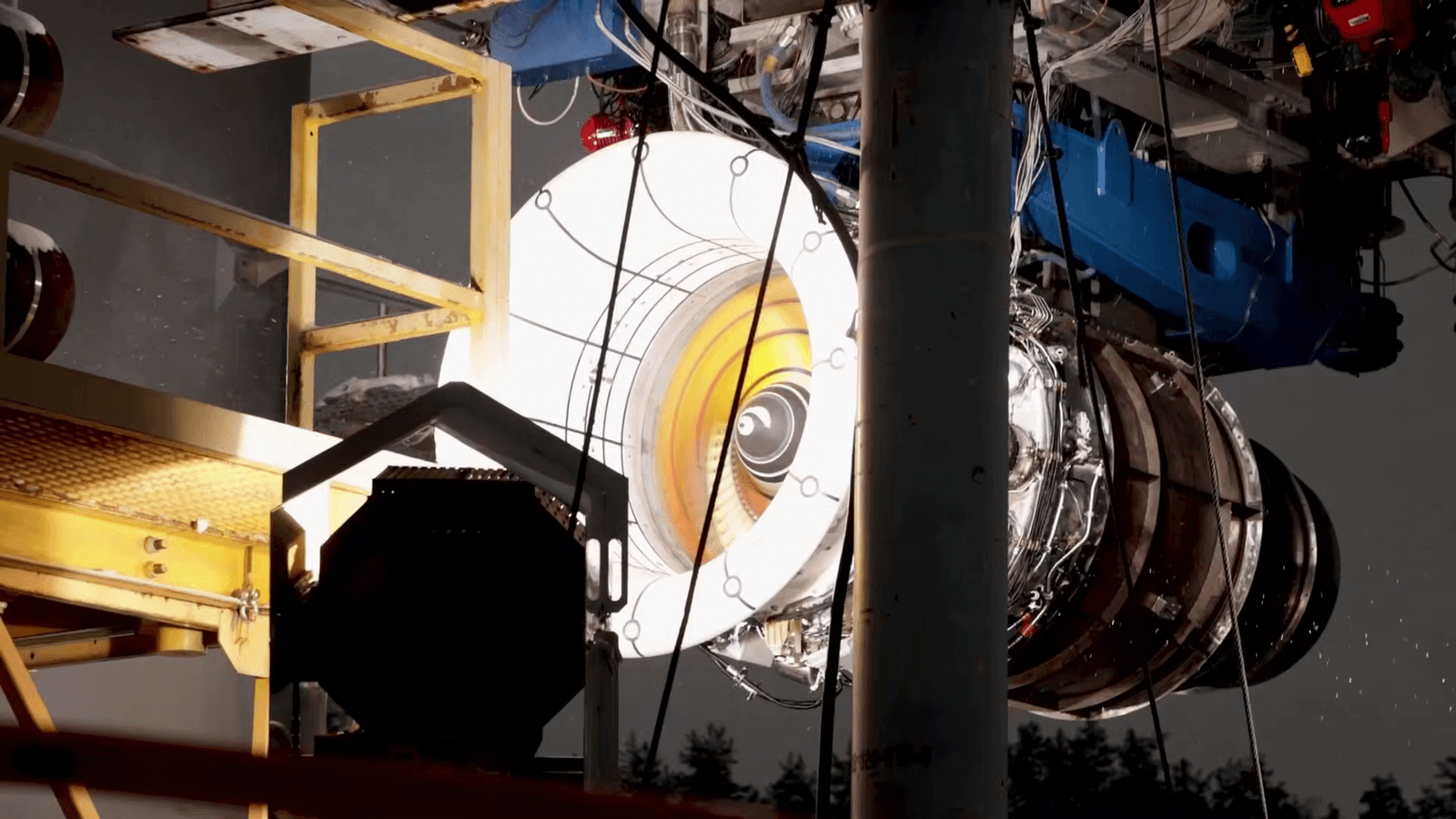
AI to CAD tools split into workflows for makers and print shops
The real AI-CAD win is not magic modeling. It is fewer bad files, faster cleanup, and less time lost before the slicer ever starts.
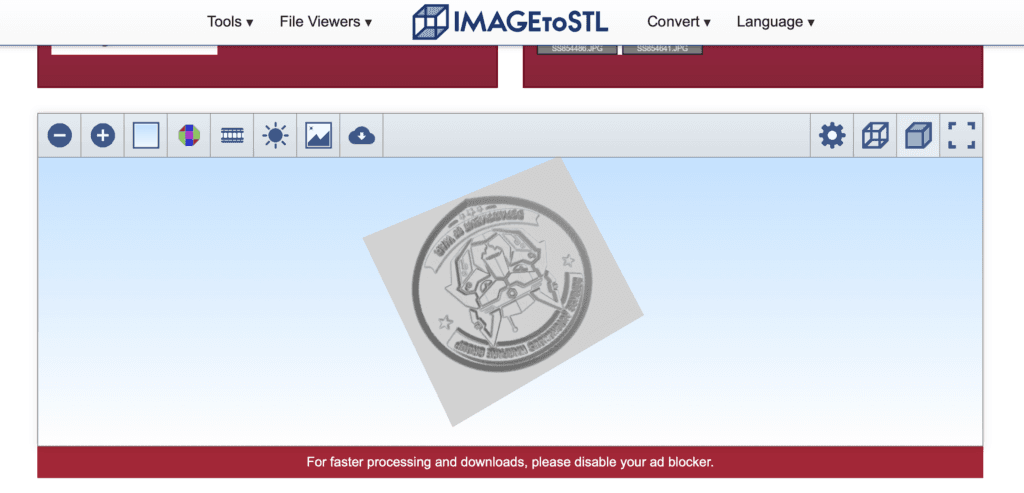
The AI tools worth paying attention to are the ones that stop bad prints before they start. For makers and small print shops, that means less time fixing busted geometry, fewer wasted spools, and fewer nights spent trying to rescue a part that should have been caught long before slicing. The market is splitting into workflows that actually map to how people build: CAD copilots inside the software you already use, automation tools that turn scans or drawings into usable files, checkers that flag geometry problems early, and text-to-STL systems that try to generate models from prompts.
That split matters because it moves AI away from hype and into the unglamorous work of getting from idea to printable file. On a desktop printer, the pain point is often not imagination, it is cleanup. A sketch may be close enough, an imported model may be broken in a tiny but fatal way, and a “finished” STL may still need wall thickness fixes, manifold repair, or assembly checks before it has any business going near the build plate.
Inside the CAD stack, AI is becoming a helper, not a replacement. Autodesk says its generative-design AI is built into Fusion and its manufacturing workflows, which is exactly where it belongs if the goal is practical iteration rather than novelty. PTC announced Onshape AI Advisor on April 15, 2025, and Onshape tells users to cross-check critical design decisions with help resources or experts, which is the right kind of caution for anything that still feeds real parts into real machines.
Dassault Systèmes has taken the same path in SOLIDWORKS, adding AI features and a built-in assistant called AURA in SOLIDWORKS Connected through the 3DEXPERIENCE platform. The common thread across all of these is simple: the most useful AI lives where the CAD already lives. It speeds up repetitive work, suggests options, and helps with the tedious parts of design, but it does not get a free pass on accuracy.
The checker workflow is the quiet breakthrough
If there is one category that feels closest to immediate everyday value, it is the checker. CoLab Software’s AutoReview analyzes CAD models and drawings and adds markup and comments so issues are caught earlier, before they become late-stage surprises. NexCAD went further with AI Checker in late 2025, aimed at eliminating drawing errors and cutting review time, with initial support for Autodesk Inventor and SolidWorks.
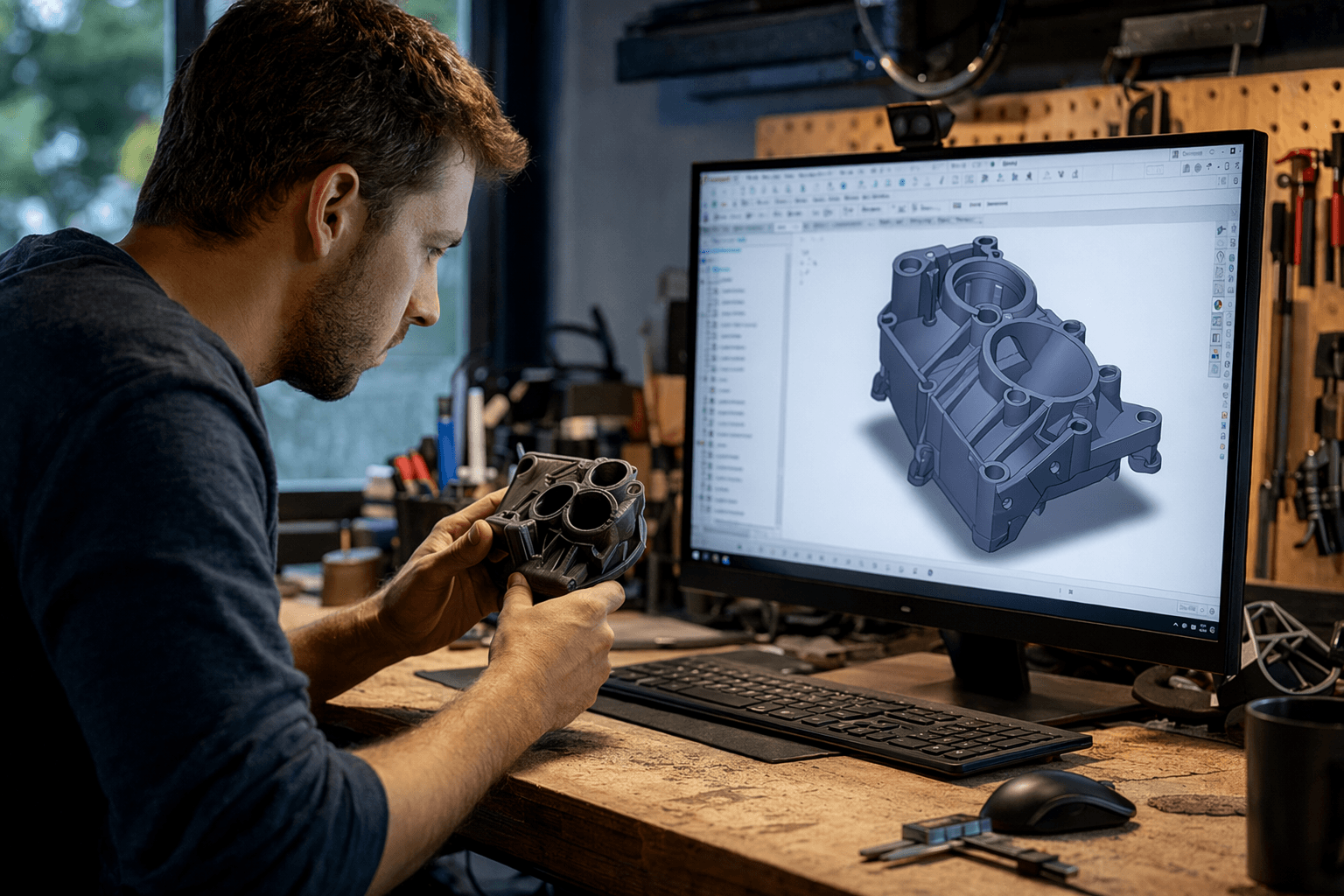
That is a big deal for anyone who has ever discovered a problem only after a print failed or a part got as far as assembly. Checkers do not try to dream up a better object from scratch. They do something more useful for most real workflows: they catch faulty geometry, assembly problems, and other mistakes before the model reaches the slicer. For home users, that can mean one less ruined print. For print shops, it can mean one less customer callback and one less round of file triage.
Text-to-STL is rough, but the direction is right
Text-to-STL and text-to-CAD are still the messiest part of the field, but they are also the most ambitious. OpenAI’s Shap-E was described as limited to simple single-object prompts with rough outputs, which is a useful reminder that early generation tools often produce something visually interesting but not necessarily printable. That gap matters in 3D printing, where watertight geometry and sensible dimensions matter more than a convincing render.
The newer research is more promising because it pushes toward editable CAD instead of disposable meshes. Text2CAD, presented as a NeurIPS 2024 Spotlight project, focused on generating sequential CAD designs from natural-language prompts. Text-to-CadQuery research published in 2025 took the next step by arguing for parametric CAD generated from natural language, which is a far better fit for printing because you can adjust dimensions instead of starting over every time the model needs a tweak.
The industry is clearly betting that this workflow will matter. HP highlighted a text-to-3D project at RAPID + TCT 2025 in Detroit, Michigan, and Aibuild describes its system as an AI co-pilot that can execute CAD, CAE, and CAM workflows using additive-manufacturing knowledge. 3D Systems’ 3D Sprint 2025.1 documentation also emphasizes moving users from CAD to print and preparing CAD data for manufacturing, which reinforces the same point: the short-term value is not a fully autonomous designer, but a faster path to a usable file.
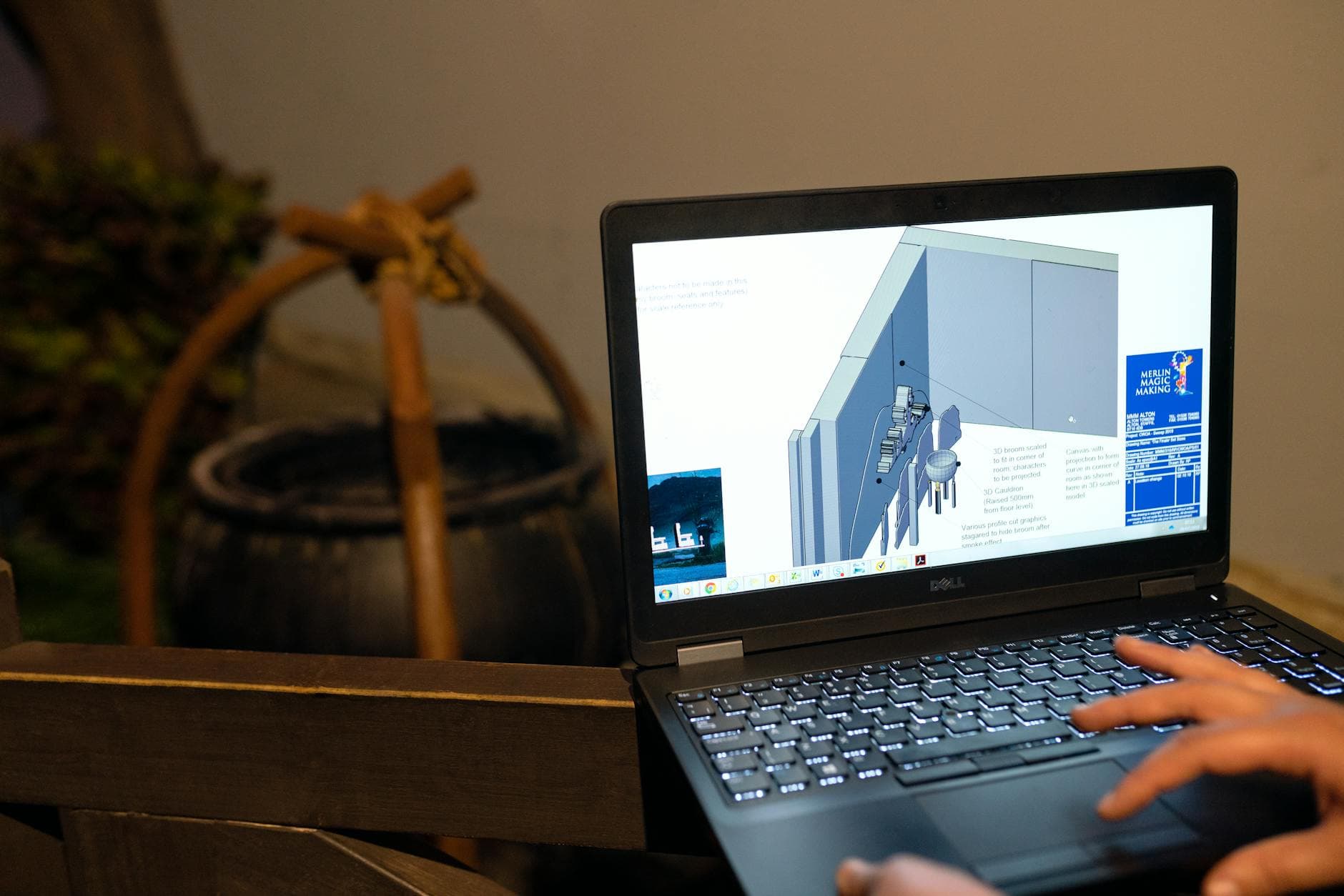
Which AI path fits three common maker jobs
For turning a sketch into a printable part, the best fit is usually a CAD copilot or a workflow tool, not a pure text generator. If you already have dimensions in your head and just need them turned into a bracket, mount, or adapter, built-in AI inside Fusion, Onshape, or SOLIDWORKS can speed up the setup while keeping you in a familiar parametric environment. That is where iteration becomes practical, because the file stays editable and you can still correct tolerances before the slicer sees it.
For modifying an existing model, the checker workflow is the safest place to start. Importing a file and discovering broken faces, bad joins, or assembly conflicts after hours of prep is the kind of failure AI can actually help prevent. AutoReview and AI Checker are pointed straight at that pain point, which is why they feel less flashy but more immediately useful than a prompt box that promises a finished model.
For generating functional brackets or organizers fast, text-to-CAD tools are the most interesting, but also the most likely to need cleanup. A prompt can get you close to a cable clip, bin divider, or shelf bracket, yet the output still has to survive real-world constraints like flat mating surfaces, screw holes, and printable wall thickness. The promise is speed, but the reality is still a human finishing pass before printing.
The bigger lesson for makers and print shops is that AI is becoming most valuable where it removes failed design time, not where it tries to replace design judgment. The tools that will earn a place on the desktop are the ones that quietly catch bad geometry, shorten review cycles, and turn messy intent into clean, printable files. That is the real workflow shift, and it is already easier to feel at the slicer than at the demo stage.
This article was produced by Prism’s automated news system from verified source data, official records, and press releases, then run through automated quality and moderation checks before publishing. The system is built and supervised by the people who set the standards it runs under. Read our full AI policy.
Did this article answer your question?