All3DP Updates Its 2026 Best 3D Printers Guide Across 25 Categories
All3DP's March 27 refresh spans 25 buyer categories, from sub-$200 budget picks to toolchangers and large-format resin, with Bambu, Prusa, Creality, and Anycubic anchoring most shortlists.
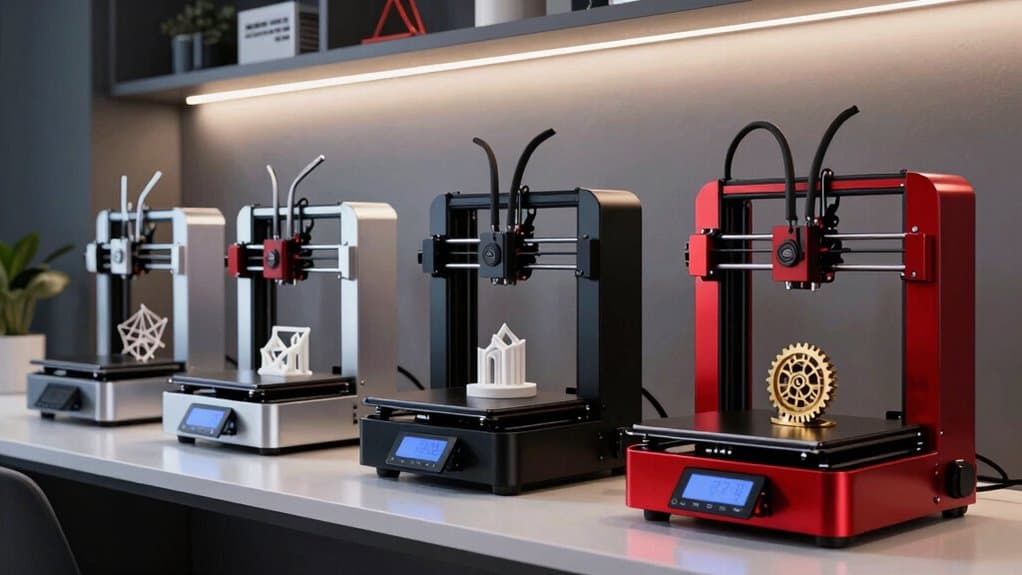
All3DP runs the most widely read 3D printing buyer's guide on the web, and the March 27 update to its Best 3D Printers 2026 resource is the most thorough version yet: 25 distinct purchase categories, every pick grounded in hands-on testing, and pricing cues for both U.S. and EU buyers. The expanded format is the point. By treating categories like "best multicolor" and "best budget" as genuinely separate decisions, All3DP avoids the trap of collapsing a complex market into a single winner-takes-all ranked list. If you're buying a printer this spring, here are all 25 categories covered, what each one actually means for your setup, and where the guide currently lands.
1. Best for Home Use
The home-use category anchors the entire guide and focuses on machines that are quiet enough for a living space, easy to set up, and reliable enough to print without babysitting. All3DP evaluates on reliability out of the box and usable default profiles, not just peak specs.
2. Best for Beginners
Beginner picks get judged harshly on first-print success rate and slicer accessibility. All3DP's editorial criteria here weigh firmware maturity and community support heavily, because a beginner hitting a wall with a poorly documented printer is effectively a dead printer.
3. Best Budget Under $200
The sub-$200 tier has gotten genuinely competitive in 2026, and Creality and Anycubic are the dominant value contenders at this price point. All3DP treats this as a separate shortlist from the broader budget category, because the trade-offs at this price band are distinct.
4. Best Budget Under $300
At the $300 ceiling, buyers gain access to more reliable bed-leveling systems and better default print profiles. Creality and Anycubic again lead this segment as primary value and midrange contenders, with Anycubic in particular making strong pushes at this tier.
5. Best Budget Under $500
The $500 ceiling is where the guide starts to see meaningful enclosed-printer options and the first credible speed machines. All3DP notes that bundled accessories, such as hardened nozzles and filament changers, become a real differentiator at this price point.
6. Best Under $1,000
Below $1,000, buyers can access CoreXY architectures, multi-material systems, and enclosures that make engineering-grade filaments practical. All3DP recommends factoring in ecosystem health at this tier: community support, slicer profile availability, and spare parts supply.
7. Best High-Speed
Bambu Lab sits at the front of this category, with its machines benchmarked for real-world throughput rather than advertised maximum print speed. All3DP's criterion here is consistent quality at speed, not theoretical top-end numbers that collapse in practice.
8. Best Enclosed
Enclosed printers matter for two distinct reasons: noise reduction for home and office environments, and the thermal stability required to print ASA, ABS, and polycarbonate reliably. All3DP evaluates enclosures on actual chamber temperature management, not just whether a door exists.
9. Best Professional
The professional category draws on the guide's full criteria set: reliability, part quality, serviceability, and clear long-term pricing for consumables and support. Prusa, with its emphasis on openness and community support, is a repeated presence in this segment.
10. Best Open-Source
Prusa is the natural anchor for open-source picks, with its machines offering full firmware access, active community profiles, and a spare-parts ecosystem that gives buyers genuine long-term ownership. All3DP flags open-source machines as especially relevant for users who want to modify or repair rather than simply replace.
11. Best Multicolor
Bambu Lab leads the multicolor category, where All3DP emphasizes that ecosystem and software integrations matter as much as raw speed. The guide evaluates these machines on purge waste efficiency, slicer integration, and color registration accuracy, not just the number of filaments supported.
12. Best Multi-Spool System
Multi-spool systems represent a step up from basic filament-swapping setups, and All3DP has elevated this as a standalone category in the 2026 update. The guide is specifically looking for systems that reduce purge waste meaningfully compared to first-generation AMS-style setups.
13. Best Toolchanger
Toolchanger-style printers are the newest elevated entry in the guide, offering color printing without the purge waste of single-nozzle multi-material systems. All3DP flags that newer toolchangers carry additional risk around firmware maturity and spare-part availability, even while offering real upside in print quality.
14. Best Dual Extrusion/IDEX
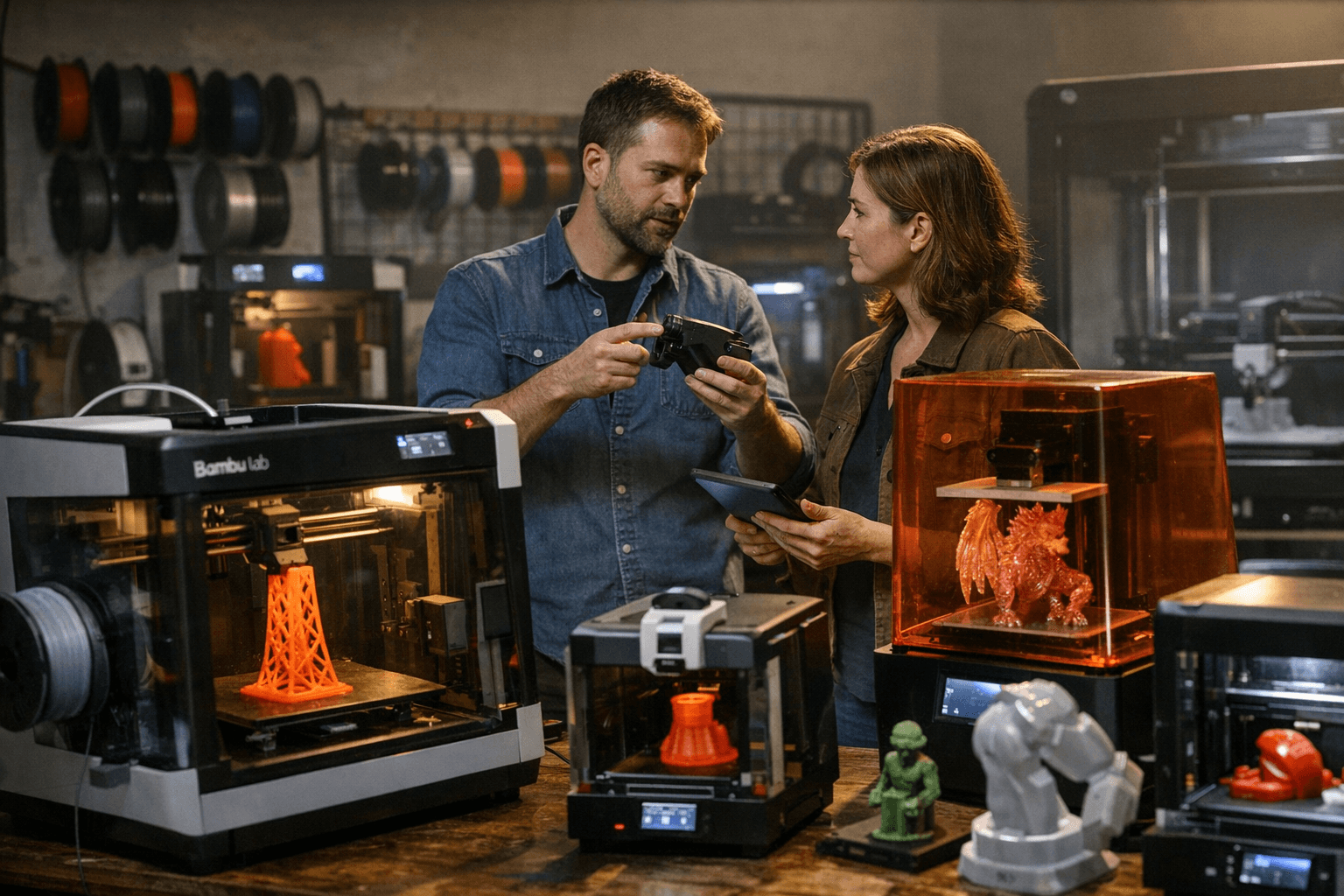
Independent dual-extrusion printers occupy a middle ground between single-nozzle filament swappers and full toolchangers. This category rewards machines with accurate nozzle offsets and slicer profiles that make dual-material printing accessible, not just technically possible.
15. Best Large Format (FDM)
Large-format FDM is a distinct decision from standard home printing, with different trade-offs around bed-leveling across bigger surfaces, thermal consistency, and frame rigidity at scale. All3DP covers three sub-categories within large format, matched to different budget and capability levels.
16. Best Compact/Small Footprint
Not every printer needs a large bed. This category covers machines optimized for desk or shelf placement, where print volume is sacrificed for convenience. All3DP evaluates these on the ratio of usable build volume to physical footprint.
17. Best for Engineering and Functional Parts
Functional parts demand dimensional accuracy and layer-to-layer consistency that decorative printing can afford to skip. All3DP's picks here reward machines with rigid frames, stable extruder temperatures, and slicer profiles tuned for structural applications.
18. Best for Technical Filaments
ASA, ABS, nylon, and polycarbonate require controlled printing environments and reliable high-temperature hot ends. All3DP recommends paying close attention to enclosure quality and nozzle material when shopping in this category, and flags that hardened nozzles bundled at purchase represent real value.
19. Best for Flexible Filaments (TPU)
Direct-drive extruders dominate this category because flexible filaments notoriously struggle through Bowden tube setups. All3DP looks for machines with well-tuned retraction profiles and community-validated TPU settings, not just the presence of a direct-drive system.
20. Best Resin Overall
The resin category is treated as a fully separate decision tree from FDM, with different workflows, consumables, and safety considerations. All3DP grades resin picks on print quality at native resolution, FEP film longevity, and wash-and-cure ecosystem compatibility.
21. Best Budget Resin
Budget resin printers have made dramatic gains in 2026, and the guide reflects that with a dedicated sub-$300 shortlist. Anycubic and Elegoo are the primary contenders in this space, where XY resolution and build plate adhesion consistency are the key differentiating specs.
22. Best Resin for Miniatures
Miniature printing sits at the detail-intensive end of the resin spectrum, where XY resolution measured in microns matters more than build volume. All3DP's picks here favor high pixel-density screens and well-calibrated exposure profiles over raw print speed.
23. Best Large Format Resin
Large-format resin printing is expensive, messy, and deliberately niche, but for detailed statues, dental models, and mold masters it remains the only practical option. All3DP notes that resin costs and cleanup time scale with the build volume, and buyers in this category need to budget accordingly.
24. Best for Education and STEM
Education and STEM picks are filtered heavily on safety, ease of student use, and classroom serviceability. All3DP recommends standardizing on a single slicer profile set for educational environments, and the picks here favor enclosed machines with minimal chemical exposure.
25. Best for Cosplay and Props
Cosplay and prop printing demands large build volumes, reasonable surface finish, and the ability to print in materials that can be sanded and painted cleanly. This use-case category overlaps with large-format FDM picks but weights aesthetic finish alongside size, distinguishing it from pure format comparisons.
The March 27 refresh lands at the right time for anyone making a spring buying decision. The guide's core message cuts through the noise: evaluate the whole workflow, not just the hardware. Slicer integration, filament ecosystem, firmware maturity, and community support determine how useful a printer actually is 18 months in. That framing is what separates All3DP's 25-category breakdown from a simple spec comparison, and it's why the guide remains the first stop for serious buyers across every segment of the market.
This article was produced by Prism’s automated news system from verified source data, official records, and press releases, then run through automated quality and moderation checks before publishing. The system is built and supervised by the people who set the standards it runs under. Read our full AI policy.
Did this article answer your question?


