Bambu Lab beta adds assembly guides and hole bridging support
Bambu Lab’s new beta adds step-by-step assembly guides and hole bridging modes, two changes that could cut down on failed multi-part prints and cleanup.
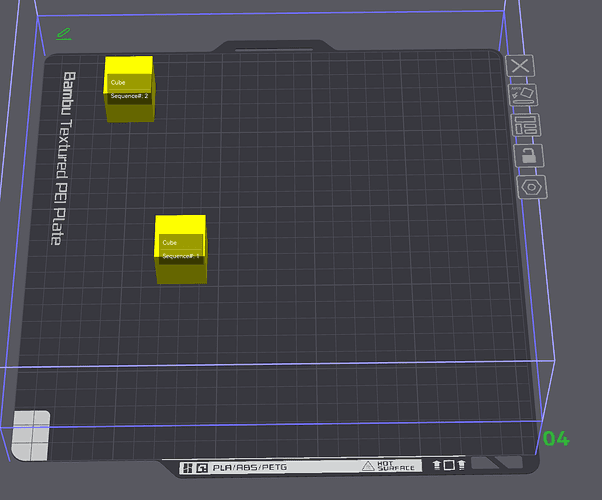
Bambu Lab opened a public beta for Bambu Studio V2.8.0.50 on June 26, and the headline changes go straight at the parts of slicing that frustrate people most: explaining how a complex model goes together and getting awkward holes to print cleanly. The beta adds an Assembly Guide generation tool and Counterbore Hole Bridging Support, while Bambu Lab is also asking users to file bugs and crashes in the forum thread so the final release can be tightened up.
The assembly feature is the bigger workflow shift. The GitHub release notes say it can import a STEP file, automatically split the model into assembly steps, and then let users edit those steps through the object tree. It also adds X-ray and Show current step only views, exploded-view animation, annotation types for snap-fit, rectangle, and text, plus one-click export to PDF, Markdown, or MP4. Bambu Lab’s wiki says the same assembly-view tools are meant for colorizing models, setting per-part slicing parameters, and assembling printed parts, which makes the feature feel aimed at the kind of multi-part projects that usually require a second round of notes, screenshots, or trial prints.

The new hole bridging support is more narrowly targeted, but it could save more finished parts from the scrap bin. Under Quality and Advanced, the beta gives counterbore and countersunk holes three modes, None, Partially bridged, and Sacrificial layer, so recessed fastener features can be printed without supports in different ways. Bambu Lab’s bridge documentation defines bridging as extruding filament in midair without support from the layer below, and that is exactly the sort of behavior that decides whether a functional print needs post-processing or comes off the plate ready to assemble.
The beta also carries several smaller workflow tweaks, including improved timelapse quality, H2D-specific foreign-object detection and curve-planning support, better circular hole compensation, a confirmation dialog for clearing Recent files, updated price information for some filament presets, and a flushing-volume change that automatically increases purge volume when switching between official materials such as PLA and PETG. Bambu Lab also warns that 3MF files saved in the beta cannot yet be uploaded to MakerWorld, so anyone planning to publish a project there needs to stay on the official release for now.
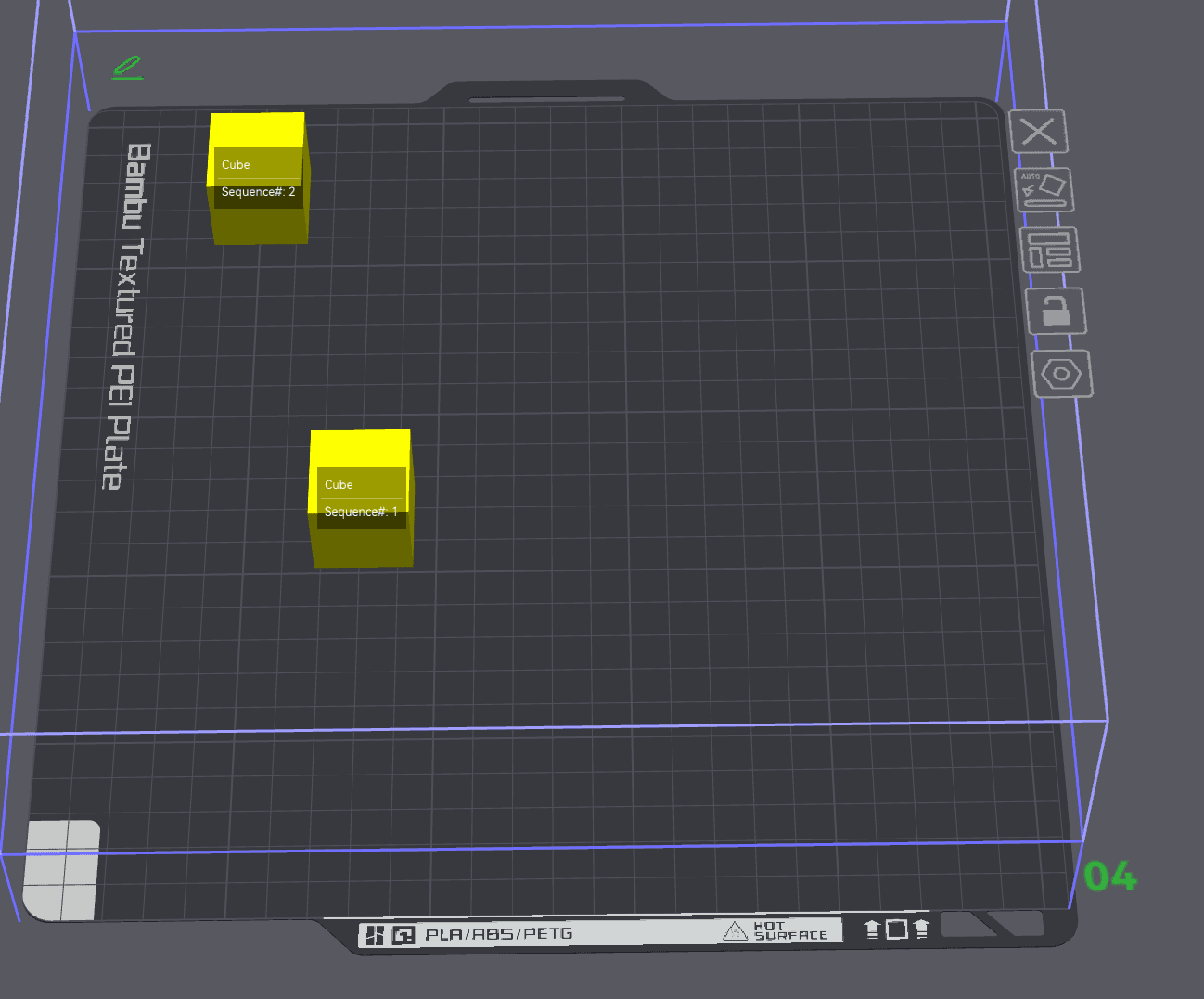
The forum thread has already turned into a real-world stress test. One commenter said Bambu Studio now supports the 3Dconnexion SpaceMouse Pro Wireless Bluetooth Edition, and another noted that a complex model ran far more slowly on macOS in Bambu Studio than in OrcaSlicer, even on an M5 Pro MacBook Pro with 48 GB of RAM. That is the kind of feedback that tells you this beta is not just about polish. It is about whether Bambu Studio can keep pace with the way people actually build, fit, bridge, and present their parts today.
This article was produced by Prism’s automated news system from verified source data, official records, and press releases, then run through automated quality and moderation checks before publishing. The system is built and supervised by the people who set the standards it runs under. Read our full AI policy.
Did this article answer your question?