Bambu Studio 2.5.3 adds Color Mixer Studio for blended multicolor prints
Bambu Studio 2.5.3 turned filament colors into a slicer trick, mixing two or three materials to create new shades, gradients, and cleaner multicolor displays.
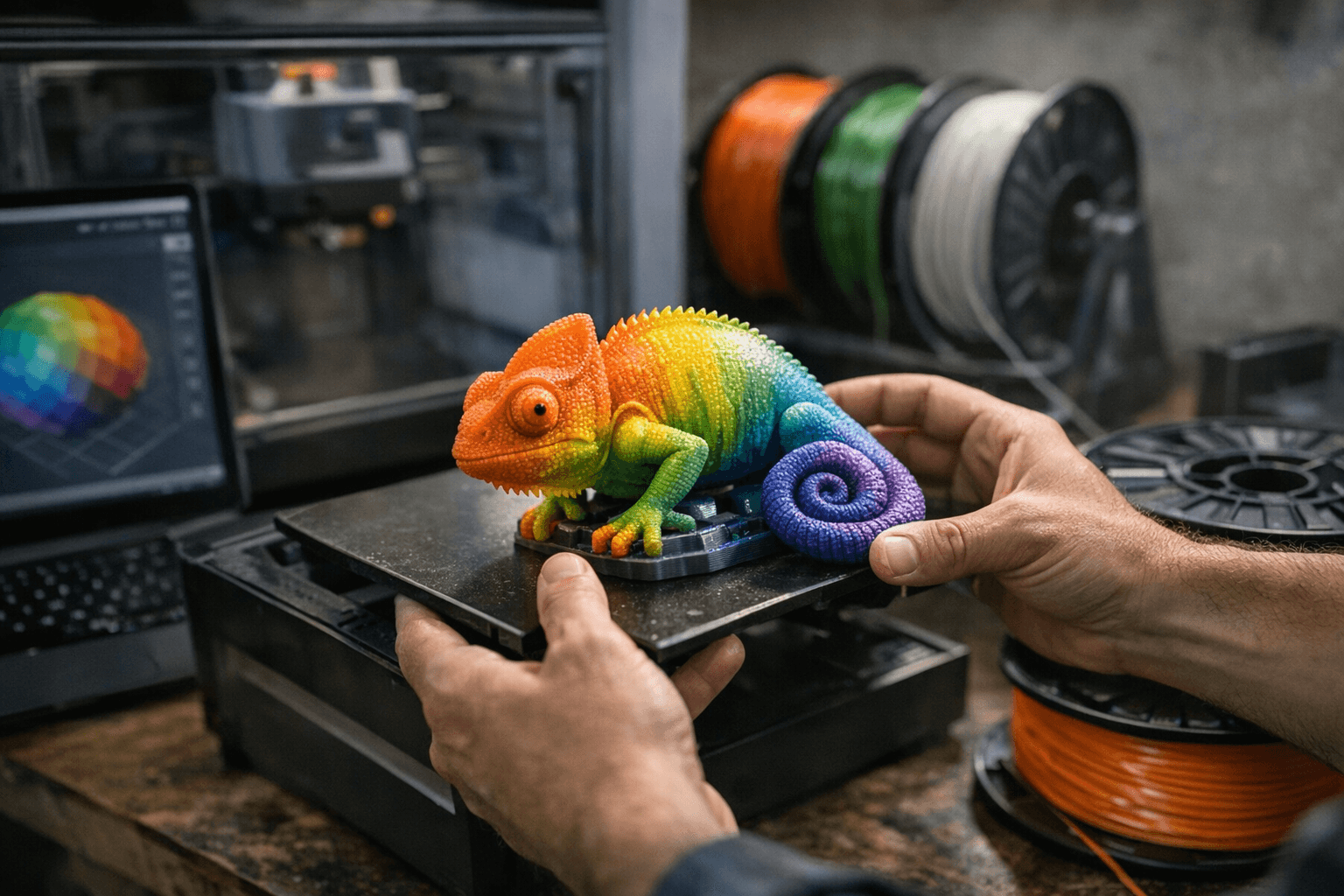
Bambu Lab’s Bambu Studio 2.5.3 update gave owners a new reason to revisit their existing filament shelves: Color Mixer Studio, a software-only tool that blends multicolor prints without any hardware swap. Instead of treating each spool as a fixed swatch, the slicer alternates layers so the eye reads a new shade, which means blue and yellow can read as green when the layers are thin enough.
The feature landed with support for mixing two or three filaments and adds a Gradient mode for gradual transitions between colors. That puts it squarely in the lane of decorative models, character figures, signs, and display parts, where the finish can matter as much as the dimensions. Bambu Lab’s release notes also tied the color prediction side of the feature to Ratdoux’s work in OrcaSlicer-FullSpectrum, while the rest of the tool was developed by the Bambu Studio team.
For Bambu users, the appeal is practical. The company’s existing workflow already lets users add filaments to a project and auto-map them to AMS slots before a print starts, so Color Mixer Studio plugs into an ecosystem many owners already use for multicolor jobs. The update also broadened the software package beyond color tools, with Bambu Studio v2.5.3 adding support for the Bambu Lab X2D on its public GitHub release page.
The catch is that this is not a universal trick for every model on the plate. Bambu Lab says Color Mixing is only suitable for near-vertical walls and is not recommended for sloped surfaces or for top and bottom layer coloring. Single-nozzle printers are also a poor fit because the process requires frequent color changes and uses more filament, while a multi-nozzle printer is recommended for better results.
Bambu Lab suggested a 0.4 mm nozzle, a 0.12 mm base layer height, and a 0.2 mm mixed layer height to get more uniform output, and it warned that the color preview model is not fully accurate yet, so high-stakes color work should start with a small test piece. That makes the update feel less like a flashy demo and more like a real workflow change for people printing cosplay parts, signs, or display models who want more visual range from the spools already on hand.
This article was produced by Prism’s automated news system from verified source data, official records, and press releases, then run through automated quality and moderation checks before publishing. The system is built and supervised by the people who set the standards it runs under. Read our full AI policy.
Did this article answer your question?


