Bellingham Makerspace Hosts 3D Printer Q&A and Troubleshooting January 16
Bellingham Makerspace held a 3D Printer Office Hours session to help people diagnose prints and tune slicer settings, giving practical troubleshooting without doing members' work.
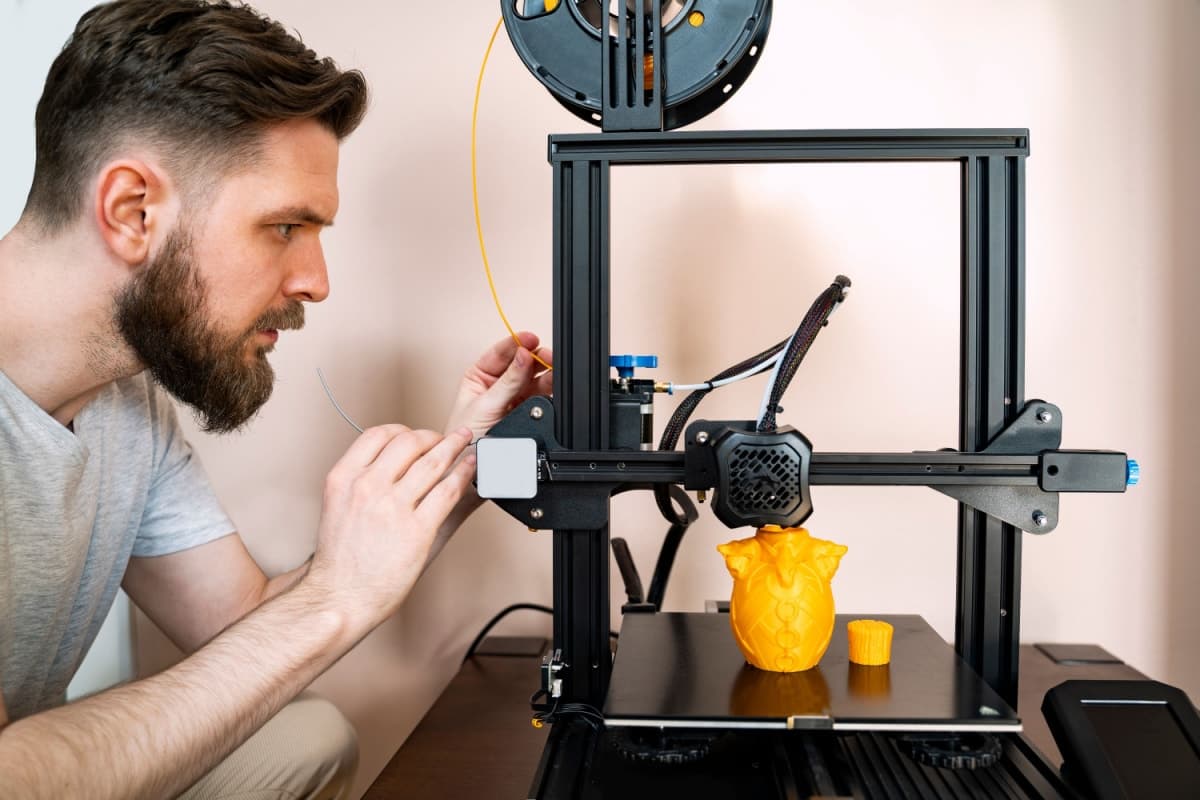
Bellingham Makerspace hosted a drop-in 3D Printer Office Hours session that brought members and non-members together for hands-on troubleshooting and advice. The informal Q&A, held January 16, 2026, aimed to get stuck prints moving again and to sharpen users' slicer and preparation skills rather than to complete projects for attendees.
Experienced volunteer mentors answered questions about printers, filaments, slicer settings and model preparation. Topics covered included filament selection and handling, slicer profiles and retraction settings, bed leveling and adhesion, and preparing models so they print cleanly. Volunteers demonstrated common diagnostics and explained trade-offs between print speed, layer height and strength, helping visitors translate a problem into a set of actionable adjustments.
Organizers scheduled the session with a set time window for drop-in help. The makerspace offered the service free to members and for a small fee to non-members. Staff and volunteers emphasized that the office hours provide guidance and resources rather than taking on members' projects; the intent is to empower people to fix their own prints and improve workflow, not to print items for them.
For community builders and curious tinkerers, the session served immediate and lasting value. Attendees left with concrete next steps such as tuning retraction to reduce stringing, changing slicer supports or orientation to avoid overhang failures, and checking filament moisture as a cause of popping or under-extrusion. Volunteers also pointed toward basic maintenance practices - nozzle cleaning, firmware checks and proper first-layer calibration - that reduce repeat visits to troubleshooting hours.

The makerspace format favors hands-on problem solving and peer learning. Regular access to experienced operators shortens the learning curve for new members and helps seasoned builders refine profiles across different machines and materials. It also reinforces the makerspace ethos of shared knowledge: instead of a service counter, the office hours act as an on-ramp for skills that members take back to their own setups.
For anyone who ran into a printing wall last week or plans to tackle complex materials, these sessions are a practical resource. Bring a sliced file, photos of the failed print and the printer profile you used; be prepared to pay a small fee if you are not a member. Expect to come away with specific adjustments you can test between sessions and a clearer path to consistent, reliable 3D prints.
This article was produced by Prism’s automated news system from verified source data, official records, and press releases, then run through automated quality and moderation checks before publishing. The system is built and supervised by the people who set the standards it runs under. Read our full AI policy.
Did this article answer your question?