FullSpectrum Studio simplifies multicolor 3D printing with fewer filaments
FullSpectrum Studio trims multicolor prints down to a usable filament palette, aiming to cut waste, purge time, and setup pain for H2C beta users.
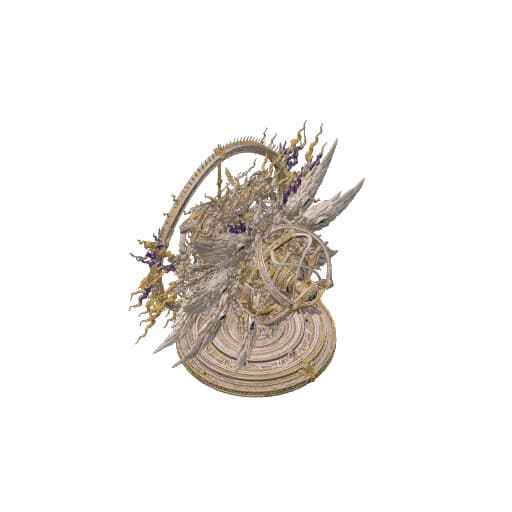
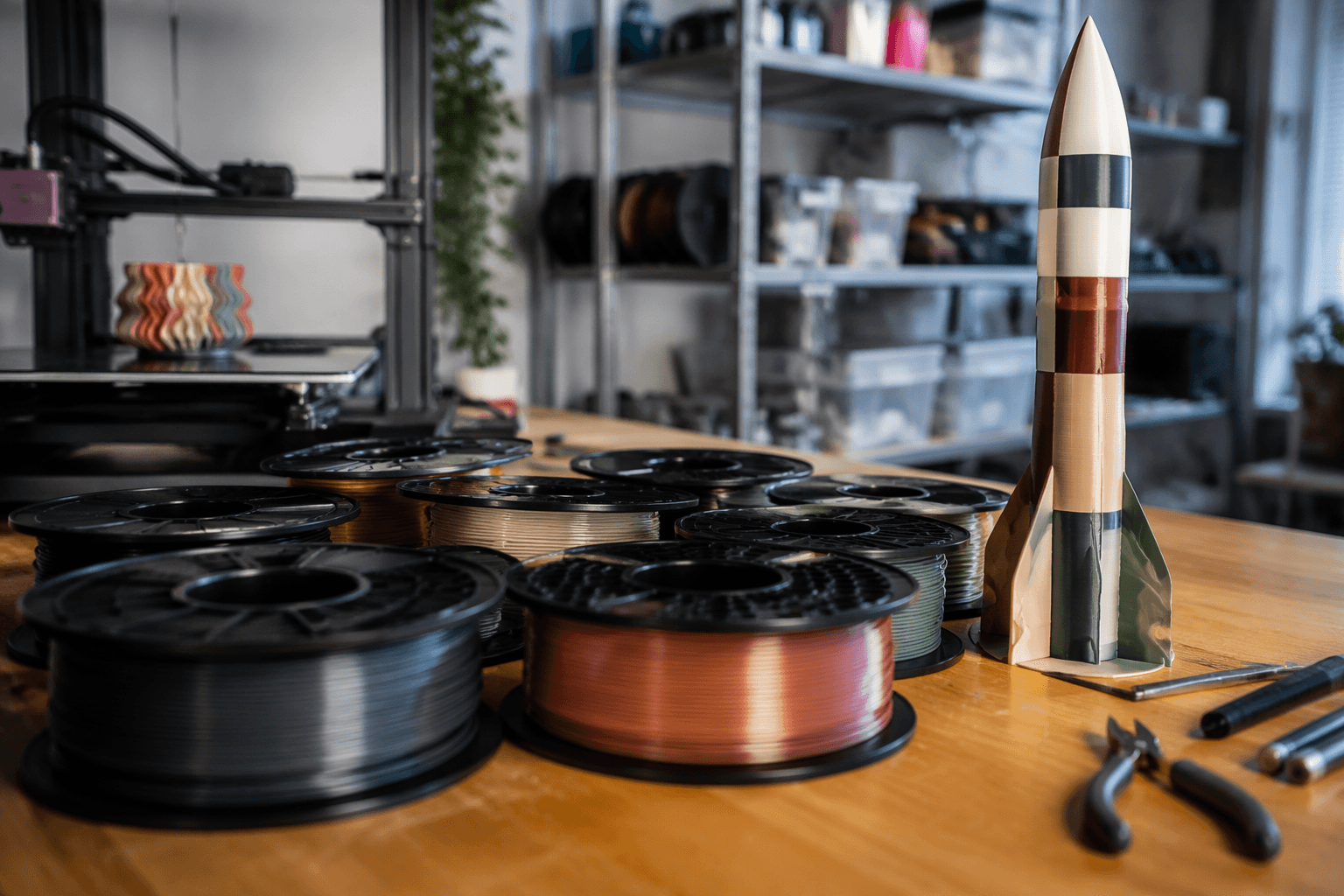
FullSpectrum Studio is a free, non-commercial tool built around Bambu Lab’s H2C public-beta workflow. It is meant to preserve the original paint mapping while reducing the number of physical filaments needed. That targets a problem every multicolor printer owner knows: a beautiful painted model can turn into a purge-heavy, filament-hungry mess the moment you try to reproduce every shade in plastic. In practice, that could make complex color work less wasteful, less fiddly, and far more realistic for anyone who does not keep a massive spool wall.
What FullSpectrum Studio is trying to fix
The project is not about simply adding more colors to a model. It is about taking a highly detailed painted multicolor design and turning it into a print plan that still reads correctly after the palette has been compressed. A related forum post calls FullSpectrum Studio a community preview prototype for “automatic palette reduction and color reconstruction for multicolor printing workflows,” which is a very specific answer to a very real problem in the slicer.
That problem is the hidden cost of multicolor printing. The pain is not just the color changes themselves, but the waste, purge time, setup work, and slicer complexity that pile up when you try to reproduce a rich paint job exactly. If you have ever watched a model eat through filament just to clear previous colors out of the nozzle, the appeal here is obvious: fewer physical filaments, fewer decisions, and a cleaner path from design to print.
Why fewer filaments matter in real jobs
The whole point of the workflow is to make richly painted models practical on a real printer, not just impressive in a render. It keeps the original paint mapping readable after the palette has been compressed, so the final output still tracks the source artwork instead of becoming a rough approximation. That matters most on figurines, tabletop minis, display pieces, and art toys, where color fidelity counts but direct reproduction of every tiny shade is often too expensive or too slow.
The practical payoff is easy to break down:
- fewer manual color decisions when the palette is compressed
- better use of limited spool slots on systems that cannot carry endless material
- less purge waste and less time spent on color swaps
- lower setup friction for people trying multicolor work for the first time
A model that would be wildly inefficient with dozens or hundreds of color changes can become something you might actually queue up, because the software is doing the boring palette triage before the printer ever starts.
Where the H2C public beta fits
This is tied closely to Bambu Lab’s H2C public-beta workflow, and the surrounding forum context shows how tightly the software and firmware pieces are being developed together. The Bambu Lab Community Forum’s H2 Firmware Public Beta category included the FullSpectrum Studio thread, and the forum index listed 16 replies, 1,028 views, and activity dated July 19, 2026.
Bambu Lab also announced H2C firmware V01.01.50.00 as a public beta; users could join through the Bambu Handy app under Me Beta Firmware Program. The update was pushed gradually, which is typical of a public beta rollout where printer firmware, app access, and slicer behavior need to stay in sync. A separate thread in the same ecosystem asked about H2C firmware 1.2.0 mentioned in Bambu Studio 2.6.0 and 2.6.1 beta release notes, which shows how closely people are trying to line up firmware versions with slicer features and accessory support.
How the community is reacting
The thread itself shows a familiar split between curiosity and comparison. RetroSharky asked, “What’s the difference between this and the feature that’s already included in Bambu Studio? Thanks.”
MalcTheOracle also replied in the related request thread that “So many people have opened topics on the same subject, this is just one. They need to be merged.”
How it fits into the wider multicolor toolbox
FullSpectrum Studio does not exist in a vacuum. Adjacent tools in the ecosystem include printpal.io’s online filament painter and BigBrain3D’s SimplyColor3D product, both of which reflect the same long-running need to simplify multicolor output.
What sets FullSpectrum Studio apart is the focus on palette compression for practical printing rather than just colorful preview work. The tool is being shared freely for non-commercial community use, and that makes it feel less like a polished product pitch and more like a maker-built attempt to solve a workflow problem the official stack has not fully erased.
This article was produced by Prism’s automated news system from verified source data, official records, and press releases, then run through automated quality and moderation checks before publishing. The system is built and supervised by the people who set the standards it runs under. Read our full AI policy.
Did this article answer your question?