Meshy AI Image-to-3D Tool Joins Bambu Lab's MakerWorld for Instant Multicolor Prints
Meshy-6 is inside Bambu Lab's MakerWorld MakerLab for 2 credits per export, turning a single photo into an AMS-ready multicolor 3MF in under two minutes.

Photo-to-print used to mean an afternoon inside photogrammetry software followed by manual hole-filling, UV unwrapping, and color separation work in Bambu Studio. Meshy's Image-to-3D integration inside MakerWorld's MakerLab, which went live March 17, collapses that sequence to roughly two minutes and a 2-credit export fee.
The engine powering the integration is Meshy-6, the latest model from Santa Clara-based Meshy, founded by CEO Ethan Hu with backing from alumni at MIT, Harvard, NVIDIA, Microsoft, and Google. Inside makerworld.com, users navigate to MakerLab's Image-to-3D section, upload a photo, and choose from three selectable AI engines: Meshy-6, Hunyuan 3.1, or Tripo AI 3.0. The generated mesh exports as a .3MF or STL that drops directly into Bambu Studio's slicing queue. For multi-color builds, Meshy's updated Multi-Color Printing feature analyzes the texture data extracted from the source image and maps it automatically to AMS-compatible color zones, producing a pre-configured .3MF with no slicer paint-bucket work required.
The community test case making the rounds captures the workflow at its best. Chloe T., a 3D printing enthusiast from Austin, Texas, uploaded a photo of her cat into MakerLab's Meshy-6 tool and had a print-ready 3MF file in under two minutes before queuing it on a Bambu Lab X1C. She called the experience "genuinely the fastest I've ever gone from idea to finished object." Her photo is exactly the kind of input the pipeline handles cleanly: a well-lit subject with distinct color regions that map to four or fewer AMS spools. Meshy now serves more than 10 million creators globally, and with that user base pointed at MakerWorld, the volume of original color-rich uploads is poised to accelerate fast.
Before sending a Meshy-generated model to the printer, a few realities in the pipeline are worth understanding. Thin-walled features and deep undercuts frequently push AI-generated meshes toward non-manifold geometry; Hu himself acknowledged in a prior interview that when the algorithm encounters large gaps or unclear structures, it may avoid aggressive auto-fixes to prevent distortion, meaning the slicer catches what Meshy-6 leaves open. A mesh validation pass in Bambu Studio's repair view takes five seconds and prevents far longer print failures. The automatic color zone mapping is also calibrated for bold, well-separated color regions: photographic gradients, dense patterns, and high-frequency textures can generate more zones than a standard four-spool AMS handles cleanly, which pushes the job back into manual color consolidation. Walls thinner than 0.8mm appear printable in preview but produce structurally weak or failed parts in FDM; Meshy's own documentation flags this as a known edge case on organic and detailed subjects. On the IP side, Meshy-6 will process whatever image you feed it; uploading licensed character designs or branded product imagery creates downstream copyright exposure that the tool has no mechanism to prevent or flag.
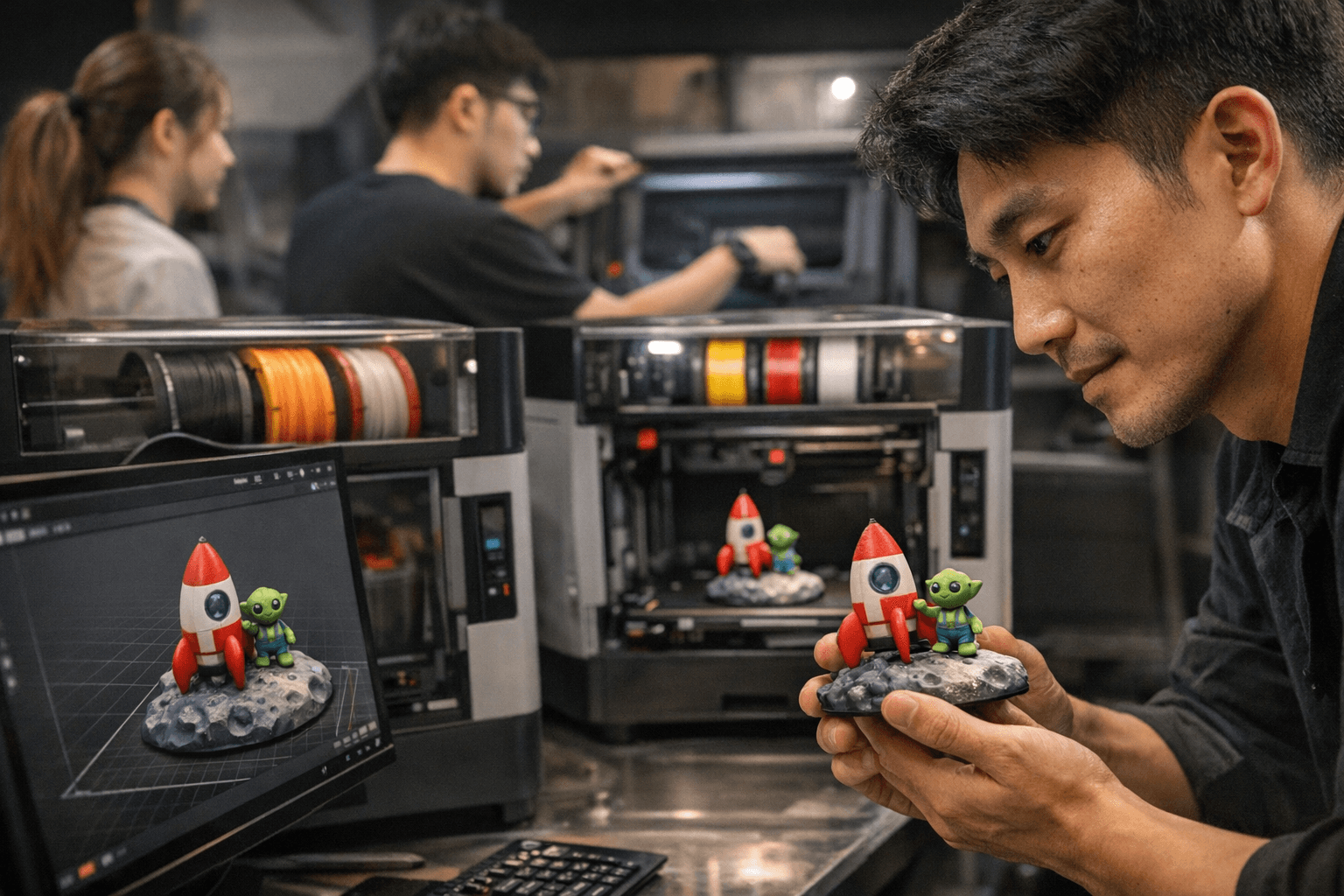
For new users, the clearest path to a clean first print runs through subjects with simple geometry and three to five strong colors: stylized portraits, bold logos, figurines with distinct color zones. Running a proof at 30% scale before committing to a full AMS build catches color misassignments on a 20-minute test rather than a five-hour one.
With Meshy-6 now alongside Hunyuan 3.1 and Tripo AI 3.0 as selectable engines inside MakerLab, a real A/B comparison loop exists on the same source image for the first time. The community data on which engine handles which geometry type is already accumulating.
This article was produced by Prism’s automated news system from verified source data, official records, and press releases, then run through automated quality and moderation checks before publishing. The system is built and supervised by the people who set the standards it runs under. Read our full AI policy.
Did this article answer your question?


