New multicolor 3D printing method cuts waste and print times
A new multicolor printing workflow aims to cut purge waste and shorten color swaps, tackling the biggest pain points on desktop machines.
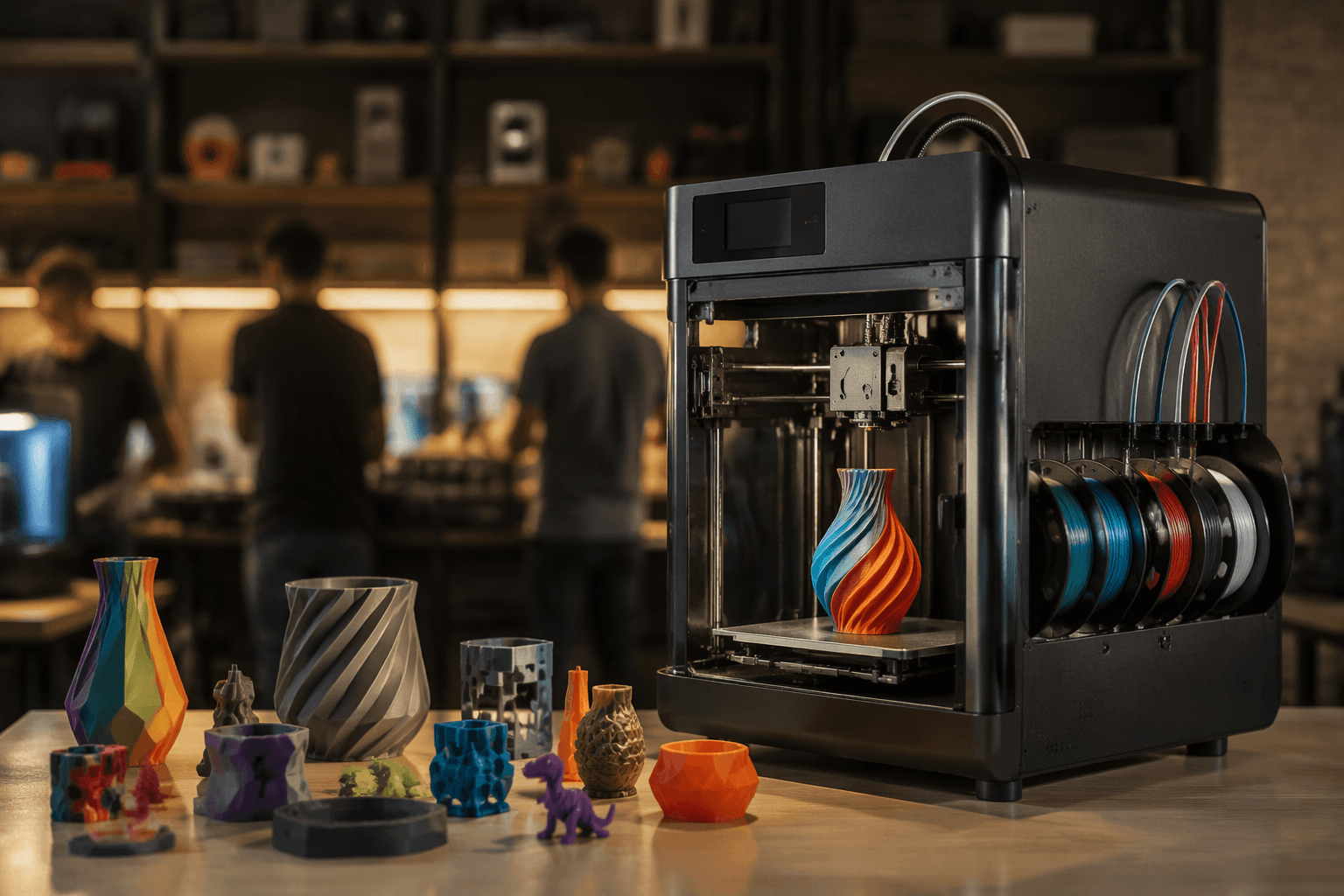
Julian Scheffers’ July 23 Hackaday piece on New Method Accelerates Color 3D Printing put a practical fix in front of desktop makers: less purge waste, fewer tool-change delays, and shorter multicolor jobs. The workflow is aimed at the real cost of color printing on consumer machines, where every swap can mean wipe moves, purge cycles, and sacrificial towers that chew through filament.
That tradeoff has been the sore spot for years. Hackaday’s 2023 background piece on reducing poop in multicolor prints said the upside is obvious, multicolor work can skip painting and produce vibrant objects, but the penalties are just as clear: higher filament consumption and longer print times. The new method is presented as a way to soften those penalties rather than treating color as a luxury reserved for long, messy jobs.
The hardware side of the problem is familiar to anyone who has watched a single-nozzle machine churn through a color change. Co Print says around 90% of multi-color printers use one nozzle, which means the printer has to unload one filament and load the next for every swap. That is where purge towers grow and where the time starts to disappear. Co Print also says its own multi-color kits can make the purge tower much smaller, while PrintPal and Sovol both frame wasted purge filament as one of the central headaches in multicolor printing.
Hackaday’s example image of a highly detailed owl, with rich color patterning, suggests the method is meant for more than simple two-tone parts. The strongest use cases are the ones that usually punish standard slicer workflows: decorative pieces, signage, character models, and presentation parts where color detail matters but a pile of transition scraps does not. If the workflow really cuts waste and reduces tool changes, the payoff is straightforward for desktop setups already in use: less filament lost to transitions, less waiting around for the next layer, and fewer jobs that feel too expensive to start.
The remaining question is not whether color looks better, but how far the method can go without adding slicer complexity that wipes out the gains. Multicolor printing has often been limited less by printer mechanics than by the way the software handles transitions, and this story lands squarely in that fight. Hackaday’s day page showed 30 comments on the article, and the FDM 3D printing tag page showed 33, a sign that the community immediately recognized the same pressure point every multicolor job runs into: speed, color quality, and waste still have to balance on the same build plate.
This article was produced by Prism’s automated news system from verified source data, official records, and press releases, then run through automated quality and moderation checks before publishing. The system is built and supervised by the people who set the standards it runs under. Read our full AI policy.
Did this article answer your question?