OrcaSlicer v2.3.2 Patches Security Flaw, Adds Configurable Wipe Tower Options
A crafted 3MF file could have written anywhere on your PC through OrcaSlicer; version 2.3.2 patches the exploit and adds long-needed wipe tower control.
A crafted .3mf archive landing in OrcaSlicer's import queue could write to any folder on your filesystem and potentially execute code. That was not a speculative warning: PR #12860, merged by lead developer SoftFever in the v2.3.2 stable release on March 29, confirmed the path traversal vulnerability was real and closed it. If you have not updated yet, that is the only thing that matters right now.
The mechanics of the flaw are worth understanding before you open your next community model pack. A malicious .3mf file, structured to exploit the traversal bug, could place files outside the intended extraction directory during import, with the release notes explicitly noting the potential for code execution. Every unvetted archive downloaded from a random Discord drop, a Telegram filament group, or a bulk model pack from a site you have never verified was carrying that risk in any OrcaSlicer build before v2.3.2.
To update on Windows or macOS, grab the installer from the official OrcaSlicer GitHub releases page. On Linux, the Flathub build is now live; install it via the command flatpak install flathub com.orcaslicer.OrcaSlicer. Avoid third-party mirrors and unverified repacks. Before upgrading, back up your printer and filament profiles, since v2.3.2 relocates some settings and a clean install over a previous build can surface unexpected changes.
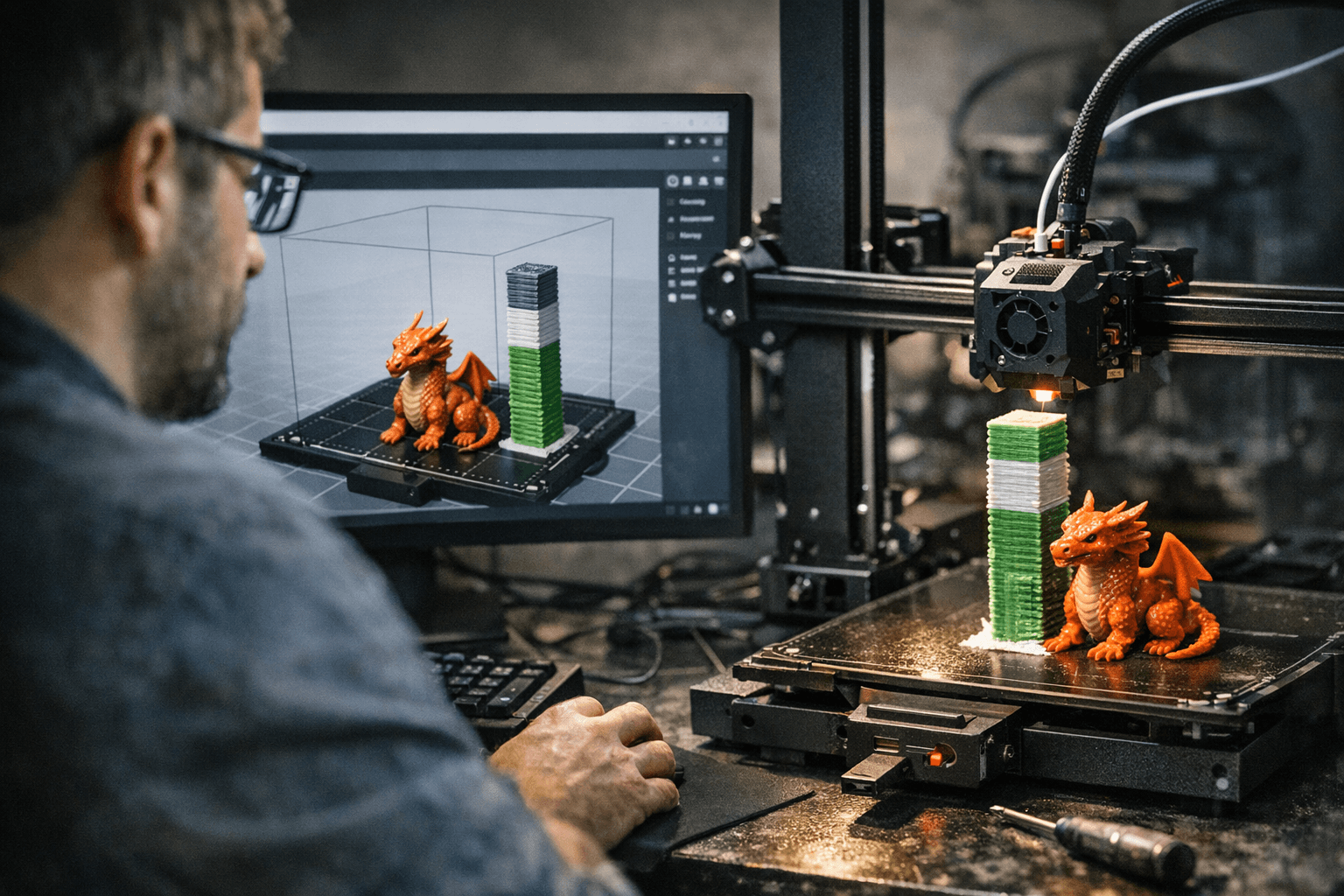
With the security fix in place, the configurable wipe tower type is the headline quality-of-life addition. Previously, OrcaSlicer determined the wipe tower type based solely on the printer model, leaving users with hybrid or non-standard setups stuck with whatever the profile defaulted to. PR #12781, also by SoftFever, adds a printer-level setting that lets you choose explicitly. Type 2 is the recommendation for MMU, filament cutter, and tool changer rigs, and matching it correctly to your hardware reduces the tower collapses and failed purges that make multi-color printing feel expensive and unreliable.
Multi-material users running Happy Hare get a further improvement through PR #12764, contributed by @ammmze. Happy Hare now writes MMU lane data to the Moonraker database in the same format as AFC, so OrcaSlicer normalizes detection across both systems and checks the Moonraker database first. That means more reliable automatic MMU identification and access to vendor name data that was previously unavailable.
Contributor @Sabriel-Koh moved "Adaptive Volumetric Speed" behind developer mode in PR #12688, adding a tooltip that explicitly flags it as experimental. The setting remains accessible for those who want it, but it no longer surfaces for users who have no reason to enable it, cutting down on the accidental mis-tuning that trips up newer setups. A CLI segfault was also resolved, and the title bar now dynamically expands to show longer project names, a small but appreciated fix for anyone managing complex multi-part assemblies.
One practical rule going forward for safer 3MF handling: only import files from moderated repositories like Printables, Thangs, or MakerWorld; preview unfamiliar community packs in a zip extractor before opening them in any slicer; and treat bulk model drops shared in chat groups with the same skepticism you would give an executable from an unknown sender. The path traversal bug is patched in v2.3.2, but the file hygiene habit is worth keeping regardless of which slicer version you run.
This article was produced by Prism’s automated news system from verified source data, official records, and press releases, then run through automated quality and moderation checks before publishing. The system is built and supervised by the people who set the standards it runs under. Read our full AI policy.
Did this article answer your question?


