Prime Day deals spotlight essential 3D printer maintenance tools
Prime Day’s sharpest 3D-printing bargains are the tools that prevent the next failed print. The best buys here are the ones that keep belts tight, nozzles clean, and downtime short.
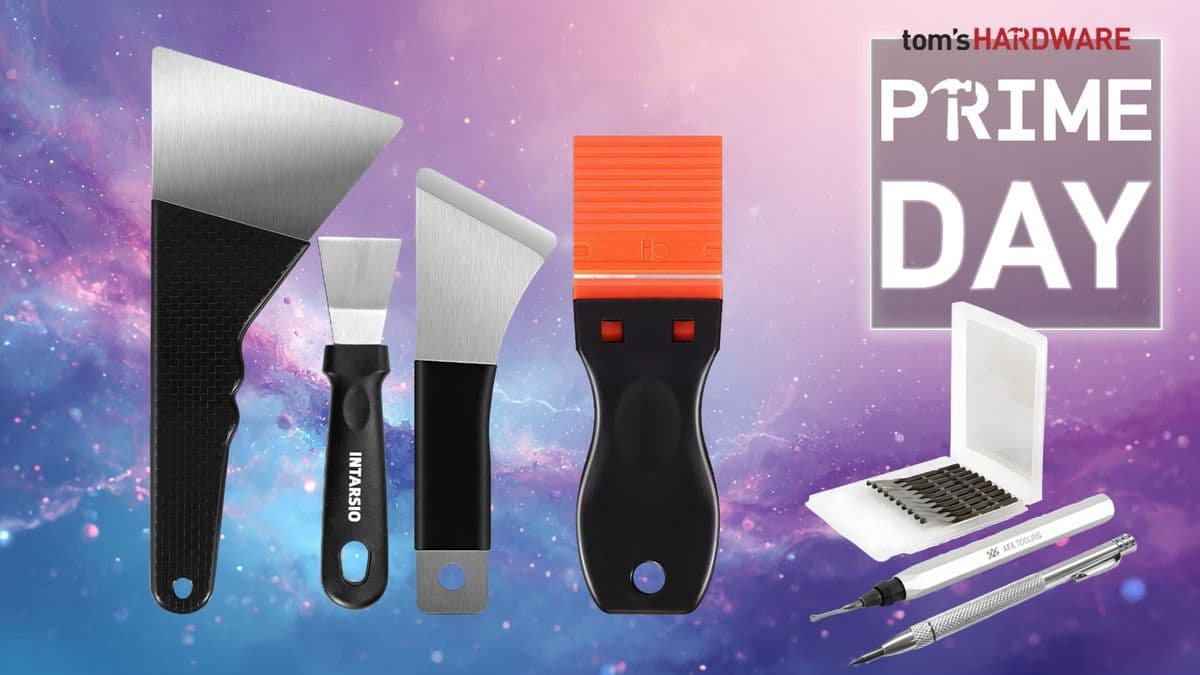
A 3D printer looks cheapest right up until a loose belt, dirty nozzle, or drifted fastener turns a weekend job into a pile of scrap. Tom’s Hardware’s Prime Day 2026 3D-printing roundup leans into that reality, putting maintenance gear ahead of flashy accessories and framing the best discounts around the tools that keep a desktop machine productive after the novelty wears off. Stewart Bendle, who also covers filament and resin deal guides for the site, centers the story on utility first, with HOTO, Creality, Wera, and iFixit all showing up as names tied to the basic workbench gear every printer eventually needs.
The tools that prevent the most common failures
The smartest maintenance buys are the ones that solve the problems that actually interrupt printing: fasteners that back out, parts that need adjusting, and surfaces that need cleaning before the next job starts. Prusa’s guidance is blunt on that point, saying regular maintenance should be done before every print and even when the printer is working perfectly. That is the real logic behind the deal roundup. A small set of Allen keys, needle-nose pliers, isopropyl alcohol, compressed air, and a brass brush can keep a machine in the zone where it stays consistent instead of drifting toward bad first layers and ugly surface artifacts.
That kind of bench kit matters because the failure modes are familiar to anyone who has spent enough time around FDM machines. Loose belts can lead to malfunction, layer shifting, ghosting, and irregular shapes, which means a basic driver set and a few hand tools are not optional extras. They are the difference between a quick adjustment and a full lost print.
Cleaning is not cosmetic, it is part of the workflow
A clean printer is a more predictable printer, and the notes behind this roundup make that case clearly. Prusa says debris can build up after only a few hours of printing, including filament scraps, dust, and broken supports. That is the kind of mess that sneaks into motion paths, clings around the hotend area, and makes troubleshooting harder than it needs to be.
MatterHackers reinforces the same point from another angle, describing 3D printers as machines that need to stay clean and lubricated to run at peak performance. Its maintenance advice includes a monthly dusting with a microfiber cloth and canned air, which is a good fit for the kinds of Prime Day kits that mix cleaning aids with hand tools. If the bench already has cloths, air, and alcohol nearby, the routine stays simple enough to happen between jobs instead of getting postponed until the next clog.
Lubrication and motion care keep the machine honest
Cleaning removes the immediate problems. Lubrication keeps the mechanical side from turning slow wear into visible print defects. MatterHackers recommends checking lubrication after several hundred hours of printing, which is a useful reminder that a printer’s motion system ages even when the rest of the machine looks fine.
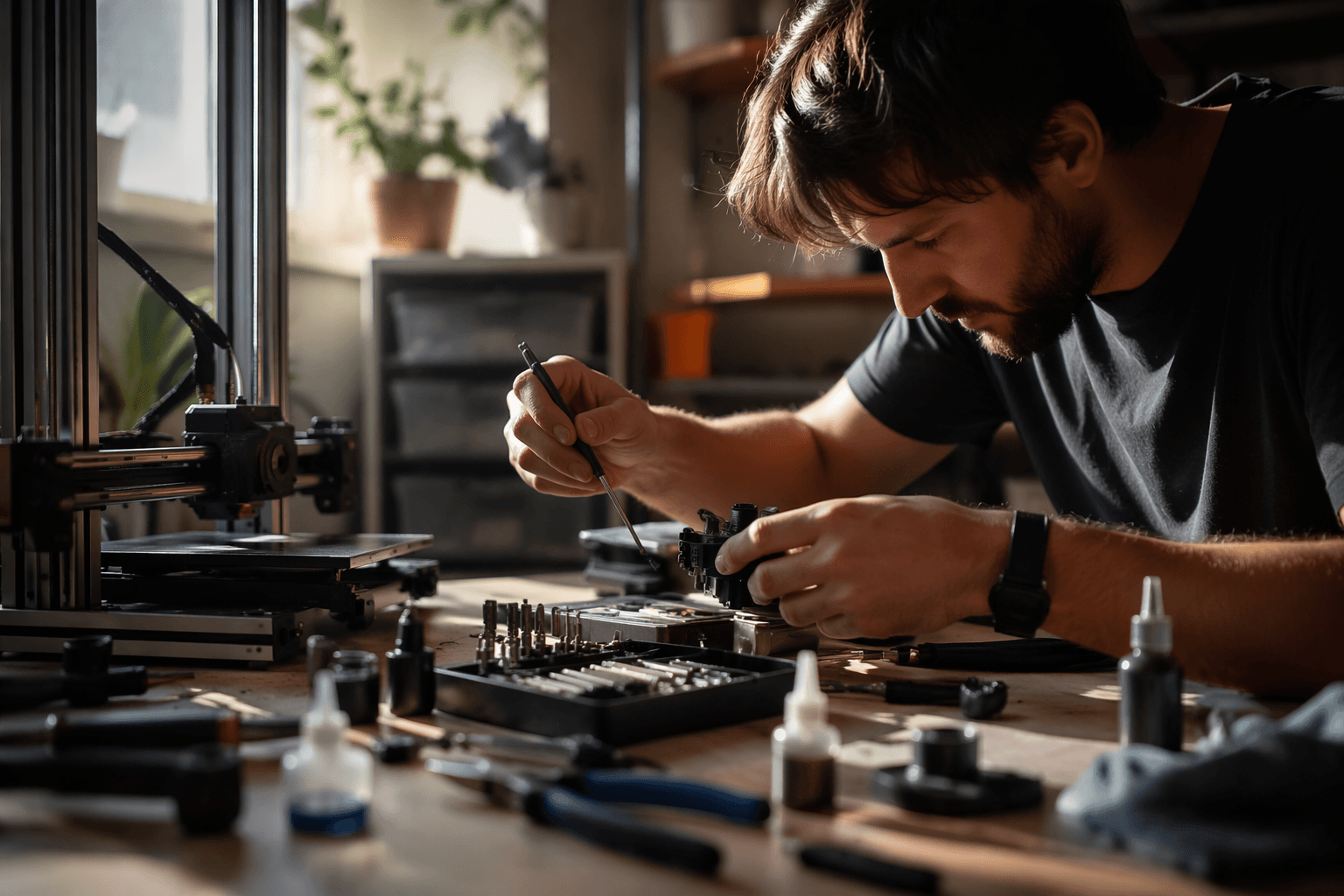
That is why the most practical maintenance kits are the ones that cover both ends of the problem. A driver set helps with adjustments, a brush and alcohol help with residue, and lubricants keep motion parts from getting sticky or noisy. The point is not to turn every owner into a technician. It is to make sure the machine stays close to its original behavior for as long as possible, especially when a busy bench has multiple spools, multiple prints, and not much spare time for diagnosing a squeak that started two weeks ago.
Why this Prime Day story lands with the community
Tom’s Hardware’s timing matters because sales events often push people toward the printer first and the supporting gear later. That works until the first month delivers loose hardware, messy cleanup, and one failed job after another. By running adjacent Prime Day coverage on filament and resin deals in the same 3D-printing section, the site is effectively mapping the whole starter ecosystem, not just the machine itself.
That is the useful lesson hidden inside the deal page. A printer is only one part of the workflow, and the maintenance ecosystem is what keeps the hobby enjoyable once the box has been opened. For first-time buyers, that means the better purchase order is not simply printer, then hope. It is printer, then the small tools that keep the printer aligned, clean, and easy to recover when something shifts out of tune.
What the discounted brands point to
The brands named in the roundup, HOTO, Creality, Wera, and iFixit, all sit in the same practical lane even if their kits are aimed at slightly different users. The common thread is simple: drivers for fasteners, cutters for cleanup, a rotary tool for finishing work, and general bench gear that makes troubleshooting less painful when a clog, wobble, or loose component shows up.
That mix is what separates a useful Prime Day buy from filler. The most valuable maintenance gear is not the flashiest add-on or the prettiest box. It is the kit that lets a printer stay squared up, cleaned out, and ready for the next file, which is how a machine earns its space on the desk long after the unboxing rush is gone.
This article was produced by Prism’s automated news system from verified source data, official records, and press releases, then run through automated quality and moderation checks before publishing. The system is built and supervised by the people who set the standards it runs under. Read our full AI policy.
Did this article answer your question?