Printable PC Case Focuses on Serviceability, Customization, and Practicality
On December 26, 2025 Marst_art released a video walkthrough showing how to print and assemble the Makeyo MK01, a modular PC case designed for easy servicing and user customization. The project matters because it lets you build a functional, heat tolerant chassis on a small consumer printer, while choosing colors and mounting options you cannot get from store bought cases.
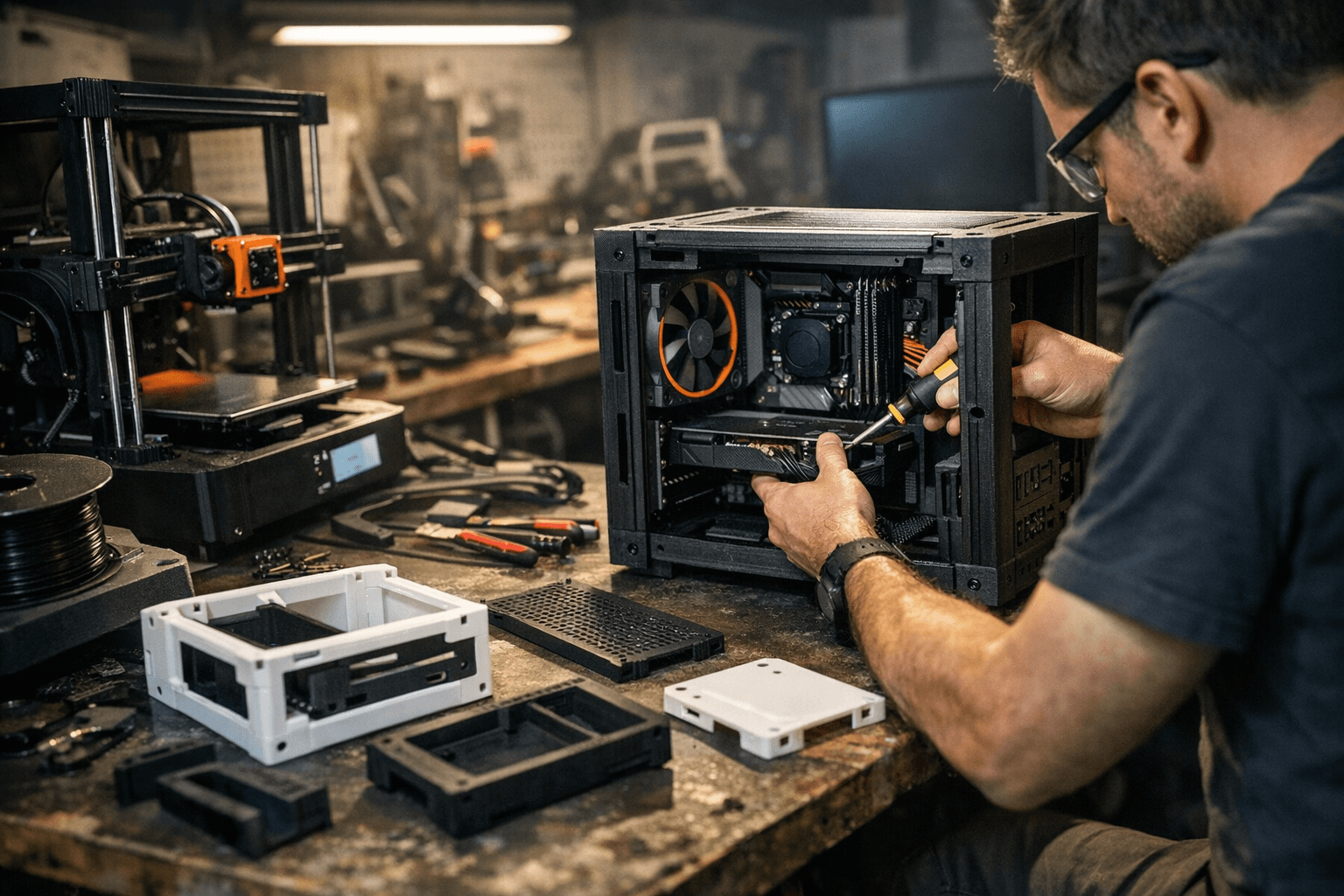
Marst_art demonstrated the Makeyo MK01 on December 26, 2025, walking viewers through printing, assembly, and small modifications that make the case compelling for hands on builders. The MK01 is made from many smaller parts so each component fits on any 3D printer with a 210 x 210 mm build area or larger. Outer panels attach to the main chassis with magnets, so you can pop panels off for maintenance without undoing fasteners or clips. That serviceability is the case core appeal, especially if you prefer practical access over flashy lighting.
Because you print the chassis yourself you control material, color, and layout. Marst_art added a USB C port to the front panel for convenient access, created internal mounts for 2.5 inch SSDs, and modified the power switch assembly. You can copy those changes or adapt dimensions and ports before printing to match your components and workflow. Choosing your own color scheme and print finishes is another appeal you do not get with store bought enclosures.
The video also serves as a practical guide to printing this kind of project on consumer machines. Marst_art showed how slicer settings and print orientation alter surface finish and strength, and highlighted that thermally demanding systems will need heat tolerant filament. Print the MK01 in ABS or another material that handles higher temperatures unless your build runs very cool. Plan ventilation and component placement so airflow is not compromised by the printed panels.
There are trade offs to weigh. Printing a case takes time and post processing, so cost savings may be offset by print hours and finishing work. Community discussion has focused on material choices, cost versus time trade offs, and practical considerations such as electromagnetic interference shielding and thermal performance. You will want to address EMI and grounding if your build includes sensitive radios or high speed I O, and consider adding metal plates or conductive treatments where needed.
Files for the MK01 are available on Printables if you want to try the project. If you go that route, preview parts on your printer, estimate print time for each panel, and choose filaments that match your heat and strength needs. The MK01 offers a serviceable, customizable alternative to ready made cases, and it gives you the flexibility to adapt a full size PC chassis to your tools and tastes while keeping maintenance simple.
This article was produced by Prism’s automated news system from verified source data, official records, and press releases, then run through automated quality and moderation checks before publishing. The system is built and supervised by the people who set the standards it runs under. Read our full AI policy.
Did this article answer your question?