Prusa Research Releases Firmware 6.5.3 Across MK4S, CORE One Product Lines
Firmware 6.5.3 cuts MMU filament changes by up to 9 seconds and fixes a longstanding CoreXY input shaper axis swap that had X and Y parameters silently reversed.
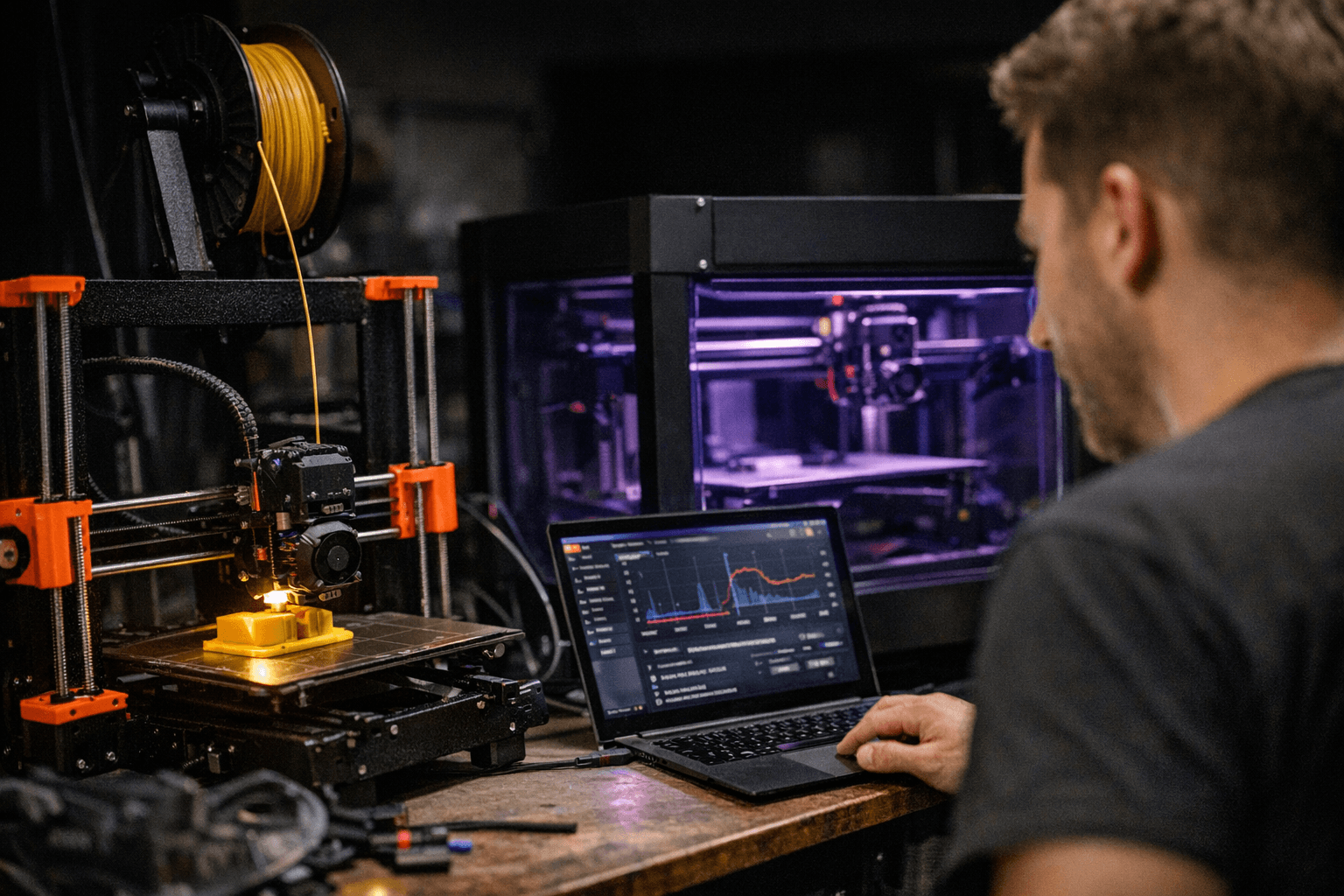
Prusa Research shipped the stable release of firmware 6.5.3 for the CORE One L, CORE One+, CORE One, MK4S, MK4, MK3.9S, MK3.9, MK3.5S and MK3.5, bringing targeted stability improvements and fixes. Downloads and changelogs are published through the Prusa Knowledge Base and downloads portal, with model-specific pages covering each product line individually.
The headlining change is MMU speed. A series of improvements have been implemented that massively speed up MMU filament changes by up to 9 seconds, and some changes in the MMU firmware were required as well, so it is necessary to flash new 3.0.4 firmware to your MMU unit. The gains come from several parallelized operations: unloading filament from the nozzle and idler engaging now happen simultaneously, the printer no longer waits for the final idler disengagement before continuing to print, selector and idler movement are parallelized, the FeedingToFinda phase now obeys PulleySlowFeedrate with a higher value, and the idler selection mechanism during filament change has been optimized.
Alongside the speed gains, 6.5.3 adds a new menu item aimed at multi-spool setups. The new "Filament MMU - Preload All" option asks for the filament type only once and applies it to all slots, which is the practical fix for anyone who loads five spools of the same material and has been tapping through confirmation dialogs for each one.
The release also corrects a genuine bug that has been silently affecting every CoreXY printer in Prusa's lineup. In the 6.5.3-beta, Prusa fixed a bug in the input shaper configuration of its CoreXY printers. Specifically, the X and Y axis parameters were swapped, meaning the shaper configured for X was actually applied to Y and vice versa. The bug also blocked users from disabling input shaping on a single axis. Both issues are resolved. On top of fixing the swap, the release also includes updated default input shaper profiles for the C1+ and C1L.
The CORE One L bed LED indicator now shows the progress of a print, starting from the left and gradually changing from white to blue. The parking position on the CORE One and CORE One L has also been adjusted so that purged filament flows unobstructed to the bottom, reducing potential debris on the print bed. For C1+ and C1L owners, the vent grille now automatically opens or closes based on the target chamber temperature set in the active filament preset, ensuring optimal thermal conditions during printing. The C1L also gets a voltage bump: based on user feedback, Prusa increased the maximum supported AC supply voltage for the AC controller to 264 V.
One item buried in the changelog carries outsized implications for what comes next. The bootloader has been updated to version 2.6.0, and Prusa explicitly states that update "creates the necessary foundation for the upcoming INDX upgrade." The Bondtech INDX is designed as a native upgrade for the Prusa CORE One+ platform. The upgrade allows users to print with up to eight materials while keeping the system compact, fast, and cost-effective. The INDX upgrade drops in spring 2026. The bootloader bump in 6.5.3 means that foundation work is already in firmware on every compatible machine.
For MK4S, MK4, MK3.9S and MK3.9, this is the first 6.5.x release, meaning all features and improvements from firmware 6.5.0, 6.5.1, and 6.5.2 are also included. If you own any of those machines and haven't updated since 6.4.x, 6.5.3 is a bigger jump than the version number implies. The full changelogs for all models, including the 6.5.3-beta which Prusa directs users to for the complete feature overview, are available on the Prusa Knowledge Base and downloads page.
This article was produced by Prism’s automated news system from verified source data, official records, and press releases, then run through automated quality and moderation checks before publishing. The system is built and supervised by the people who set the standards it runs under. Read our full AI policy.
Did this article answer your question?


