Python-Based build123d Brings Parametric CAD Modeling to 3D Printing Workflows
Build123d v0.10.0 hit 1.5k GitHub stars with its Python parametric CAD approach letting makers write, version-control, and iterate on precise print-ready parts without a GUI.
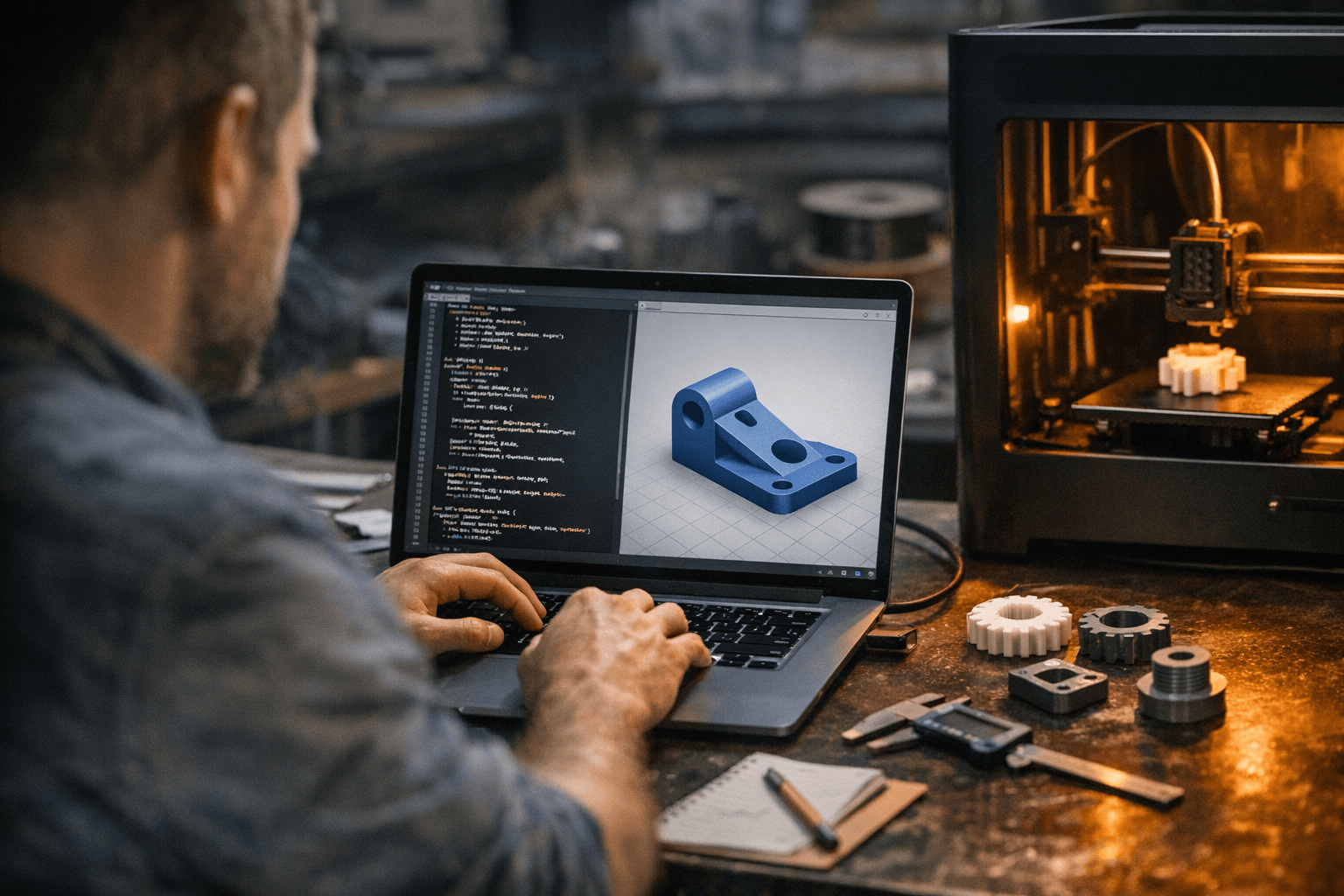
If you have ever burned an afternoon tweaking a snap-fit tolerance in FreeCAD, re-driving a sketch each time the lid sits 0.2 mm too loose, build123d offers a different answer: encode the tolerance as a Python variable and regenerate the geometry in seconds.
Build123d is a Python-based, parametric boundary representation (BREP) modeling framework built on the Open Cascade geometric kernel, the same engine that powers FreeCAD. Released under the Apache-2.0 license and maintained by Roger Maitland at the gumyr/build123d GitHub repository, it reached version 0.10.0 on November 5, 2025, its 12th release since launch. The project now holds roughly 1.5k stars and 165 forks, signaling that code-first CAD has moved well past the early-adopter phase.
The core shift is that build123d frames the entire modeling session as "CAD-as-code." It positions itself as an evolution of CadQuery, specifically by replacing CadQuery's fluent method-chaining API with stateful Python context managers, the `with` blocks that Python programmers already know. That change unlocks the full language toolbox: for loops to generate bolt-hole patterns, functions to wrap reusable geometry, list comprehensions to filter and sort edges before a fillet operation. A clearance gap becomes a function argument; a family of enclosures becomes a loop.
Getting started takes one pip install. Build123d requires Python 3.10 through 3.13 and ships with an optional ocp_vscode package that adds a live geometry viewer inside VS Code, which is the closest the workflow gets to the immediate visual feedback that GUI-based CAD users expect. A Discord server, shared with the CadQuery community, handles questions. Full documentation and tutorials, including a dedicated Lego tutorial and a joint-and-assembly walkthrough, live at build123d.readthedocs.io.
For typical print needs, the toolchain earns its keep when the design has repeating structure or requires systematic dimensional control. The documented examples include two-part boxes with feature-cut lids, bracket profiles exported directly to STL and STEP for slicing, and pegboard hook organizers built by sweeping a defined path. The import/export pipeline runs in both directions: bring in a STEP file, modify geometry in code, export to STL. Where a GUI parametric tool requires navigating a feature tree to locate the dimension to change, build123d keeps every value in the source file.
The friction surfaces when constraints do. Build123d does not include a sketch-constraint solver of the type found in Fusion 360 or Onshape, where declaring two lines parallel lets the geometry resolve itself. Positions and dimensions are specified directly; algebraic relationships between features are the user's responsibility in code. That also means the initial script for a complex assembly takes longer to write than dragging a dimension in a GUI, especially for makers who are not already working in Python. Tolerance iteration is fast once the script exists, but getting there requires thinking geometrically in code from the first line.
The decision breaks down clearly by use case. Build123d belongs in a toolchain when the design is parametric by nature: enclosures with variable internal dimensions, brackets produced in multiple mounting hole configurations, organizer grids tiled across a defined space. Version control is a concrete advantage; a git diff on a Python file shows exactly what changed between print iterations in a way that a binary CAD file never can. Exports to both FreeCAD and SolidWorks make handoffs to collaborators on either platform straightforward. For one-off organic shapes, quick visual mockups, or any design where a constraint solver would do the dimensional math for you, a GUI tool remains the faster path.
At version 0.10 with 12 releases behind it, build123d is not a proof of concept. It is a mature, standards-compliant library with PEP 8 enforcement, mypy type checking, and pylint coverage baked into its CI pipeline. For the maker whose print queue runs on families of related parts rather than one-off sculptures, that depth is the point.
This article was produced by Prism’s automated news system from verified source data, official records, and press releases, then run through automated quality and moderation checks before publishing. The system is built and supervised by the people who set the standards it runs under. Read our full AI policy.
Did this article answer your question?


