What It Really Costs to Start a 3D Printing Hobby in 2026
Buying the printer is just the beginning; filament, nozzles, enclosures, and electricity can double your first-year spend before you print anything worth keeping.

The sticker price on a 3D printer tells you almost nothing about what it will actually cost you. The machine is the down payment. What catches newcomers off guard are the consumables, the replacement parts, the enclosure you'll need for anything beyond basic PLA, and the slow creep of filament spools accumulating on your shelf. Before you click "add to cart," here's a clear-eyed breakdown of where the money actually goes.
The Printer: Entry-Level, Mid-Range, and Beyond
The good news is that you can get a genuinely capable FDM printer for under $300. The Bambu Lab A1 Mini sits at $199 and has become the default recommendation for first-time buyers in 2026, largely because it ships with auto bed leveling, a built-in camera, and app control, and takes roughly 20 minutes to set up. That's not marketing copy; the machine is legitimately beginner-proof in a way that printers from two or three years ago simply weren't. On the Creality side, the K1 comes in around $309 and is fast and reliable, while the Anycubic Kobra continues to serve as one of the most affordable entry points for anyone on a tighter budget. The Creality SparkX i7 has also earned strong marks as a beginner-friendly option in 2026.
If you want more build volume, better materials compatibility, or multi-color capability, plan to spend in the $350–$900 range. The Bambu Lab P1S, which sat considerably higher in price for most of 2025, has come down to around $399 and punches well above its current cost. The Elegoo Centauri Carbon 2 Combo gives you multicolor printing for under $500. At the top of the consumer tier, the Prusa Core One represents the premium open-source option for people who want repairability and a deep community ecosystem alongside their hardware.
Specialized systems are a different conversation entirely. Multi-material setups and tool-changer machines that let you print in four or more filaments simultaneously can easily exceed $1,000 when you factor in the add-on hardware. These are legitimate tools for experienced users, not starting points.
Filament and Resin: The Real Ongoing Cost
This is where the math starts to matter. A standard filament spool is 1 kg, and a single mid-sized print can consume anywhere from 50 to 300 grams of material. PLA is the cheapest and most forgiving filament type: budget brands like Overture and eSUN currently run $10–$14 per kilogram, while premium or specialty PLA can reach $30/kg or more. If you're printing regularly, a spool a month is not unusual, which means your filament budget could easily run $120–$360 per year even before you start experimenting with specialty materials.
PETG and ABS each push into the $15–$65/kg range depending on brand and color. PETG is the natural next step after PLA: it handles moisture and chemicals better, it's stronger, and it's not dramatically harder to print. ABS is trickier because it requires stable temperatures and adequate ventilation, which brings its own costs (more on that in the next section). If you move into resin printing with an MSLA machine like an Elegoo Saturn or an Anycubic Photon, pricing is typically normalized per liter rather than per kilogram, and costs vary significantly by resin type, standard versus ABS-like versus water-washable. Resin printing produces sharper detail than FDM for small parts, but it requires PPE, a wash-and-cure station, and more careful waste disposal, all of which add to the initial budget.
One practical note on filament economics: hygroscopic materials, meaning PETG, ABS, Nylon, and many specialty filaments, absorb moisture from the air and print poorly as a result. A filament dryer runs $20–$60 and is not optional if you live somewhere humid or plan to store open spools. Budget for it early.
Accessories, Enclosures, and the Hidden Checklist
Most entry-level and budget printers ship as open-frame designs. That's fine for PLA, but the moment you want to print ABS, ASA, or other temperature-sensitive materials that warp or off-gas, an enclosure stops being optional. You can buy pre-made enclosures for popular printers in the $50–$150 range, or build one from IKEA Lack tables if you're comfortable with the DIY route. Either way, it's a cost you need to factor in if your material ambitions extend beyond the basics.
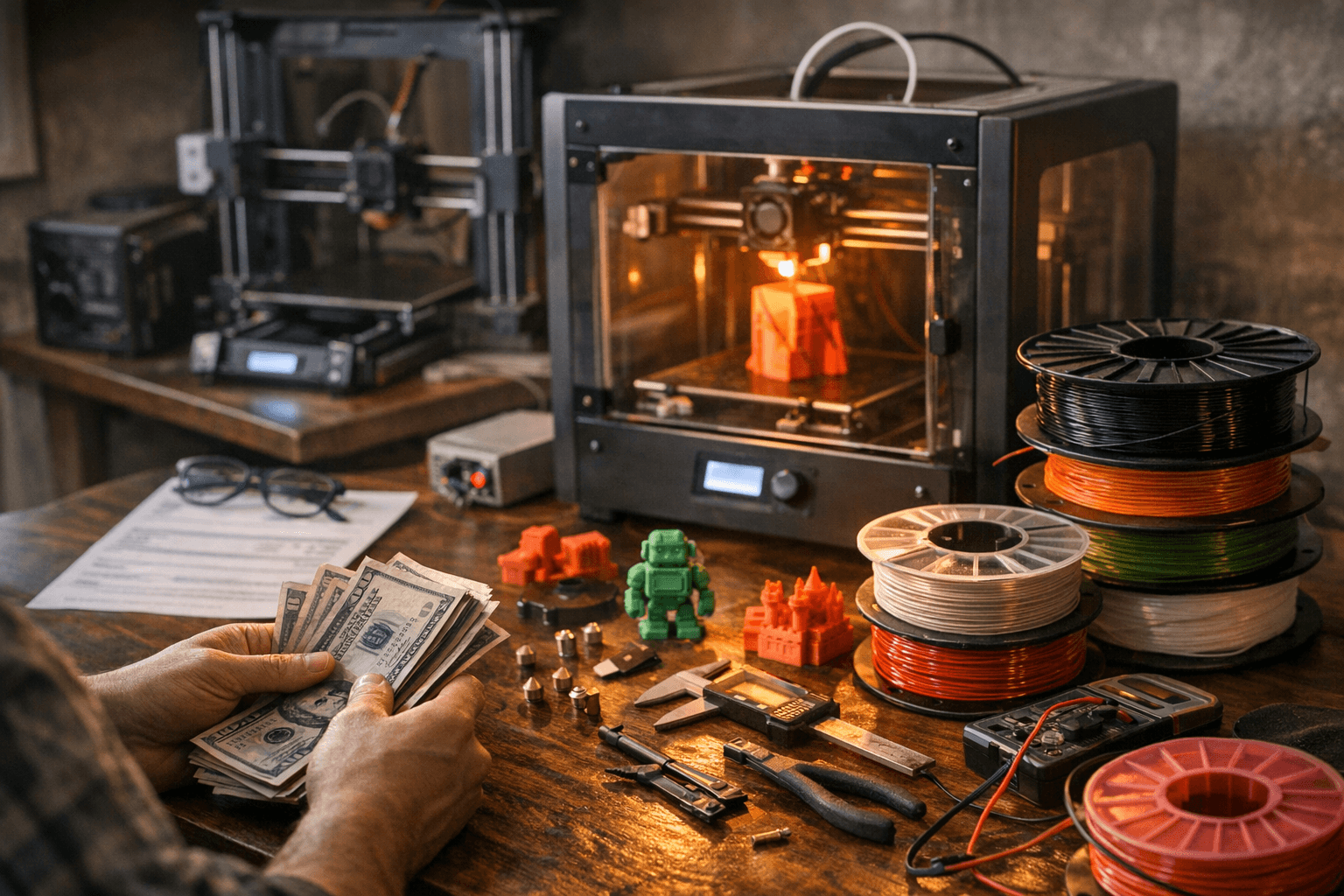
Beyond the enclosure, there's a practical accessories checklist every printer owner ends up building:
- A set of replacement brass 0.4mm nozzles, which cost less than $1 each but wear out faster when you run abrasive filaments like glow-in-the-dark or carbon fiber composites. Those require hardened steel nozzles, which cost more but are still under $10 apiece.
- Spare PTFE liners for the hotend, which degrade over time and affect print quality.
- A quality build surface or spare build plates, since the stock surfaces on budget machines often peel or lose adhesion after heavy use. Replacement build surfaces and wear items like belts and cooling fans generally land in the $5–$50 range per part.
- Part removal tools: a good scraper, some flush cutters for support removal, and needle-nose pliers are the basics. Budget $15–$25 for a solid starter toolkit.
Electricity: Cheaper Than You Think, But Not Zero
Running a consumer FDM printer costs roughly $0.05–$0.15 per hour in electricity, based on the US residential average of approximately $0.17 per kWh. A 10-hour print therefore adds somewhere between $0.50 and $1.50 to your power bill. That's genuinely low, but if you're running a machine 20+ hours a week, those pennies accumulate into a few dollars per month. Enclosed printers with heated chambers draw more power than open-frame machines, and resin printers add a UV curing station to the load. None of this should be a deciding factor, but it belongs in an honest accounting of running costs.
Software, Community, and the Cost of Getting Unstuck
Slicer software, the tool you use to convert a 3D model into printable instructions, is free for most users. Bambu Studio, Creality Print, PrusaSlicer, and Orca Slicer are all no-cost downloads with active development. The question isn't whether you'll pay for a slicer; it's whether the printer you buy has a strong enough community that you can find answers when something goes wrong.
This is where brand choice matters beyond specs. Manufacturers like Bambu Lab push firmware updates that actively improve print performance; features like Input Shaping, which reduces vibration artifacts at high speeds, have arrived via free updates on machines that didn't ship with it. Prusa has built arguably the deepest independent repair and community ecosystem in the consumer market. Creality has the raw user base numbers. Whatever machine you choose, verify that there's an active forum, a Reddit community, or a Discord server where real users are solving real problems. Technical support from vendors ranges from excellent to nearly nonexistent depending on the brand, and that support infrastructure has a dollar value when your hotend clogs at 2 a.m. before a deadline.
Building a Sustainable Practice
The long-term cost of this hobby responds well to a few habits established early. Buying filament in bulk when you know you like a brand cuts the per-kilogram cost meaningfully. Recycled or eco-formulated filament options have expanded considerably and can reduce both cost and waste for high-volume printers. Managing your print queue to minimize failed prints, leveling your bed consistently, and storing filament in sealed containers with desiccant are maintenance habits that pay dividends in material savings over months and years.
The realistic first-year budget for a serious hobbyist, covering a mid-range printer, six to twelve spools of filament, basic accessories, an enclosure, and a filament dryer, sits somewhere between $400 and $900 depending on how aggressively you experiment with materials. That's a wider range than most guides admit, but it reflects the real variability in how people use the machines. The floor is lower than it's ever been. The ceiling depends entirely on what you decide to build next.
This article was produced by Prism’s automated news system from verified source data, official records, and press releases, then run through automated quality and moderation checks before publishing. The system is built and supervised by the people who set the standards it runs under. Read our full AI policy.
Did this article answer your question?


